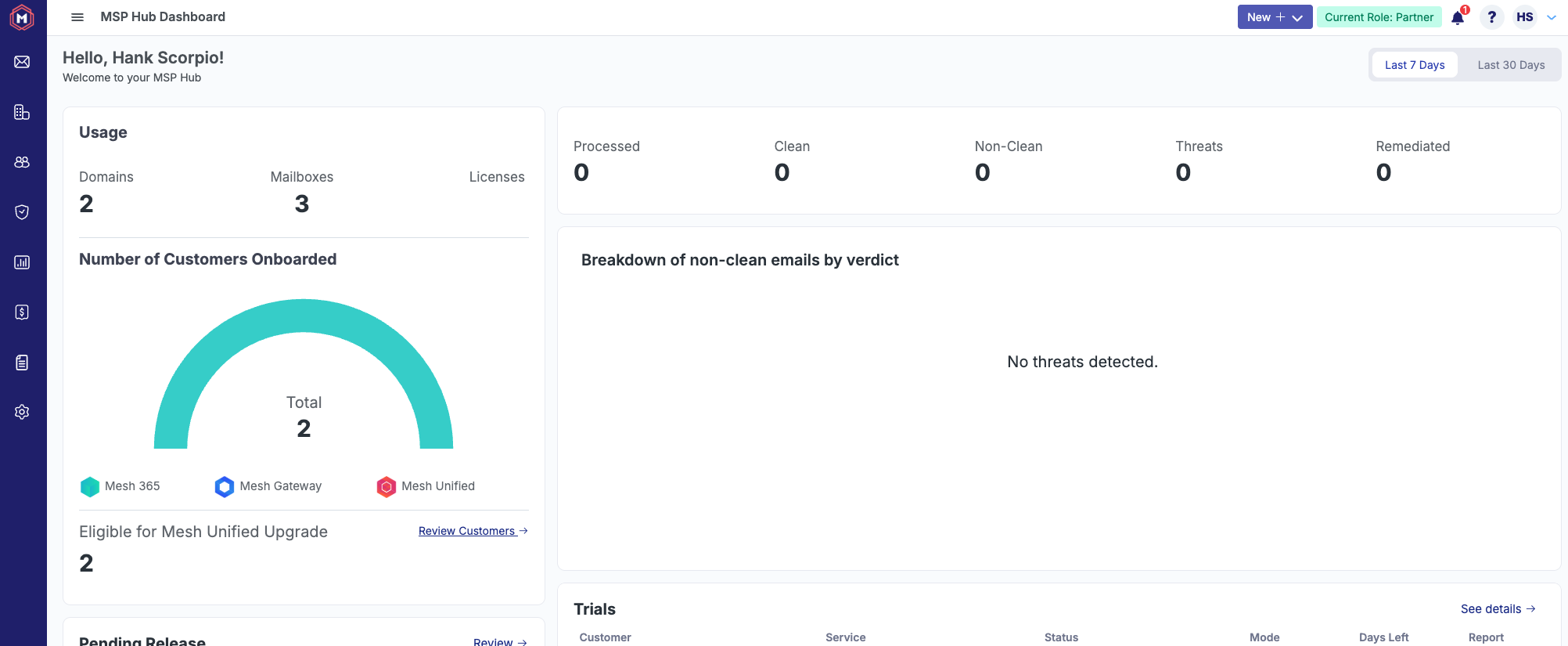
Login methods
Users can authenticate by using three methods:
Mesh credentials.
SSO via Azure.
SSO via GravityZone: GravityZone Authentication
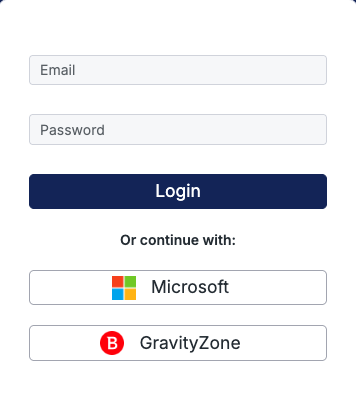
GravityZone authentication
Users with Bitdefender GravityZone accounts can now login using Single Sign On (SSO) with GravityZone. This can be achieved as follows:
Note
Please note that you must have a Partner or Customer account on both Mesh and GravityZone in order to use this feature.
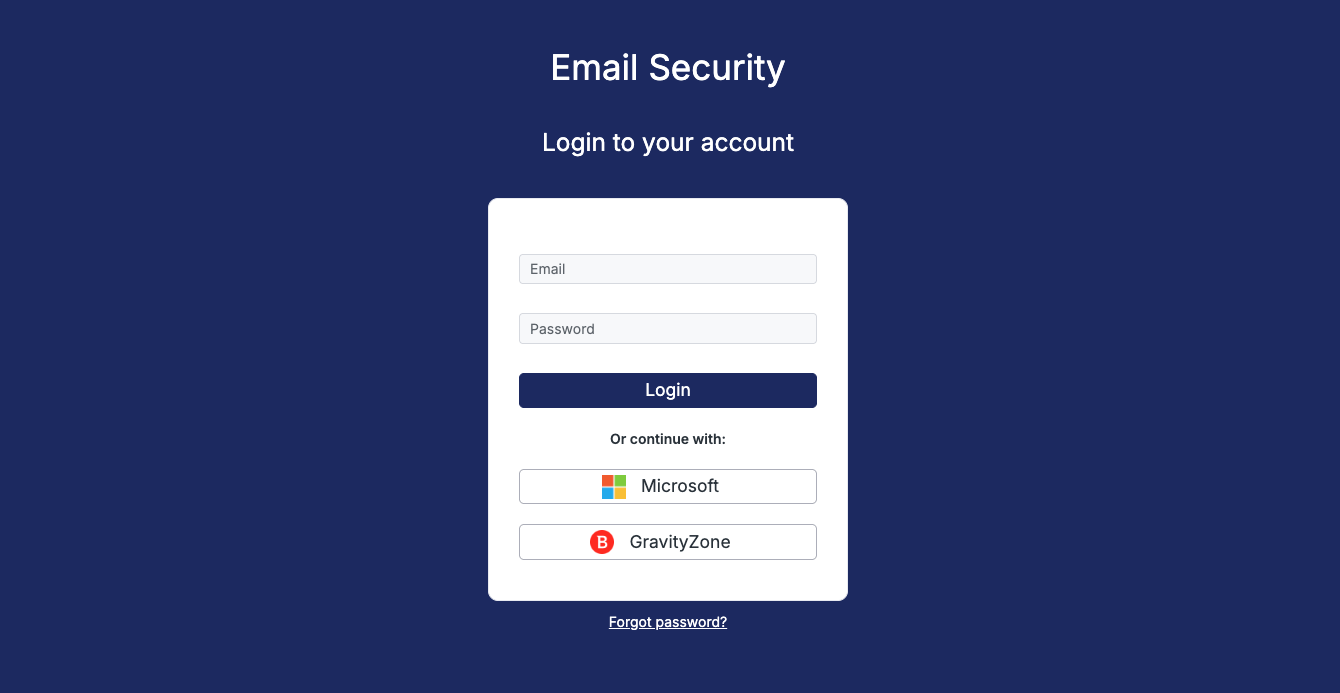
Navigate to the Login page for your region and use the GravityZone login.
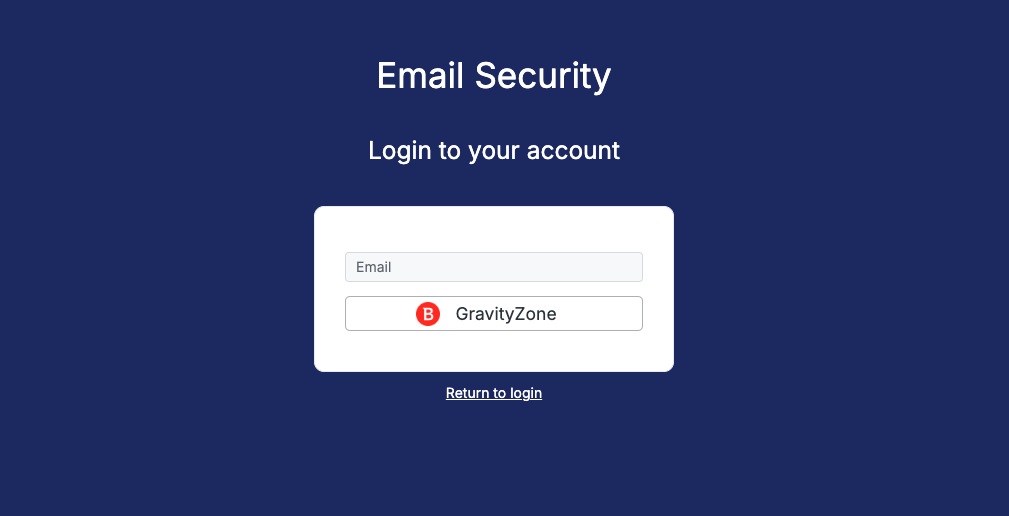
This opens a separate view, where you need to enter your GravityZone username (email address). Click the GravityZone button again.
Once the system verifies your address, you are redirected to the GravityZone Identity Provider page, where you can enter your credentials.
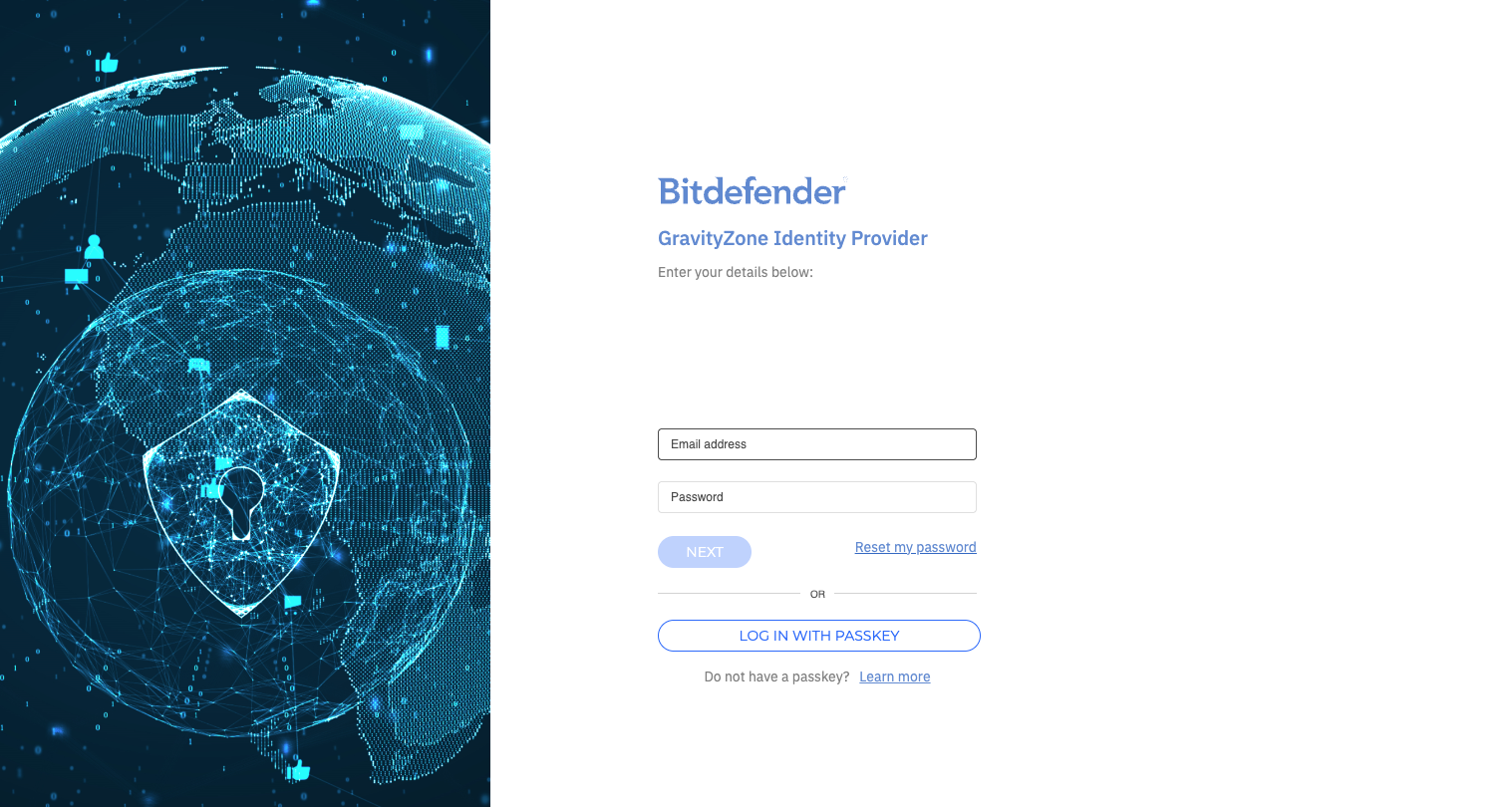
Once successfully authenticated in GravityZone, you are redirected back to the Mesh hub.