Login with GravityZone credentials
You can access GravityZone Control Center by using your account username, password, and two-factor authentication (2FA). Your administrator must create your account before you can log in.
To log in with credentials:
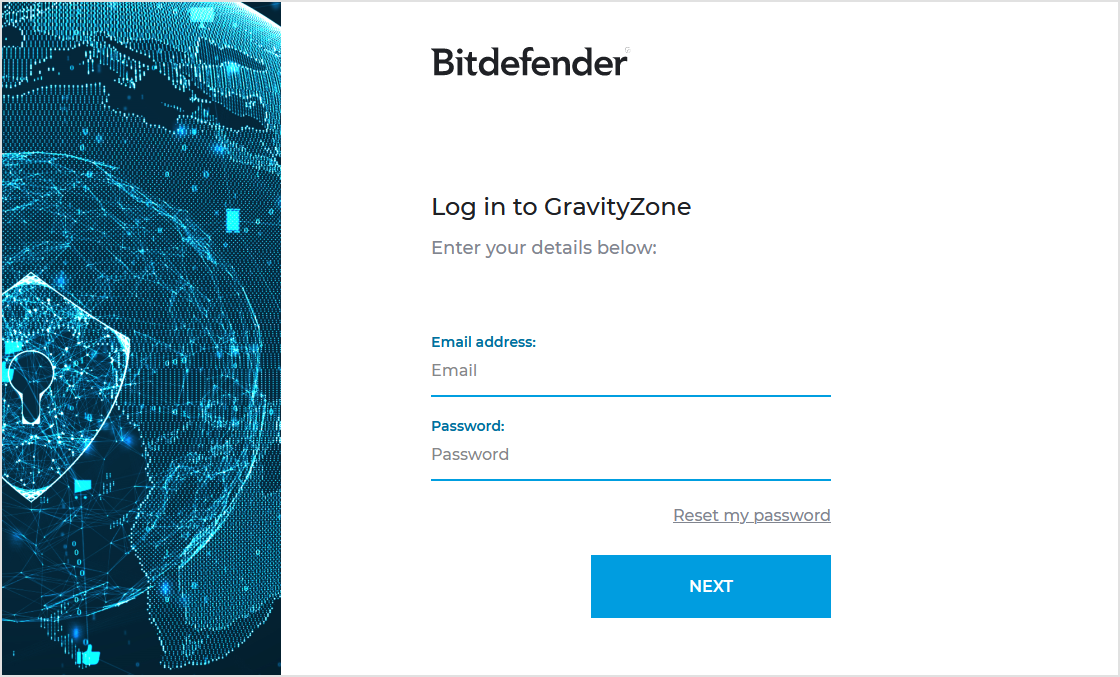
On the GravityZone login page, enter your email address and click Next.
Enter your password and click Next.
Enter the 2FA code from your authenticator app.
Click Log in.
You are now signed in to GravityZone Control Center.
Note
GravityZone requires two-factor authentication. You will be prompted to configure 2FA the first time you sign in. Learn more about 2FA here.
Note
You can also log in by using GravityZone Identity Provider. This option is useful when you work with multiple Bitdefender service providers. Your administrator must change your login method from Login using GravityZone credentials to Login using GravityZone Identity Provider.
When using GravityZone Identity Provider, you can authenticate with a passkey for improved security. For details, see Login with GravityZone Identity Provider.