Terminating a customer account in Extended Email Security
Before terminating a customer account, remove any connectors and mail flow rules created during the initial setup.
Note
Terminate the customer from the GravityZone console.
Important
Before completing the termination, ensure that the MX records no longer point to Mesh to avoid disrupting mail flow.
Terminate in Mesh
Select Customers from the sidebar.
Locate the customer you want to terminate.
Select the three-dot menu on the right side of the customer entry.
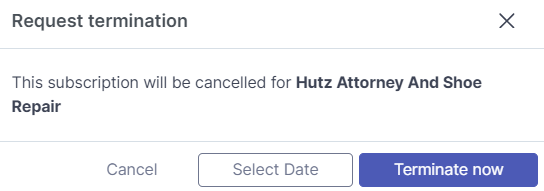
Select Request Termination from the drop-down menu.
Select Terminate now to terminate the account immediately. Alternatively, select Select Date to schedule the termination.
 |
Remove the Mesh Security enterprise application from Azure
Mailbox filtering is disabled automatically when the account is terminated. However, you should also remove the enterprise application from Azure. This action must be performed by a tenant administrator and cannot be completed automatically.
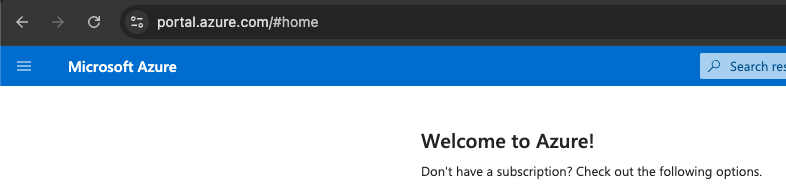
Go to the Azure portal.
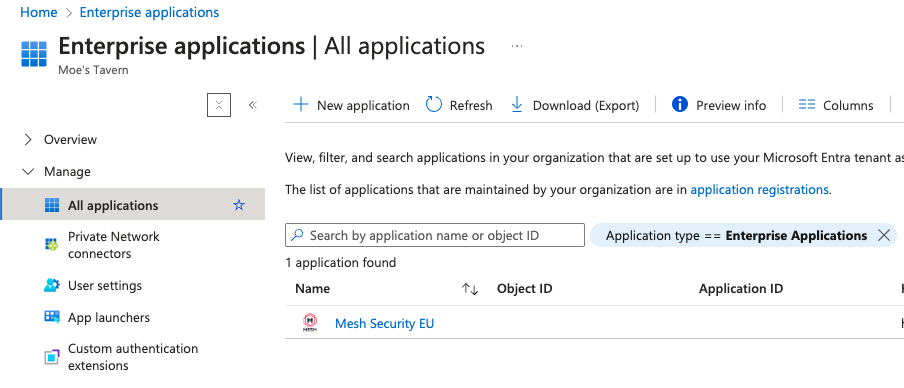
Go to Enterprise Applications > All applications.
Select Mesh Security EU or Mesh Security US, depending on your region.
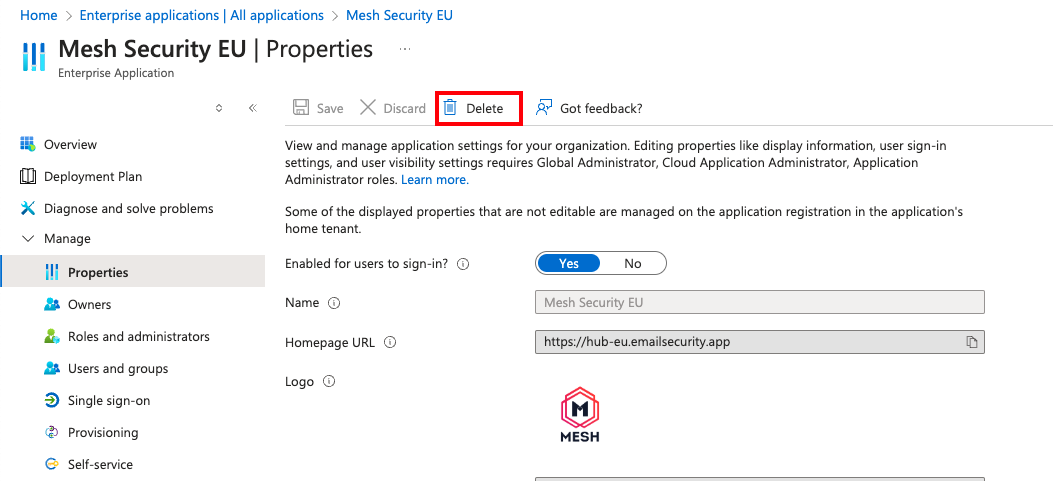
Under Manage, select Properties.
Select Delete to remove the Mesh Security enterprise application.