Adding a New Domain for an Existing Customer
To add another domain for an existing Mesh customer:
Log in as the customer
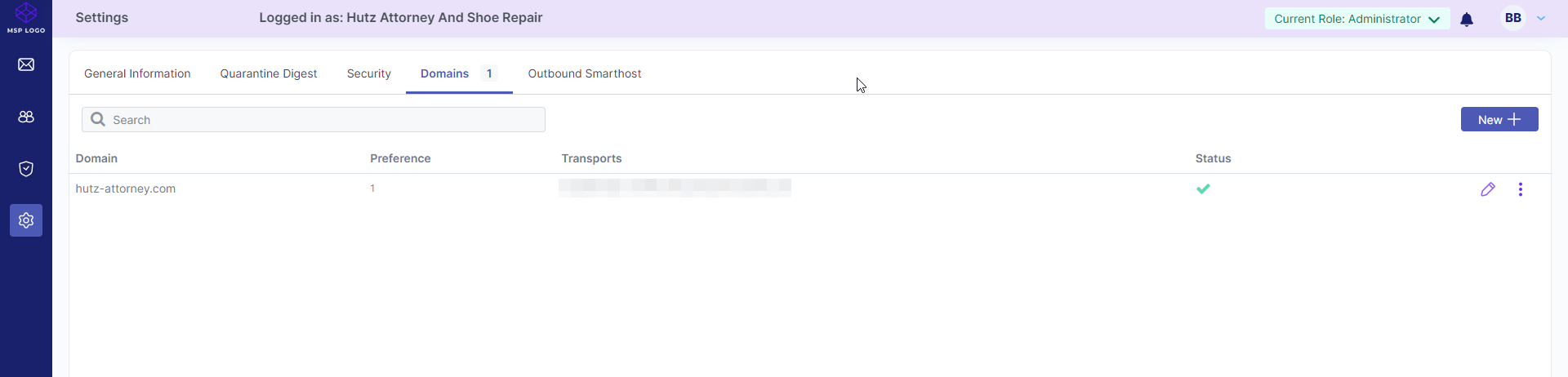
On the Customers page, locate the customer and select Login as.
Open Settings
Select Settings (the cog icon) from the left sidebar.
Add a domain
On the Domains tab, select New+.
Enter the domain name
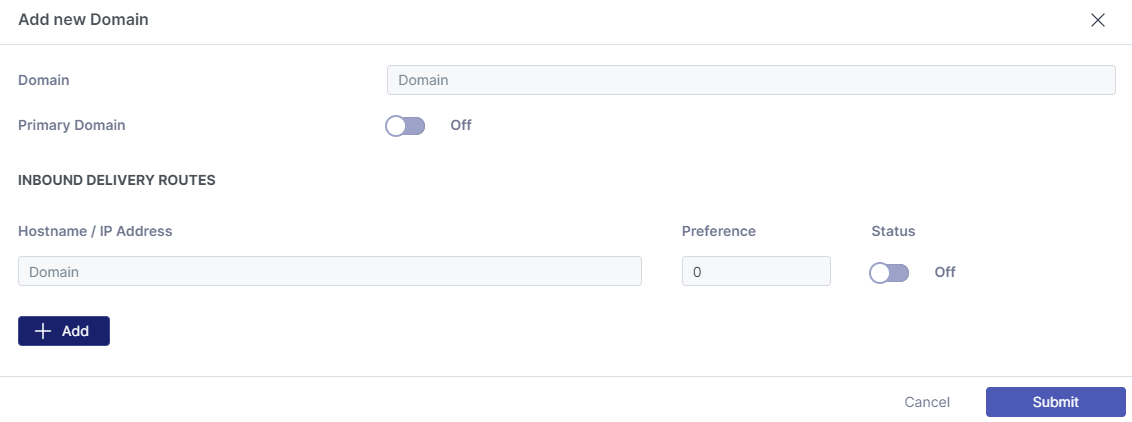
In the Domain field, enter the new domain. Optionally, use the slider to make it the primary domain.
Configure inbound delivery routes
Enter the hostname or IP address for inbound mail delivery, assign a preference value, and add additional hostnames or IP addresses if required.
Submit the changes
Select Submit to save the new domain settings.