Exporting Results from the Live Email Tracker
This article explains how to export results from the Live Email Tracker.
This feature is available on the Live Email Tracker tab at both partner and customer level. Only team members and local administrators with the Live Email Tracker permission can use it.
Export results
The export uses the currently applied Live Email Tracker search filters.
Search for emails
Search for the emails you want to export.
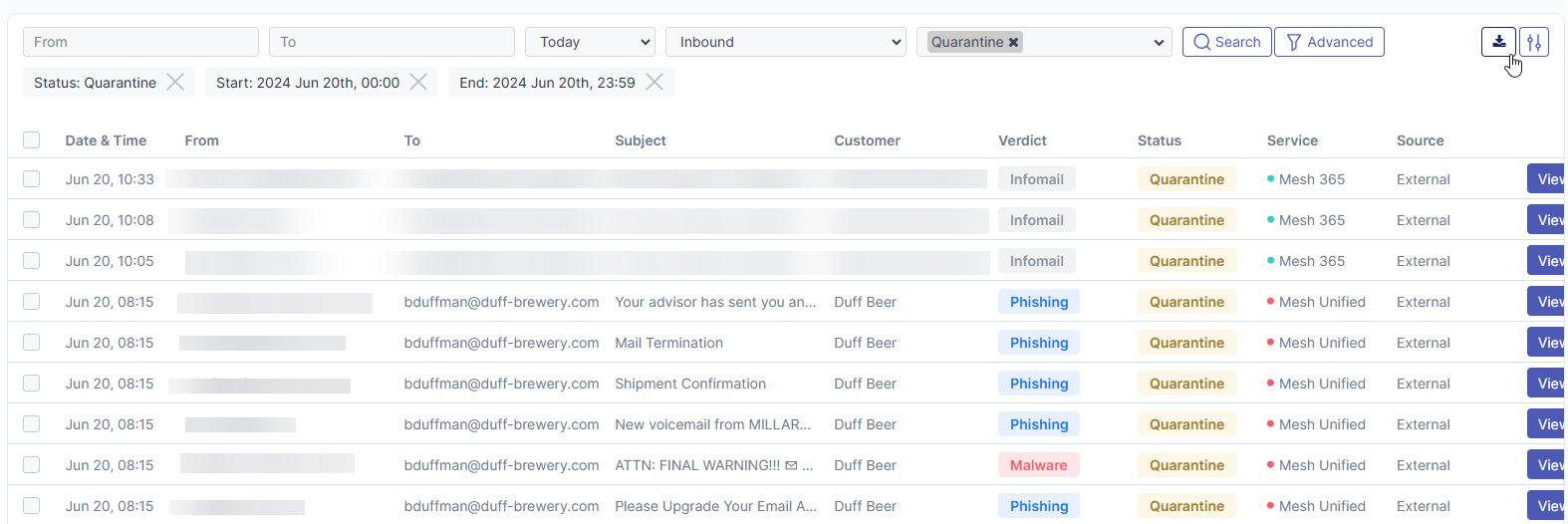
Open Export
Select the download icon in the upper-right corner of the Live Email Tracker.

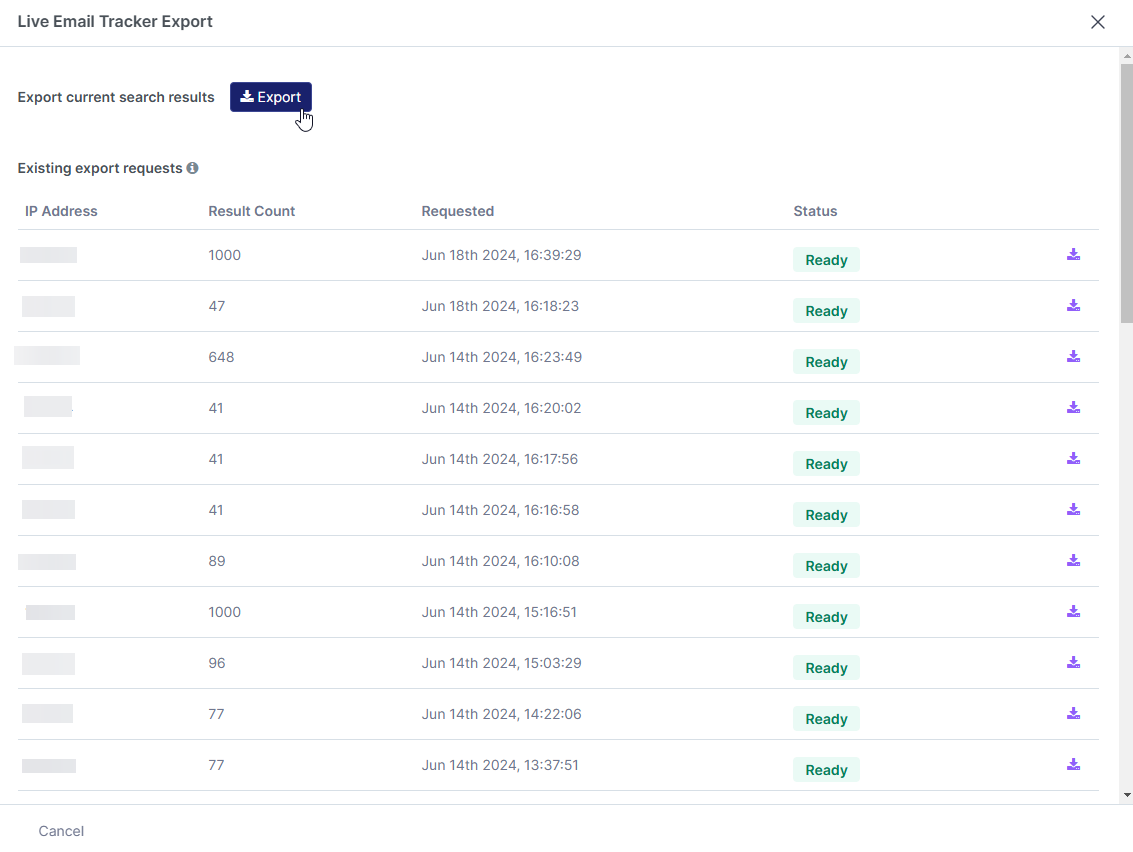
Start the export
Select Export. A confirmation dialog appears.
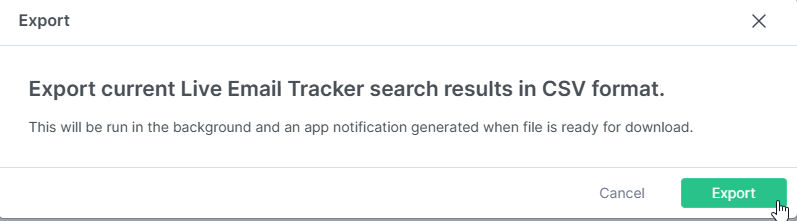
Confirm the export
Select Export to submit the request.
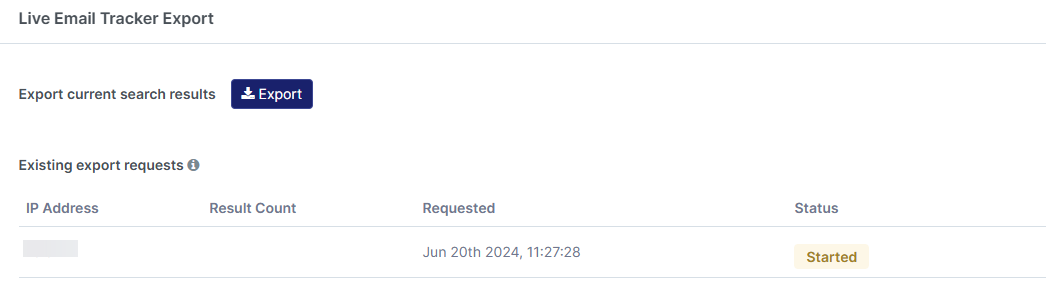
Wait for completion
The status changes to Started while processing and then to Ready when complete.
Download the CSV
Select the download icon to download the generated CSV file. Exported files are available for 7 days before being deleted automatically.
