Advanced search
Advanced search lets you filter email by multiple criteria. This is useful when searching across multiple customers or filtering by a specific status.
Open Live Email Tracker
In the sidebar, go to Live Email Tracker.
Select the search filters
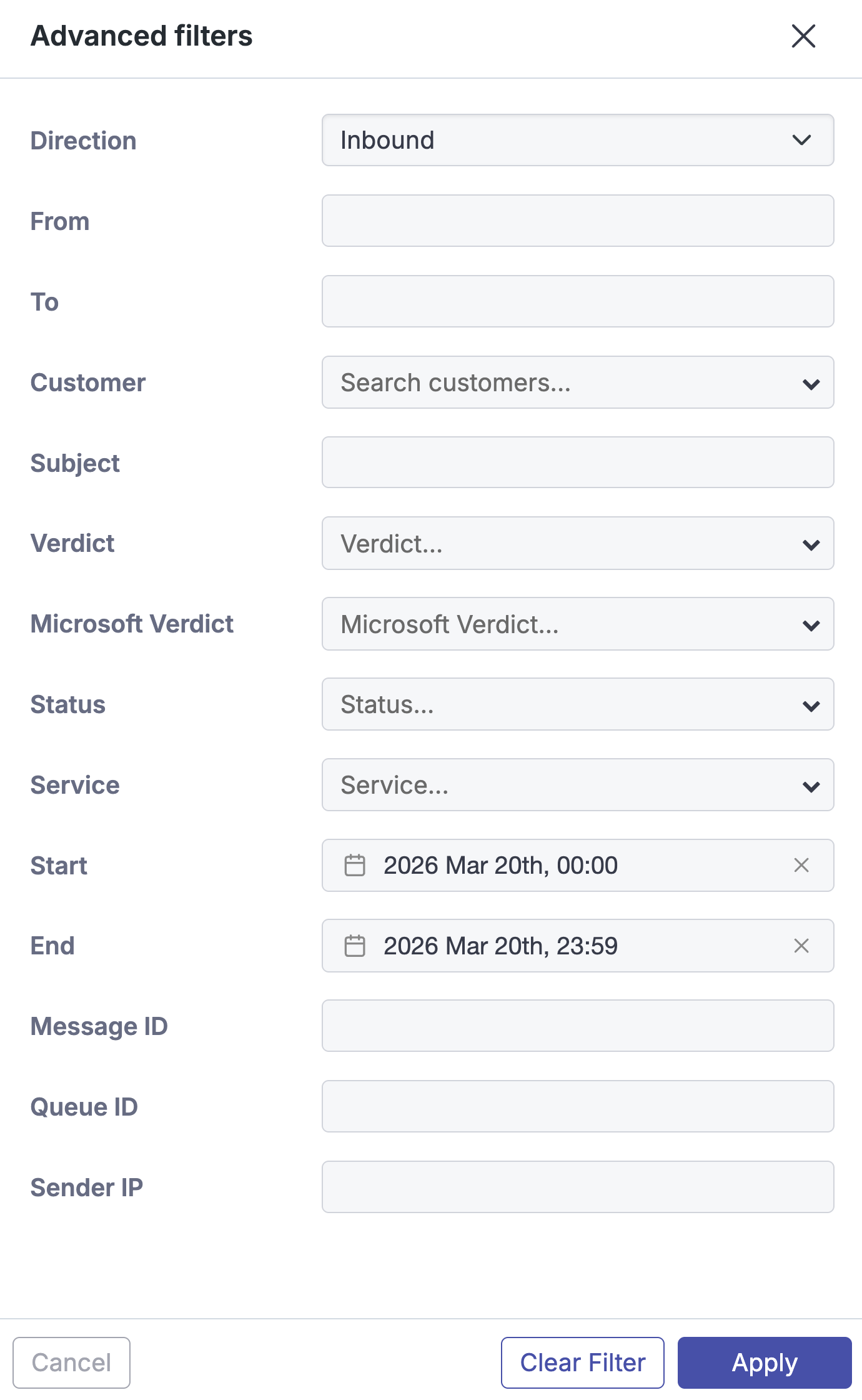
Select Advanced, and then select the filters to apply.

Apply the search
Select Apply to search using the selected criteria.

The following advanced search criteria are available:
Direction - Search inbound or outbound email.
From - Search by all or part of a sender email address.
To - Search by all or part of a recipient email address.
Customer - Select one or more customers from the drop-down menu.
Subject - Search by all or part of an email subject.
Verdict - Select one or more verdicts from the drop-down menu.
Note
For more information, see Email verdicts.
Microsoft Verdict - Select one or more Microsoft Defender verdicts from the drop-down menu.
Status - Select one or more statuses from the drop-down menu.
Note
For more information, see Email statuses.
Service - Select one or more services from the drop-down menu.
Start / End - Select a date and time to limit results to a specific
range.
Message ID - Search by message ID.
Sender IP - Search by the sender IP address.