API keys
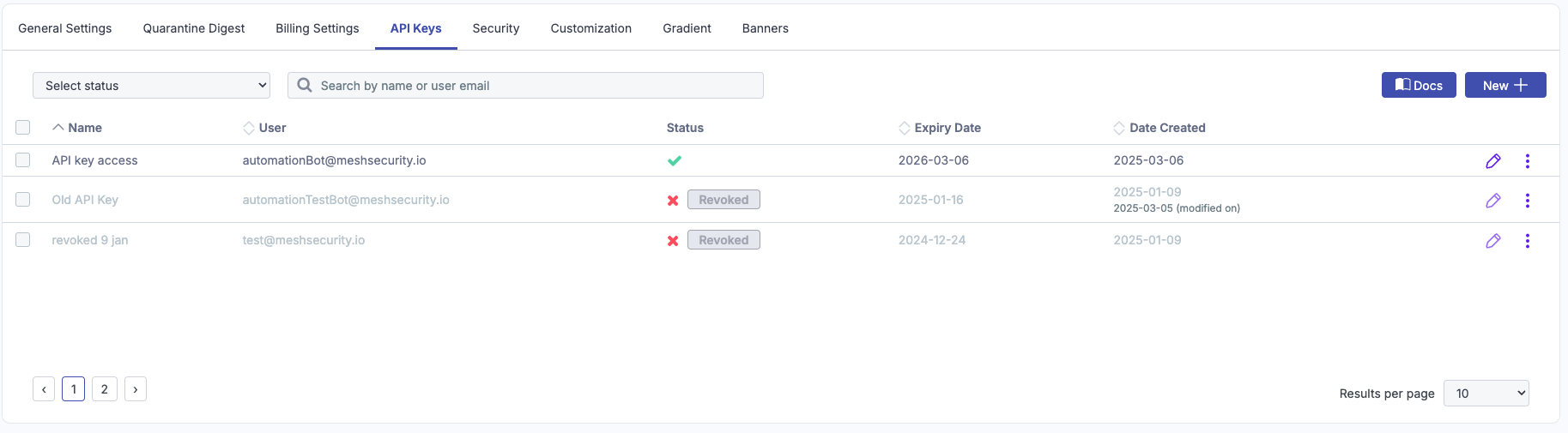
You can interact with Mesh through the API to read and write data without using the web interface.
 |
Generate an API key
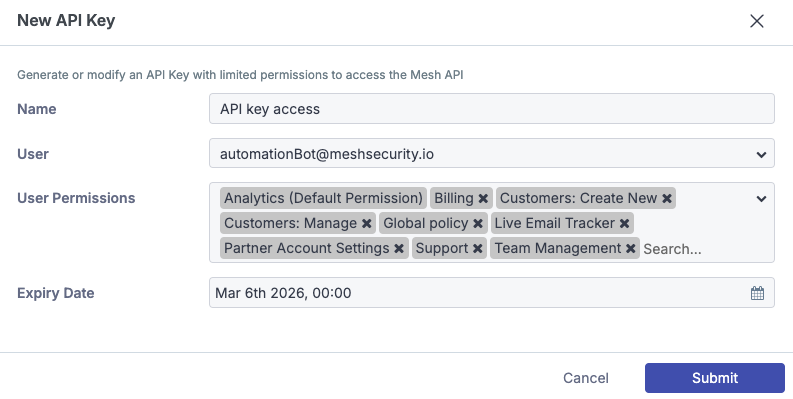
Enter a name
Enter a descriptive name for the API key.
Select a team member
Select the email address of the team member associated with the API key. For more information, see Team members.
Assign permissions
Select the permissions to assign to the API key. For more information, see Permissions explained.
Set the expiration date
Select the expiration date. API access for the key ends on this date.
Generate the key
Select Submit to generate the API key.
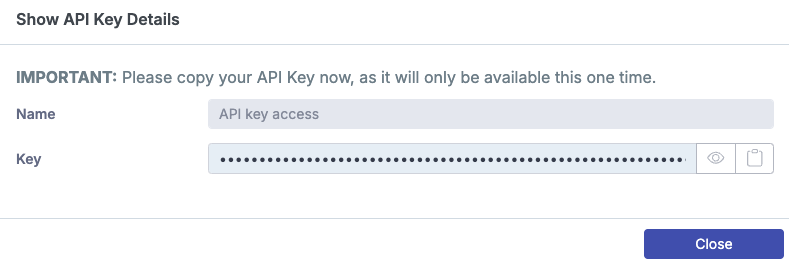
Copy the key
Copy and securely store the generated API key.
Note
API keys cannot be viewed again after you close this window.
Edit existing keys
You can manage existing API keys by using the following actions.
Enable / Disable
Enable or disable API access for a specific key.
Revoke
Revoke API access for a key. Revoked keys are deleted automatically after 14 days.
Delete
Delete the API key entry from the list.
 |