Onboarding guide
This article explains how to get started with the IntelliZone console.
To take your first steps in using your new Bitdefender product, refer to the sections below.
Instructions for customers with an existing GravityZone account
If you already have a GravityZone account, select Log in with GravityZone on the IntelliZone login page, then use your GravityZone credentials to log in.
Your Bitdefender Partner will provide you with the license keys for your products. For information on how to add your products to the IntelliZone console, refer to Add your products below.
Note
Only users with a Company Administrator GravityZone account can add new products to the IntelliZone console.
Instructions for customers without an existing GravityZone account
Contact a Bitdefender Partner to acquire an IntelliZone account
To request an IntelliZone account, contact a Bitdefender Partner. They will create an IntelliZone company and purchase compatible products.
Once the company has been created, you will receive an automatic email message containing an activation link for your new IntelliZone account. Your partner will provide you with the license keys for the products you purchased.
Your first login
To log in for the first time, take the following steps:
Open the email and click the included link to activate your IntelliZone account.

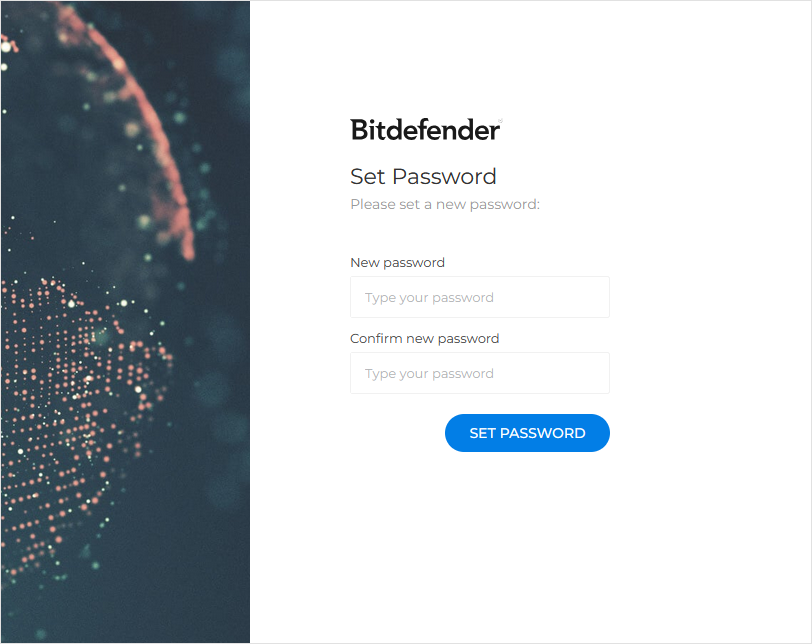
Once the account is activated, you will be prompted to create a new password.
Set up a new password for your account and click Set password.
You will be redirected to the IntelliZone login page.
Log in to IntelliZone.
Add your products
To add your products to the IntelliZone console, you must create API keys by taking the following steps:
Go to the Licensing page.
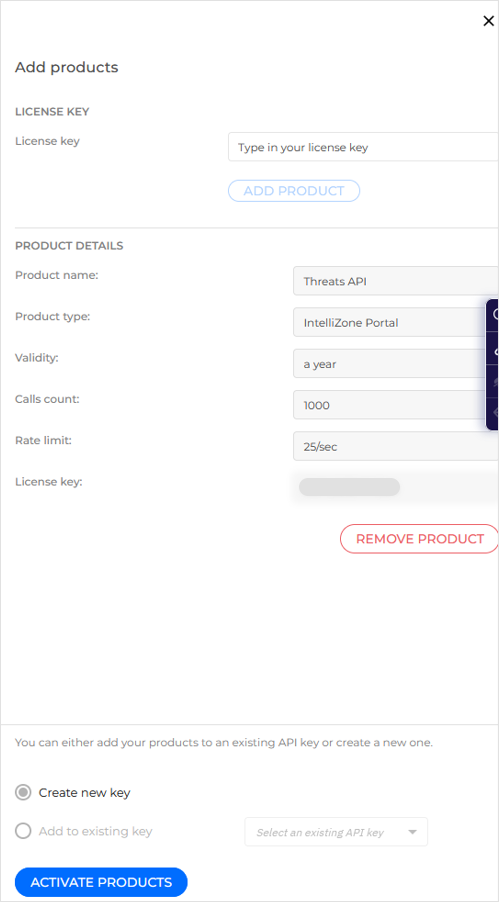
Click Add products.
On the Add products side panel, enter a key received from your Partner in the License key field and click Add product.

The license is added to a list and the product details appear below.
You can now either add additional products to the list or create the API key directly.
Tip
An API key can cover one or multiple products.
(Optional) To add additional products, add their keys to the list by repeating Step 3.
Click Activate products.
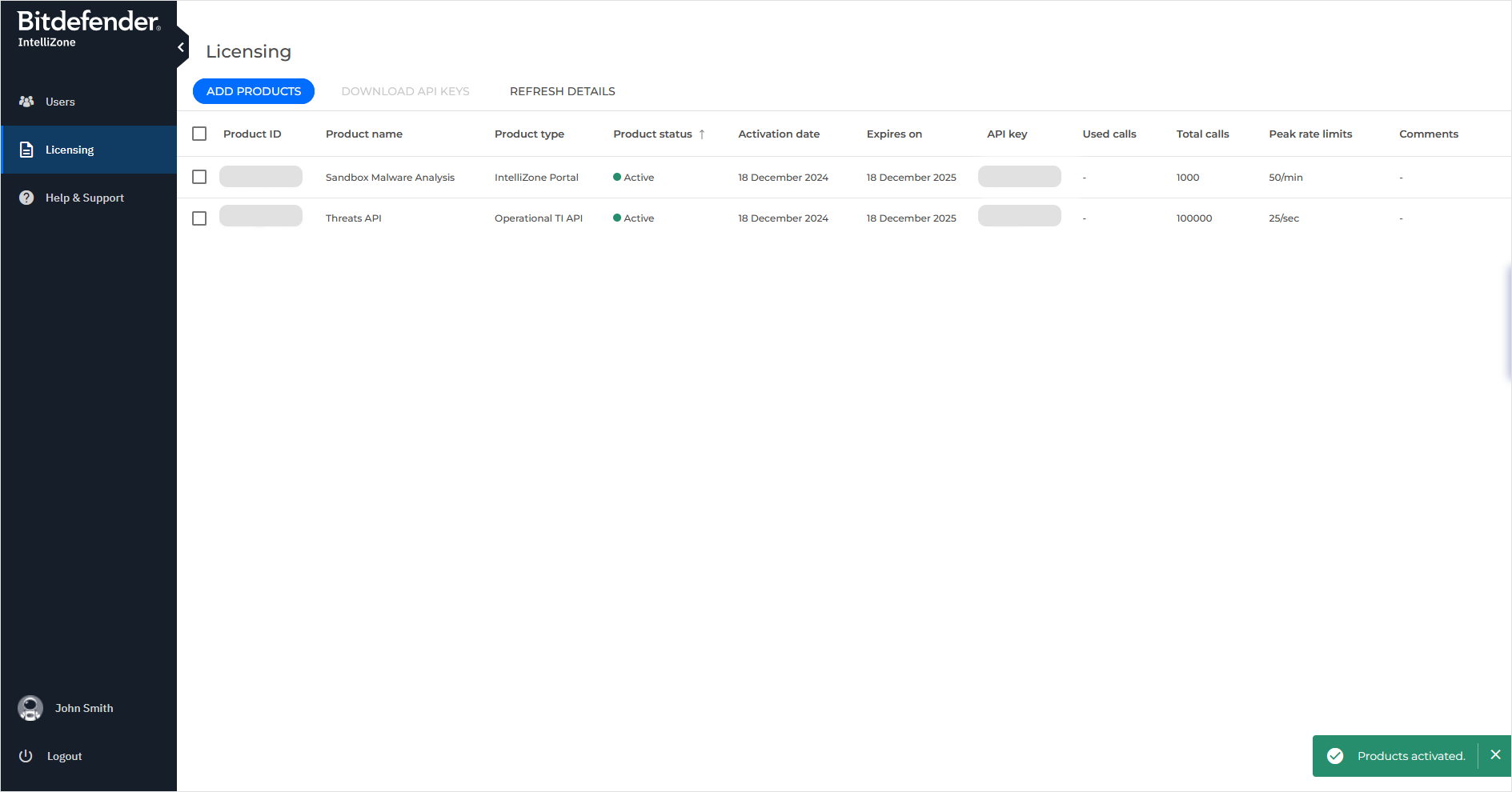
An API key is created and the products are added to the list of products on the Licensing page.
Products compatible with IntelliZone:
Bitdefender Intellizone Portal
Bitdefender IntelliZone Portal - GravityZone Edition
Bitdefender Sandbox Malware Analysis
Bitdefender TI Threats API
Bitdefender Threat Intelligence API
Bitdefender TI IP Feed
Bitdefender TI File Feed
Bitdefender TI Web Feed
Bitdefender TI Vulnerabilities-extended feed
Bitdefender TI IP Blocklist
Familiarize yourself with the IntelliZone features
For more information on IntelliZone, refer to our KB articles.