Delivering / Deleting an Email
You can deliver or delete quarantined email directly from the Live Email Tracker.
Deliver or delete a single email
To deliver or delete a single email:
Open Live Email Tracker
Go to Live Email Tracker in the sidebar.
Locate the email
Locate the email you want to deliver or delete.
Select the email
Select the checkbox in the leftmost column, or
select the eye icon in the rightmost column to preview the email.
Choose the action
Select an option described in the Deliver or Delete section.

Deliver or delete multiple emails
To deliver or delete multiple emails:
Open Live Email Tracker
Go to Live Email Tracker in the sidebar.
Locate the emails
Locate the emails you want to deliver or delete.
Select the emails
Select the checkboxes for the required emails.
Choose the action
Select an option described in the Deliver or Delete section.
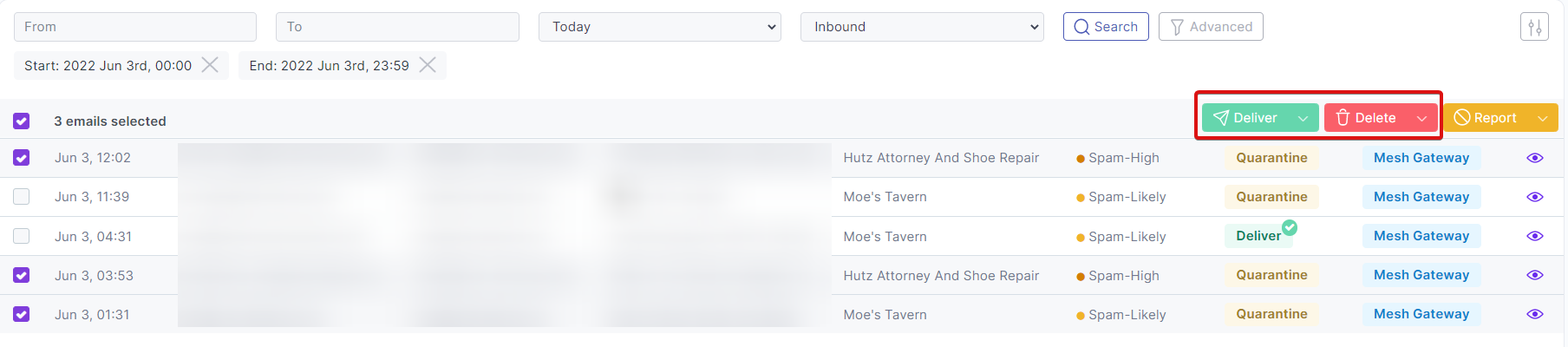
Live Email Tracker Deliver Options
Deliver
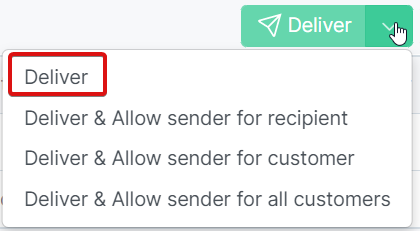
Select the Deliver option to deliver the email from quarantine.
Deliver & Allow Sender for Recipient
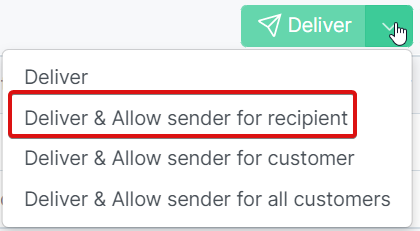
Select the Deliver & Allow Sender for recipient option to deliver the email. An allow rule will be created for the sender’s email address to the the recipient's email address.
Deliver & Allow Sender for Customer
Select the Deliver & Always Allow Sender for customer option to deliver the email. An allow rule will be created for the sender’s email address to the customer's entire organisation.
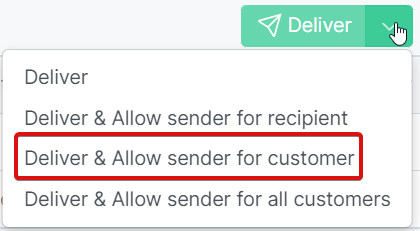
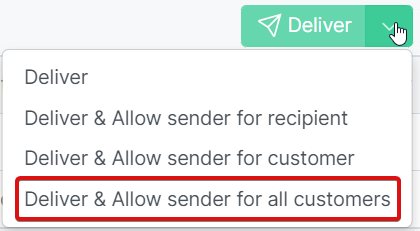
Deliver & Allow Sender for Customer
Select the Deliver & Always Allow Sender for customer option to deliver the email. An allow rule will be created for the sender’s email address to all customer’s registered under your partner account.