When you paste a video link or upload a video file in Bitdefender RealCheck, the app checks whether the content meets the requirements for analysis. If the video is too long, you may see this message:
Something went wrong
There seems to be an issue with the source: Content is longer than 5 minutes.
Please try another one. No checks were used for this attempt.
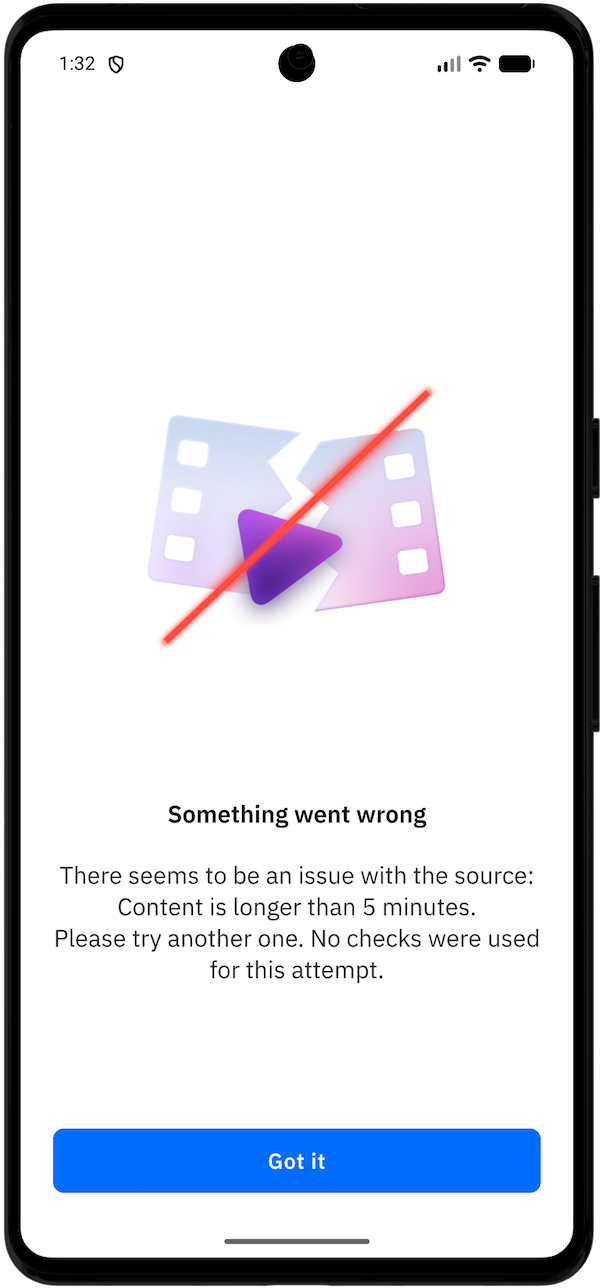
This means the video exceeds the supported length for a RealCheck analysis. The check does not start, so no checks are deducted from your available quota.
Why the error “Content is longer than 5 minutes” appears
Bitdefender RealCheck can analyze videos that are 5 minutes or shorter. This error appears when the selected video or linked content is longer than RealCheck can analyze.
How to fix the issue
If you uploaded a local file:
- Open the video in your phone’s video editor.
- Trim it to the section you want to analyze.
- Save the shortened version.
- Open RealCheck.
- Tap Upload file.
- Select the shorter video.
- Tap Analyze.
If you pasted a public link:
- Check whether a shorter version of the video is available.
- If you own the video, create a shorter clip and upload it as a file.
- Submit the shorter version in RealCheck.
What part of the video should I keep?
Keep the section that includes the claim, statement, impersonation attempt, or suspicious content you want to check.
For example, if a 12-minute video contains a suspicious 40-second financial claim, trim the clip around that segment instead of submitting the entire video.
If the error continues
Confirm that the new clip is under the supported length limit, then try again.