Bitdefender RealCheck needs spoken audio to generate a complete analysis. If a video has sound but no speech, the app cannot continue. For example, a video with music, background noise, or sound effects only may trigger this error:
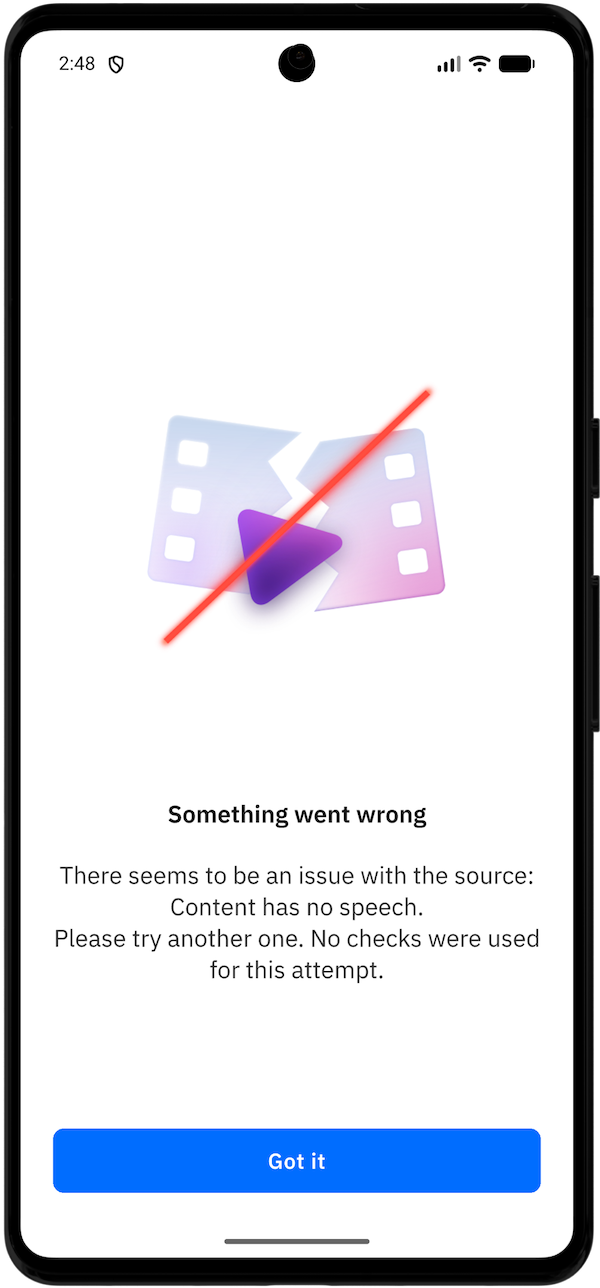
Something went wrong
There seems to be an issue with the source: Content has no speech.
Please try another one. No checks were used for this attempt.
Why speech is required
RealCheck uses speech and transcript information as part of its analysis. Spoken content helps the app assess what is being said, how the content is presented, and whether it may be designed to mislead viewers.
Without speech, RealCheck cannot generate the expected analysis.
Why the “Content has no speech” error appears
You may see this error if the video contains:
- Music only
- Sound effects only
- Background noise without spoken words
- A silent person on screen
- A visual-only meme or animation
- A clip where speech is too unclear to detect
How to fix the issue
- Play the video from start to finish.
- Confirm that someone speaks in the clip.
- Make sure the spoken part is included in the section you submit.
- If the speech begins later in the video, trim the clip so the spoken part is included.
- Submit the updated video again.
Example: If a video starts with 30 seconds of music and the person begins speaking afterward, make sure the submitted clip includes the spoken section.
If the video does not contain spoken language, RealCheck cannot analyze it. Try another video that includes speech.