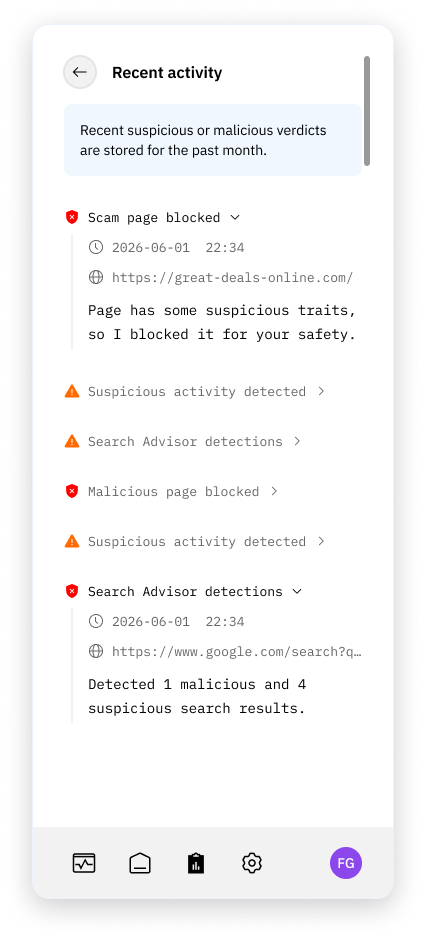
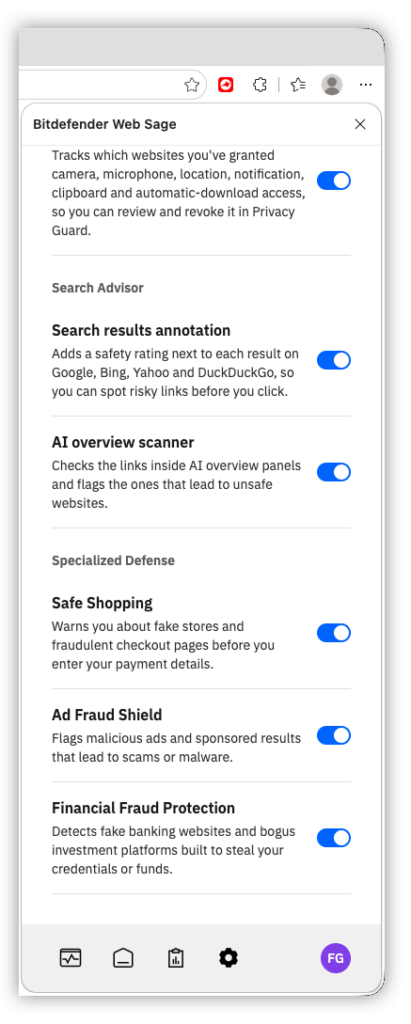
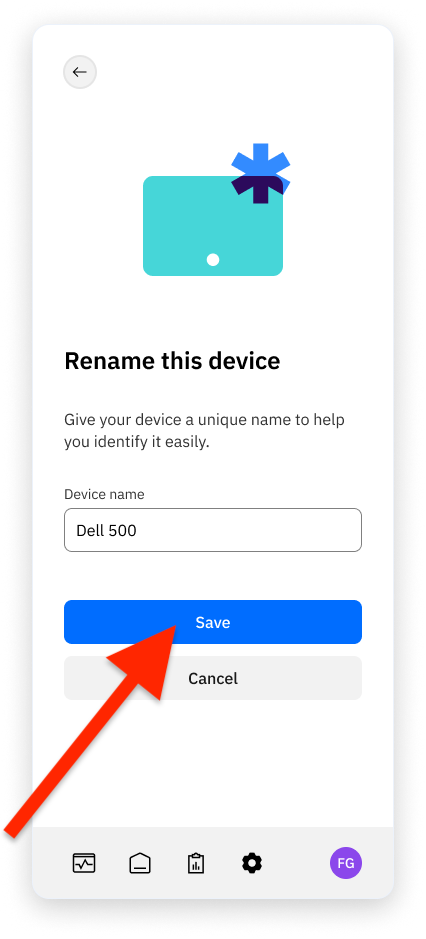
Bitdefender Web Sage  checks the websites you open, blocks dangerous pages, and provides tools for search safety, privacy, and scam protection. This FAQ explains the protection features, privacy controls, activity, settings, and premium features.
About Bitdefender Web Sage
What is Bitdefender Web Sage?
What browsers are supported?
Is Bitdefender Web Sage free?
What is included in Web Sage Premium?
Account and Premium Access
Do I need a Bitdefender account to use Web Sage?
Am I protected if I'm not signed in?
How do I get the Premium features?
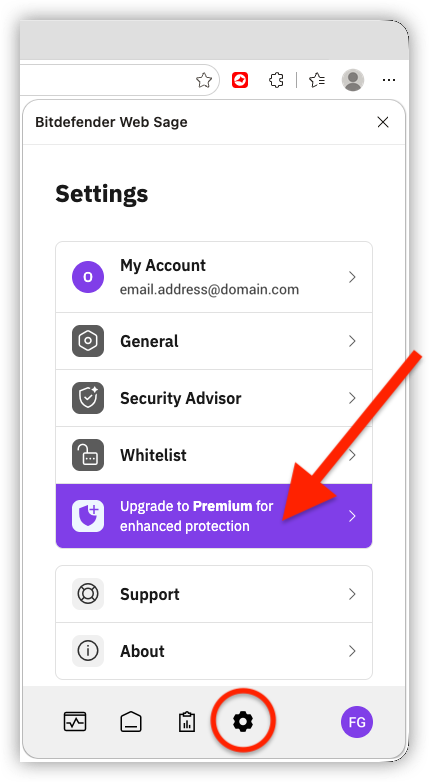
I have Bitdefender Internet Security or Antivirus Plus. Why don’t I have the AI features?
I bought Total Security, but I still see only free features
Installation and Setup
Why does Bitdefender want me to install a browser extension on Windows?
I skipped the extension step during Bitdefender app setup. How do I get it back?
I installed it, but it says I still need to enable it
I can’t find the extension after installing Web Sage
What happened to Bitdefender TrafficLight? Was it removed?
What happened to Anti-tracker?
Protection, Privacy, and Search Safety
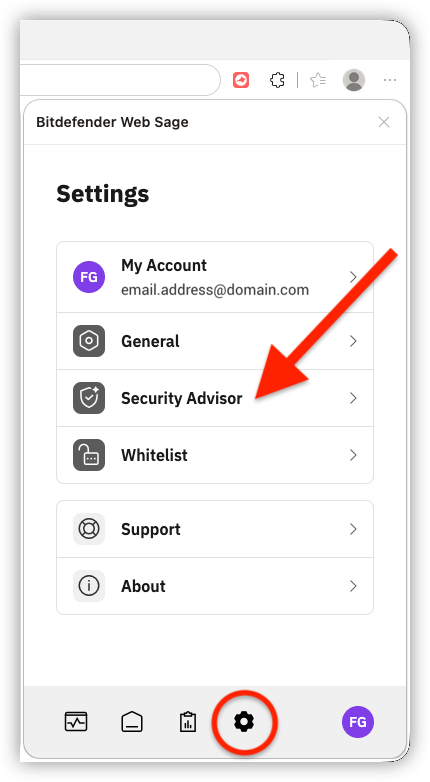
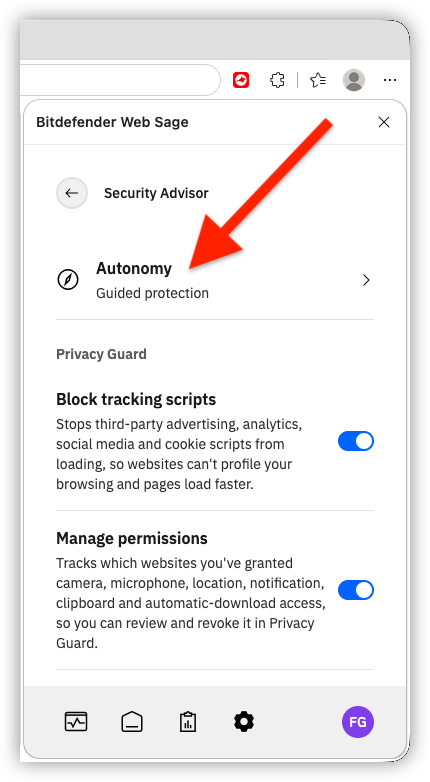
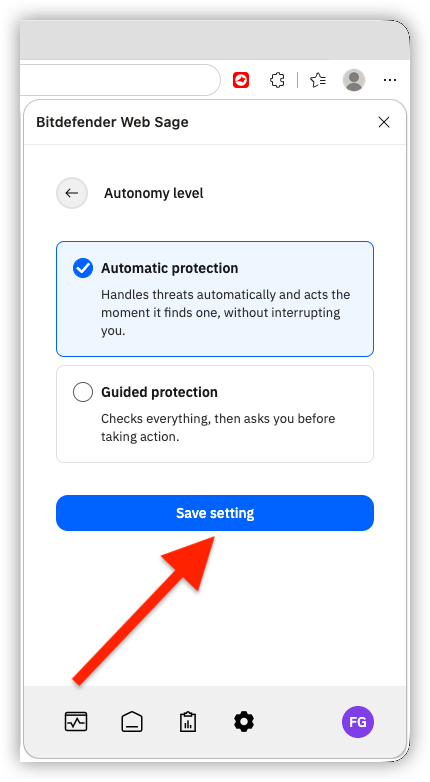
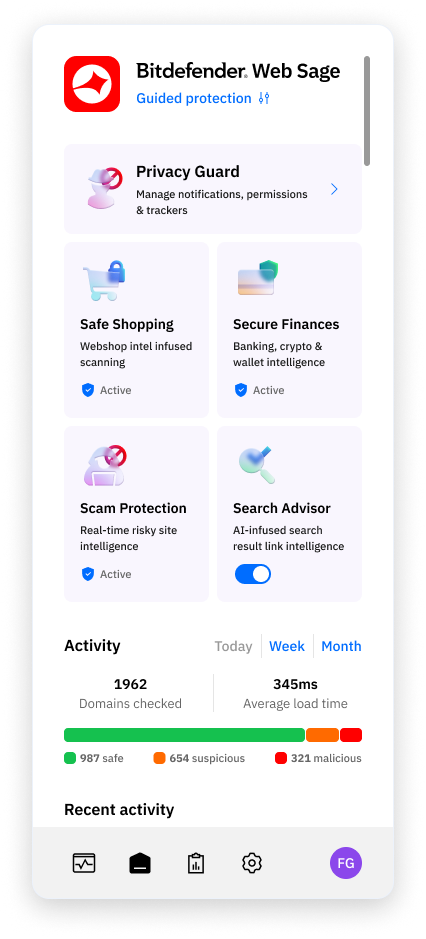
What is the difference between Automatic and Guided protection?
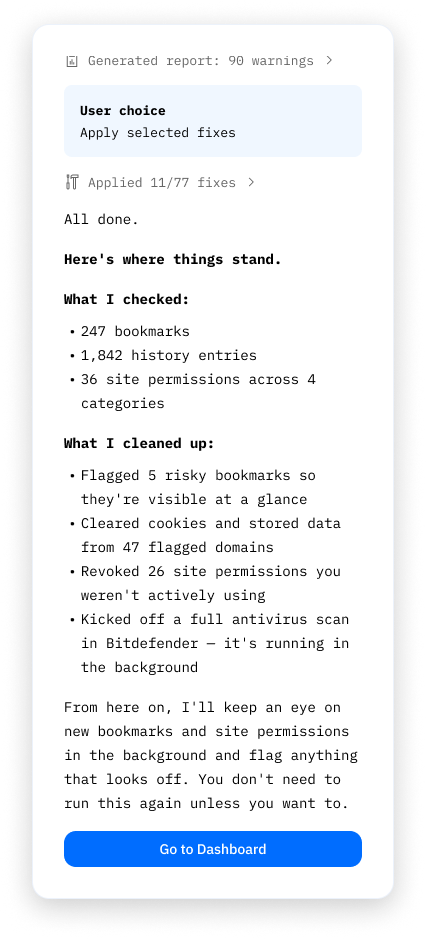
What does the first Web Sage scan check?


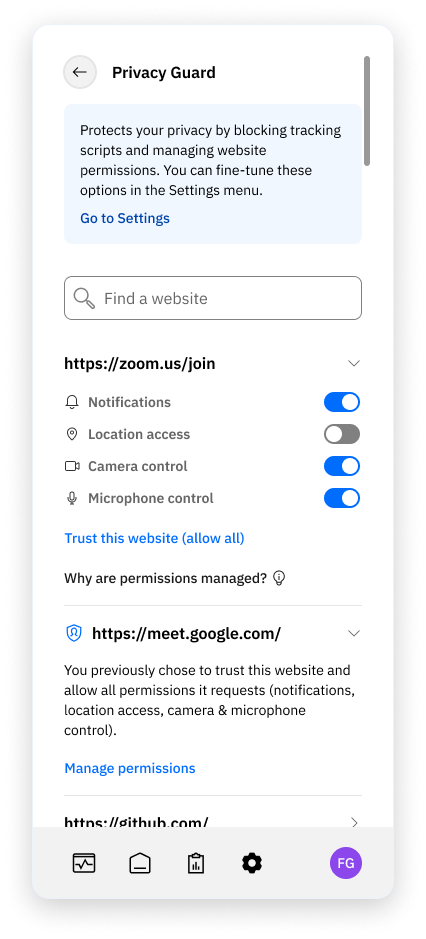
What does Privacy Guard do?
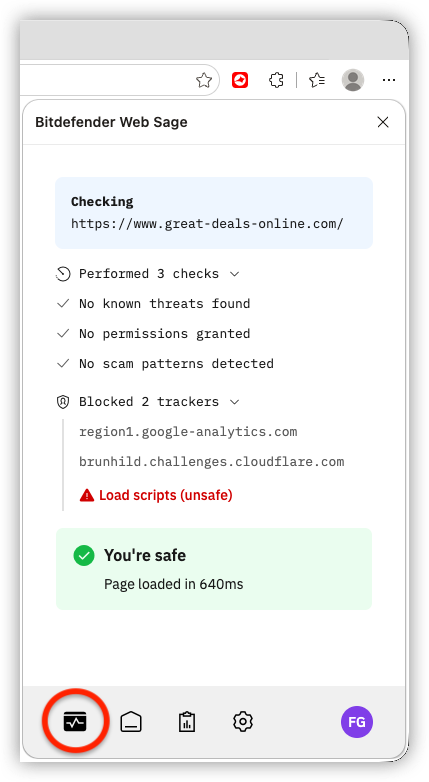
How can I check more information about the page that is currently open?
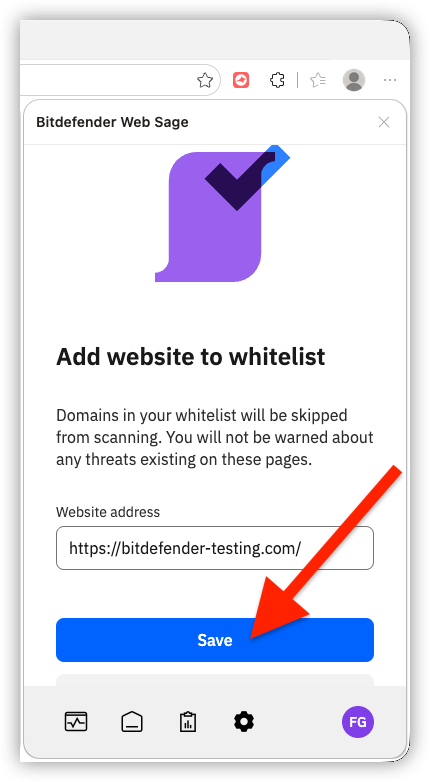
How do I exclude a website from Web Sage checks?
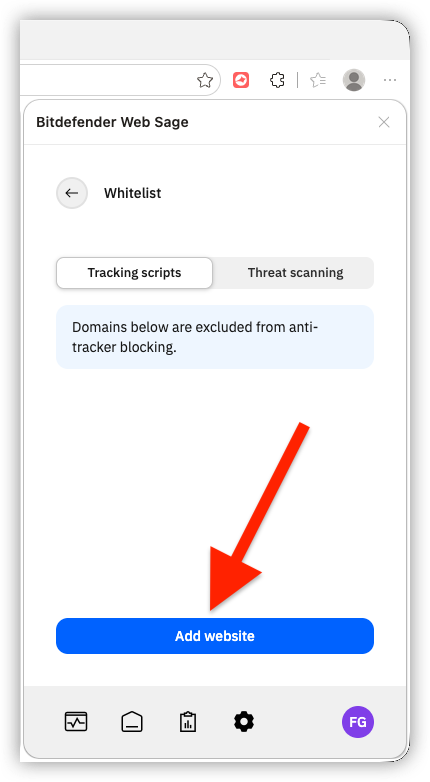
How do I remove a website from the Web Sage whitelist?