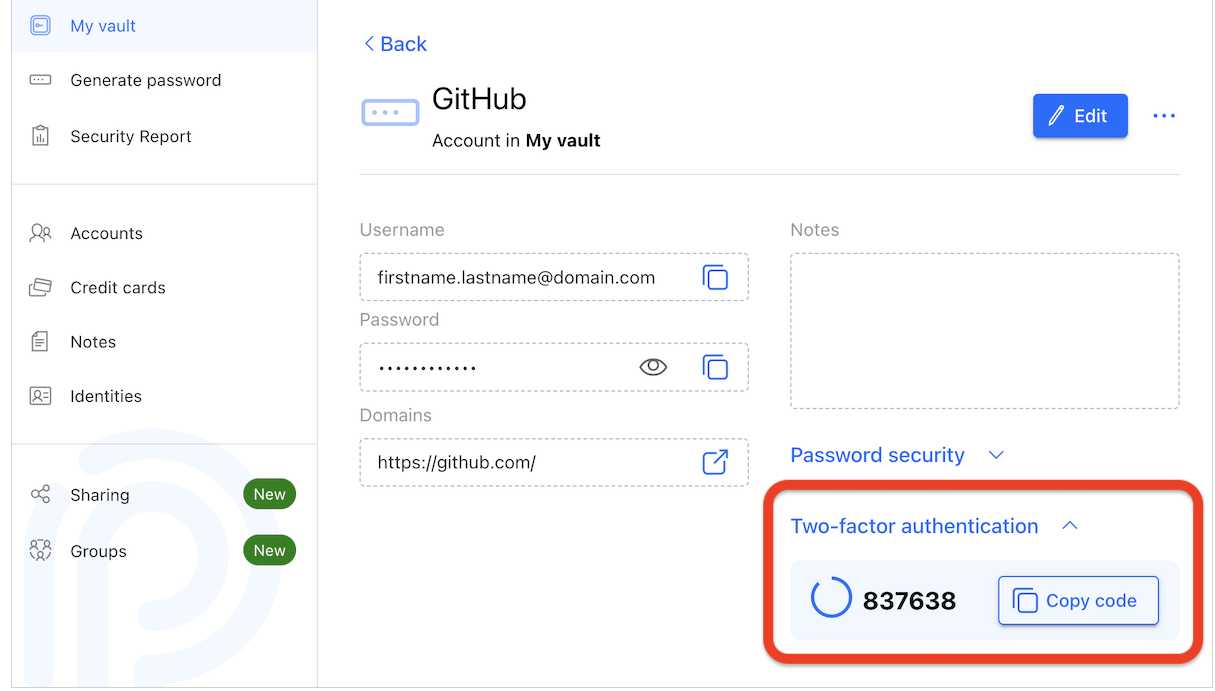
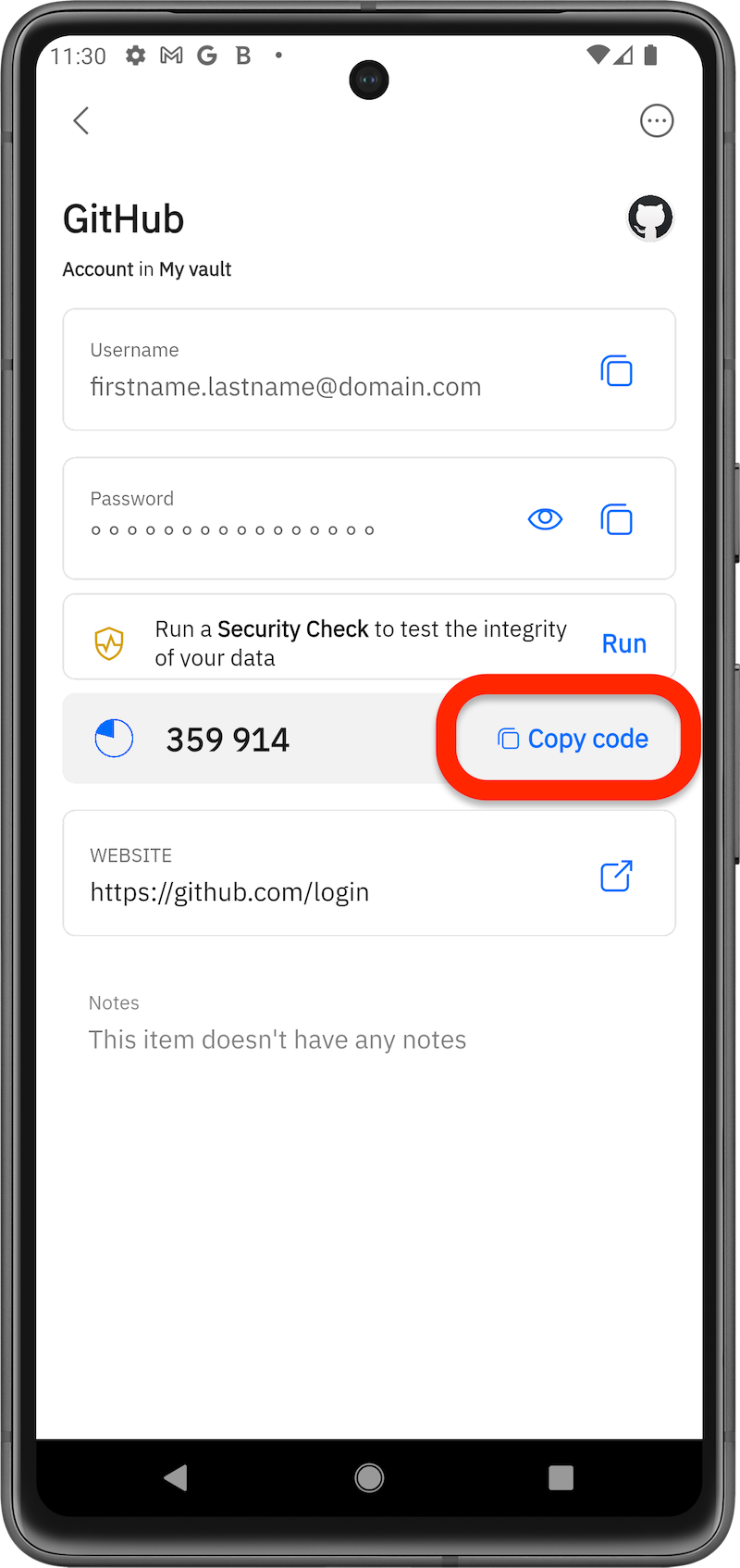
Two-factor authentication (2FA) is a security feature that adds an extra layer of protection to your accounts by requiring two forms of verification before granting access – typically your password and a time-sensitive code generated by an authentication app. You can use Bitdefender as a two-factor authentication (2FA) app and manage your 2FA codes together with your passwords through the SecurePass browser extension on desktop, the web app, or the Bitdefender Hub mobile app.
How to Set Up Two-Factor Authentication (2FA)
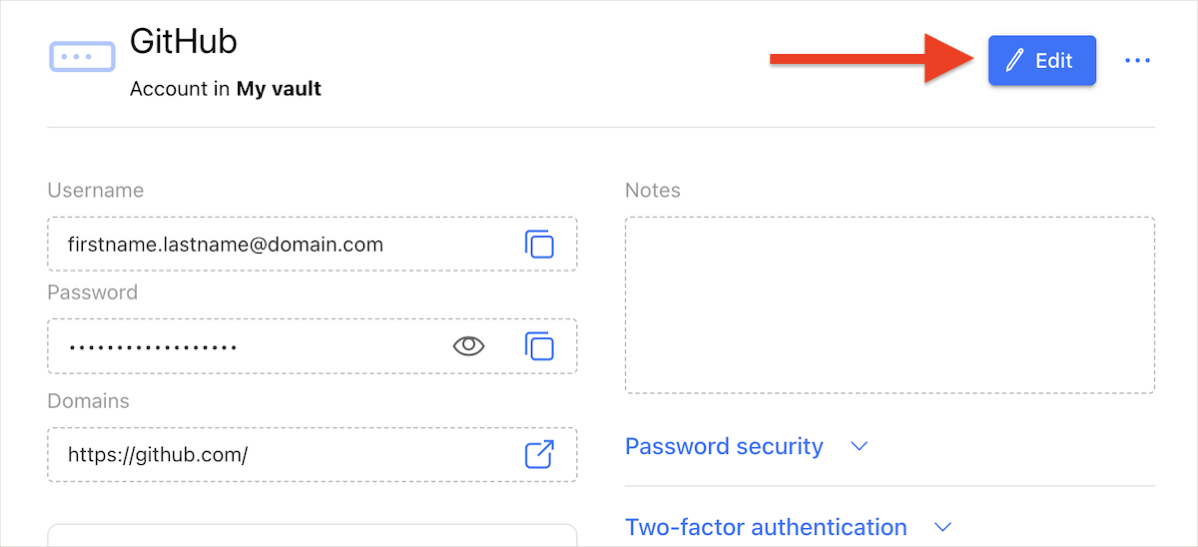
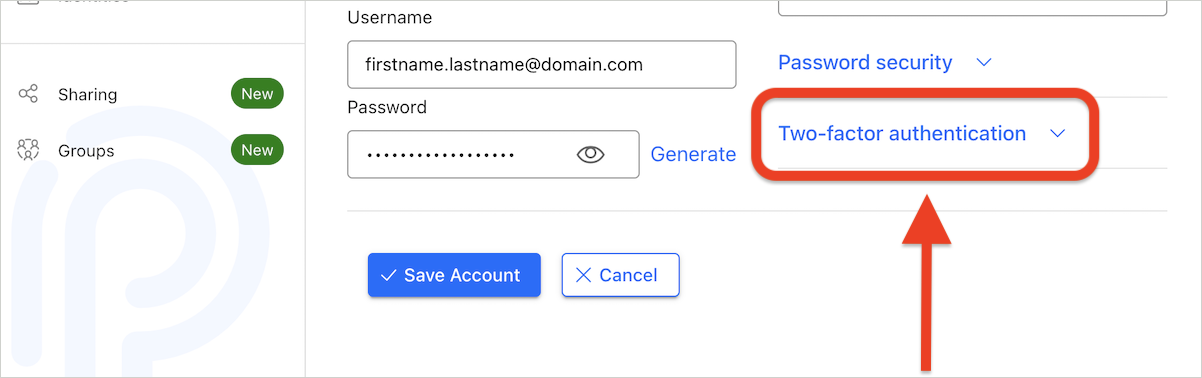
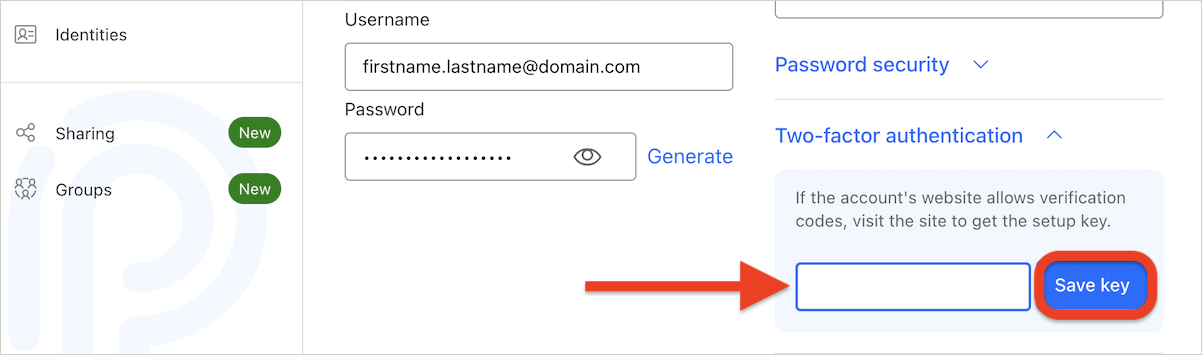
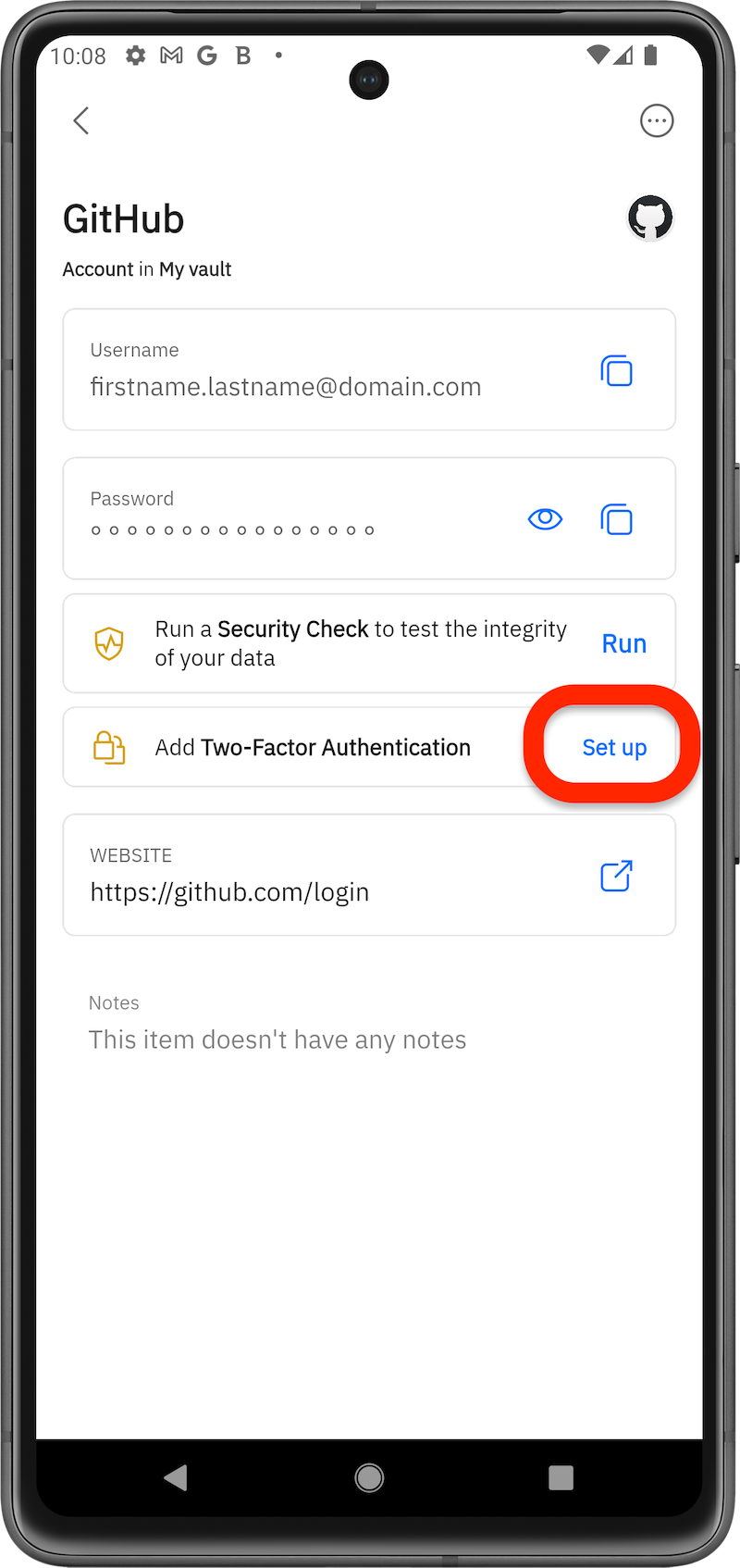
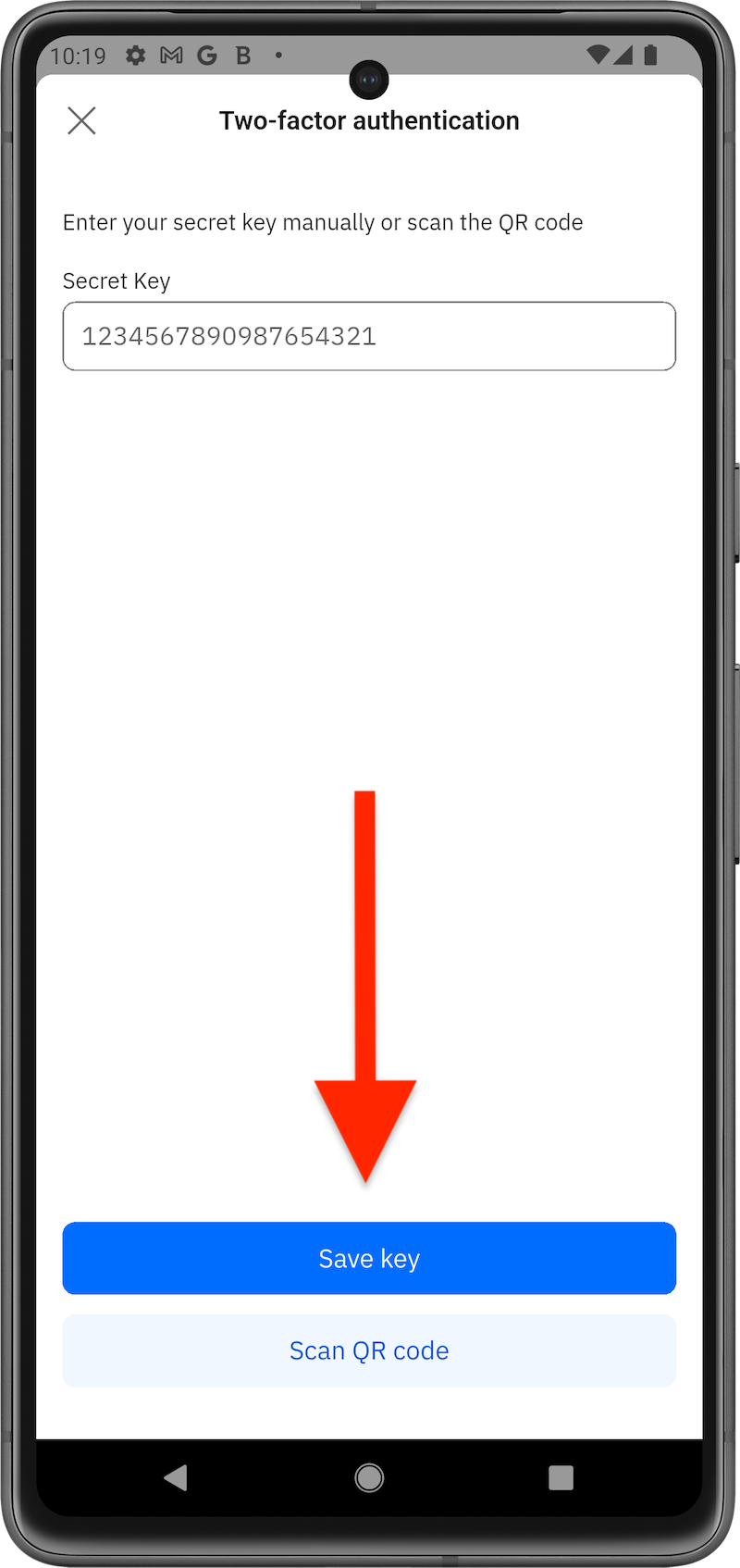
Follow these steps to set up 2FA using Bitdefender SecurePass:
via Browser
via Mobile App
How to Use SecurePass as a 2FA Authenticator
Once you have enabled 2FA, here’s how to use SecurePass as a 2FA authenticator app when signing in: