If your internet suddenly stopped working or has become unusually slow, you’re not alone. Internet connection problems are very common and can happen for many reasons, from router glitches to temporary service outages. This guide explains the most common causes of internet problems and provides simple, step-by-step troubleshooting methods to help restore your connection quickly.
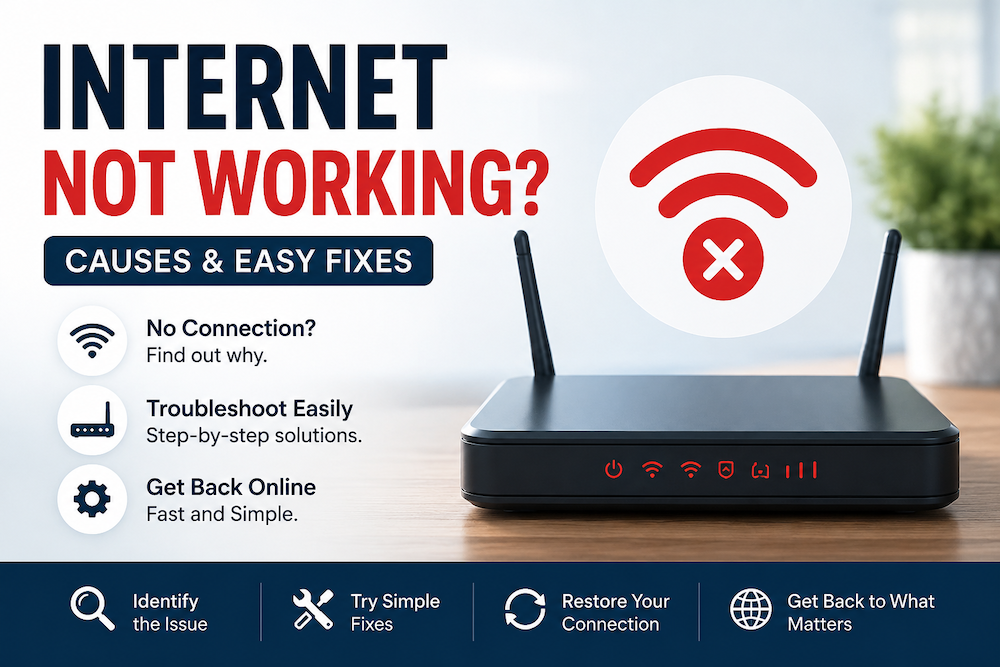
Internet Not Working? Most Common Causes
Your internet may not be working due to:
- Router or modem issues
- Weak or unstable Wi-Fi signals
- ISP outages (your internet provider is temporarily down)
- Incorrect network settings
- Device-specific problems
In many cases, the issue can be resolved within a few minutes by following the steps below.
Step 1: Check If the Problem Is Widespread
Step 2: Restart Your Modem and Router
Step 3: Check Wi‑Fi Connection on Your Device
Step 4: Move Closer to the Router
Step 5: Check for ISP Outages
Step 6: Test With a Different Device or Browser
Step 7: Reset Network Settings
Step 8: Check Router Lights and Cables
Step 9: Update Router Firmware
Step 10: Contact Your Internet Provider
Most internet issues are caused by simple challenges such as temporary router glitches, weak Wi-Fi signals, or short ISP outages. Following the steps above will resolve the majority of connection issues without needing technical support.
If the Internet is still not working after completing all steps, your internet service provider can run deeper diagnostics on your connection to help identify more complex underlying causes.