This guide explains how family managers can manage, monitor, and review family members using the Bitdefender app. It covers the Home (Family tab), Manage (Members tab), and Activity sections to help you maintain visibility and control over your family’s protection.
As a family manager, you can access two perspectives within the app:
- Personal protection and devices
- Family members’ devices and security status
Switching between these views allows you to monitor both your own protection and the overall status of your family members.
Monitor Family Status (Home - Family tab)
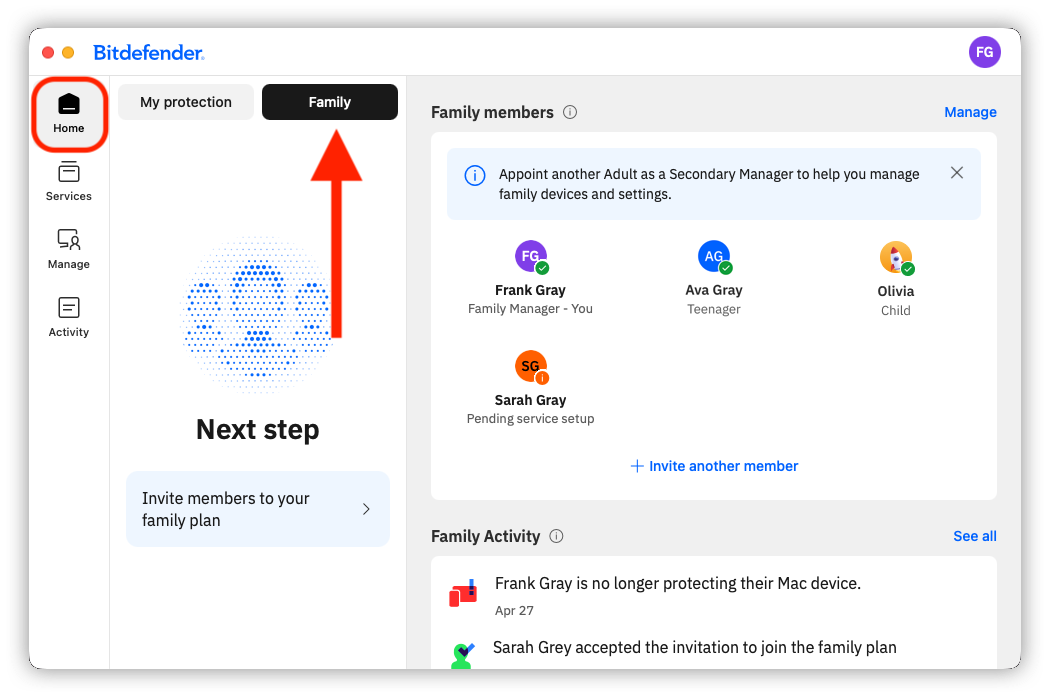
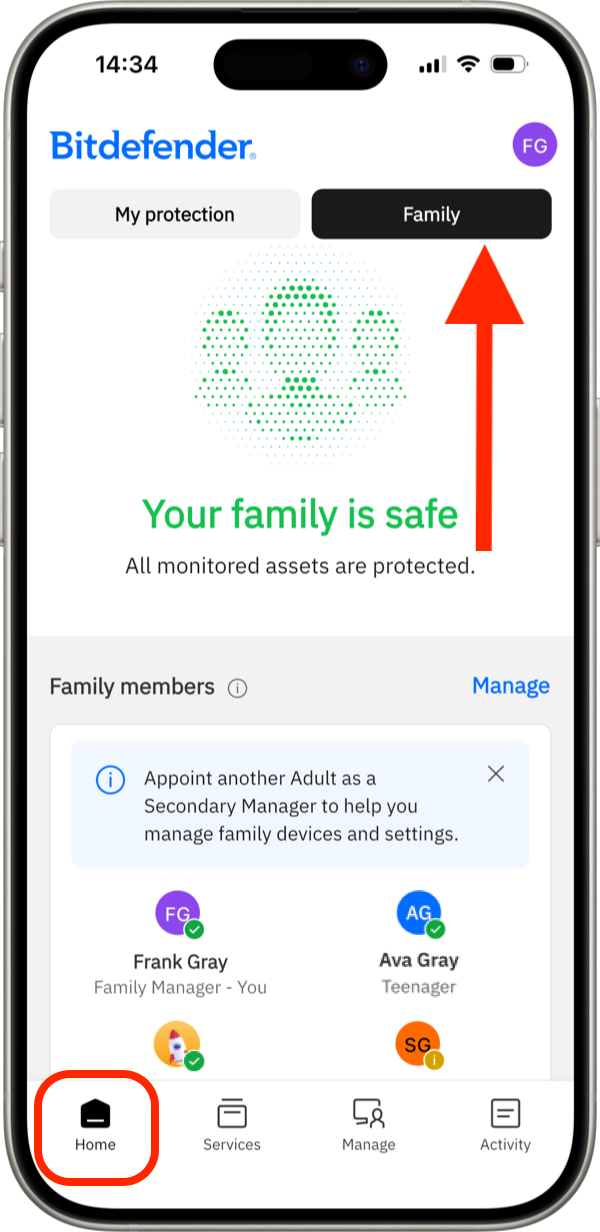
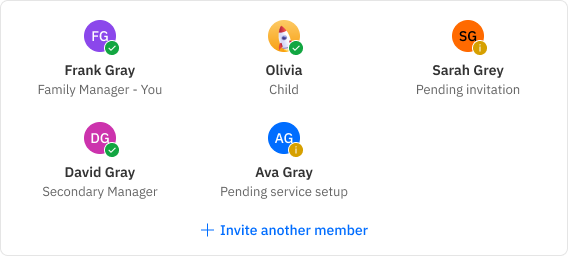
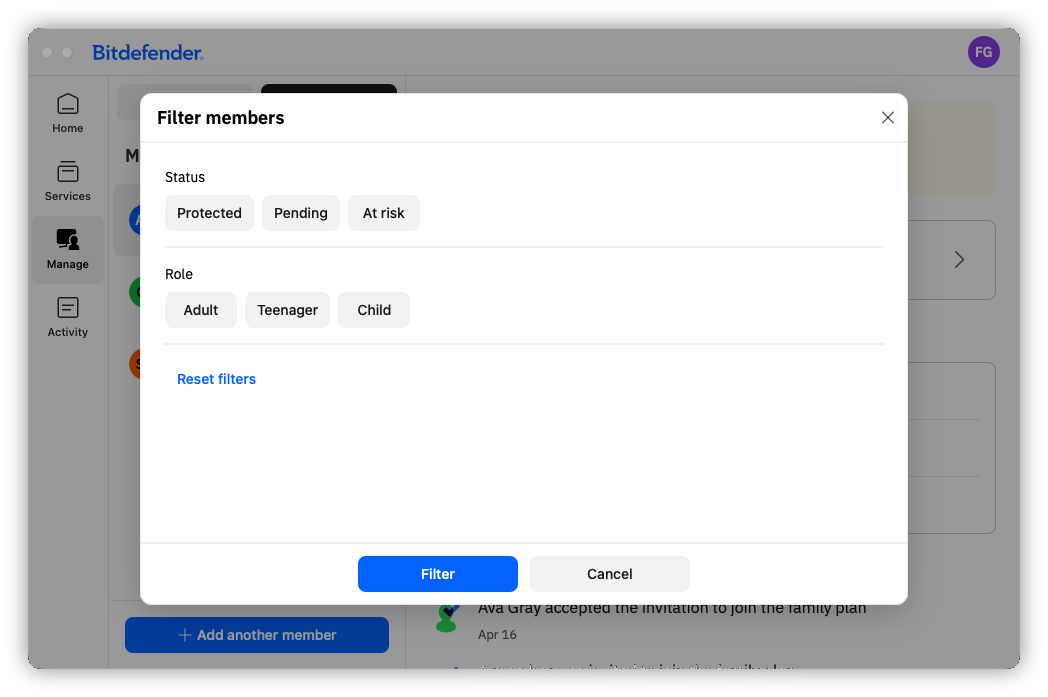
Add and Manage Family Members (Manage - Members tab)
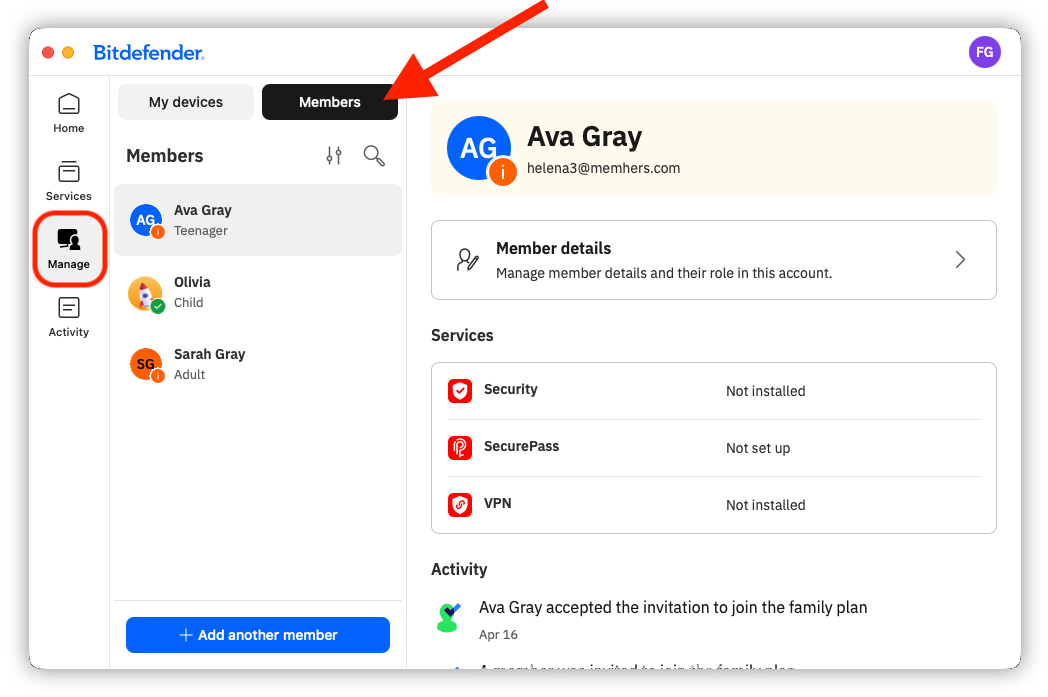
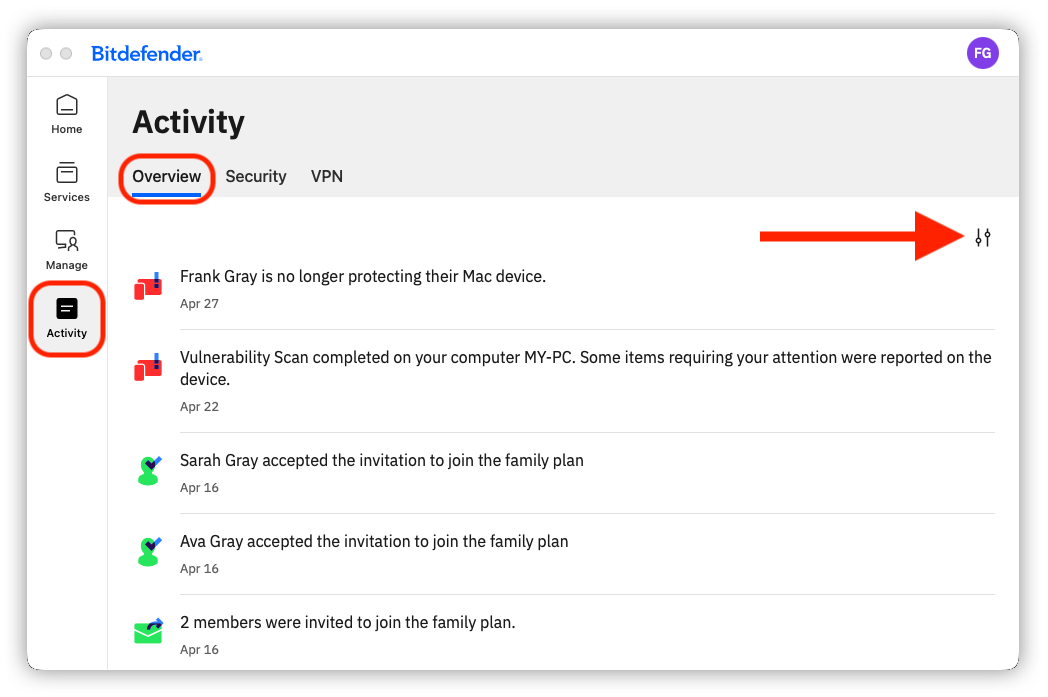
Review Family Security Events (Activity - Overview tab)

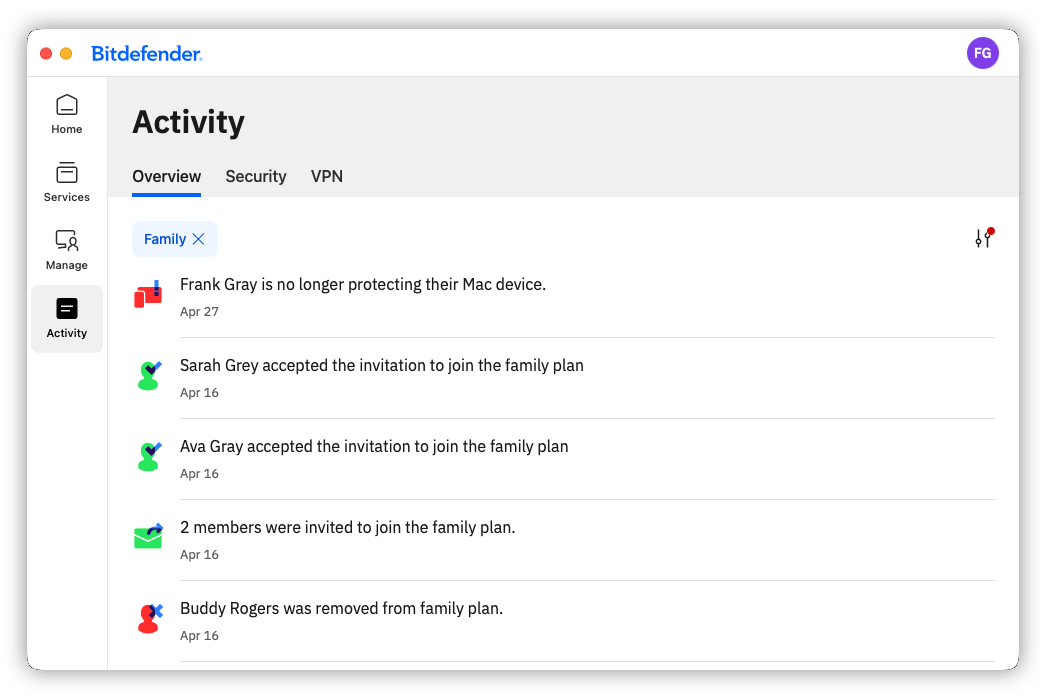
Together, these sections provide the tools needed to maintain visibility, quickly identify issues, and ensure that all family members’ devices remain properly protected.