Bitdefender SecurePass lets you securely provide other people with access to items stored in your vault. You can share information temporarily through a protected link, collaborate with people you trust, or make items available to an entire group. Depending on how you share an item, you can control how long access remains available and what recipients are allowed to do with the shared information. The steps differ slightly depending on the device you are using. Expand the relevant section below and follow the instructions for your platform:
Create a Sharing Link
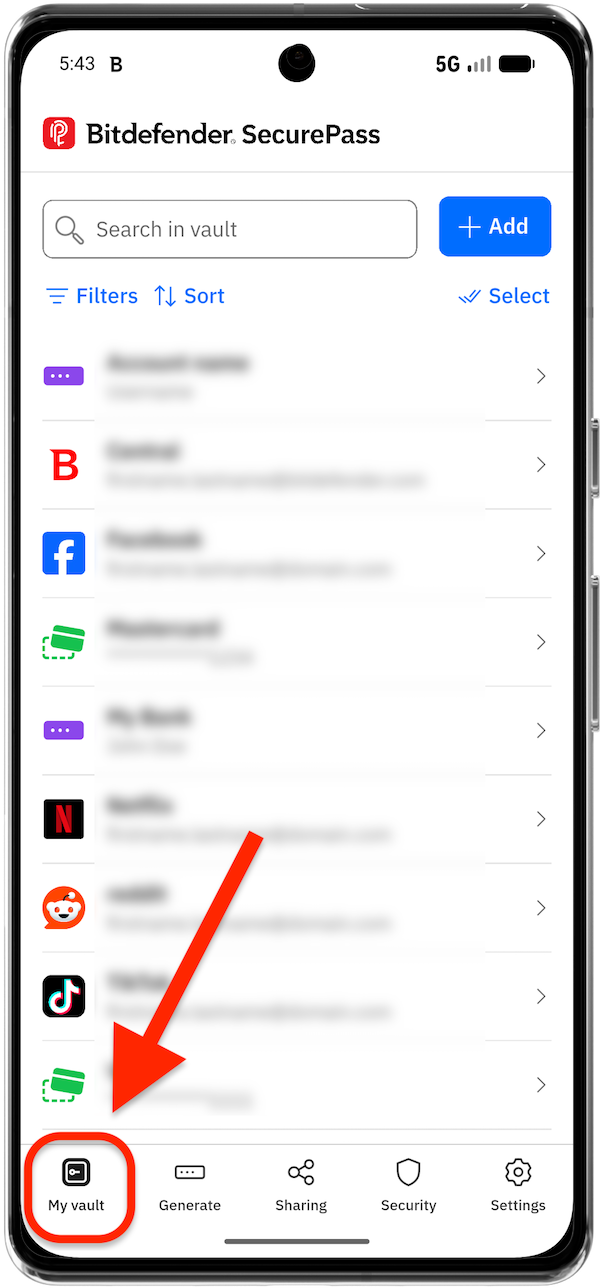
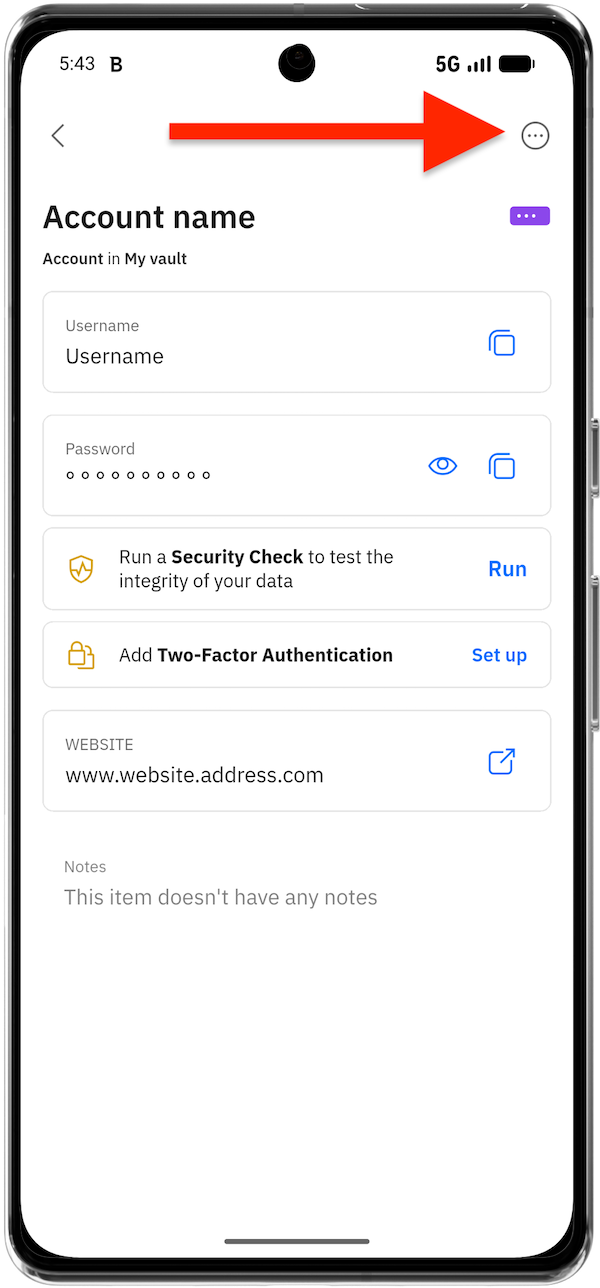
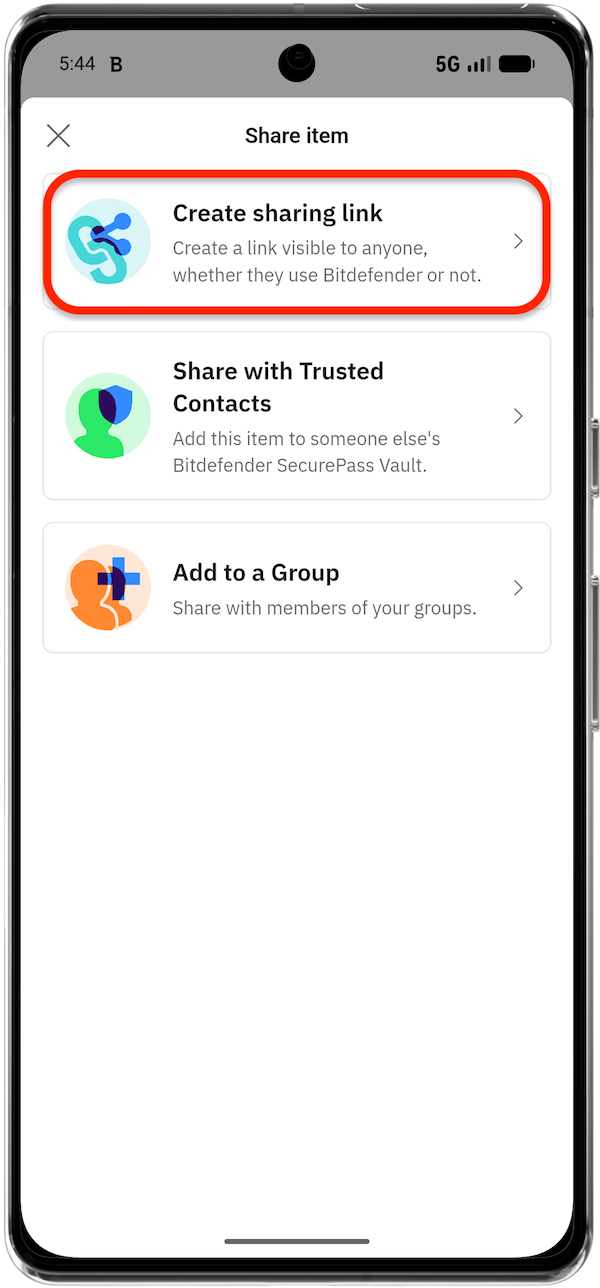
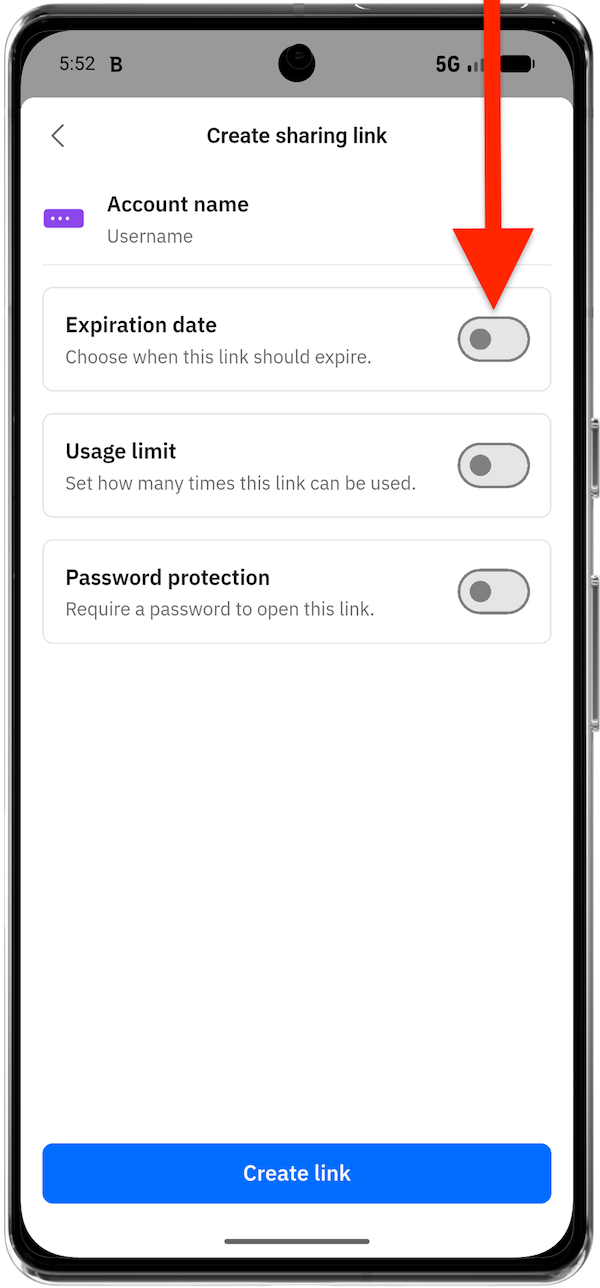
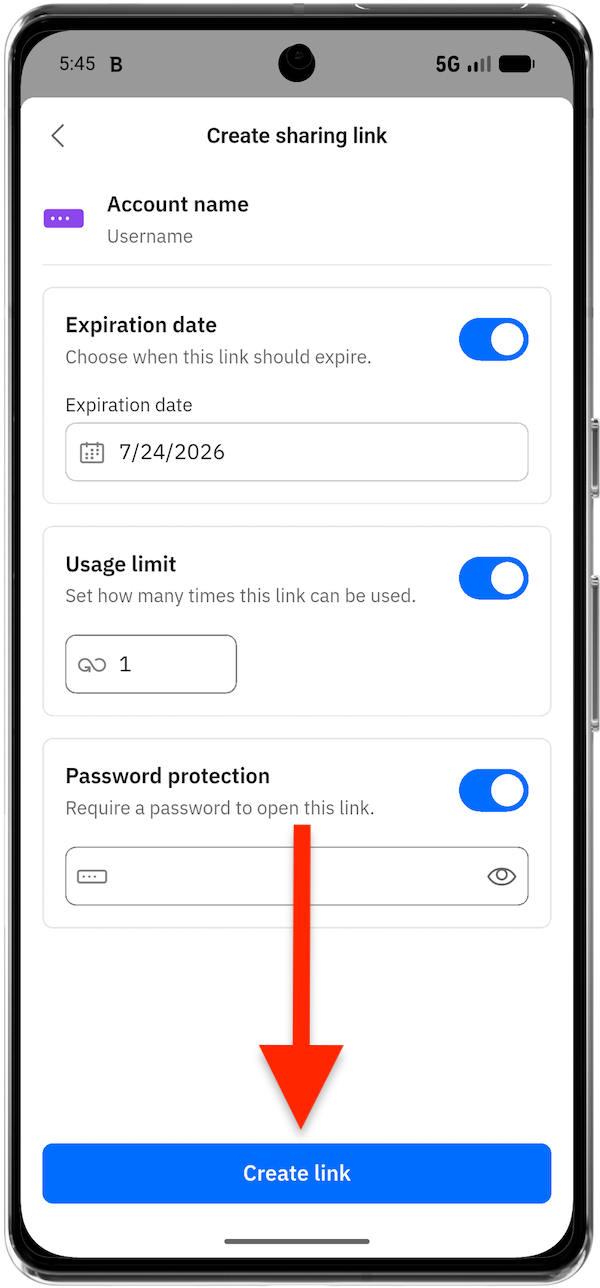
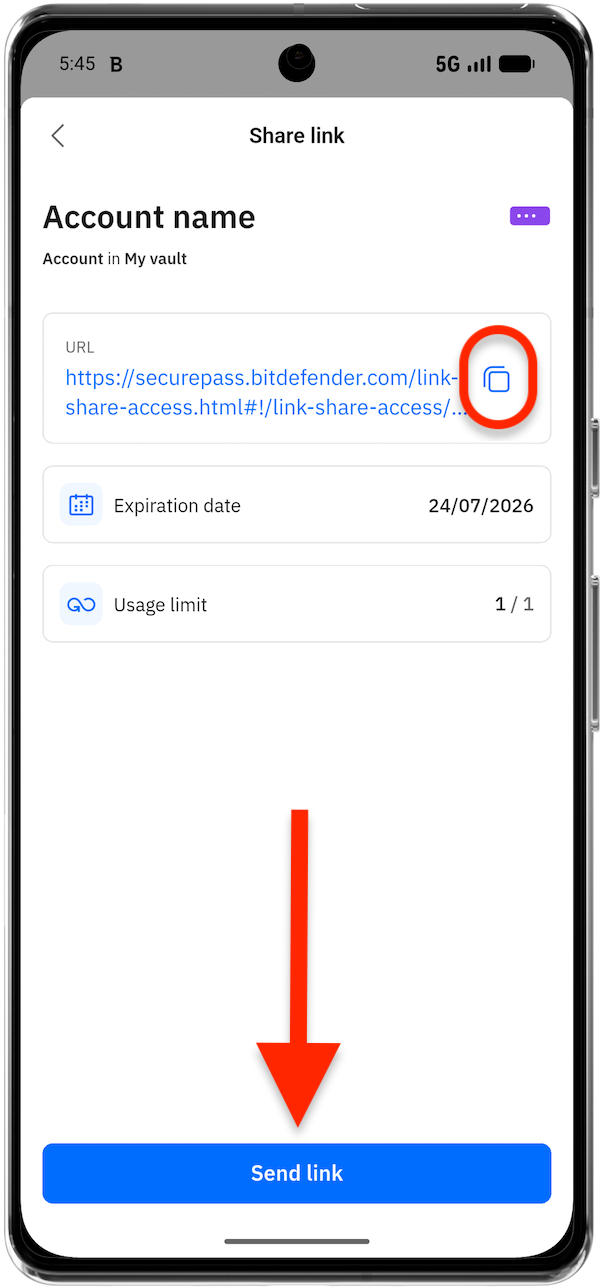
A sharing link is useful when you need to send sensitive info to someone without first adding that person as a trusted contact or group member. You can optionally restrict the link by setting an expiration date, limiting how many times it can be opened, or requiring a password.
Browser (Windows and macOS)
 from the browser toolbar or go to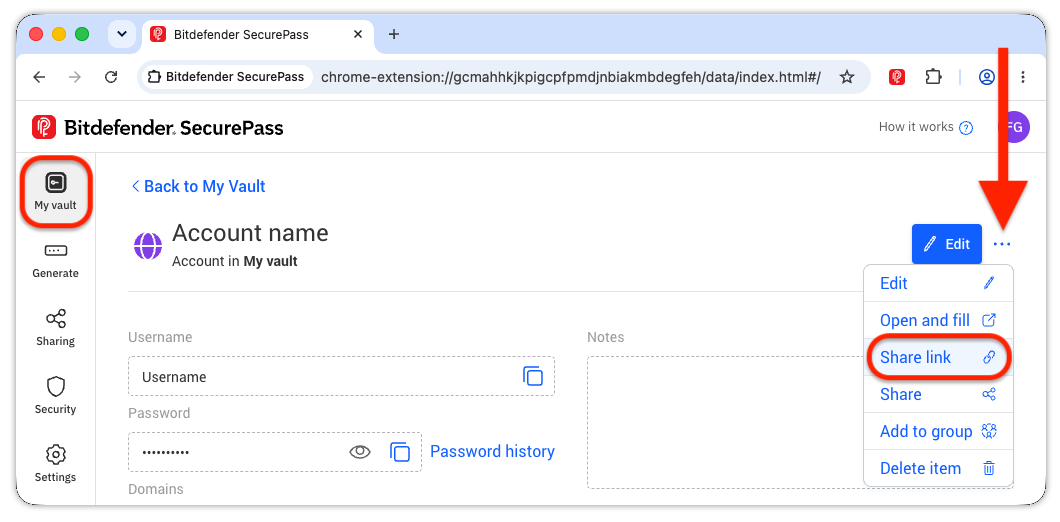
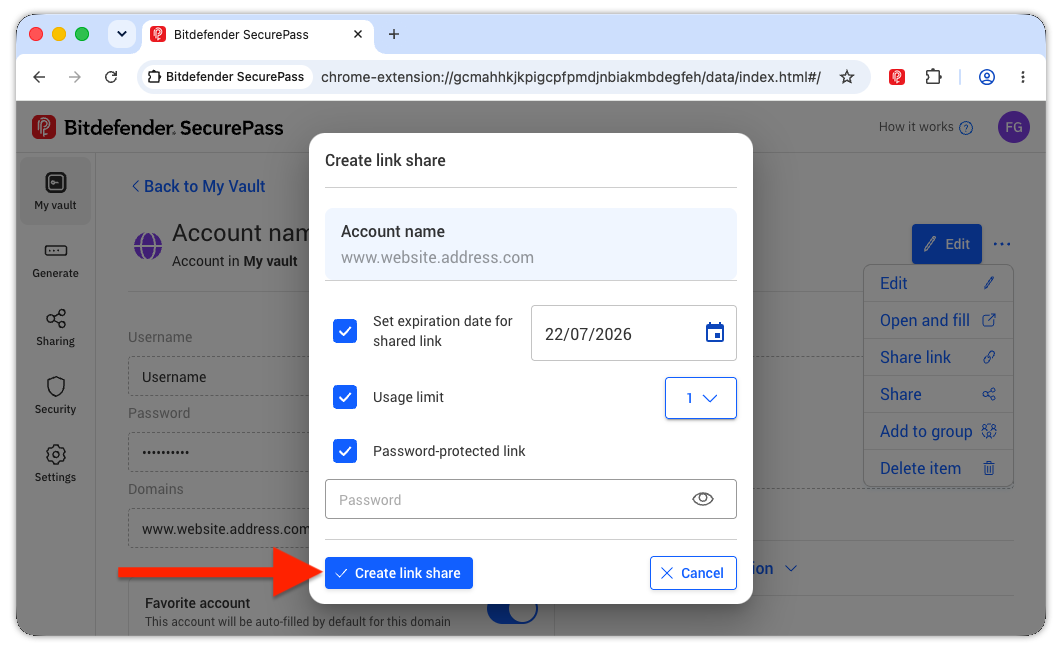
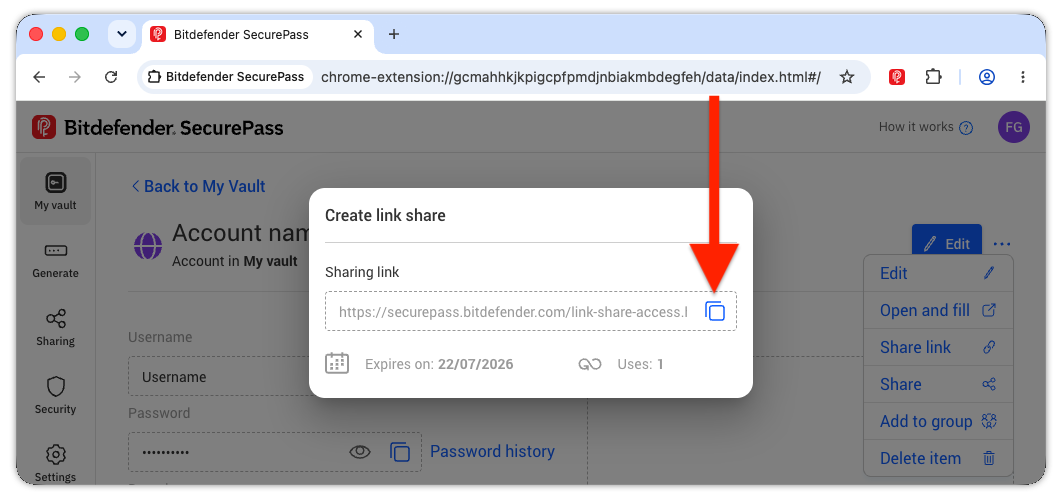
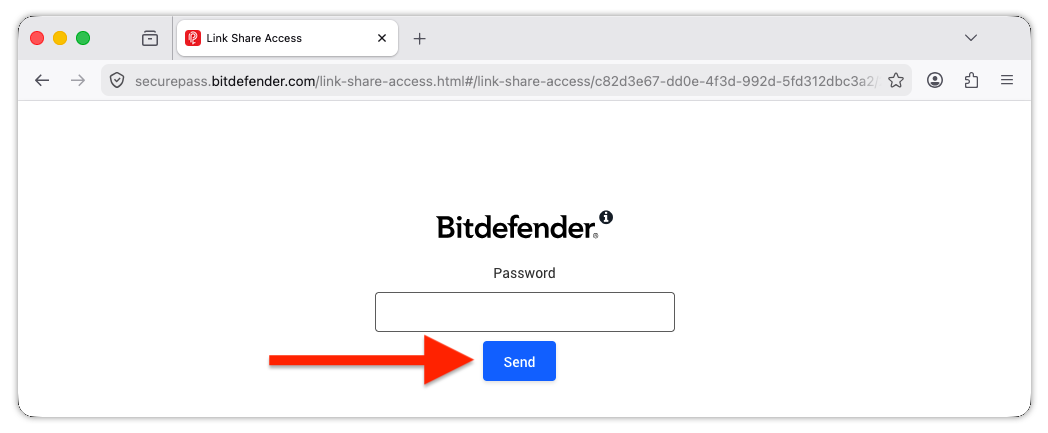
Mobile app (Android and iOS)

Share with Trusted Contacts
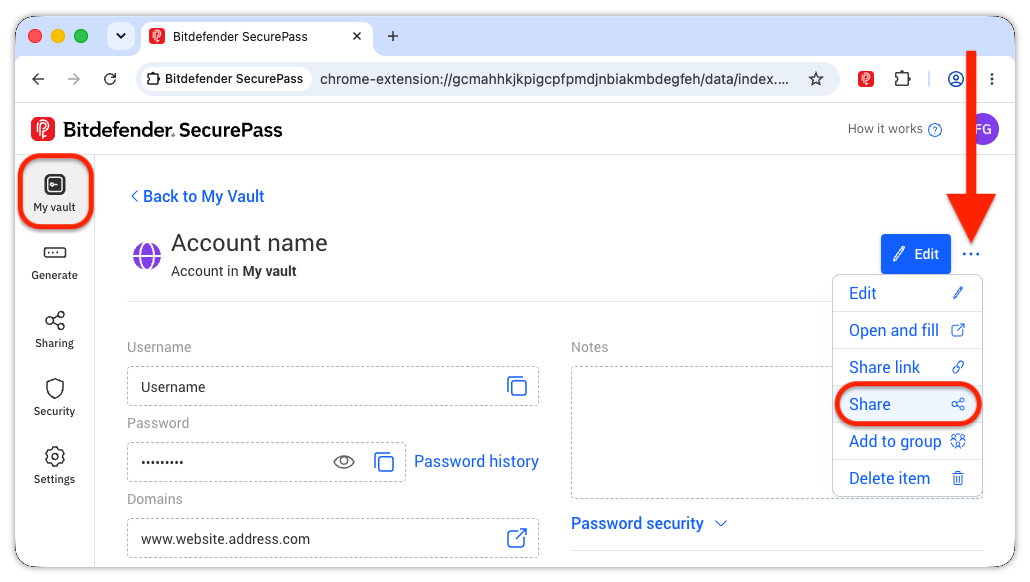
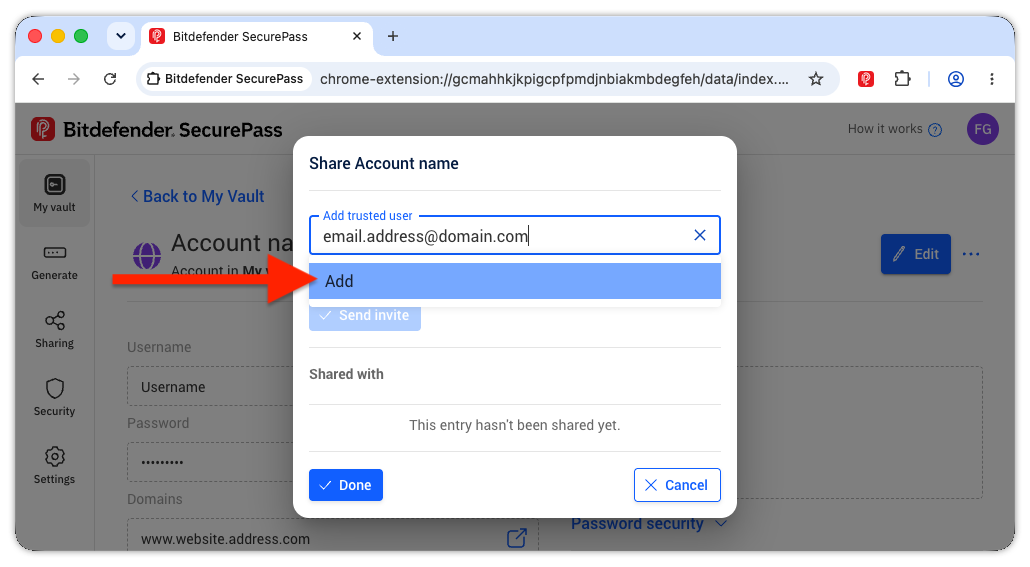
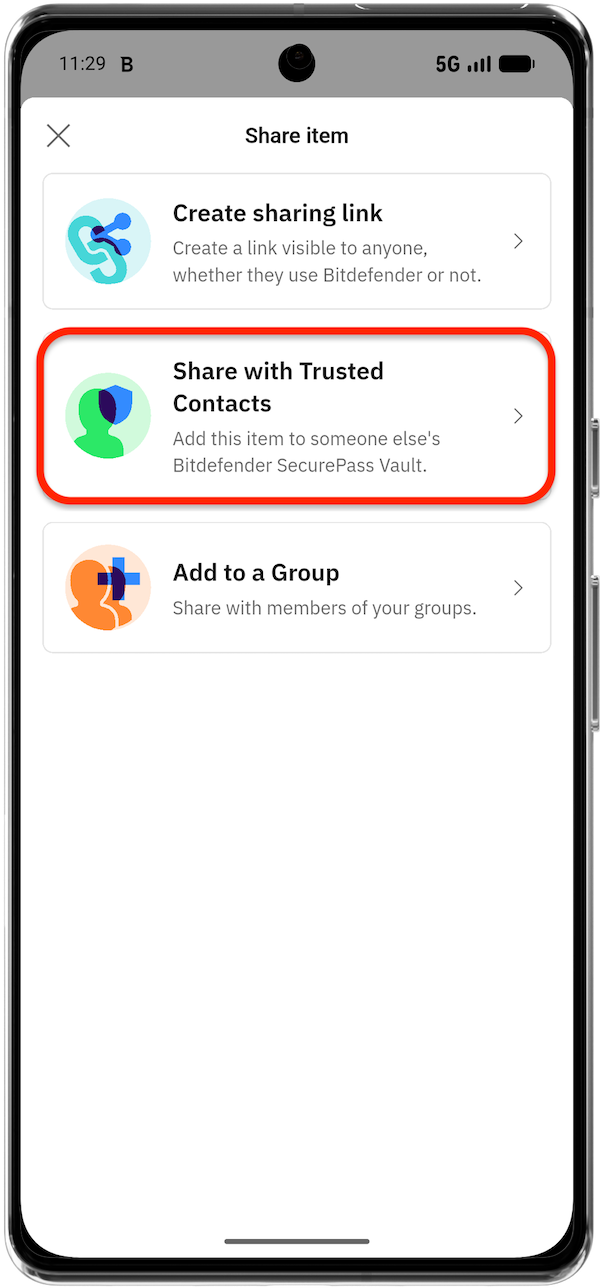
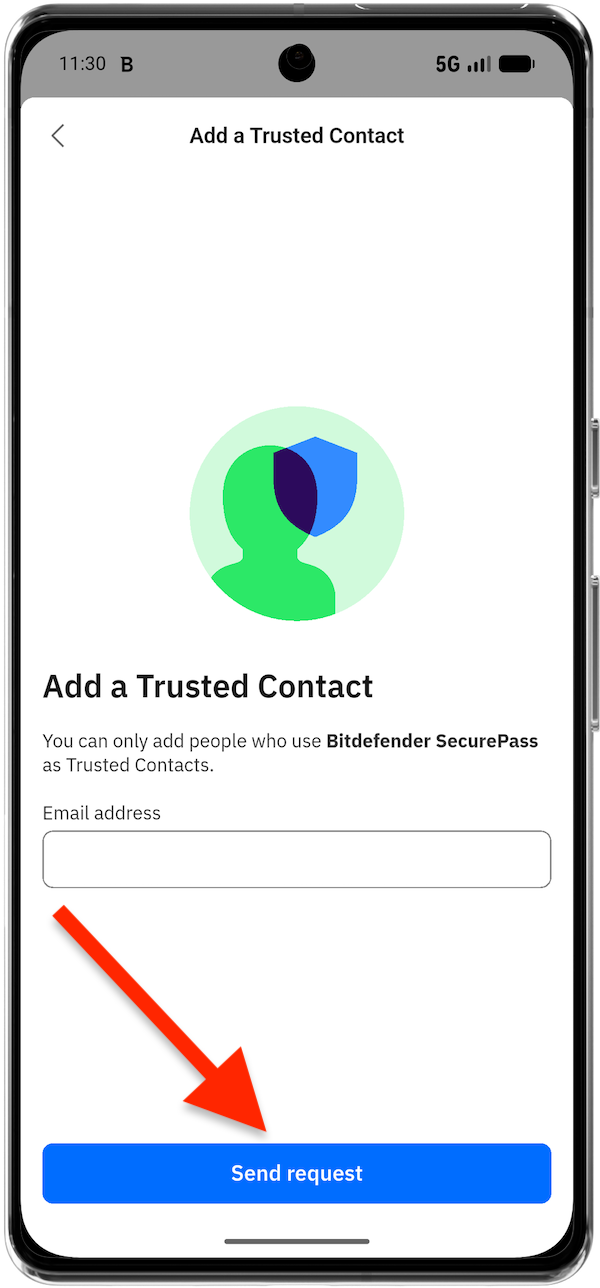
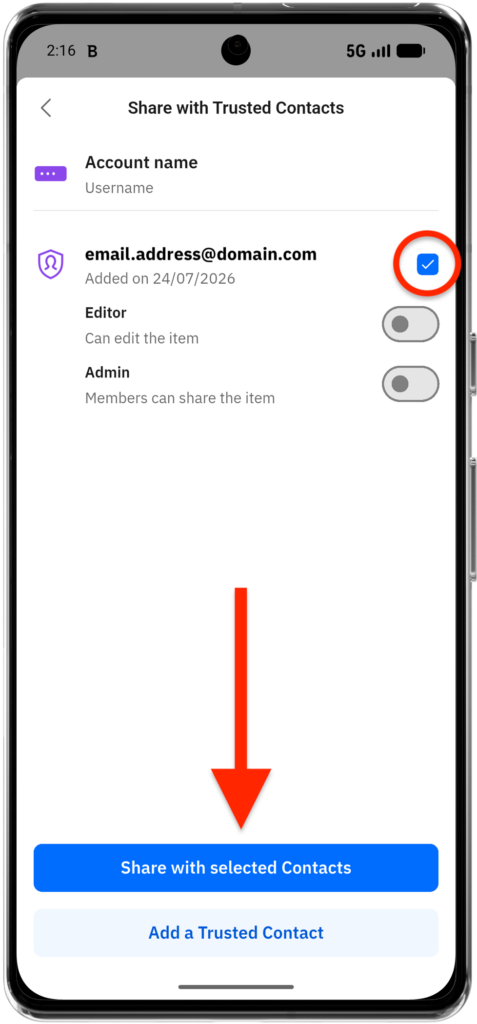
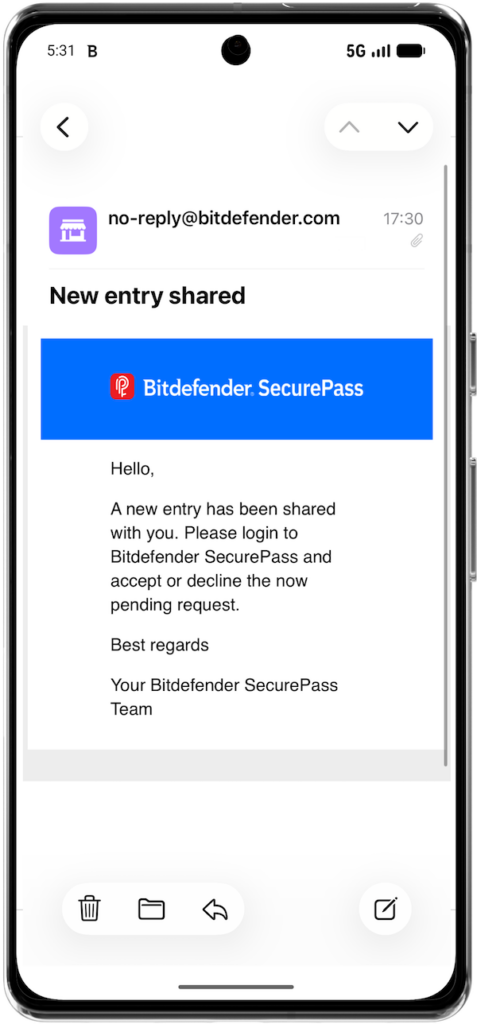
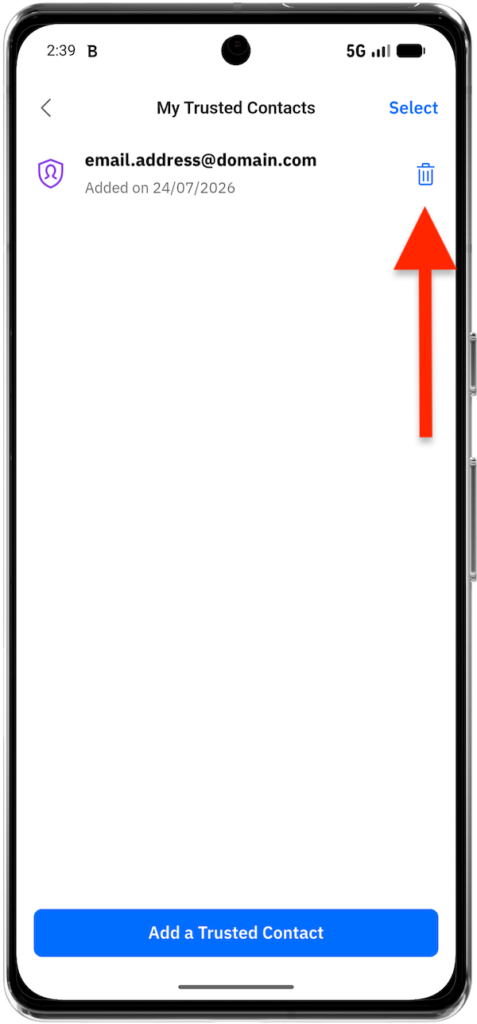
Trusted contacts are SecurePass users whom you have approved for direct sharing. Before you can share an item with someone in this way, the person must be added to your trusted contacts. Sharing through trusted contacts allows you to grant specific permissions and revoke access later.
Browser (Windows and macOS)
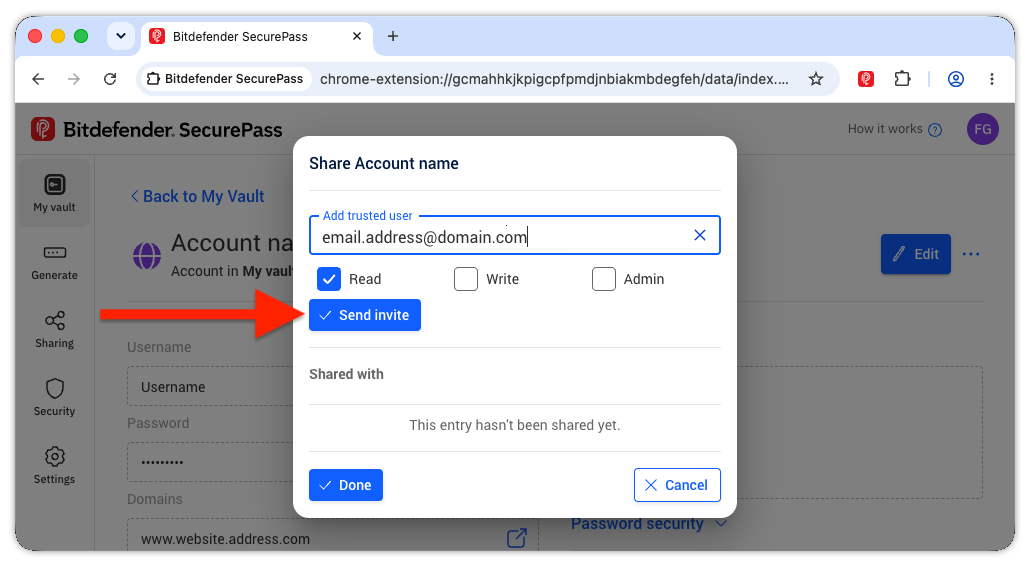
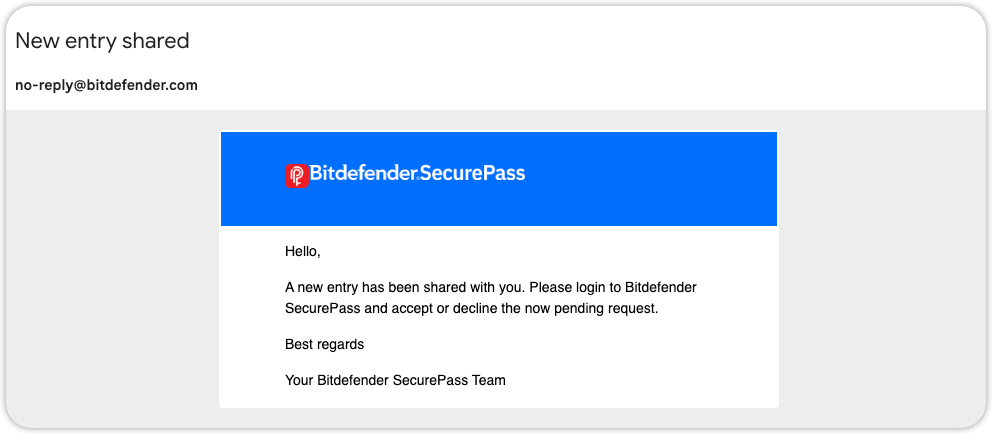
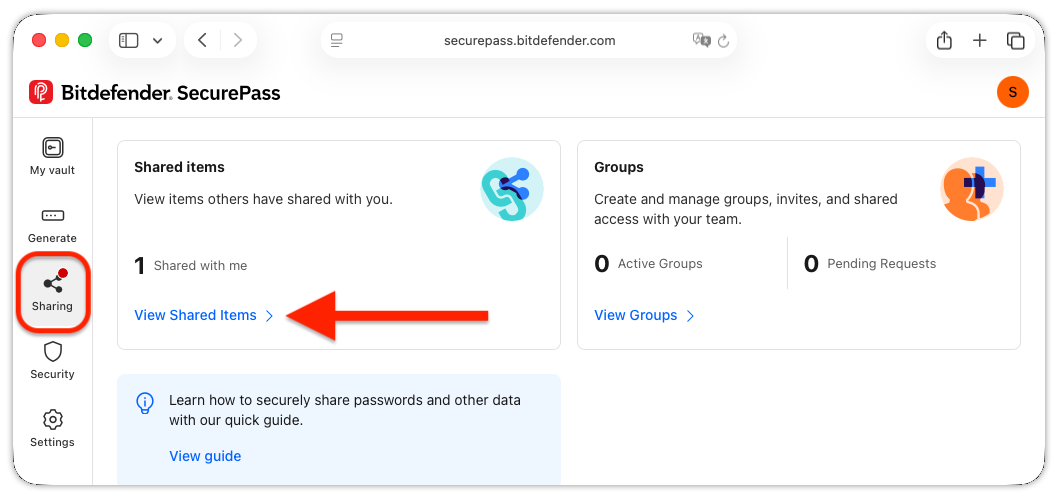
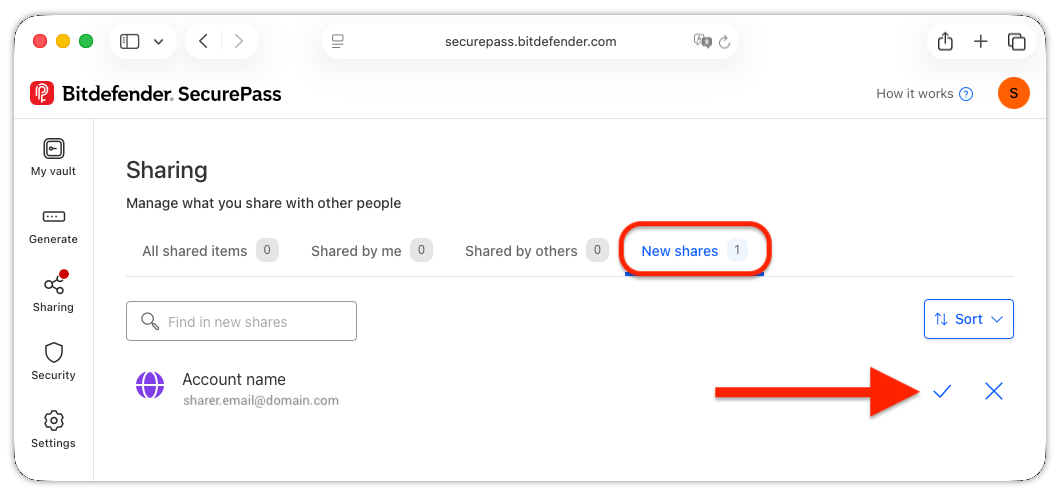
Mobile app (Android and iOS)



Share with a Group
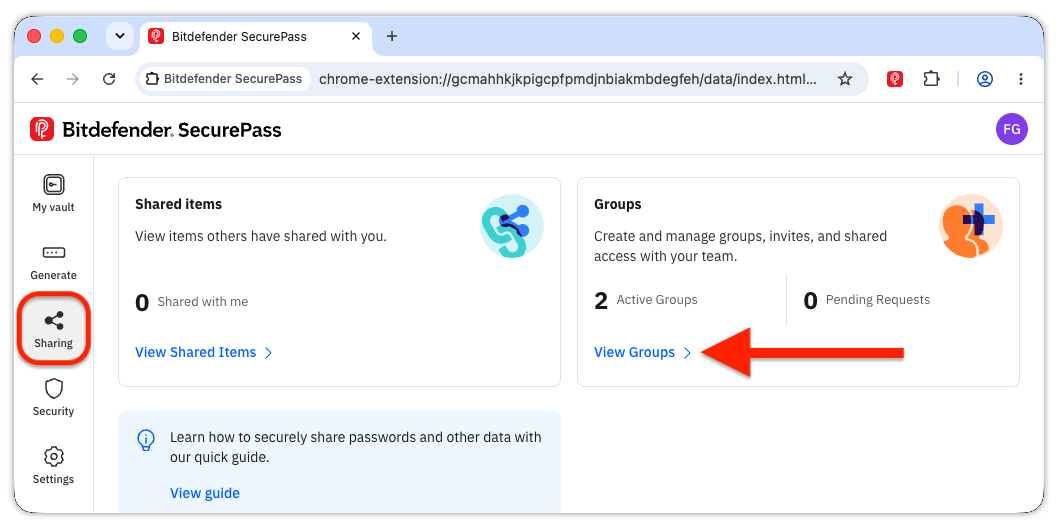
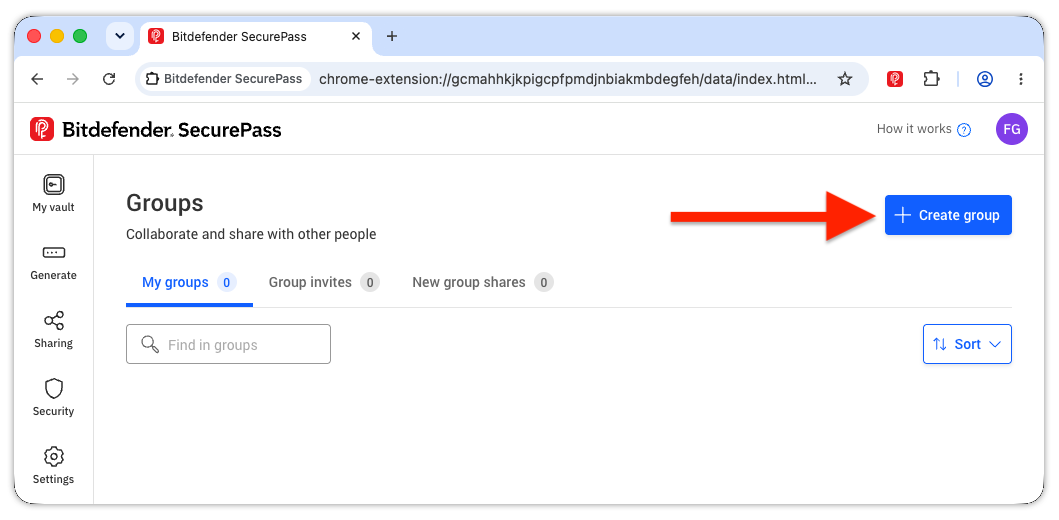
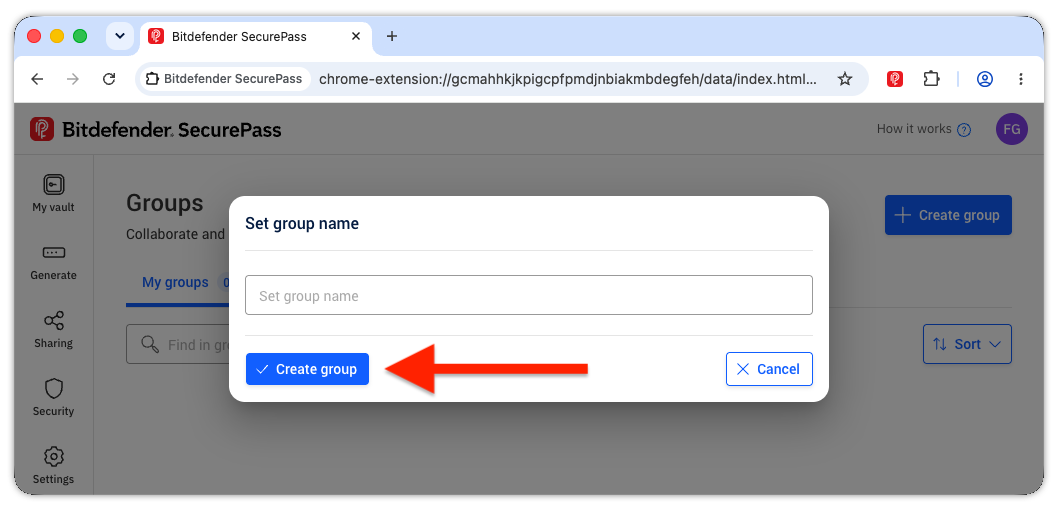
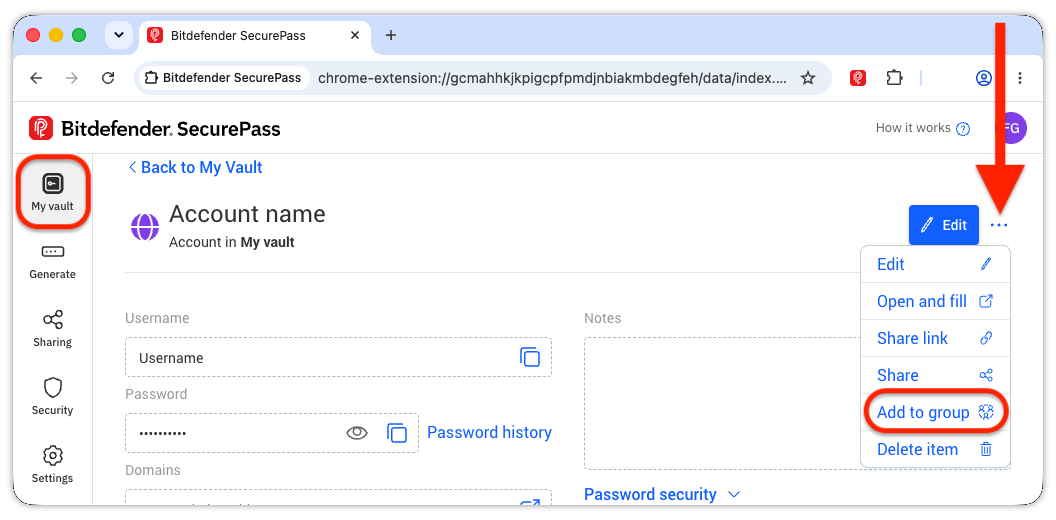
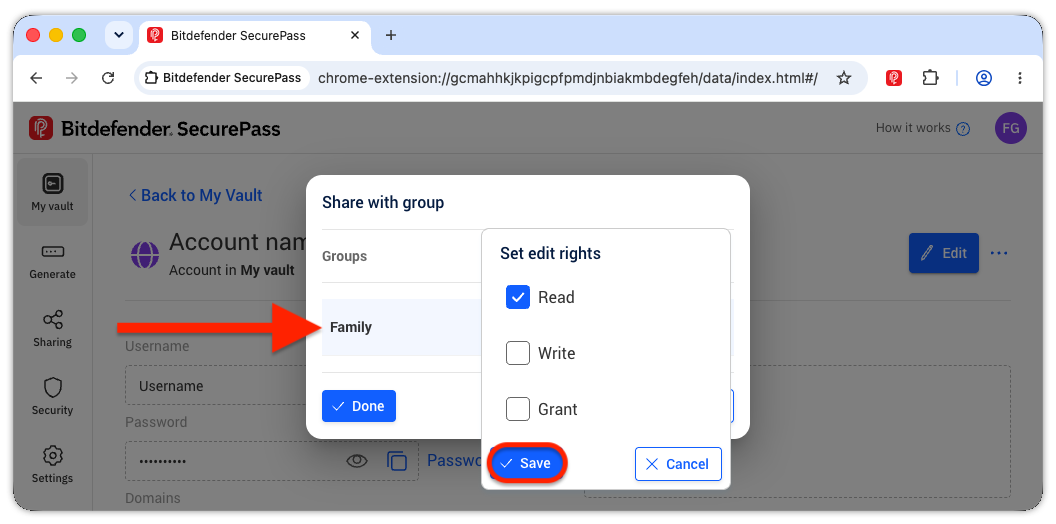
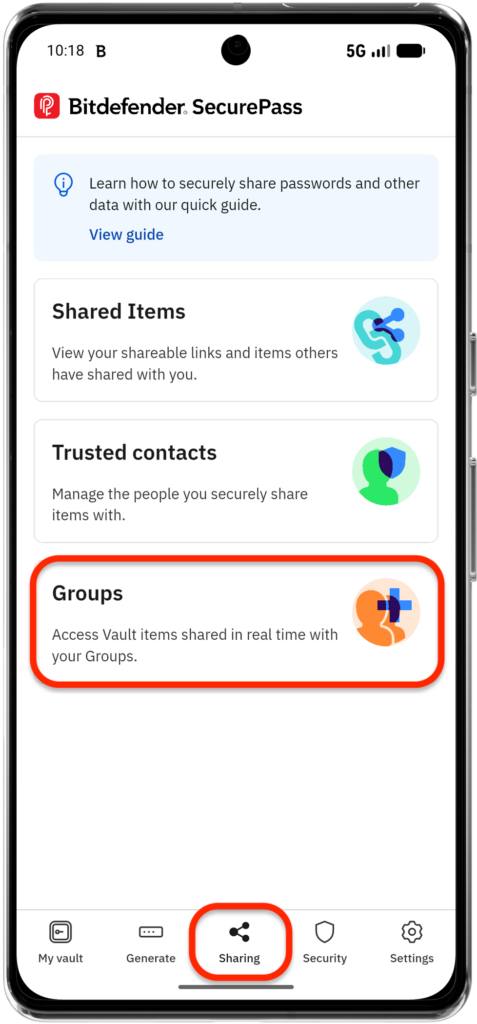
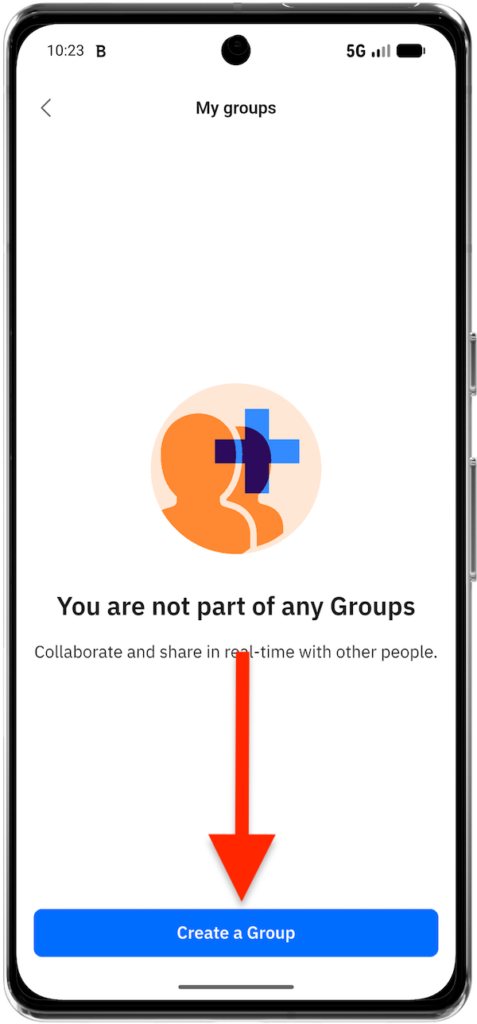
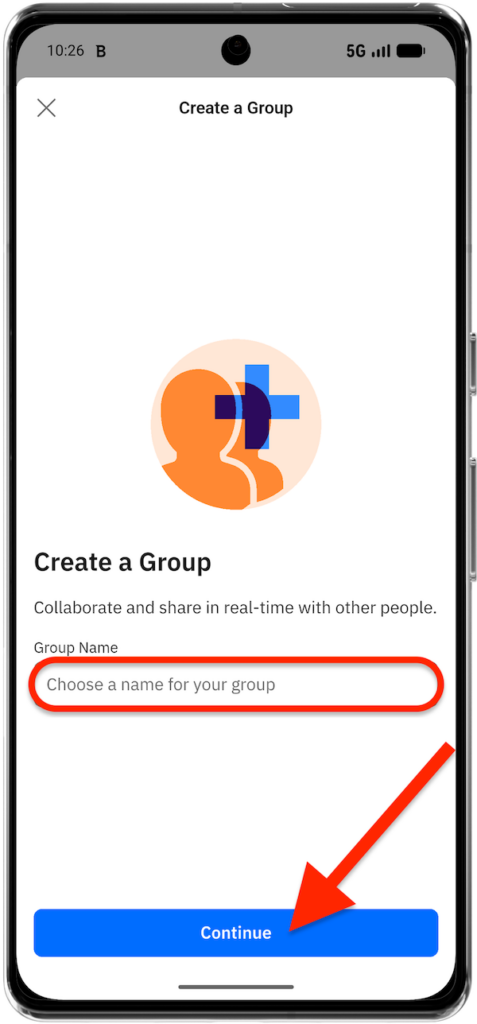
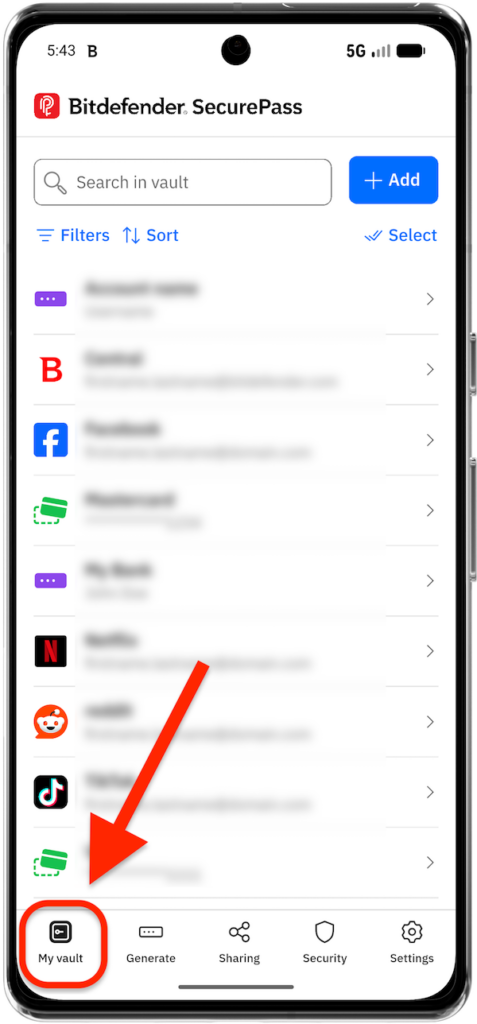
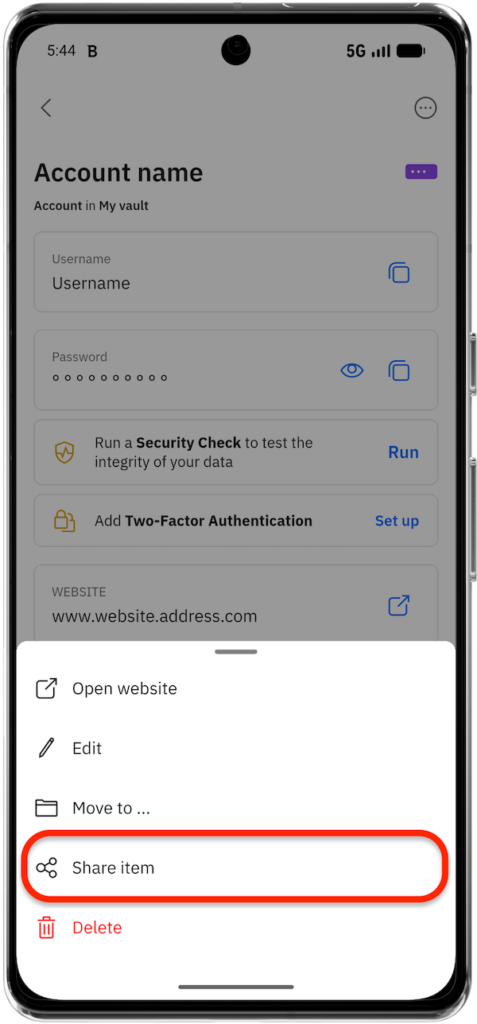
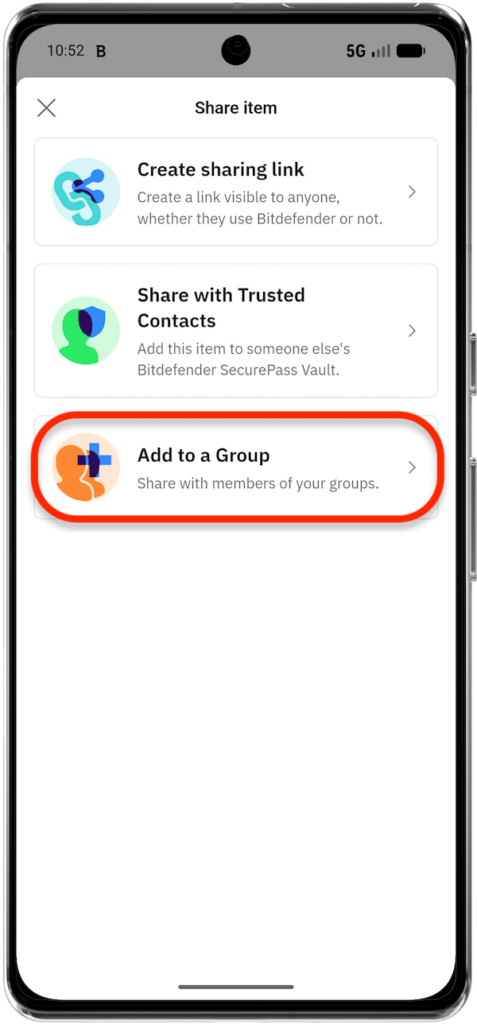
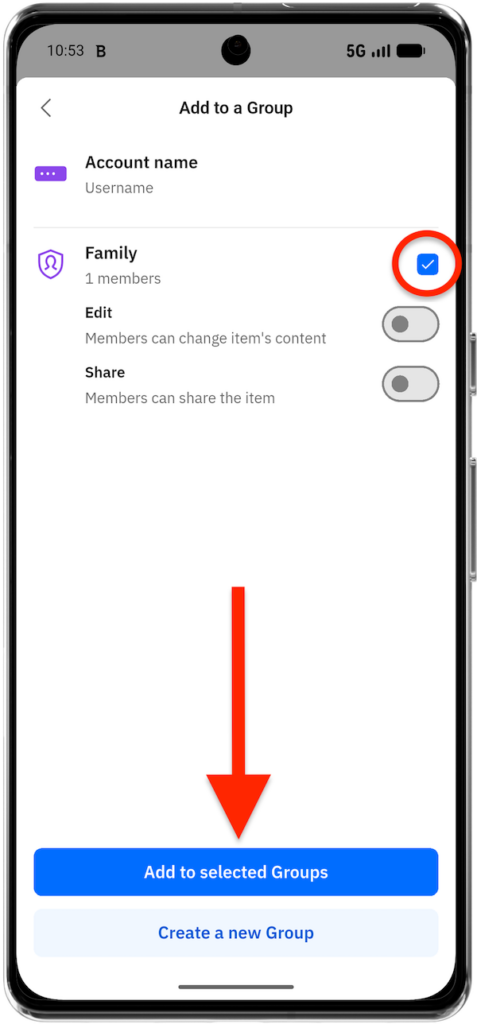
Groups make it easier to share one or more vault items with several people. You can create groups with other Bitdefender SecurePass users (family, friends, coworkers) to securely share sensitive data in an encrypted environment.
Browser (Windows and macOS)
Mobile app (Android and iOS)


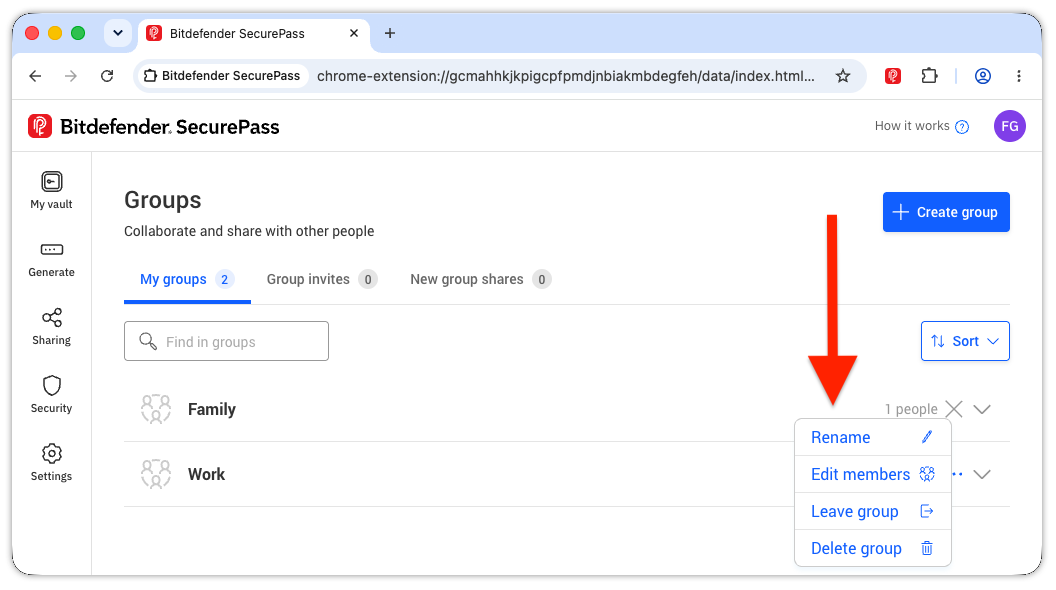
Manage Groups
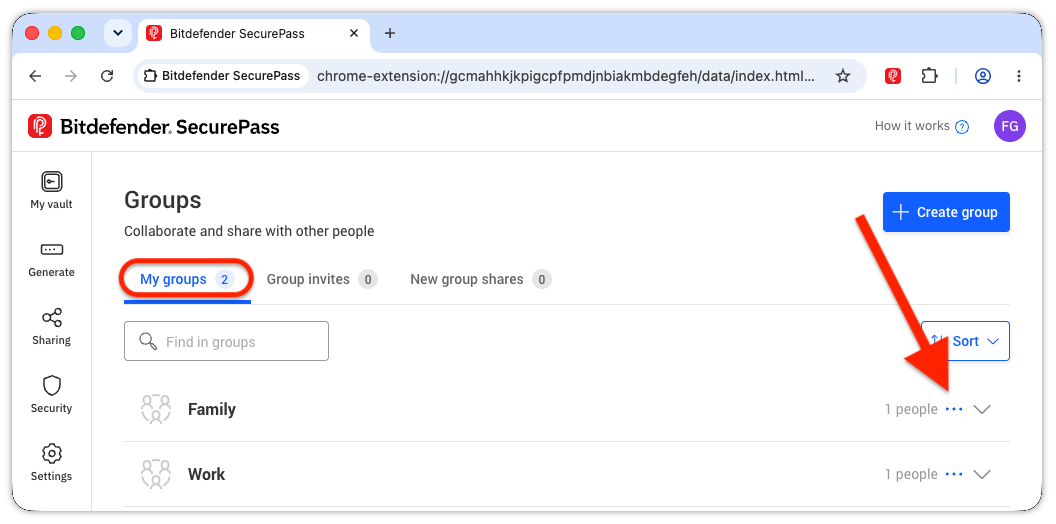
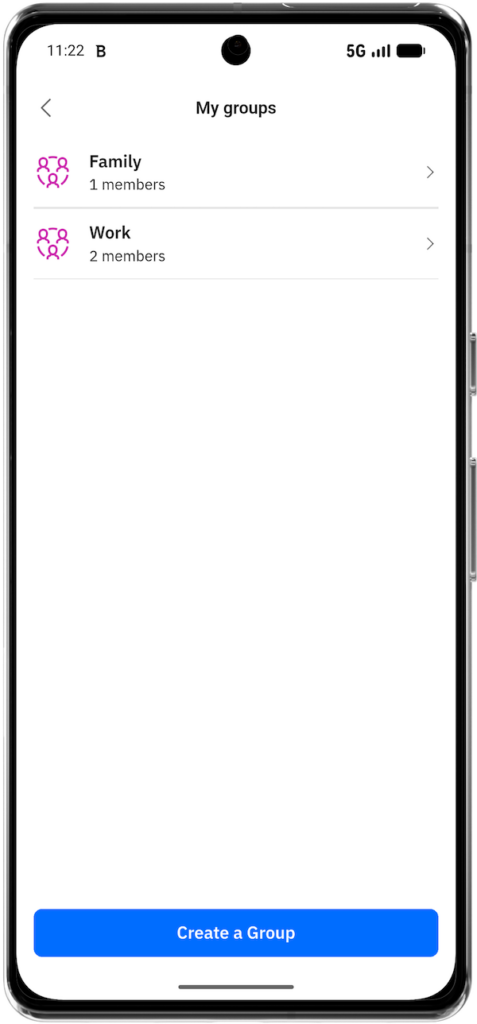
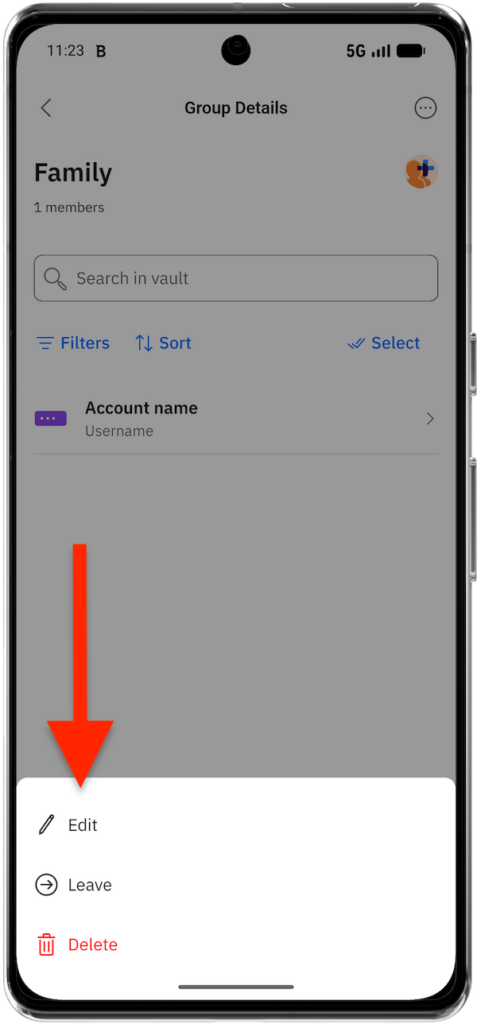
The Groups area lets you create groups, rename them, manage their members, review shared items, leave groups, or delete groups that you administer.
Browser (Windows and macOS)
Mobile app (Android and iOS)


Manage Shared Items
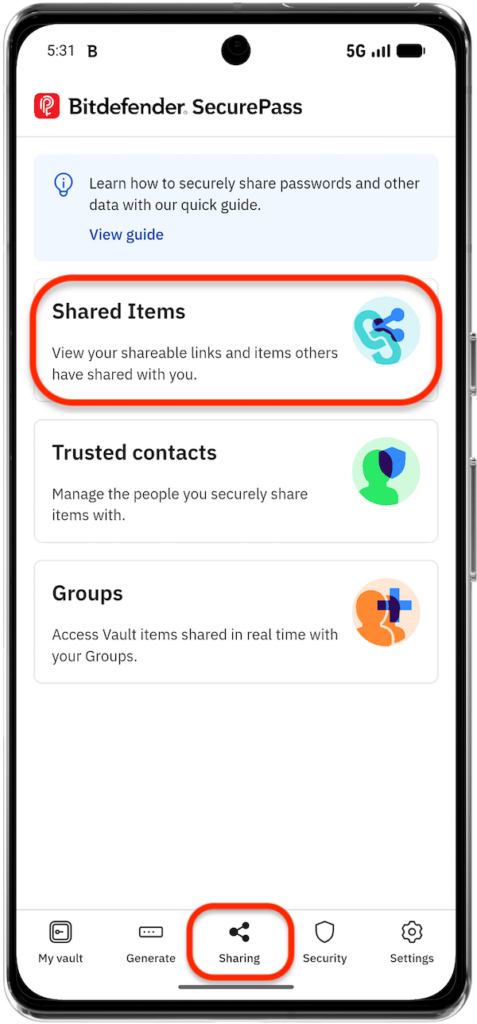
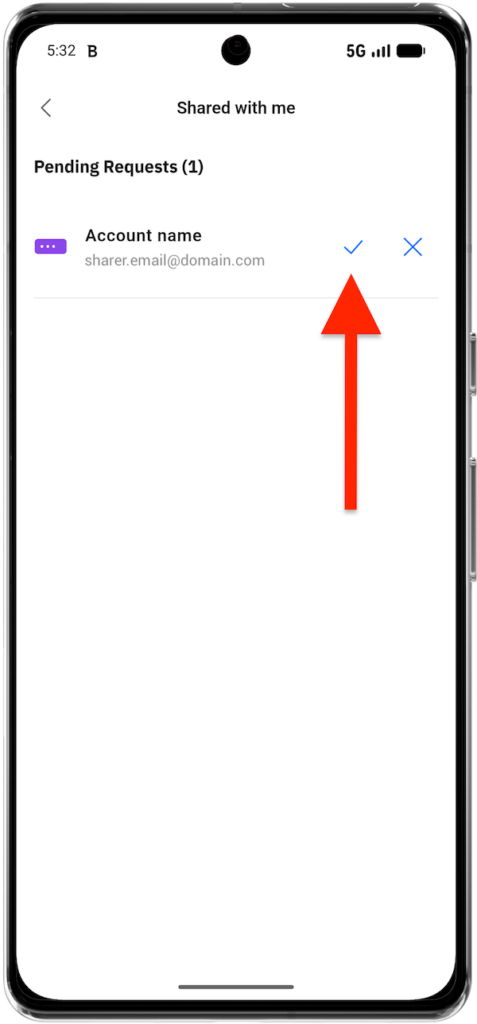
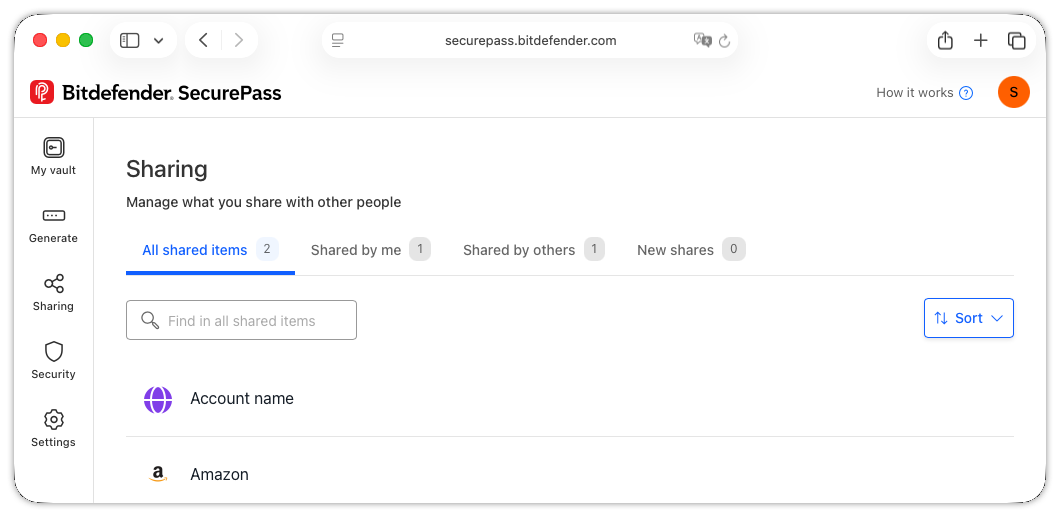
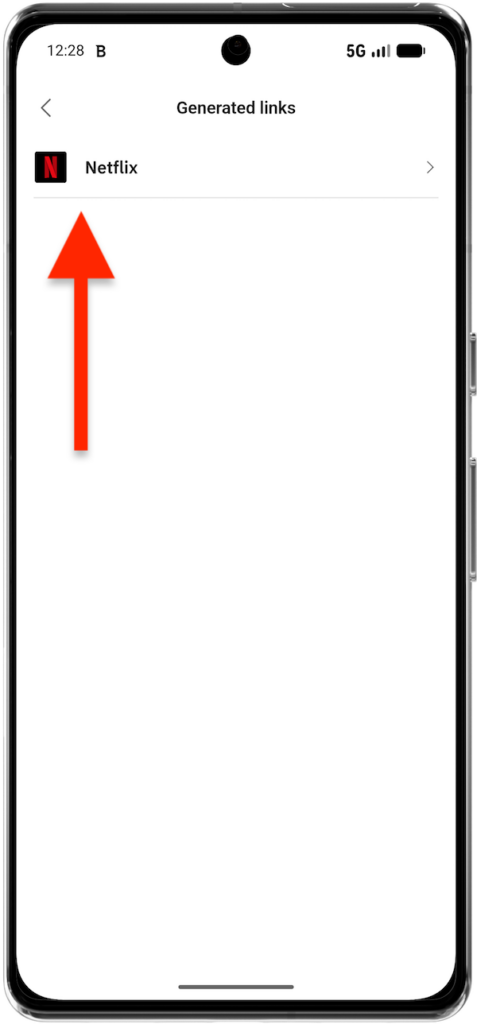
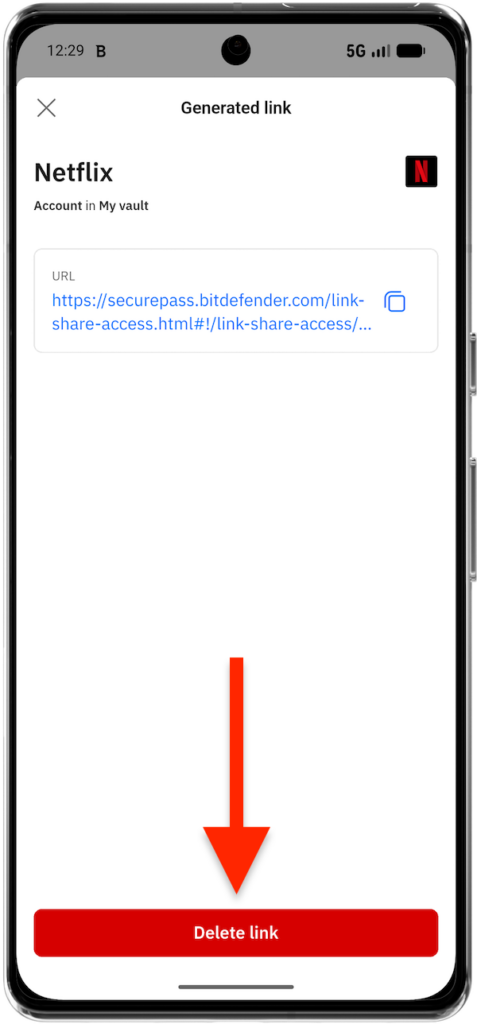
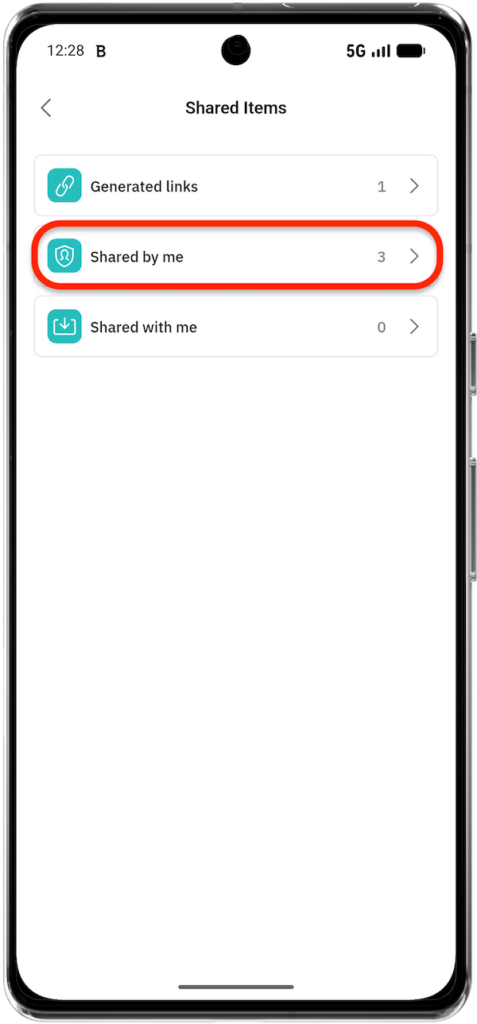
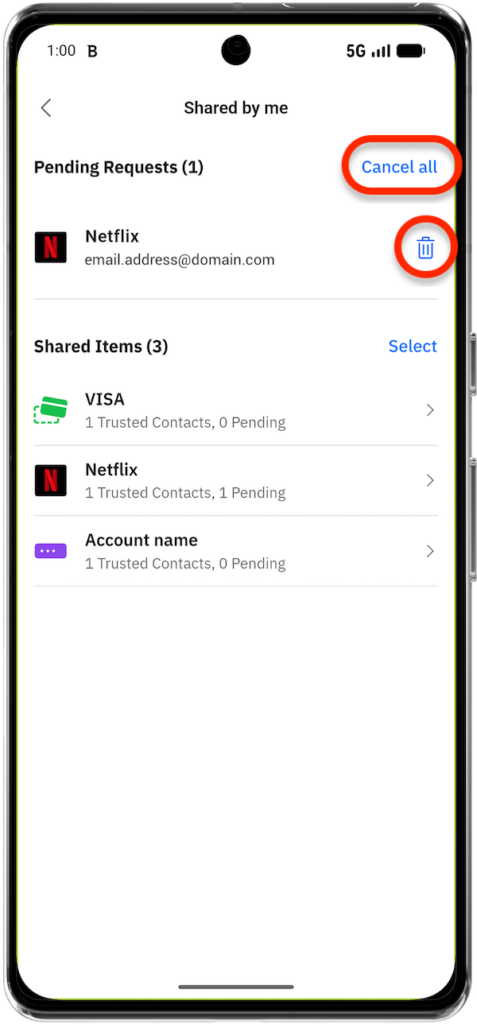
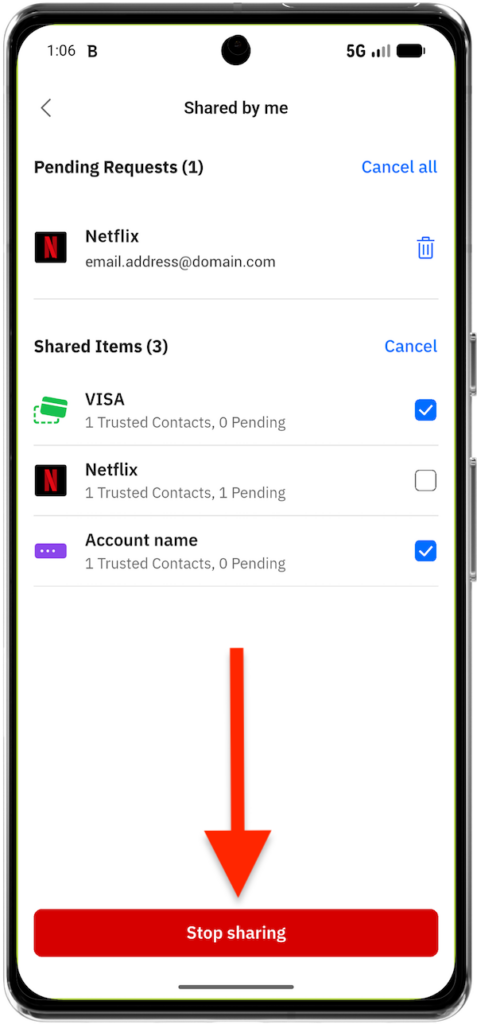
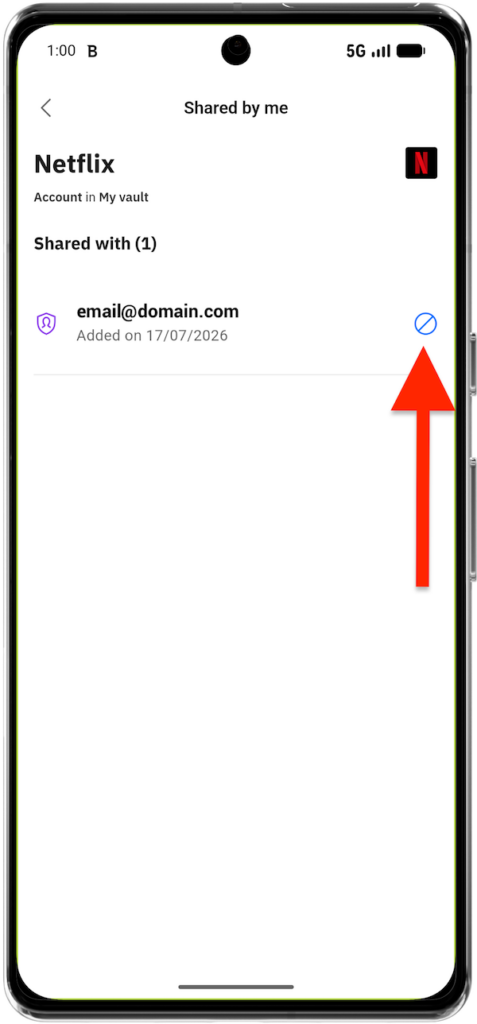
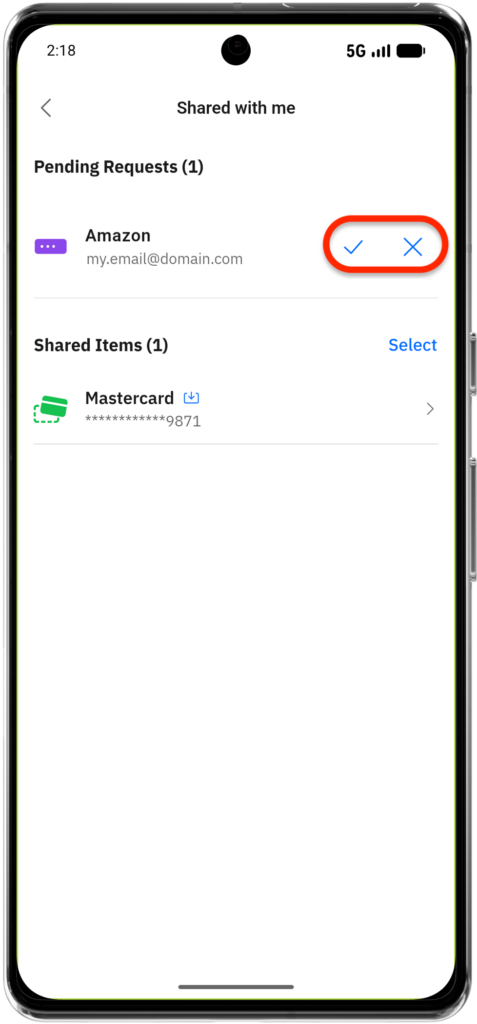
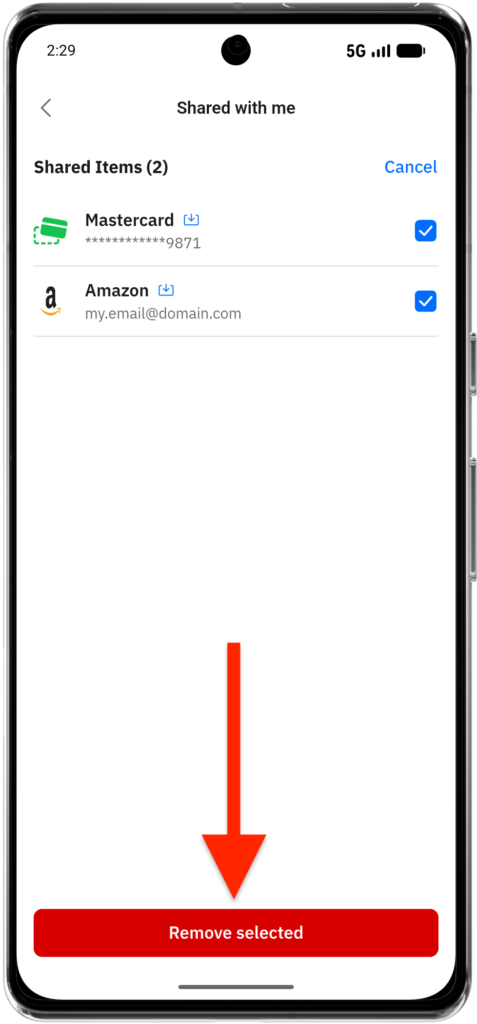
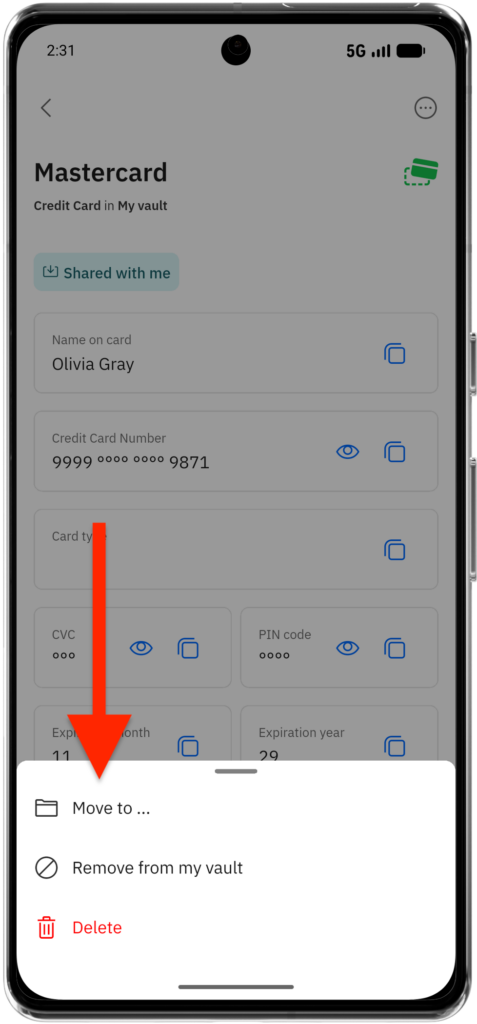
Use the Shared items area to view items that you have shared and items that other people have shared with you. You can also cancel pending requests, stop sharing individual items, or delete generated links.
Browser (Windows and macOS)
Mobile app (Android and iOS)





These features provide a flexible and secure way to manage shared access to sensitive information across individuals or groups while maintaining control over permissions and security.