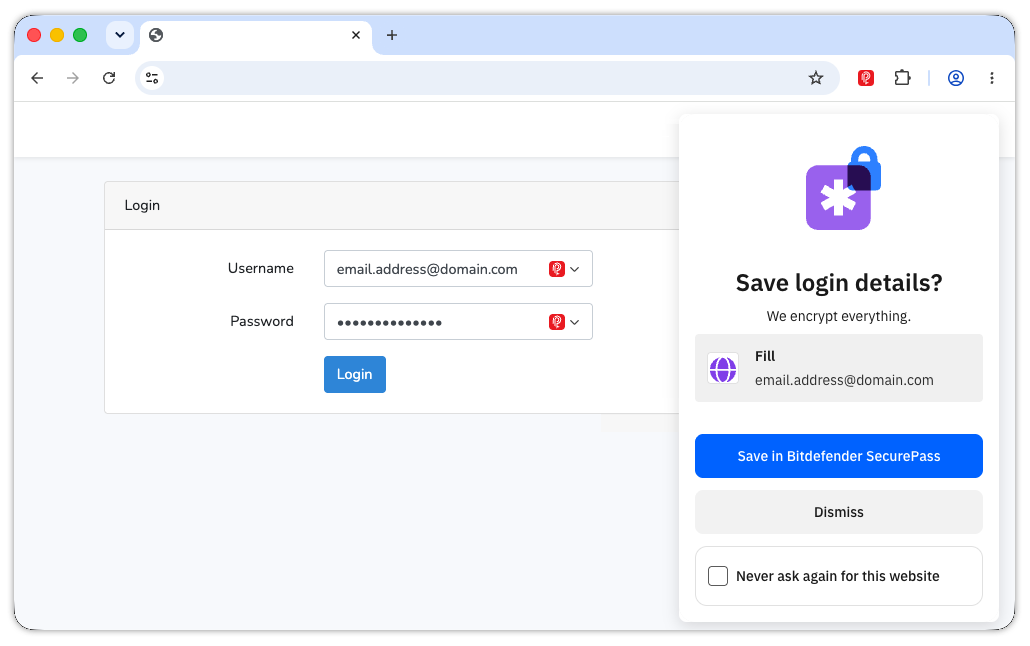
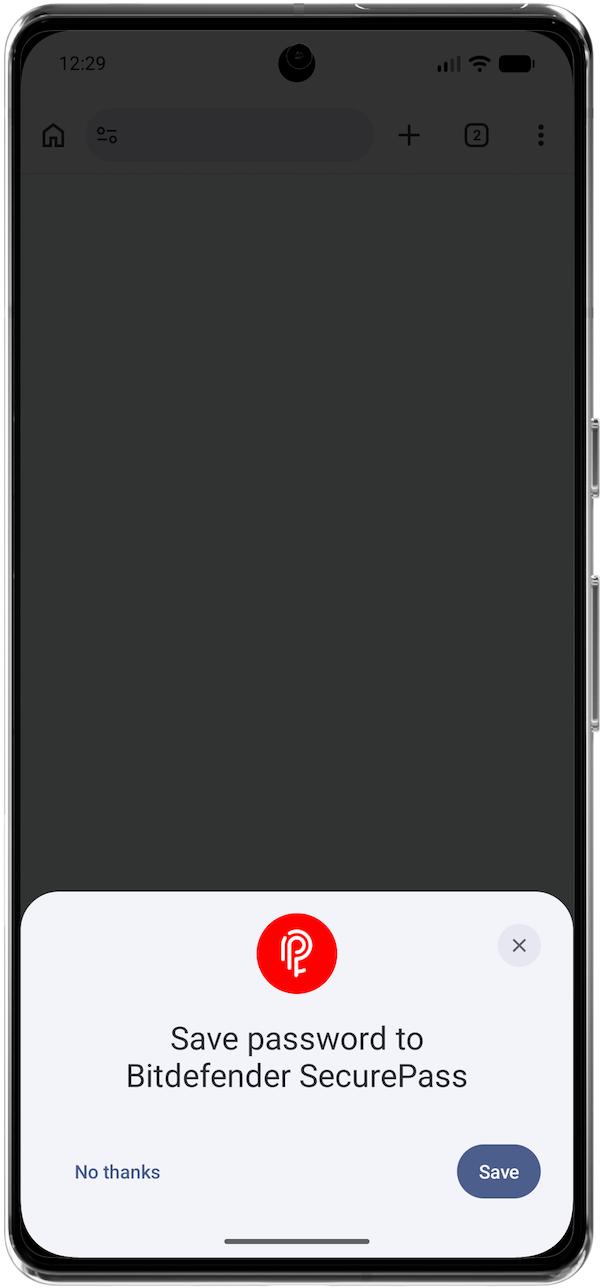
The autosave feature in Bitdefender SecurePass detects when you enter your username and password on a website and prompts you to save your credentials. This allows your credentials to be stored securely, making future sign-ins faster and more convenient.
If Bitdefender SecurePass isn’t prompting you to save a password the first time you log in to a website, follow the troubleshooting steps below.
How Autosave Works in Bitdefender SecurePass
The autosave feature is available only through:
- The Bitdefender SecurePass browser extension on Windows and macOS
- The Bitdefender SecurePass mobile app on Android
When you sign in to a website that isn’t already stored in your vault, SecurePass prompts you to save your login credentials.
When the Autosave Prompt Won’t Appear
The prompt to save your password will not appear if:
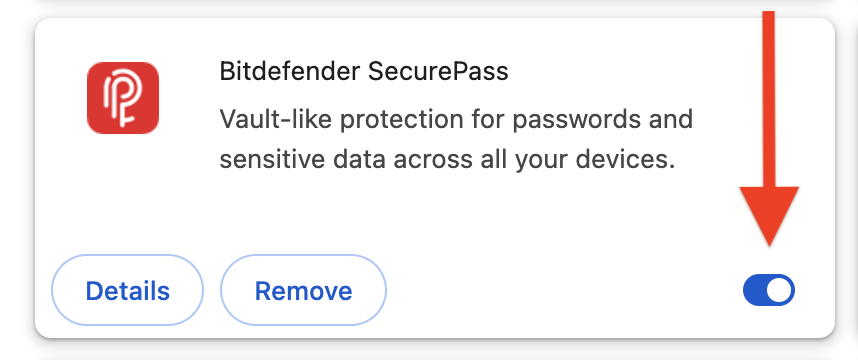
- The Bitdefender SecurePass browser extension is not installed or is disabled.
- You are using the Bitdefender SecurePass mobile app on iOS or the SecurePass web app, which do not support automatic password saving.