Protecting yourself against online scams is becoming increasingly challenging. Scammers now use AI to trick people into giving away money, personal information or to gain unauthorized access to systems. As a member of the Global Anti-Scam Alliance, Bitdefender is committed to protecting consumers worldwide from the growing threat of online scams. In line with this mission, Bitdefender has developed the industry’s first all-in-one scam protection layer.
What is Scam Protection Pro?
Scam Protection Pro is Bitdefender’s all-in-one scam protection service with automatic threat detection, real-time alerts, and trusted AI help, included with the following Bitdefender subscriptions, both individual and family versions:
- Bitdefender Premium Security
- Bitdefender Ultimate Security
- Bitdefender Ultimate Security Plus
- Bitdefender Ultimate Small Business Security
Supported Devices
Scam Protection Pro works on all major platforms. Choose your operating system below to view the setup instructions for your device:
Easy to set up and use, with the same look and feel across all devices.
Scam Protection Pro Features
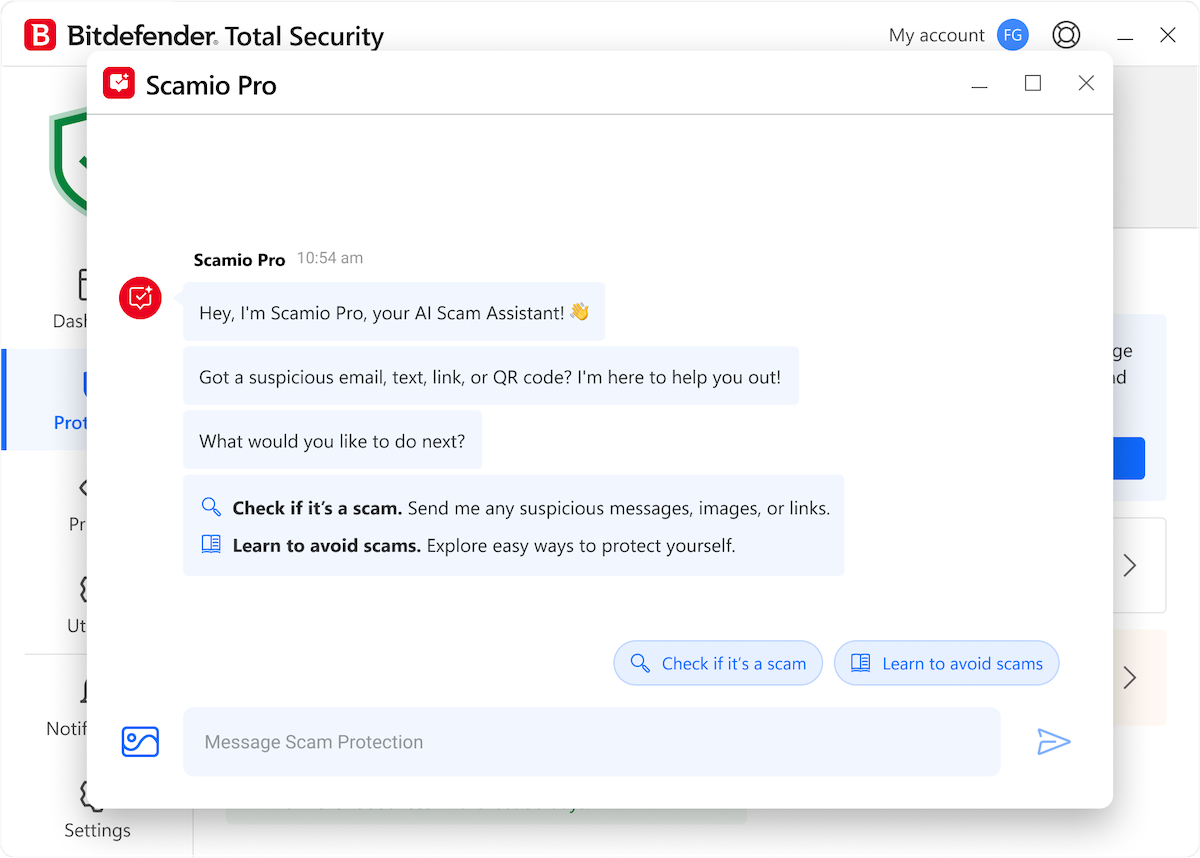
Scamio Pro
Scam Radar
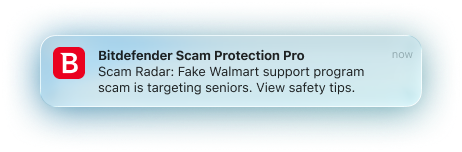 Its purpose is preventive: if you’ve activated Scam Radar, you’ll receive proactive alerts when a high-risk scam wave is detected nearby, often spreading through coordinated text messages or fake Facebook ad campaigns.
Web Scam Protection
Email Protection
Mobile Protection
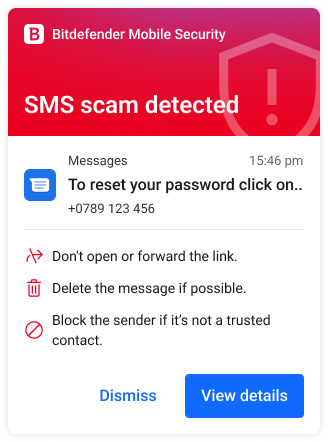
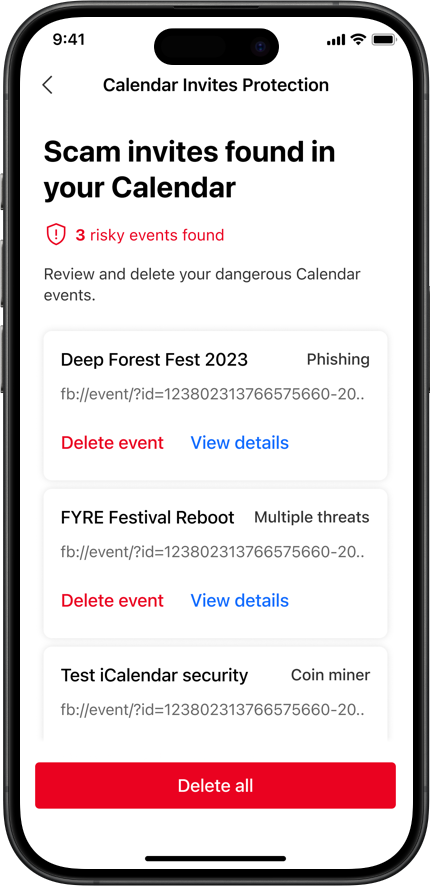
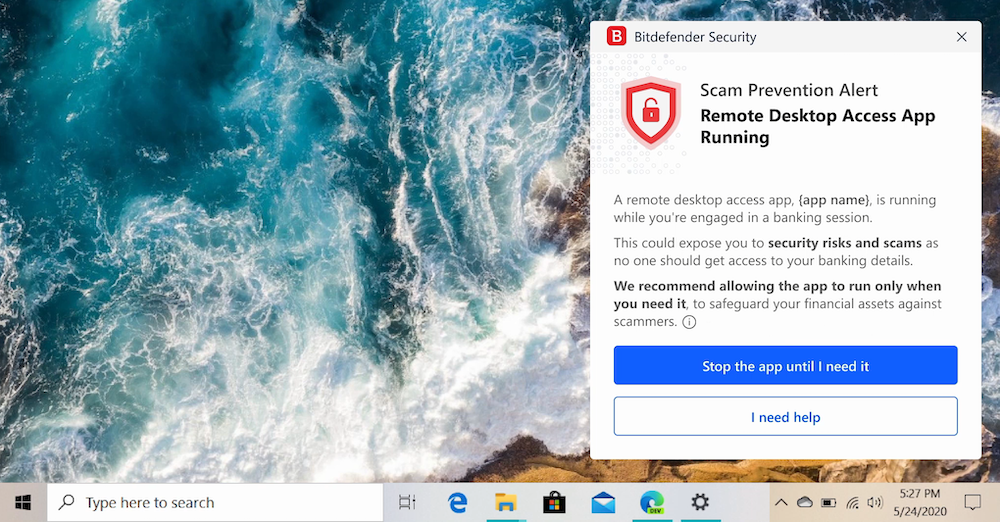
Remote Access Scam Protection
Dashboard & Settings
You can easily open Scam Protection Pro from the Bitdefender security app. The Scam Protection Pro dashboard provides access to main features and is divided into 2 sections: Quick Actions and Activity.
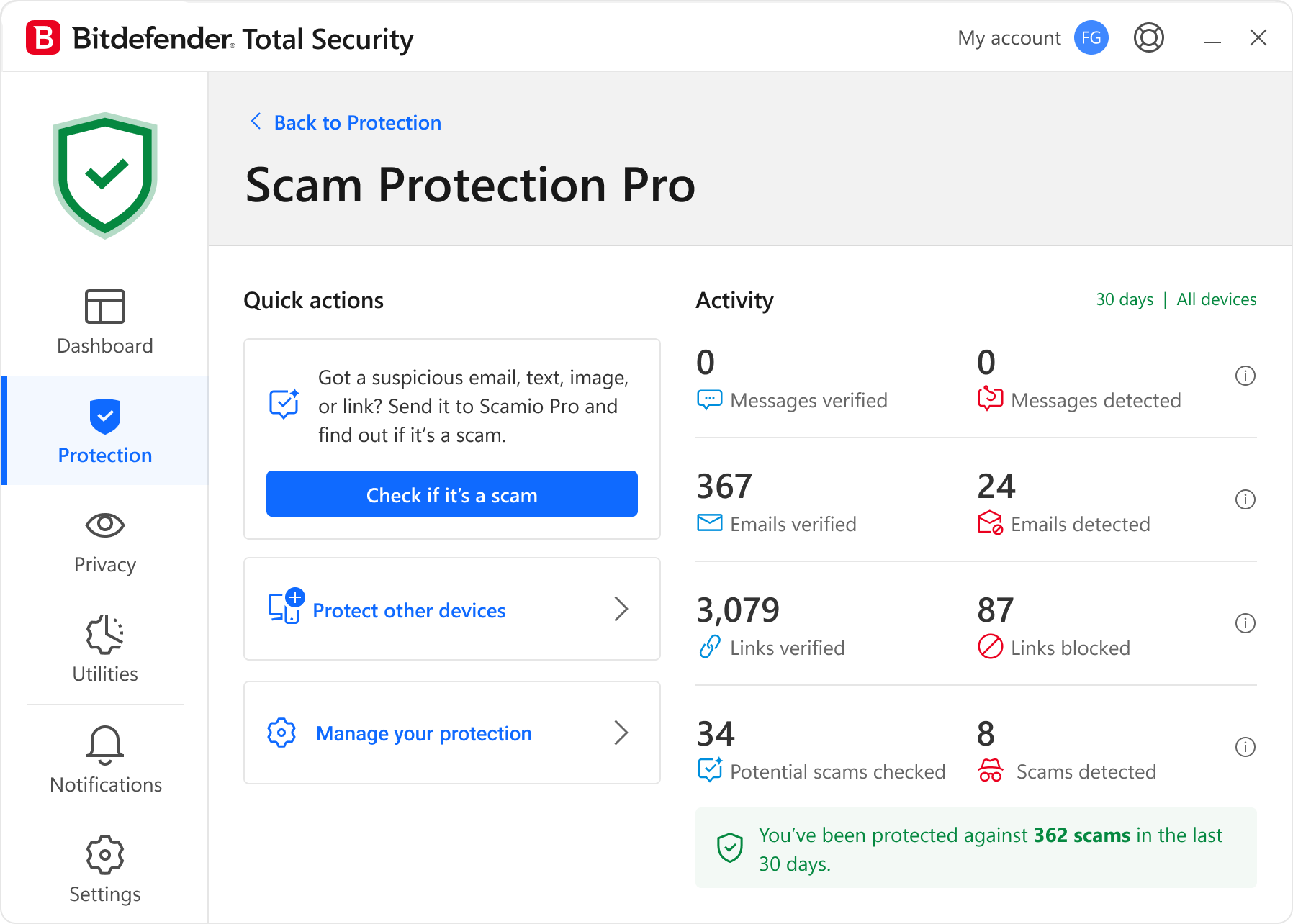
Activity
The Activity section displays scam protection statistics across all secured devices over the last 30 days.
Quick actions
In the Quick actions section, you can:
- Check if it’s a scam: Check suspicious content with Scamio Pro, your AI scam assistant.
- Protect other devices: Send a download link or scan the QR code to install Bitdefender on more devices.
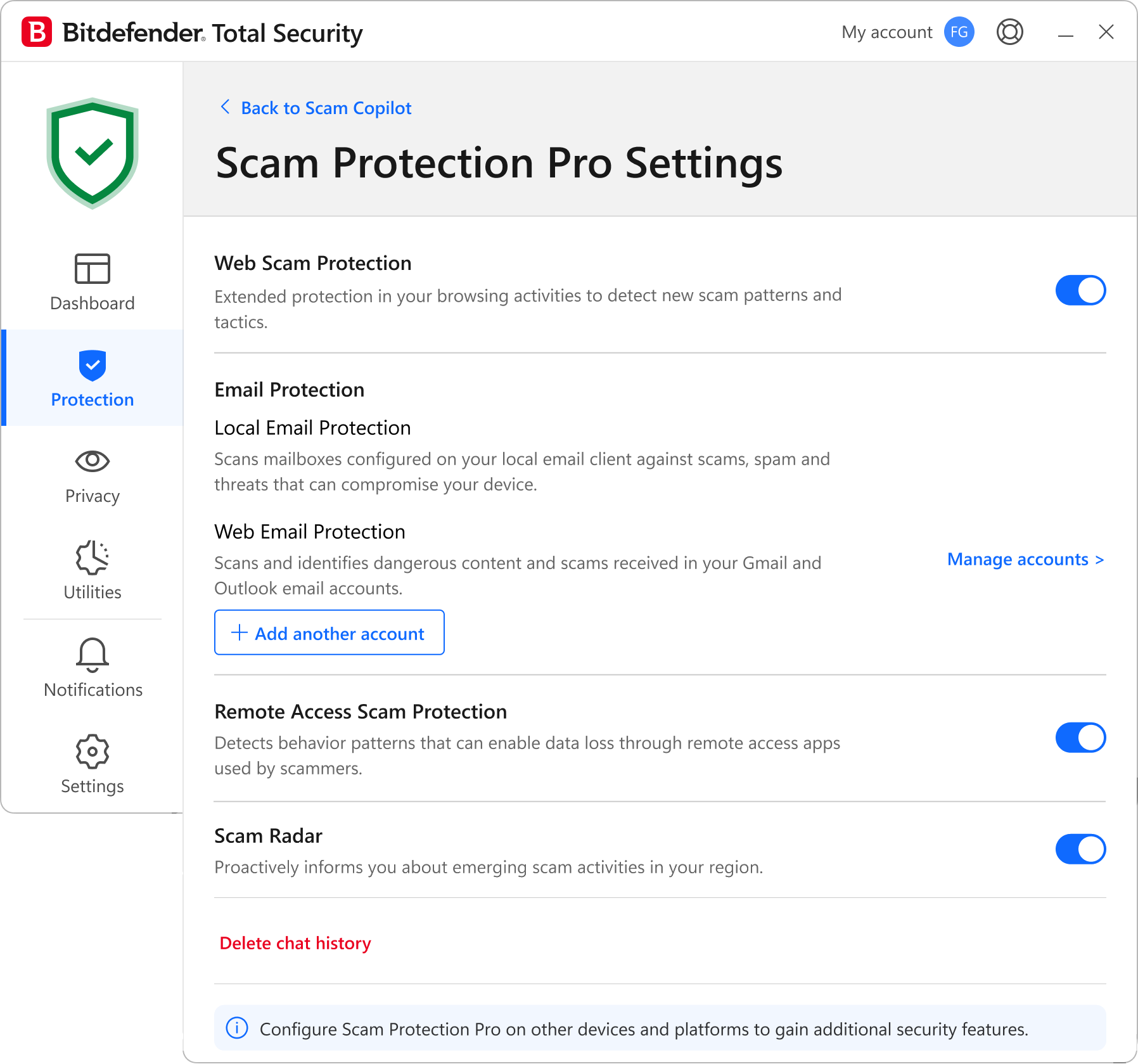
- Manage your protection: Open the Scam Protection Pro settings to enable or disable specific features and delete your chat conversation history.