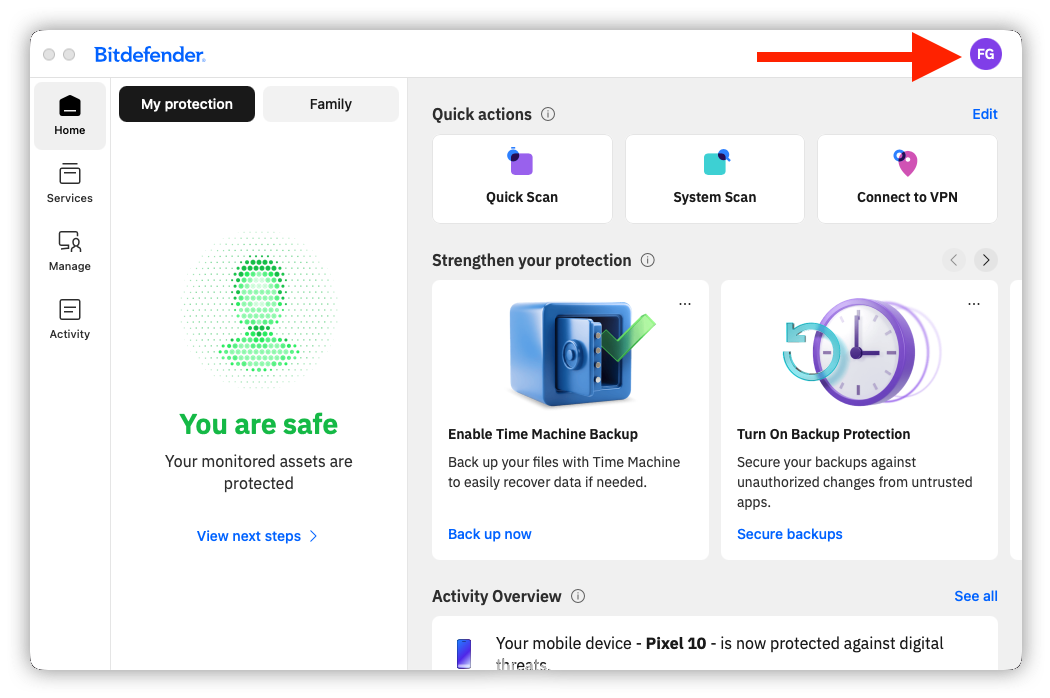
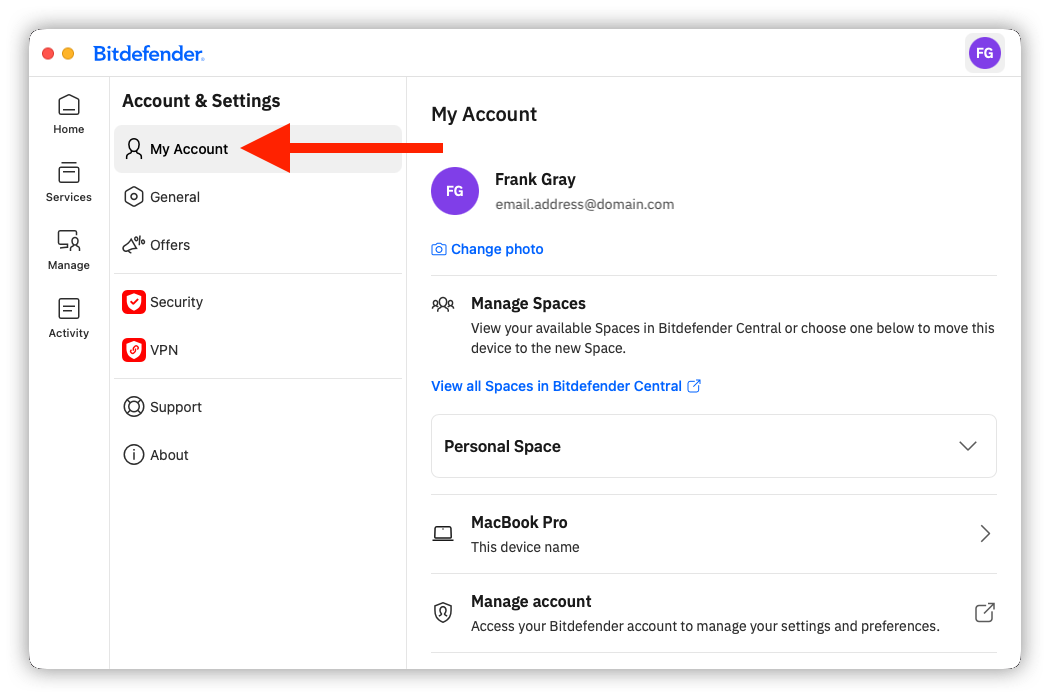
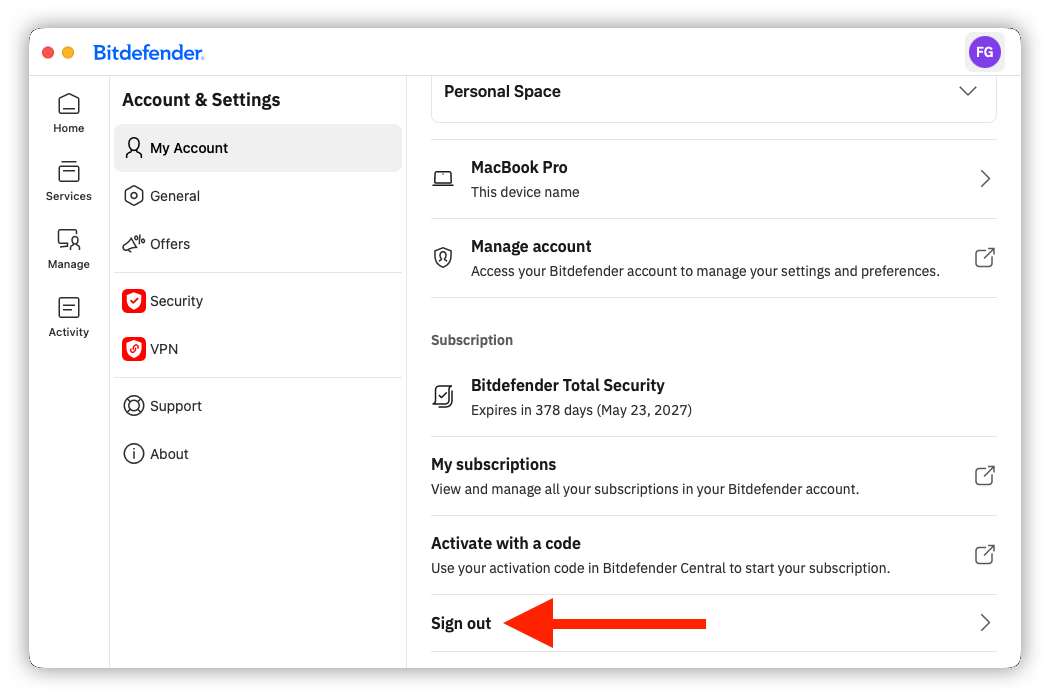
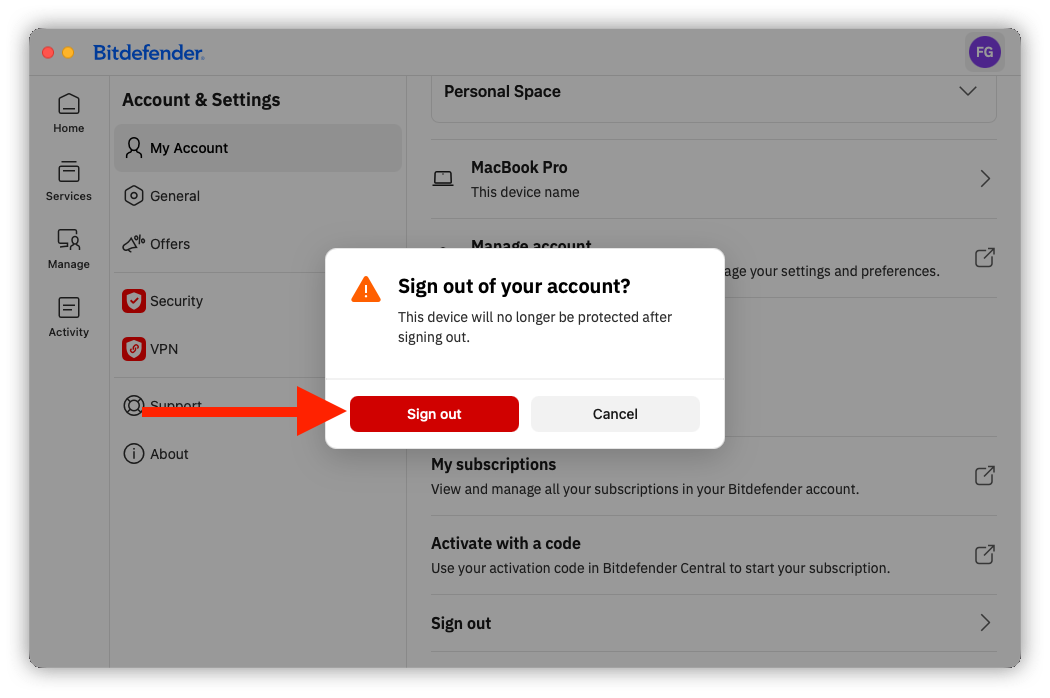
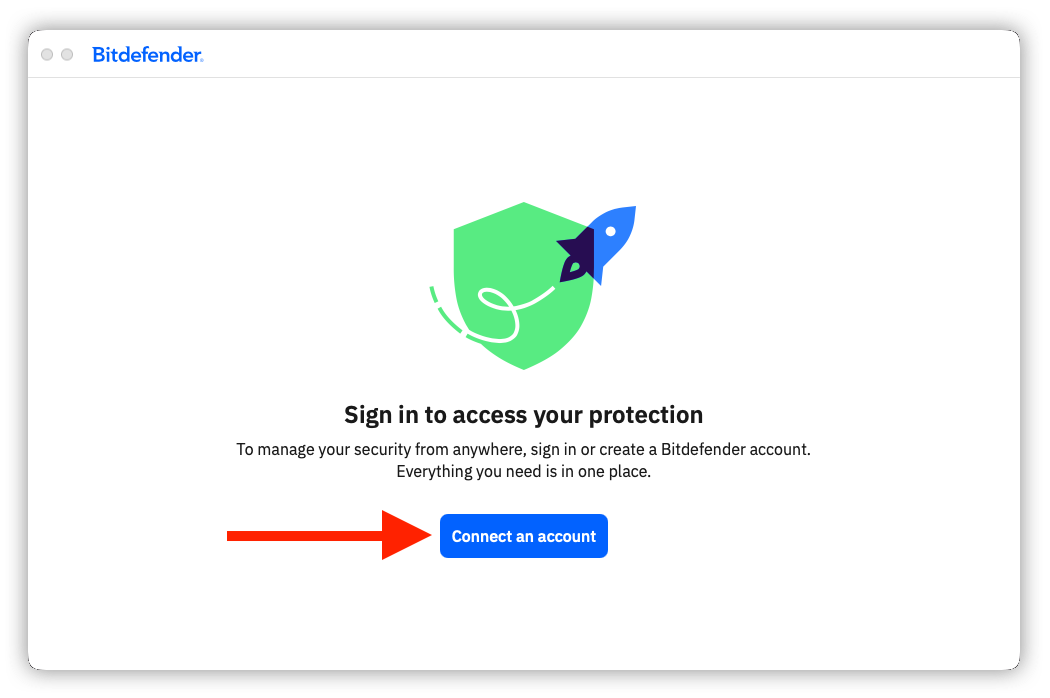
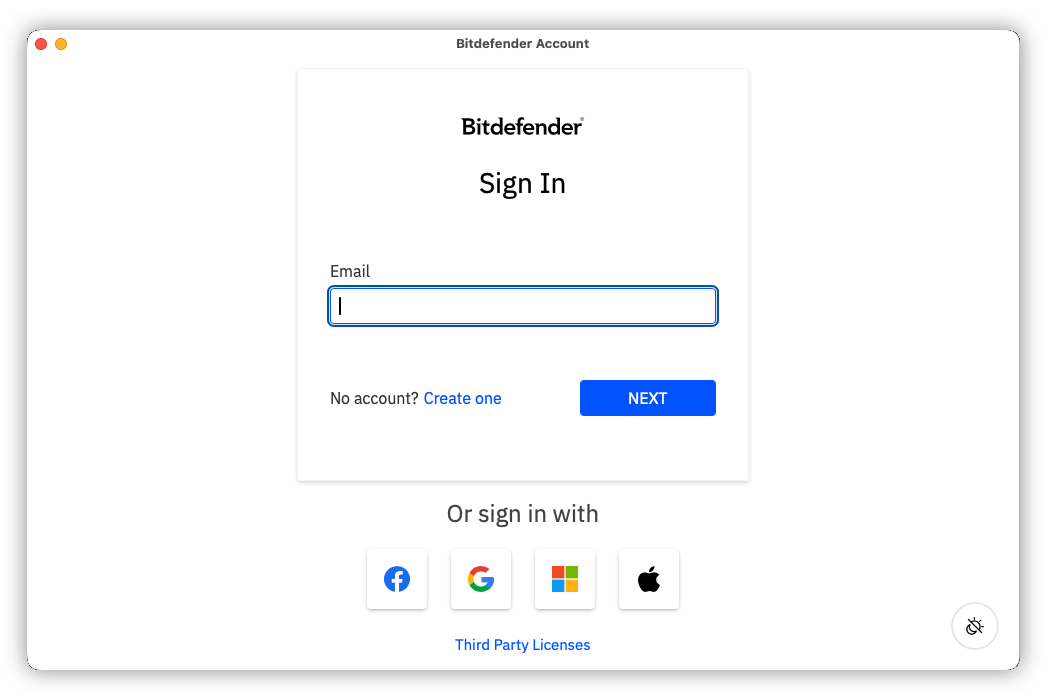
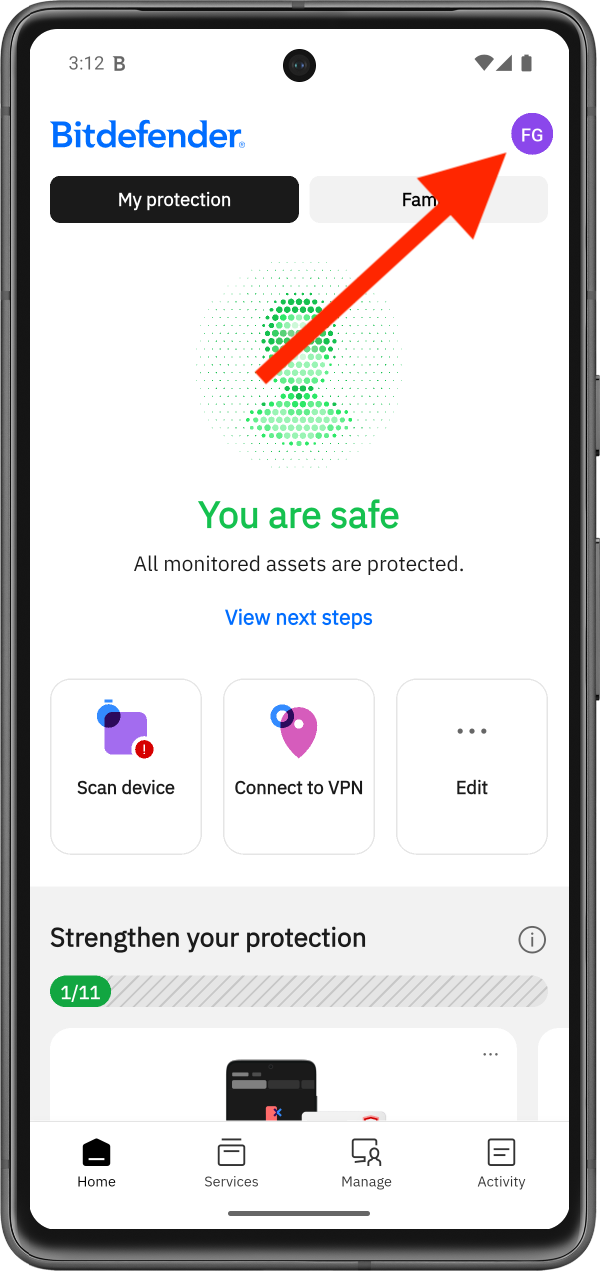
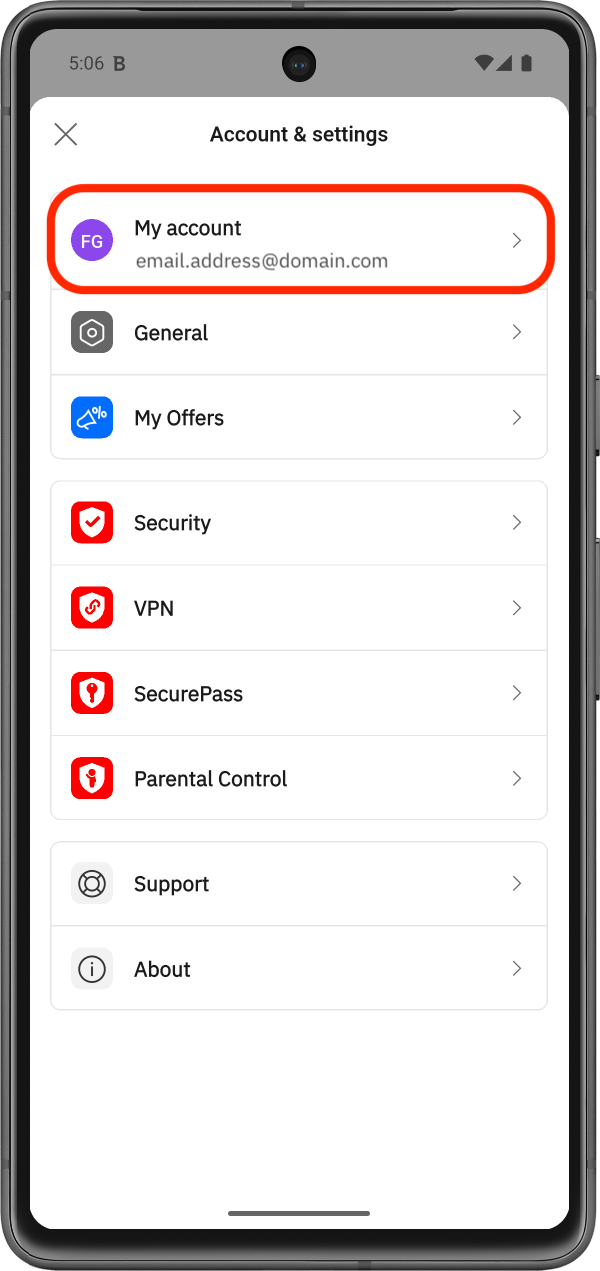
This guide explains how to switch accounts in the Bitdefender App on a desktop computer or in Bitdefender Hub on a mobile device.
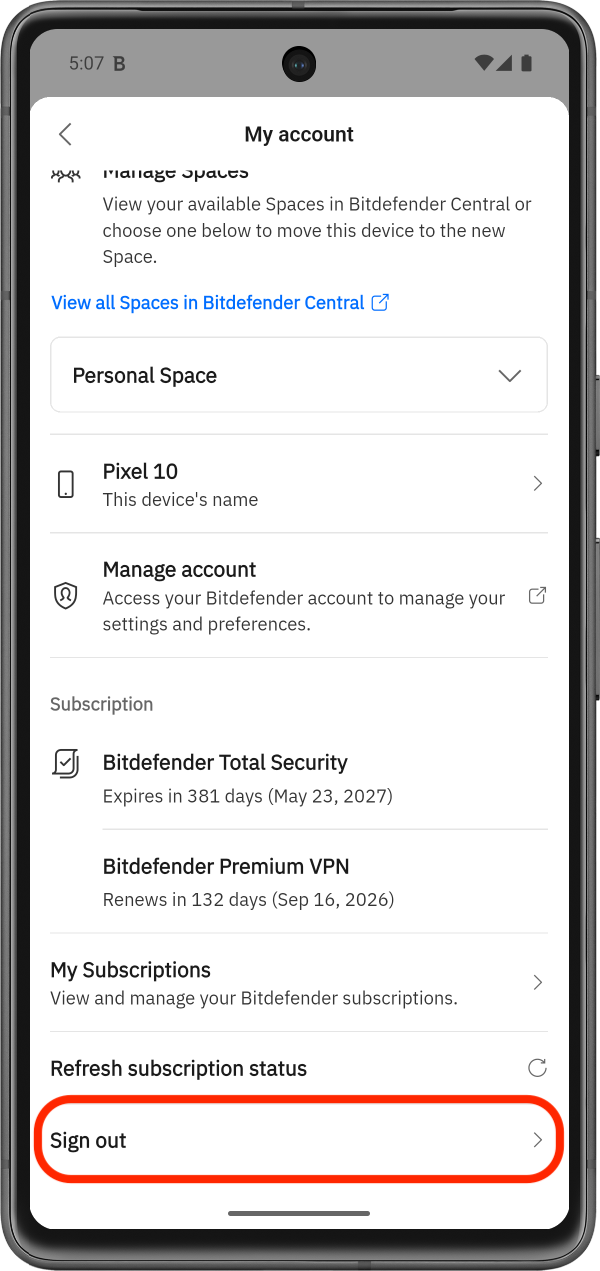
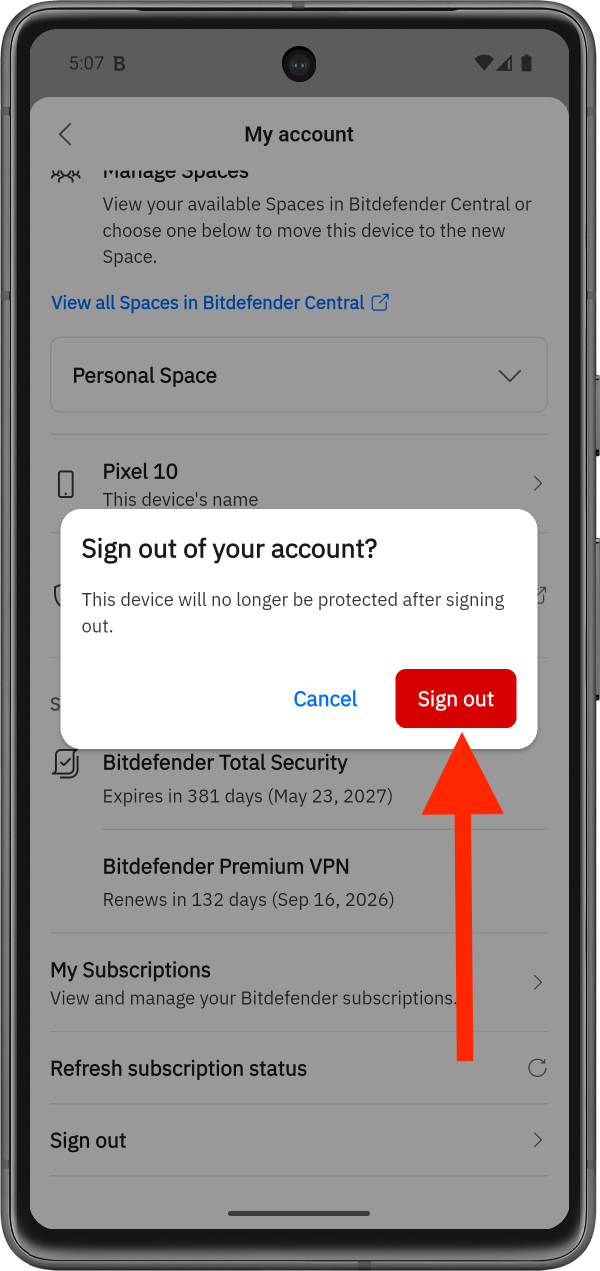
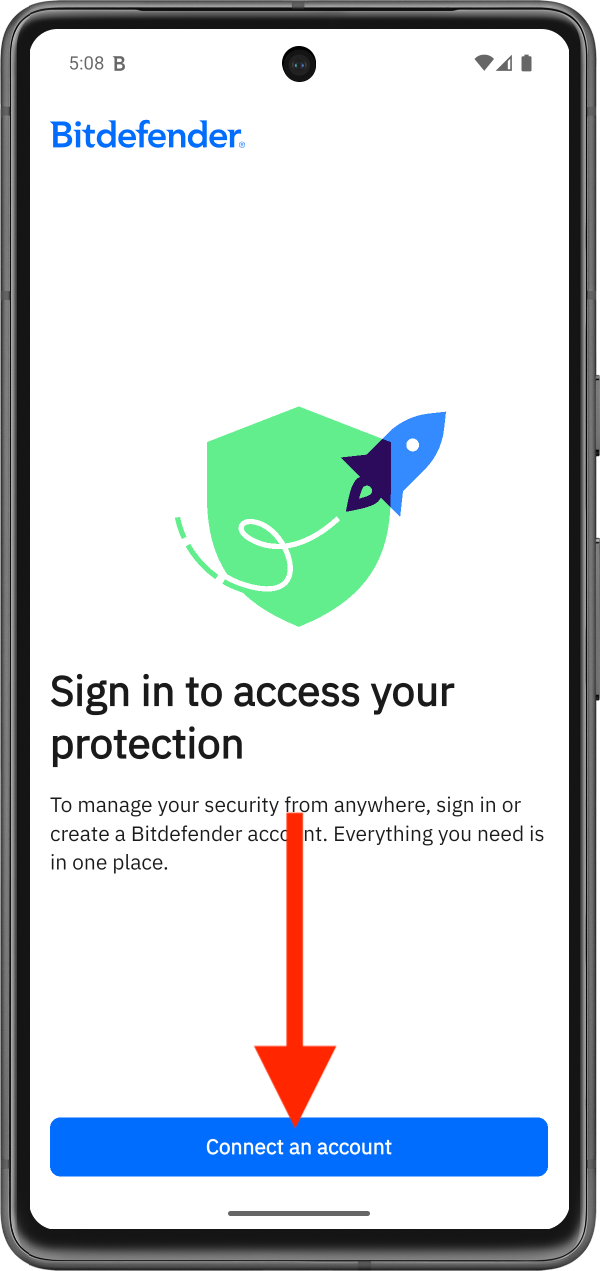
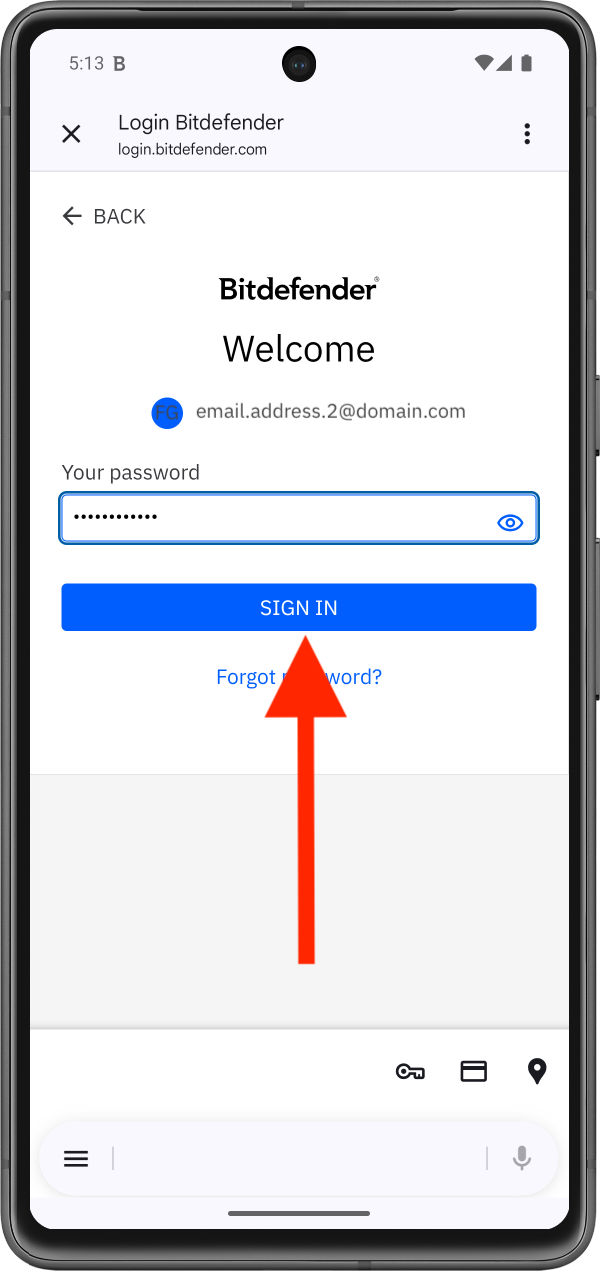
If you have more than one Bitdefender Central account, you can easily switch between them in Bitdefender App | Hub by signing out of your current account and signing back in with another one. After you sign back in, the Bitdefender app will automatically detect and apply all active subscriptions associated with that Bitdefender account.
Switch Accounts in Bitdefender App for Desktop (Windows, macOS)