Defending Starlink-backhauled IoT from sky-borne snoops

April 07, 2026
Starlink can extend smart home connectivity far beyond cable footprints, but satellite backhaul does not make IoT security automatic. Consumers still need to secure the router, the dish-adjacent network edge and the smart devices that ride on top of it.
Key takeaways
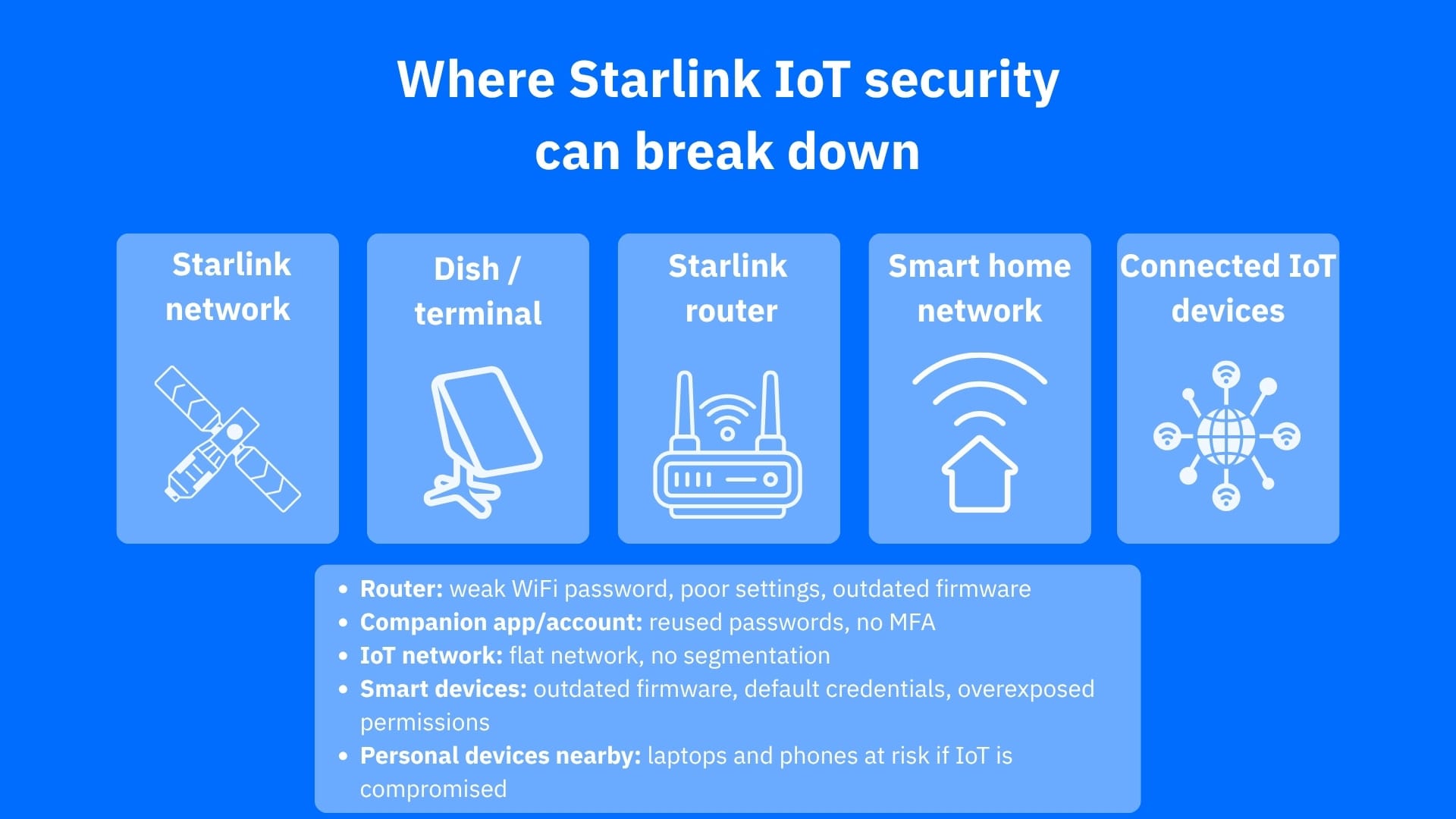
- Starlink adds resilient connectivity for smart homes, but it also expands the attack surface around the router, terminal, apps and connected IoT devices
- The most realistic threats for consumers usually sit on the ground side of the connection, such as weak Wi-Fi, exposed management interfaces, unpatched devices and poor segmentation (instead of Hollywood-style dramatic satellite interception scenarios)
- Separating IoT devices from laptops and phones, keeping firmware updated and using router-level protection can significantly reduce risk in satellite-connected homes
Why Starlink-connected IoT still needs defending
There is a misconception that Starlink is innately secure just because traffic goes through space. However, a Starlink-connected smart home is subject to the same security issues as a regular smart home with a landline internet connection.
Consumer risk is not eliminated simply because Starlink implements security controls, supports WPA2 on its router, has its practices reportedly validated by third parties and runs a public bug bounty program. A satellite link still depends on edge devices at home, and edge devices remain a prime target because they sit at the boundary between your private network and the internet. CISA warns that routers, VPN gateways and other boundary systems are high-value targets because they are exposed and often under-defended.
For IoT households, that means your weak point is often not the satellite itself, but the smart camera with stale firmware, default credentials on a hub, the flat home network that lets one compromised device talk to everything else or the router doing too much with too little visibility.
What ‘sky-borne snoops’ means in practice
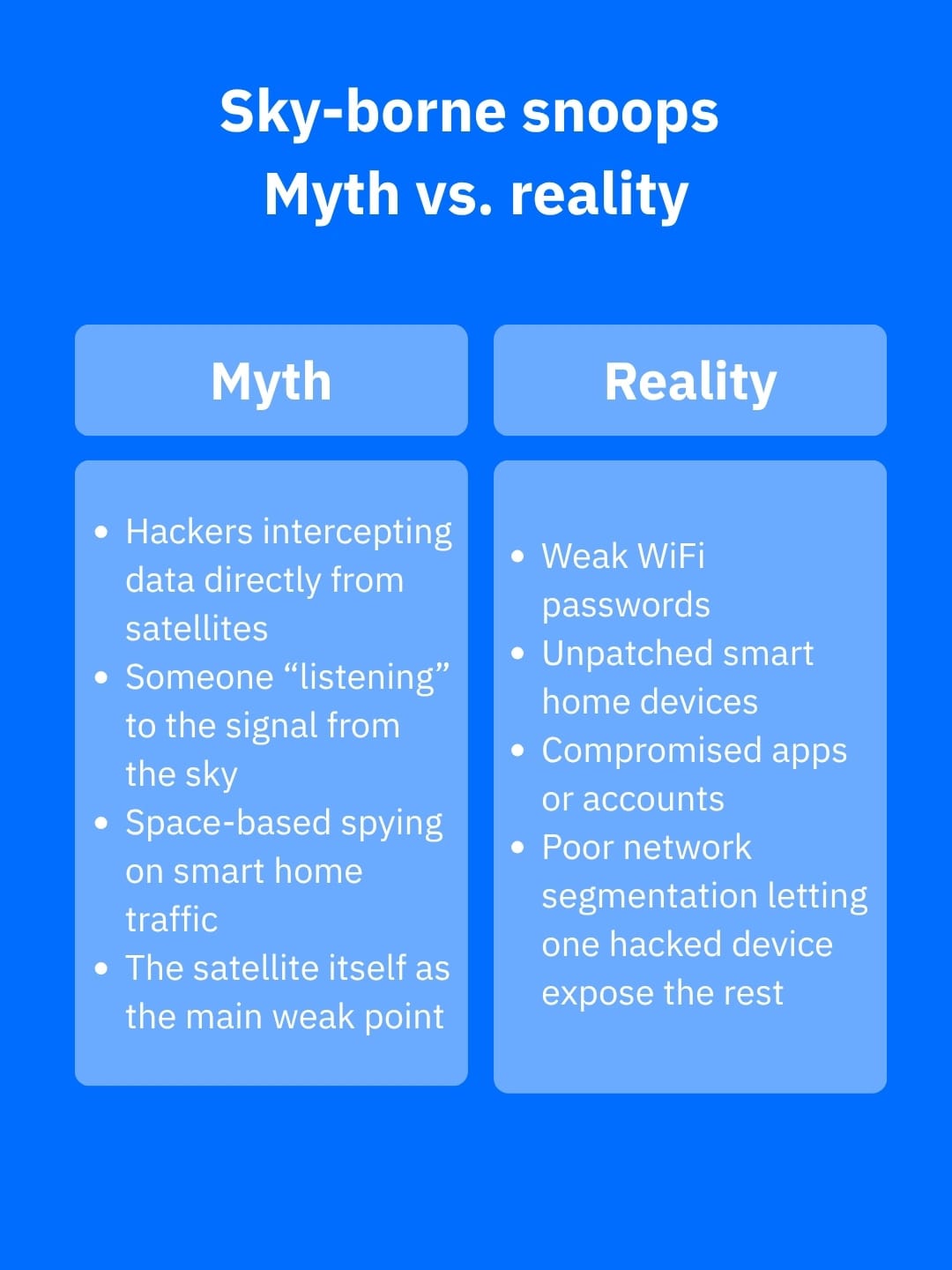
It sounds like a phrase from Hollywood, but the practical threat model is more grounded. Satellite communications research shows that satellite systems can widen the attack surface and remain exposed to eavesdropping, tampering and disruption if protections are weak, misconfigured or absent. At the same time, directional dish-based systems limit who can realistically intercept signals compared with broader radio broadcasts.
For a consumer Starlink setup, that means a would-be snoop is more likely to exploit the local environment than to break the space segment. Think of a nearby attacker probing Wi-Fi, a drone-assisted observer trying to map exposed wireless devices around a property or a threat actor abusing a vulnerable router or smart home product to gain access from the inside out. As research on drones and wireless reconnaissance has shown, airborne platforms can help discover or profile nearby wireless devices, which doubles down on the importance of local hardening.
How to harden a Starlink-backed smart home
The best defense starts with reducing how much trust you place in any one device on your setup.
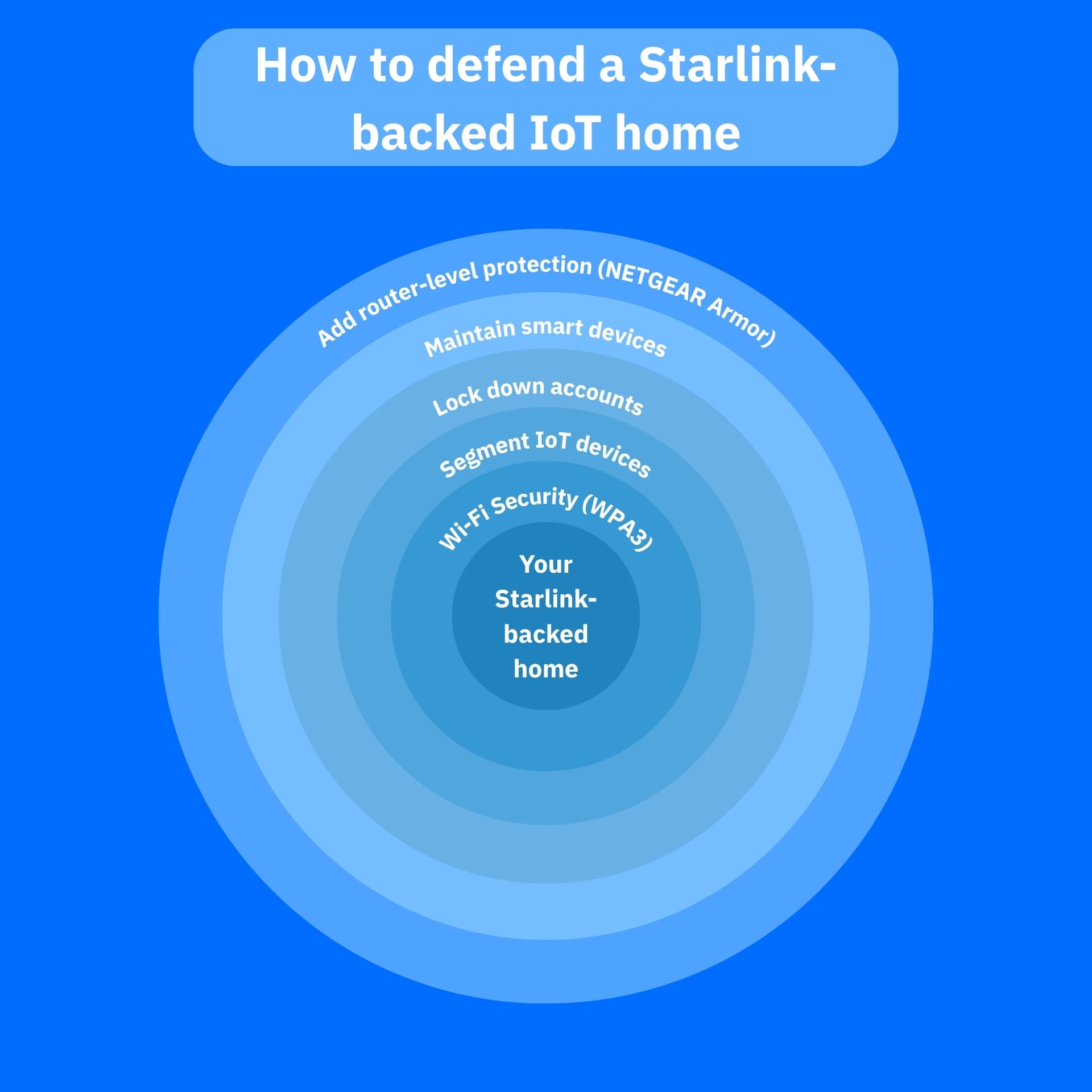
1. Segment your network
The first step would be to segment your network. Put your smart cameras, smart bulbs, TVs, voice assistants and other IoT products on their own network, guest network or VLAN instead of letting them share the same space as laptops, work devices and phones.
By segmenting your network, you limit an attacker’s lateral movement if one of your gadgets is compromised. It is also one of the most effective ways to mitigate smart-home risks.
2. Update your devices and apps
The second step to protect your Starlink-backed smart home is to update aggressively. Starlink pushes software changes, and so do your IoT vendors. However, consumers often forget the device behind the router.
Unpatched doorbells, printers and cameras are exactly the kind of soft targets attackers look for when performing reconnaissance.
3. Restrict access
Locking down access on a per-need basis can make a world of difference to your Starlink smart home. Change default passwords for your apps and devices, use strong unique credentials (a password manager like Bitdefender SecurePass can help prevent password fatigue), turn on MFA for companion apps where available and disable remote administration unless you actually need it.
4. Reduce visibility
Audit your smart home network regularly, keep a low profile for your Starlink-connected smart home. Rename the default SSID, remove unnecessary smart devices from your network and review what each device is allowed to reach online. Fewer exposed devices and always-on gadgets can greatly reduce your attack surface.
5. Dedicated security services
One of the hardest parts of IoT security is that many smart devices lack the ability to run traditional security software. That’s where router-level protection becomes useful. NETGEAR Armor is designed to protect devices on the network that might otherwise go unmonitored, including smart TVs, security cameras, door locks and voice assistants.
NETGEAR Armor can help you block known and emerging threats at the router level, extend protection beyond PCs and phones and add features such as scam, phishing and privacy protections, making it a strong fit for Starlink-backed IoT households.
Conclusion
While Starlink changes where your internet comes from, it does not bend the basic rules of IoT security. If you want to learn how to protect your Starlink-backed smart home, the goal is to assume that any smart device can become a foothold, then design your home network so that one weak device does not expose everything else. By doing so, you reduce your attack surface and make your smart home less appealing to threat actors because there is far less for them to exploit in the first place.
Frequently asked questions (FAQ)
How to secure your Starlink Wi-Fi network?
Use the Starlink app to change the default SSID, set a strong unique Wi-Fi password and keep the router and connected IoT devices updated. Starlink says the router supports WPA2.
How secure is a Starlink connection?
Generally solid for home use, with WPA2 on the router and public claims of third-party validated security practices, but overall safety still depends heavily on how well you secure your home network and smart devices.
Is Starlink good for residential use?
Yes, especially for homes in rural or underserved areas; Starlink markets Residential plans specifically for home internet, with high-speed, low-latency service and broad geographic availability.
tags
Author

Vlad's love for technology and writing created rich soil for his interest in cybersecurity to sprout into a full-on passion. Before becoming a Security Analyst, he covered tech and security topics.
View all postsYou might also like
Bookmarks
