Cybersecurity Awareness Month 2026: 10 small habits that protect you every day

October 05, 2026

When it comes to cybersecurity, October is the time to remind everyone that staying safer online doesn't mean you have to become a security expert.
It’s mostly about small habits, consistency, and smart tools. This magic combo doesn’t sidetrack your daily routine and, over time, makes it much harder for criminals to catch you off guard.
This Cybersecurity Awareness Month, have that cyber talk with your friends and family, and make a scammer’s life difficult.
Key takeaways
- Small, consistent habits can make you far less attractive to scammers, hackers and identity thieves
- Strong, unique passwords and multi-factor authentication can stop a stolen password from leading to account takeover
- Privacy settings, software updates and a trusted security solution all add important layers of protection
- Taking a moment to verify unexpected messages, calls and offers can prevent many scams before they start
- Reporting scams and suspicious content can help protect other people too
1. Treat unexpected messages like a surprise package: inspect before opening
A text saying you owe an unpaid toll. An email saying your account will be closed. A social-media message from a friend asking for help. A call from “your bank.” They're all messages we can expect, and shouldn’t necessarily trigger that internal panic button or signal a scam.
But when it comes to phishing messages, details matter – a lot, actually. When a message arrives unexpectedly and the sender wants you to act quickly, the best course of action is to PAUSE before you click, call, download or pay.
Go directly to the company’s official website or app instead of using the link in the message. If it’s supposedly from your bank, use the number on the back of your card. If it is from a friend, contact them another way and ask whether they really sent it.
A few extra seconds of “investigation” can make the biggest difference.
2. Use a different password for every account
Using one password for all accounts is a bit like using the same key for your home, car, office and storage unit. It’s highly convenient until someone gets a copy.
If one website suffers a data breach, criminals may try the exposed email-and-password combos on popular services such as your email, social media, shopping and banking accounts. That’s why a password that was “only” stolen from an old website can cascade into a much bigger problem.
Use long, unique passwords or passphrases for each account, especially email and financial accounts. A password manager can create and securely store them, so you do not have to remember them all yourself.
We also provide a free password generator tool in case you’re not ready to level up your password managing skills.
3. Turn on multi-factor authentication
Multi-factor authentication, or MFA, adds a second check before someone can access your account. Even if a criminal gets your password, they shouldn’t be able to sign in without that additional approval.
Turn it on first for your email account because your email is, more often than not, the key to resetting passwords for almost everything else. Then enable it for banking, social media, shopping and work accounts wherever it is available.
An authenticator app or passkey is generally a stronger option than receiving codes by text message, but any MFA is better than none.
4. Update before you get around to it
Those update reminders are not there purely to interrupt your day. Updates can fix security flaws that criminals already know how to exploit.
Keep your phone, computer, browser, apps, router and smart devices updated. If possible, turn on automatic updates and let your devices handle the boring part for you.
5. Give your privacy settings a quick check-up
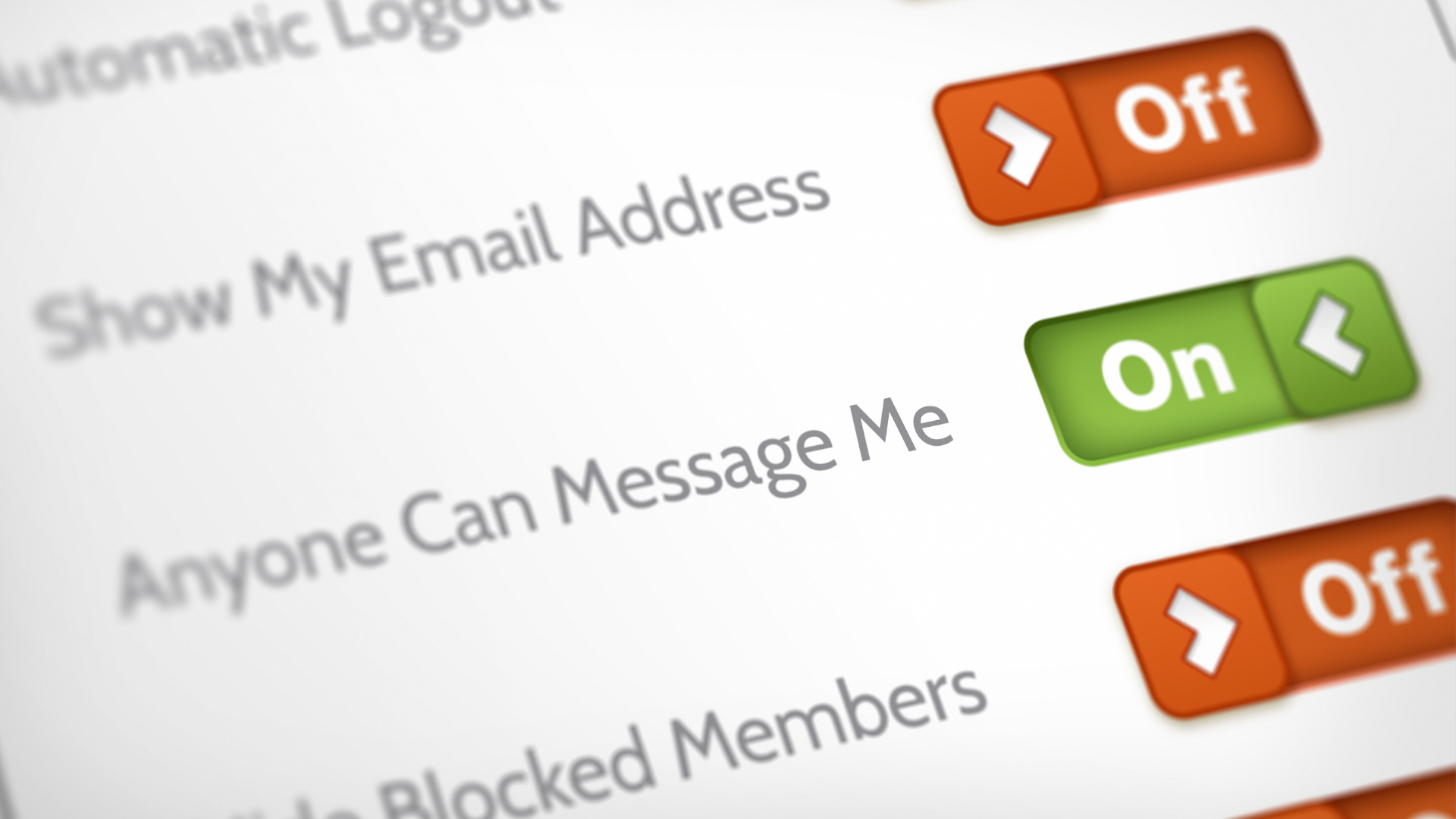
Social platforms, apps, and online services collect more information than you may realize: your location, contacts, photos, activity, and advertising interests. This data can also help strangers piece together details about you and your family.
You do not need to disappear from the internet. Just check what is public and what permissions your apps have.
Review who can see your posts, friend list, phone number and email address. Limit location sharing when you do not need it. Remove apps you no longer use and turn off permissions that don’t make sense (for example, a simple game that wants access to your contacts or microphone).
6. Be suspicious of ‘too good to be true’
A free gift card, a viral item at an unbelievable price, a job that promises easy money for little to no work, and a celebrity giving out prizes worth thousands of dollars or endorsing a new investment platform?
These are all scam tactics we see every day. Scammers know how to make an offer feel exciting and personal, and target us via every communication channel, using polished ads, fake reviews, hacked social-media accounts, AI-generated videos and cloned websites.
Before buying, investing, applying or sharing personal information, PAUSE and search independently for the company or offer. Check whether the deal appears on the brand’s real website, look for contact details, return policies, and reviews outside the seller’s own page.
7. Protect your inbox like it is the master key—because it is
Our email account is extremely important. We can use it to receive password-reset links, purchase confirmations, private documents, and messages that reveal where we bank, shop, travel, or work.
Use a strong, unique password and MFA for your main email account. Review the recovery email address and phone number to make sure they are up to date. Be careful with unexpected attachments and avoid signing in through links in emails unless you have verified the message.
If you protect one account particularly well this month, make it this one. A security solution with email protection can add another useful layer by helping identify phishing attempts, malicious links and dangerous attachments before they cause harm. Bitdefender security solutions provide email protection alongside anti-malware, anti-scam and anti-fraud features, helping you stay safer without having to inspect every message alone.
8. Use protection that works in the background
Good habits matter, but nobody catches every suspicious link, fake website, malicious attachment or dangerous download. We’re human, and we can make mistakes while we’re tired, distracted, and busy. A trusted security solution can add a safety net by helping block malware, phishing attempts, scam websites and other online threats before they become a bigger problem. Look for protection that covers the devices you actually use and includes anti-malware, anti-scam and anti-fraud features.
9. Talk about scams without embarrassment
Scams work because they are designed to feel believable. They can arrive as a convincing delivery notification, a fake customer-support call, a romance message, an investment tip or an urgent request that appears to come from a relative.
There is no shame in nearly falling for one—or in realizing later that something was not right. In fact, talking about suspicious messages can help stop someone else from becoming a victim.
Share what you’re seeing with family, friends and colleagues. Ask for a second opinion before sending money or sensitive information. If someone you care about is less confident online, make sure they know they can call you without feeling judged.
And if you are unsure about a message, link, image or offer, don’t feel pressured to decide on the spot. You can use Bitdefender Scamio to check suspicious texts, emails, screenshots, QR codes and social-media messages, or use Link Checker to scan a website address before opening it. They can help you spot warning signs and give you a reason to pause before you share personal information, send money or download something.
10. Report it, then move on
When you spot a scam, fake account, suspicious ad or phishing message, report it to the platform or service where you found it. If it impersonates a bank, retailer or government agency, let the real organization know, too.
Reporting may feel like a small action, but it can help platforms remove harmful content, identify repeat offenders and warn other users. Keep screenshots, links, email addresses, phone numbers and payment details if you may need to report the incident to your bank, local consumer-protection body or law enforcement.
Small habits, real protection
Cybersecurity does not have to be a once-a-year task reserved for October. It is built through everyday choices: updating your phone, questioning an unexpected message, protecting your email, using MFA and speaking up when something feels off.
You will not stop every scammer from trying. But these habits can make it much harder for them to succeed.
tags
Author

Alina is a history buff passionate about cybersecurity and anything sci-fi, advocating Bitdefender technologies and solutions. She spends most of her time between her two feline friends and traveling.
View all postsYou might also like
Bookmarks
