Sometimes, Bitdefender Antivirus for Mac automatically adds the path /private/tmp/com.bitdefender.dmg to the Exceptions list. This entry may not appear immediately after installation and can show up later, which can raise concerns about security or configuration changes. This article explains why this exception exists, whether it is normal behavior, and if any action is required.
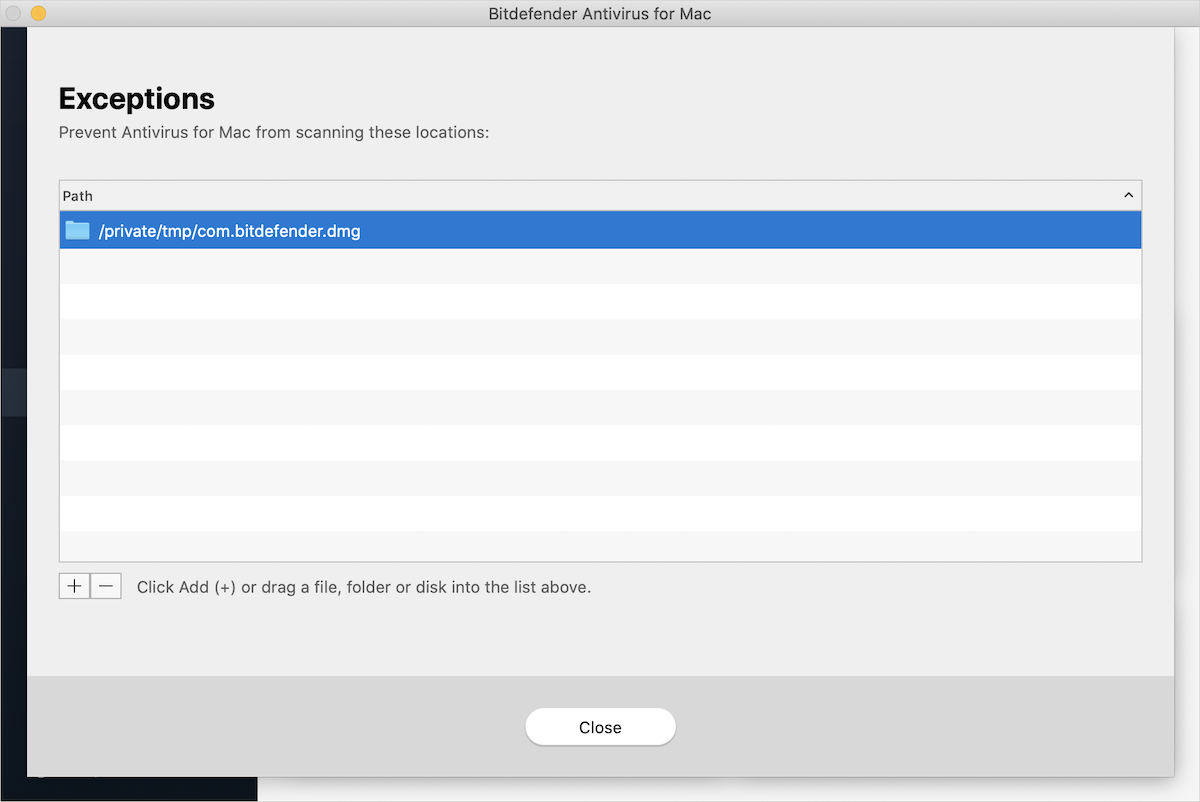
/private/tmp/com.bitdefender.dmg exception on Mac. Is it normal?
The path /private/tmp/com.bitdefender.dmg is created and used by Bitdefender Antivirus for Mac during the scanning of .dmg files, which are common disk image files used on macOS for application installers. When Bitdefender analyzes a .dmg file, it temporarily mounts and processes its contents using this path. To avoid scanning conflicts while analyzing disk image files, Bitdefender automatically excludes this temporary working directory from scanning. This is completely normal behavior for Bitdefender Antivirus for Mac, does not indicate malware or suspicious activity, and does not reduce your Mac’s security or expose it to threats.
Why did the exception appear after a few days?
This exception may not appear immediately after installation because it is only created when Bitdefender actively scans dmg files. If no dmg files were scanned during the first days of use, the path may not have been generated yet. Once Bitdefender scans a dmg file, the exception can appear automatically. In some cases, the entry may also disappear when it is no longer in use, as this is a dynamic and automated process.
Should I remove the /private/tmp/com.bitdefender.dmg exception?
No action is required, and the exception should not be removed. Removing this folder from the Exceptions list may interfere with Bitdefender’s ability to properly scan dmg files and could cause performance or scanning issues. Keeping this exclusion ensures that Bitdefender Antivirus for Mac operates correctly and securely.