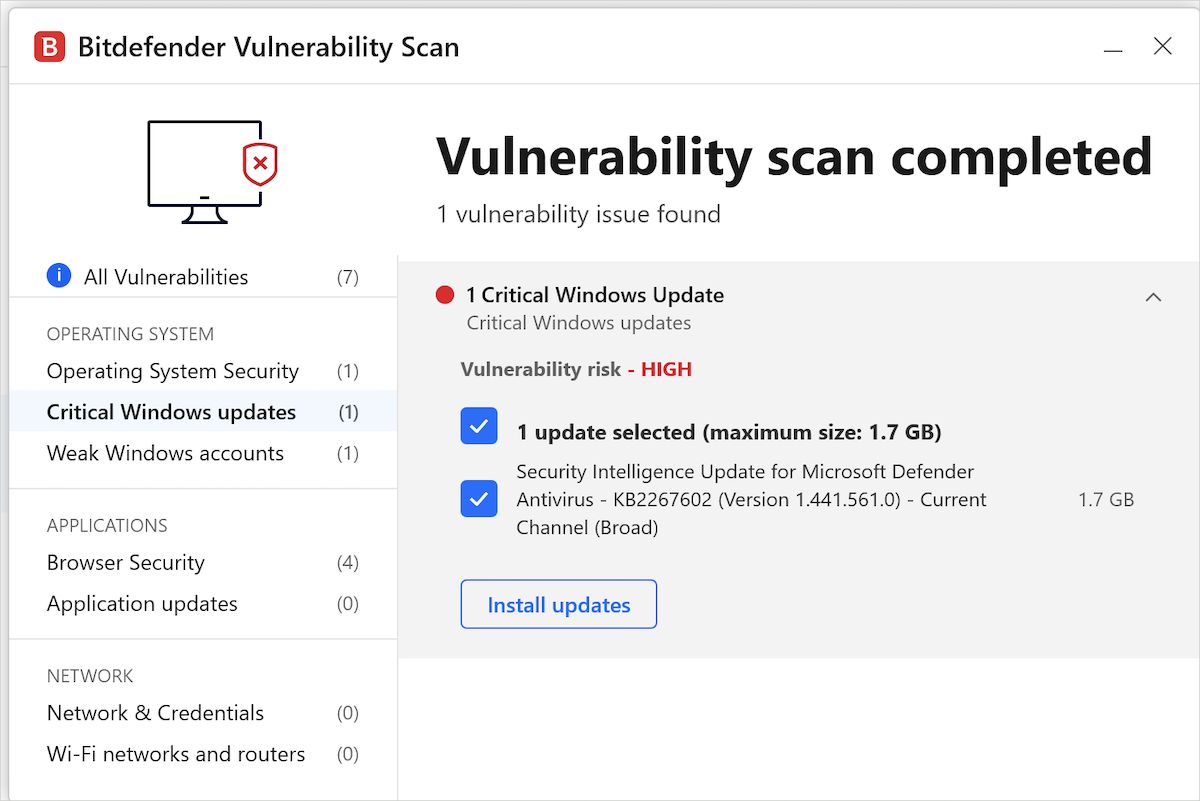
 The Bitdefender Vulnerability Scan feature checks your computer for security vulnerabilities and can attempt to install available Windows updates. If Vulnerability Scan keeps showing a critical Windows update but cannot install it automatically, the issue is usually related to Windows Update. This guide explains why this happens and how to resolve it.
Why Vulnerability Scan Can’t Install Certain Windows Updates
Vulnerability Scan relies on Windows Update services to download and install system patches. If Windows cannot install updates on its own, Bitdefender will not be able to complete the process either. Common causes include Windows Update errors or corrupted update components, group policy or registry restrictions.
How to Fix it
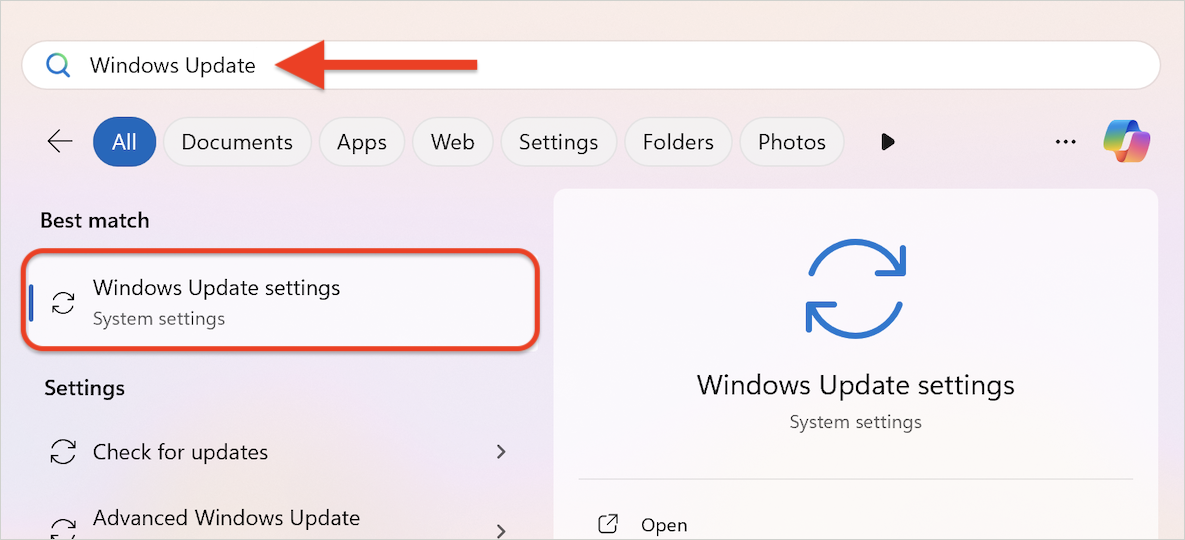
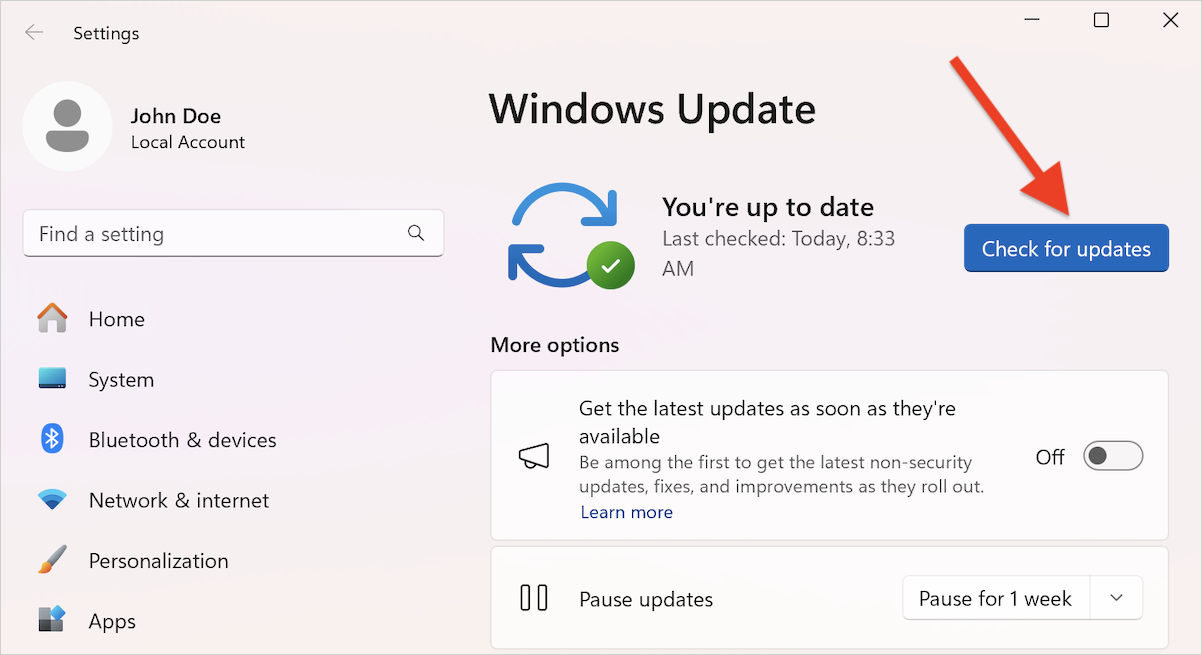
1. Manually Check for Windows Updates
2. Run the Windows Update Troubleshooter
3. Repair Windows Update Corruption
4. Re-run the Bitdefender Vulnerability Scan
If the issue persists after following the steps above, please contact Microsoft Support for further assistance. They can provide additional diagnostic tools and guidance specific to Windows Update problems.