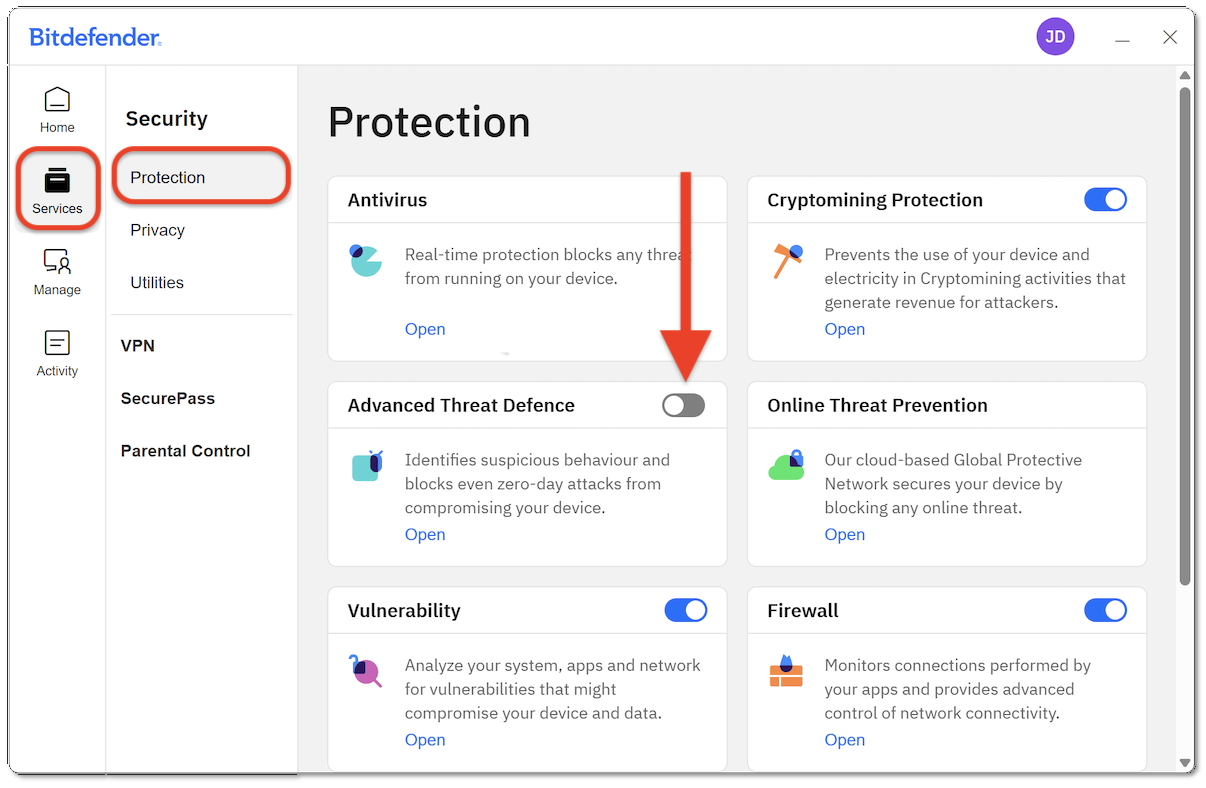
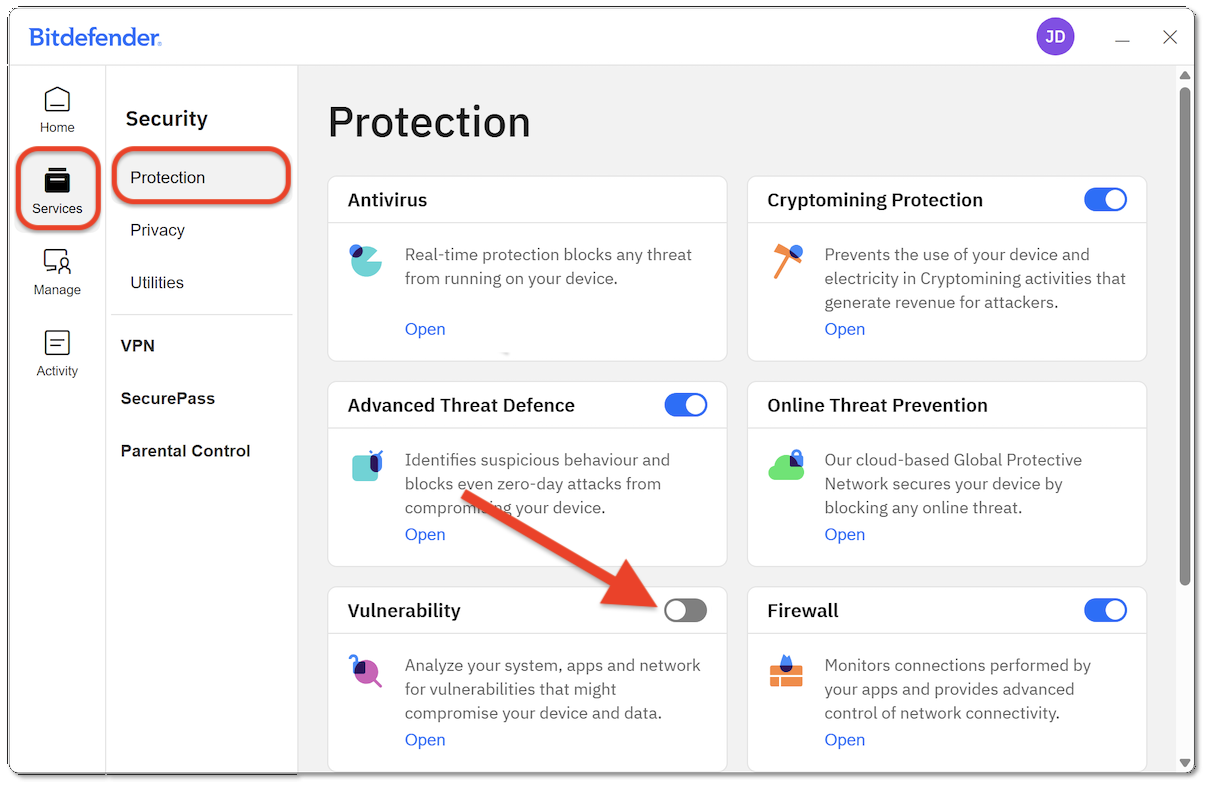
This guide explains how to temporarily turn off protection in the Bitdefender App on Windows 10 and Windows 11. You can either:
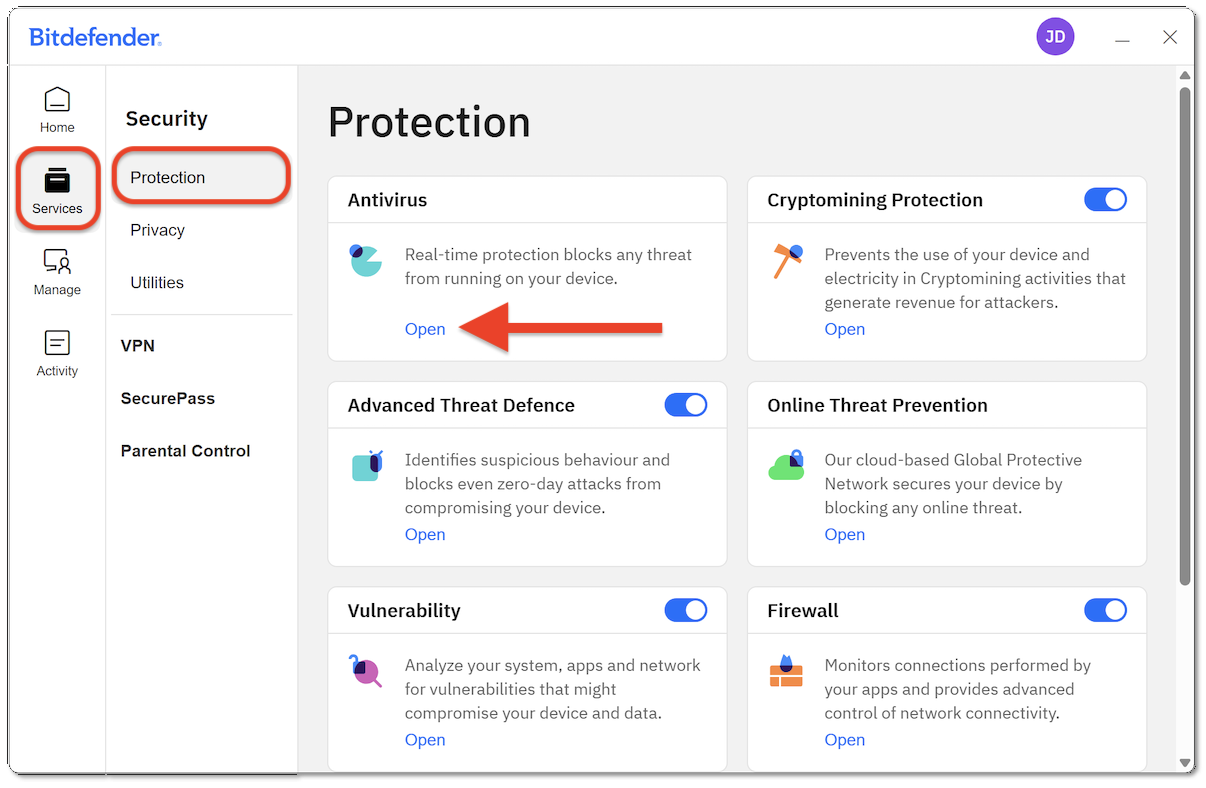
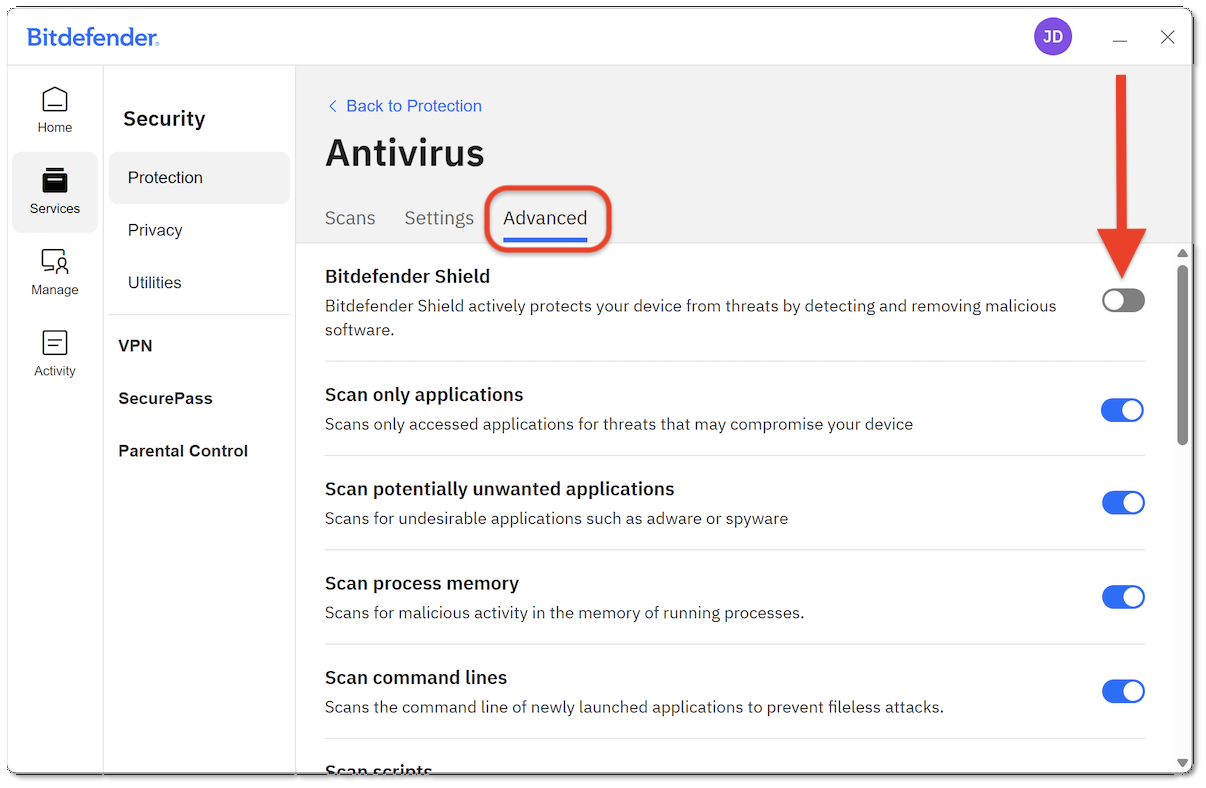
- Temporarily disable specific security modules, such as Antivirus protection, or
- Sign out of your Bitdefender account (which disables protection on the PC)
Important: Disabling security features leaves your device unprotected. Only turn off protection if necessary and re-enable it as soon as possible.
Option 1: Temporarily Disable Antivirus Protection

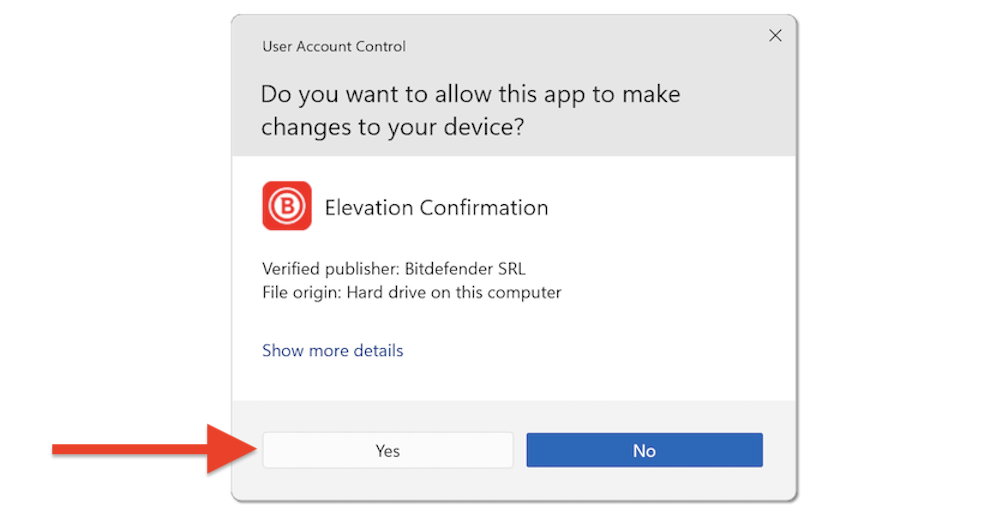
Option 2: Sign Out of Bitdefender (Disables Protection Completely)