SecurePass provides an easy way to evaluate the strength of your saved passwords and sensitive information. With the Security Report feature, you can quickly identify potential vulnerabilities and and ensure your vault is well-protected. Here’s how to check the strength and security of the passwords stored in your SecurePass vault using the Bitdefender app:
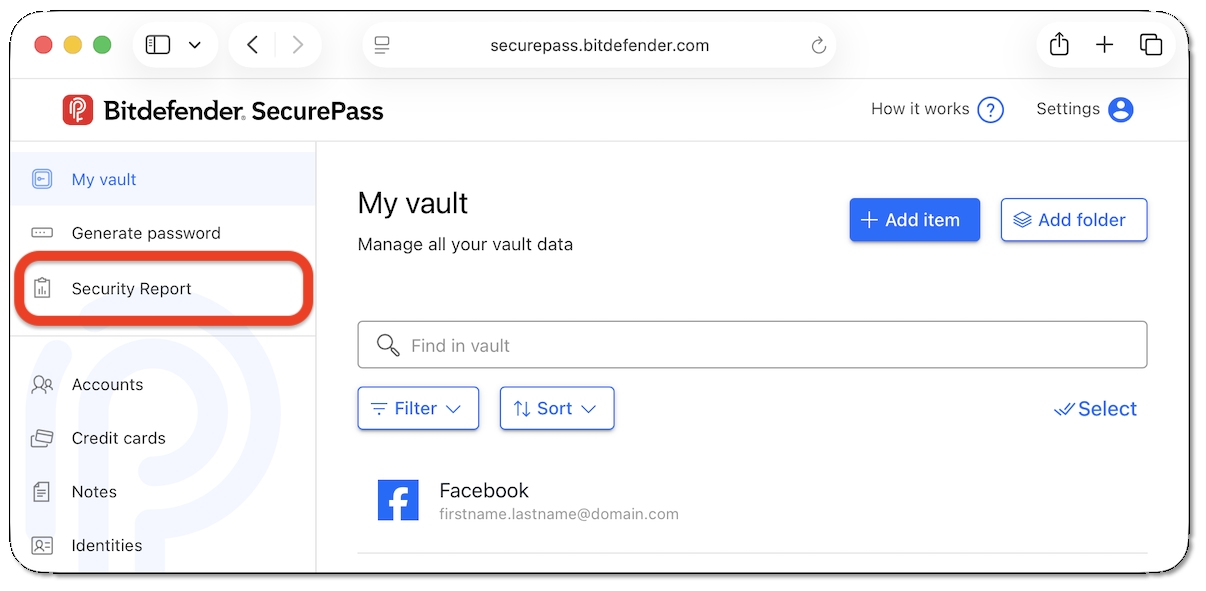
1. Access the Security Report
via Browser
via Mobile App
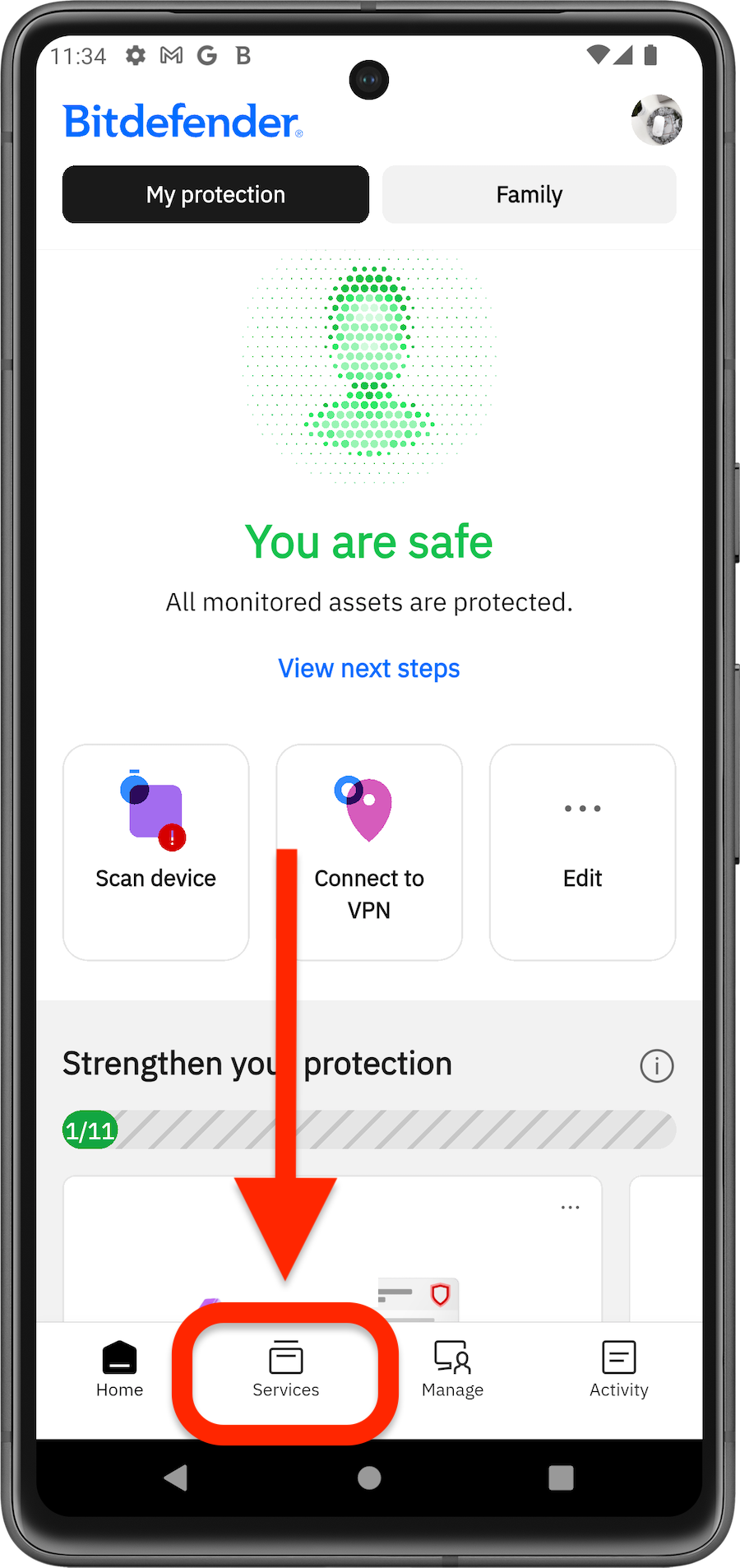
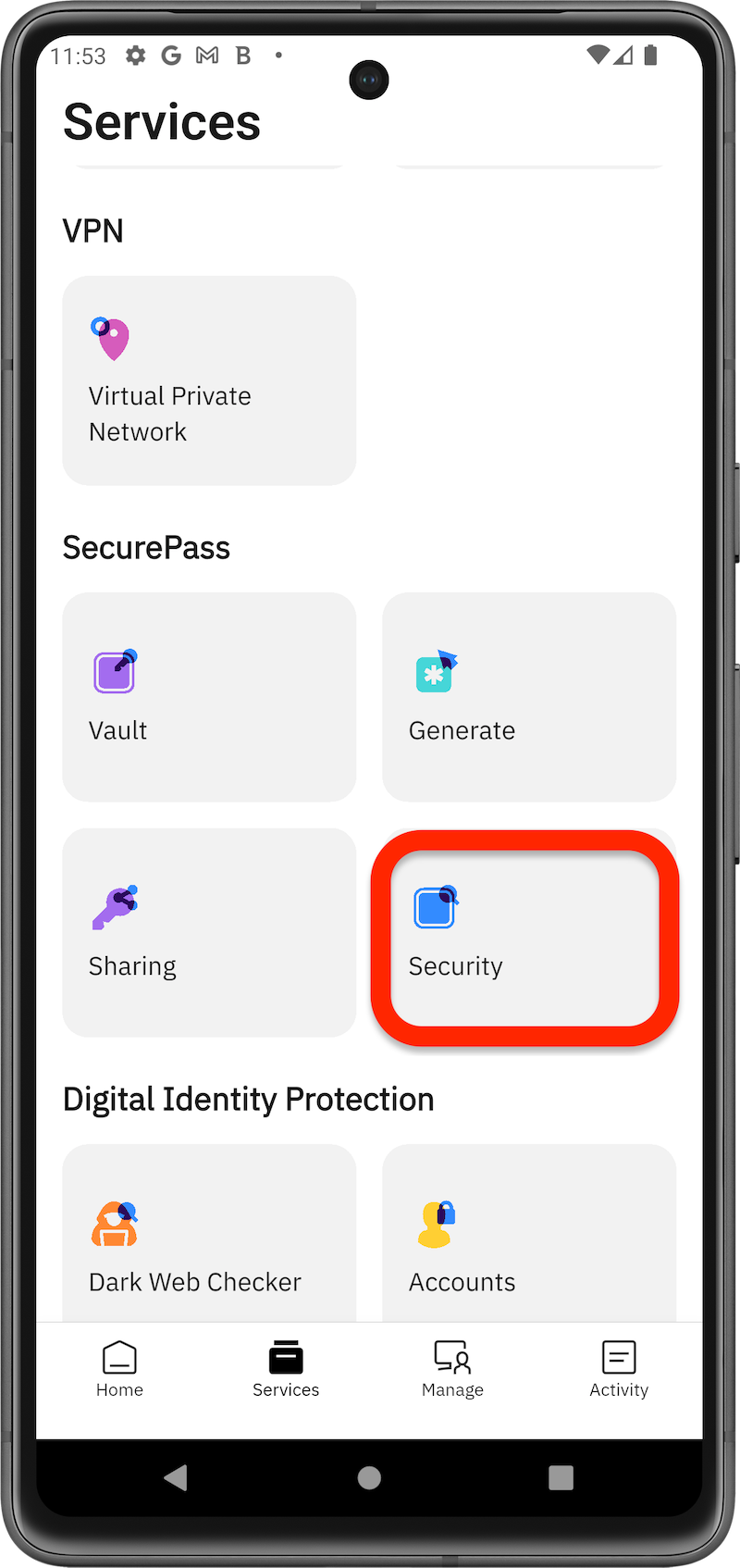
You will see a report broken down into several sections: breached, weak, old, and duplicate.
2. Check the Security Report
- Breached Passwords
- To check if any of your passwords or associated usernames have been compromised in a data breach,
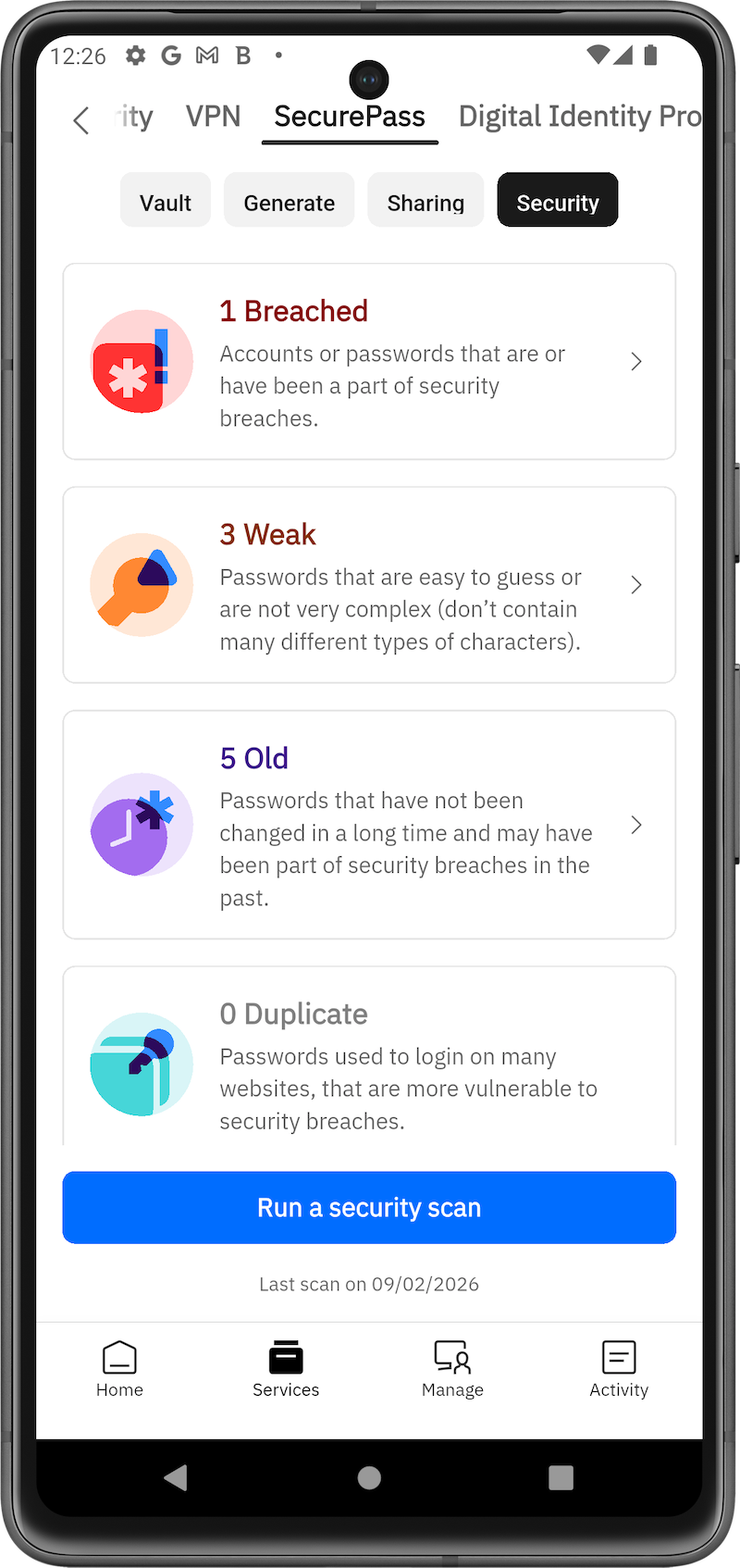 press the Run security scan button.
 - This scan checks your usernames and passwords against a database of known data leaks.
- If any credentials are found to have appeared in a breach, they will be listed under the Breached section.
- To check if any of your passwords or associated usernames have been compromised in a data breach,
- Weak Passwords
- Weak passwords are identified based on an internal algorithm that evaluates:
- Password length.
- Use of different character types (letters, numbers, symbols).
- Inclusion of digits and uppercase letters.
- Any password that fails these criteria will be flagged under the Weak section.
- Weak passwords are identified based on an internal algorithm that evaluates:
- Old Passwords
- Passwords that have been saved in your vault for more than six months are considered old.
- If you’ve recently added new passwords, they will not be flagged as old. This section helps you monitor and refresh outdated passwords.
- Duplicate Passwords
- Using the same password across multiple accounts increases security risks.
- If any of your passwords have been reused, they will be listed in the Duplicate section, so you can take action to diversify them.
Tips for Improving Password Security
- Regularly run the security scan to check for breaches and update any compromised credentials immediately.
- Use Bitdefender SecurePass to generate strong passwords that are long, include a mix of characters, and avoid using common words or patterns.
- Update old passwords every few months for enhanced security.
- Avoid reusing passwords across different accounts to minimize the risk of a widespread security breach.
By using these features in Bitdefender SecurePass, you can keep your passwords secure and reduce the risk of unauthorized access to your accounts.