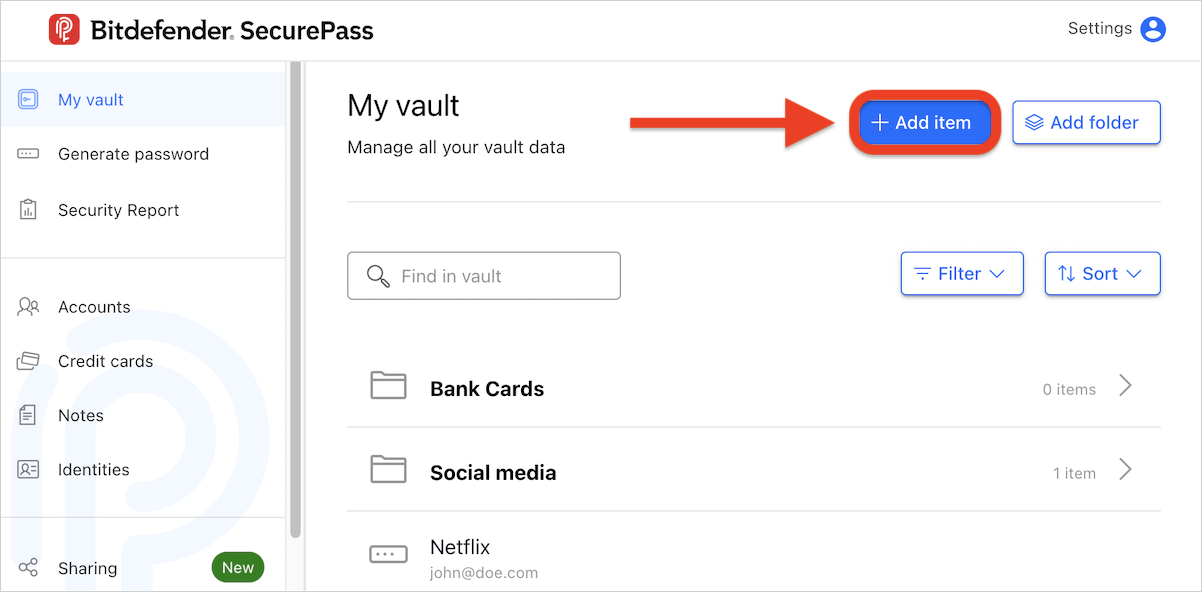
Bitdefender SecurePass provides a convenient way to organize and manage your saved items, such as accounts and credit cards. By using the Add folder option, you can categorize your items into specific folders for easy access. Follow the steps below to learn how to create folders and manage your items with ease.
Create a Folder
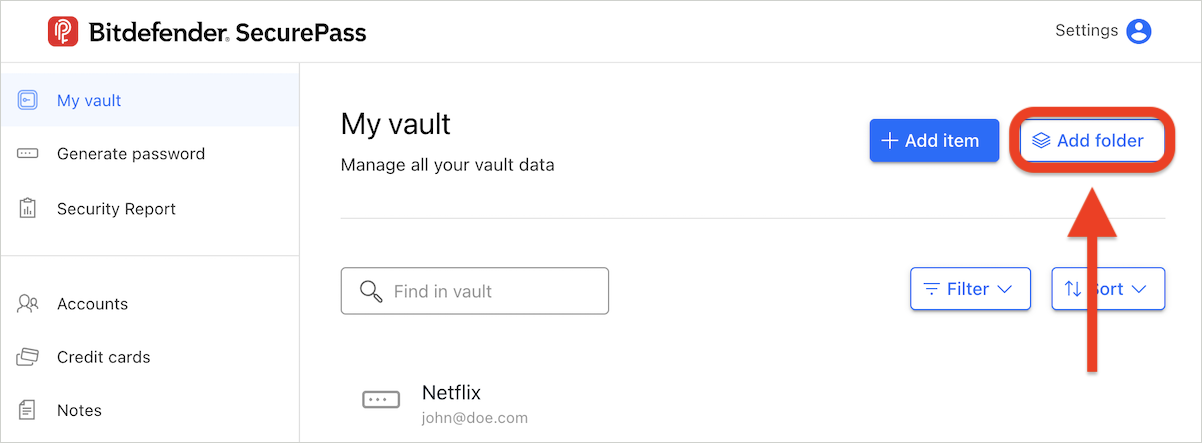
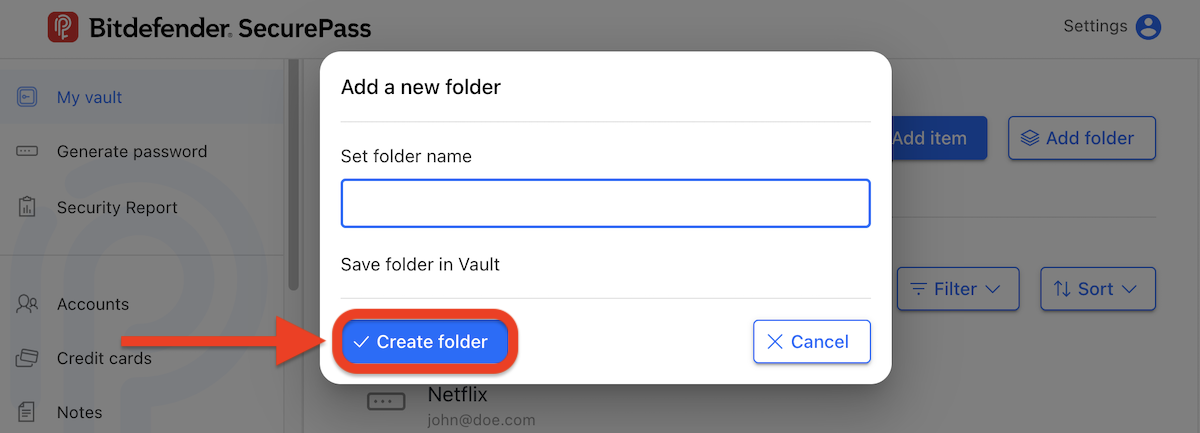
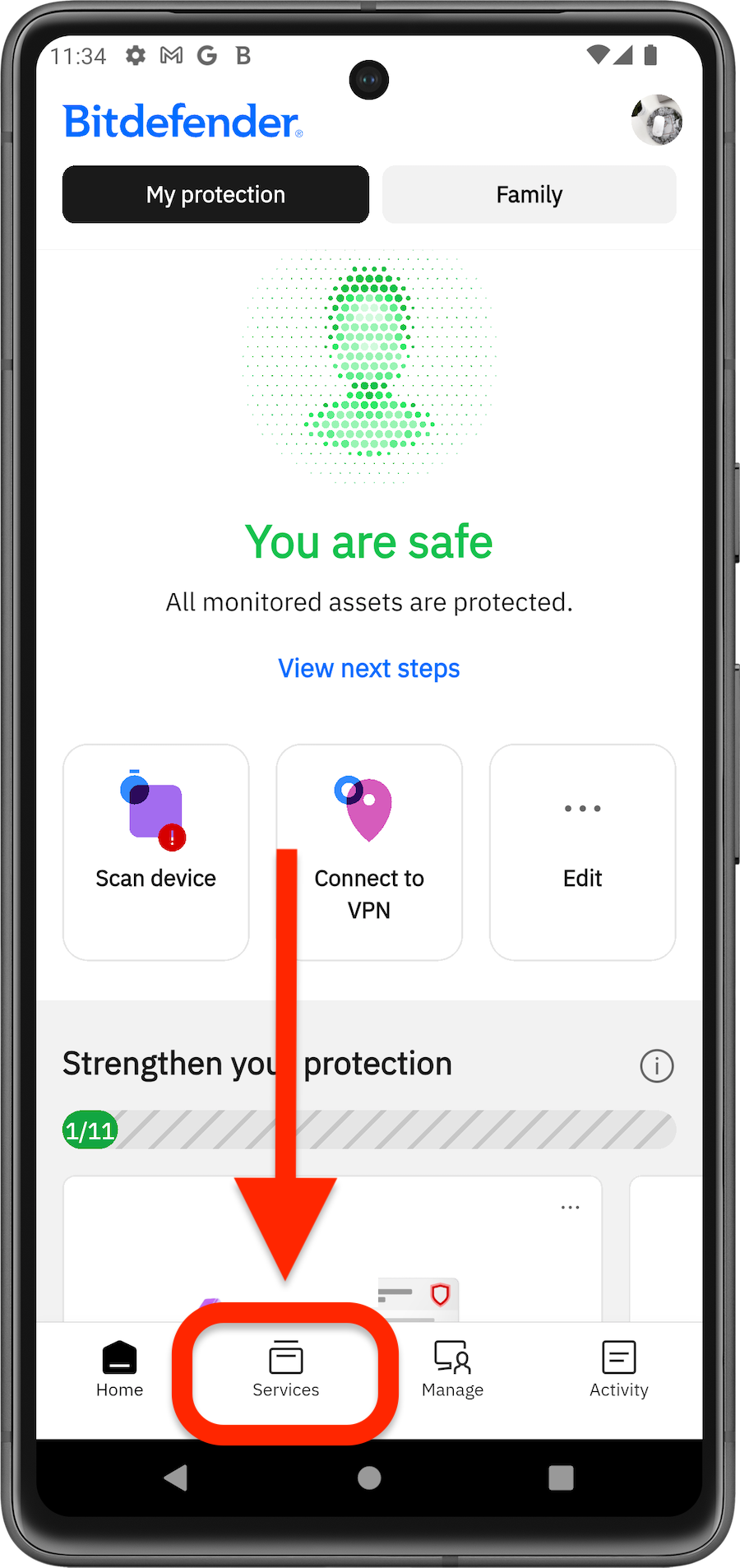
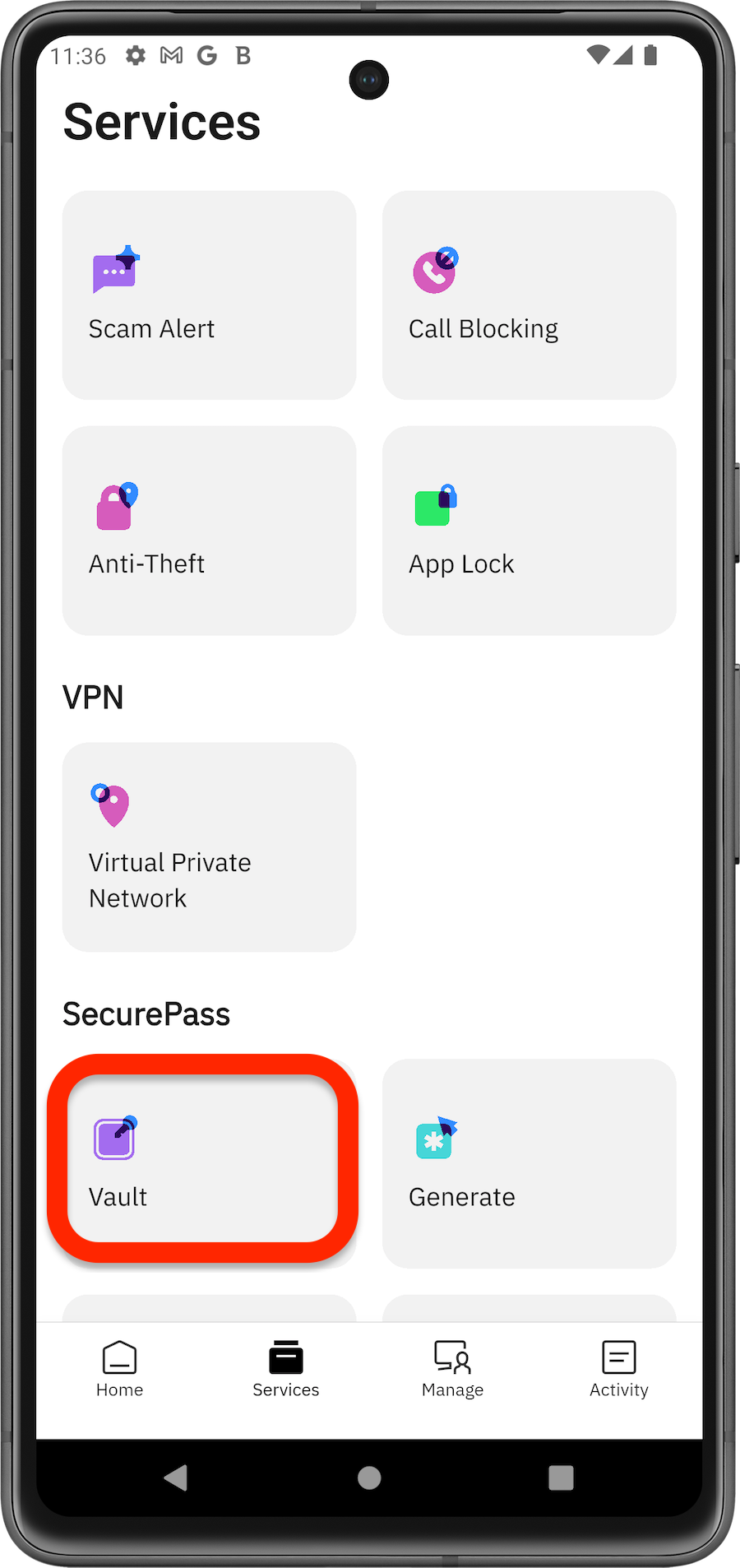
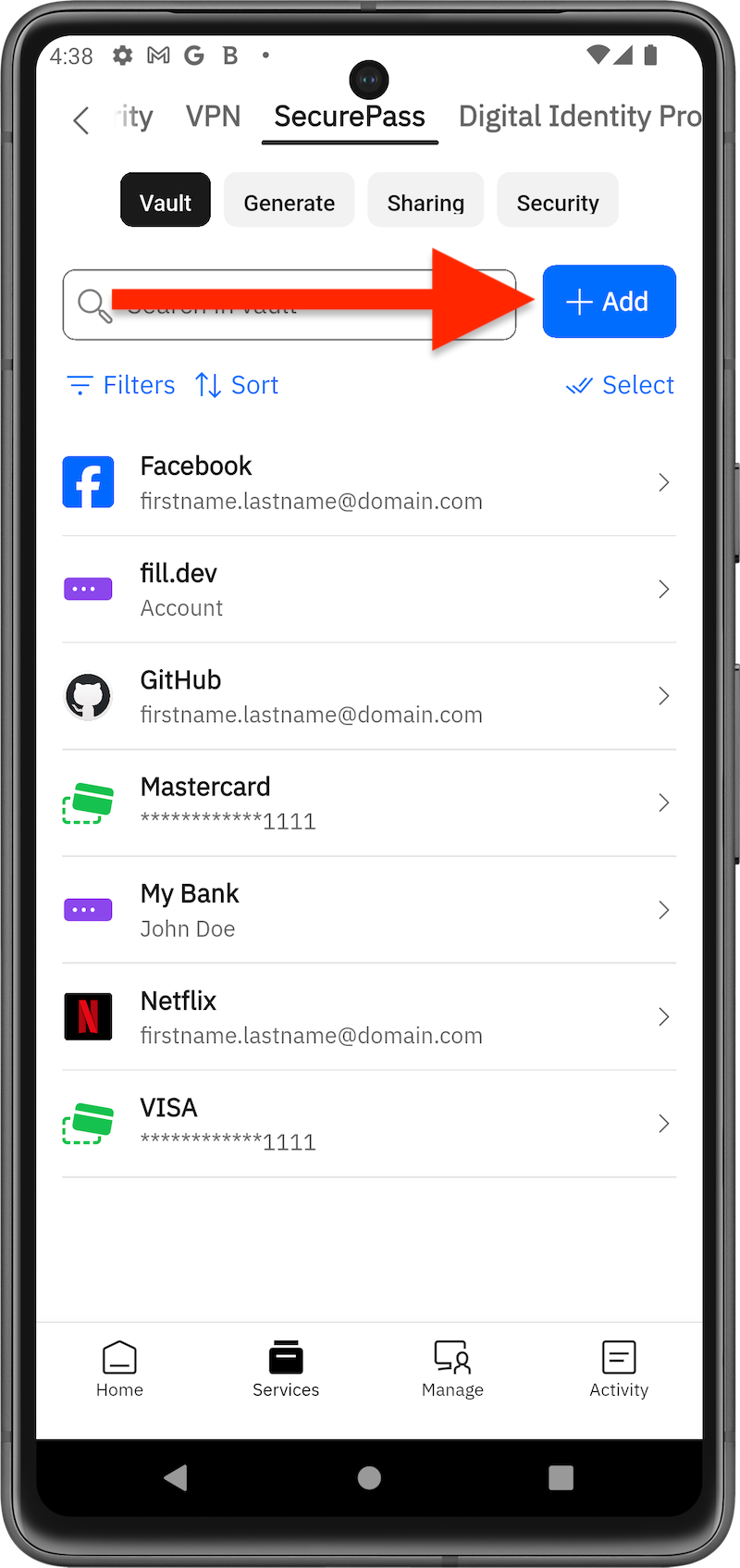
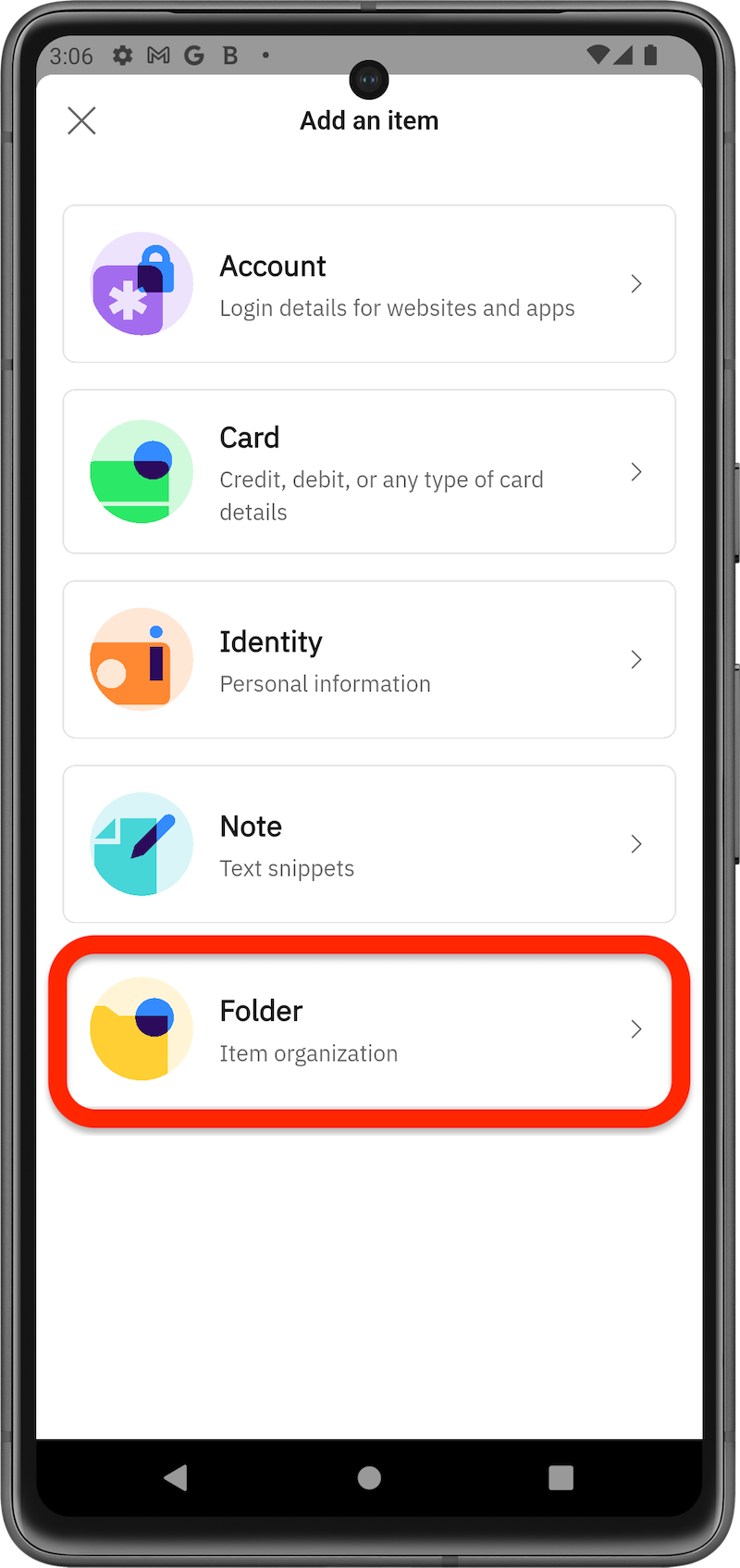
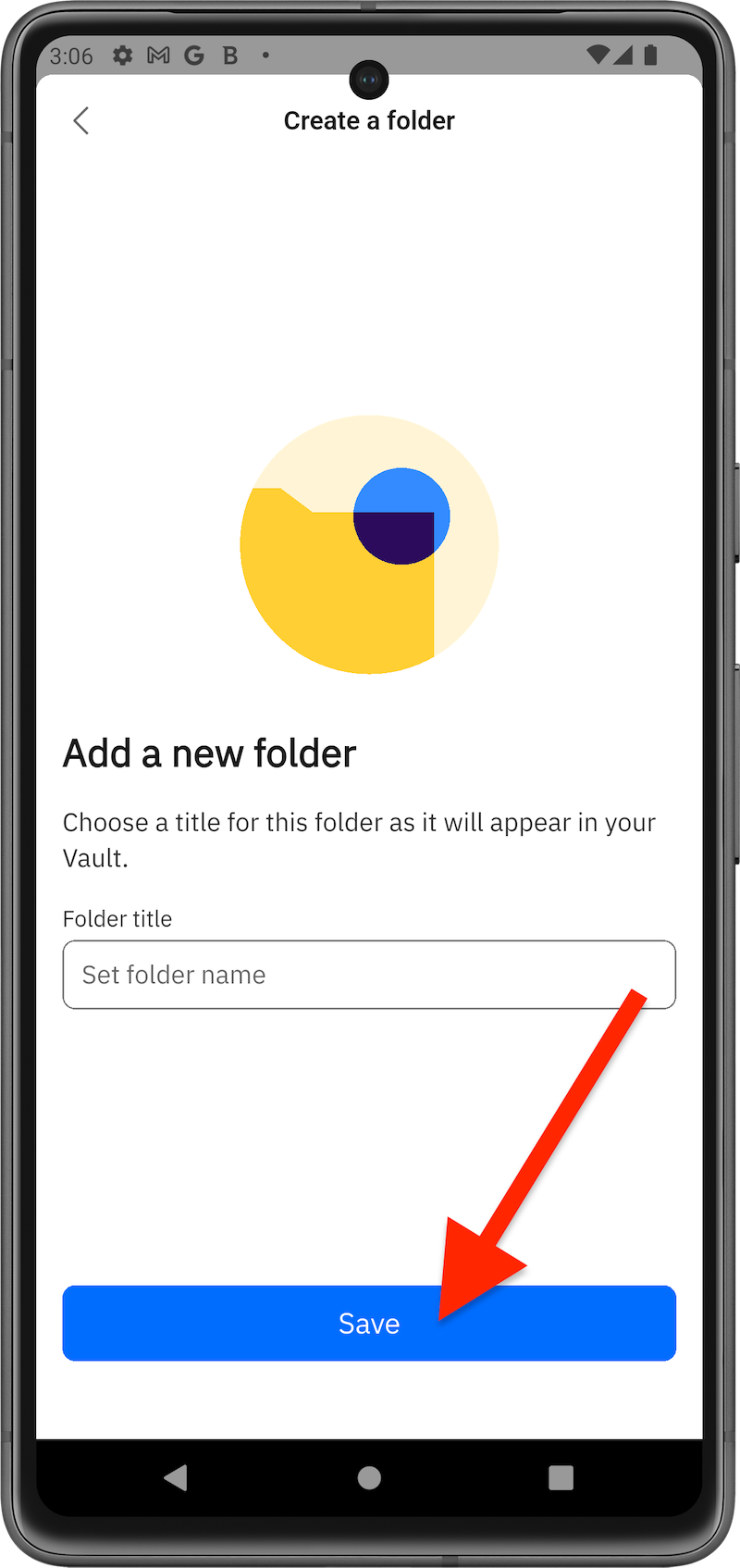
If you have many logins, folders can help you keep your SecurePass vault organized. For example, you can create a shopping folder for related websites and another folder for your social media accounts. Here’s how to create a folder in your SecurePass vault:
via Browser
via Mobile App
Move Items to Folder
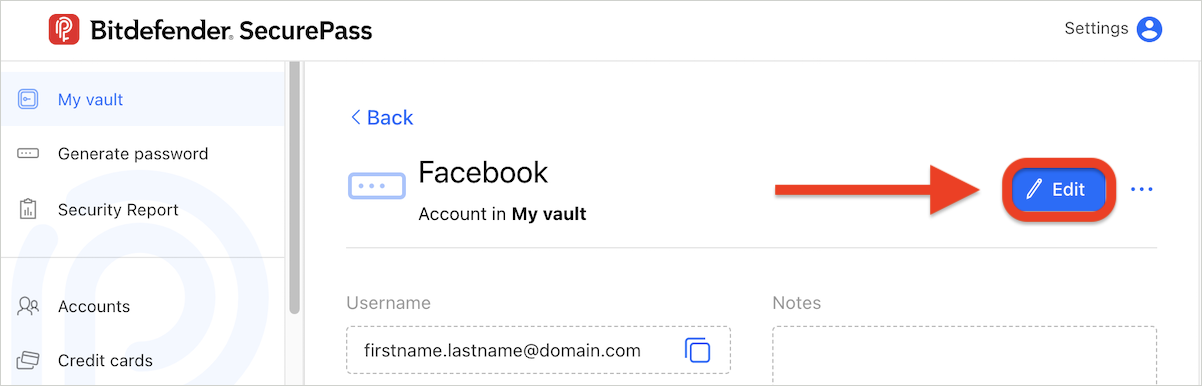
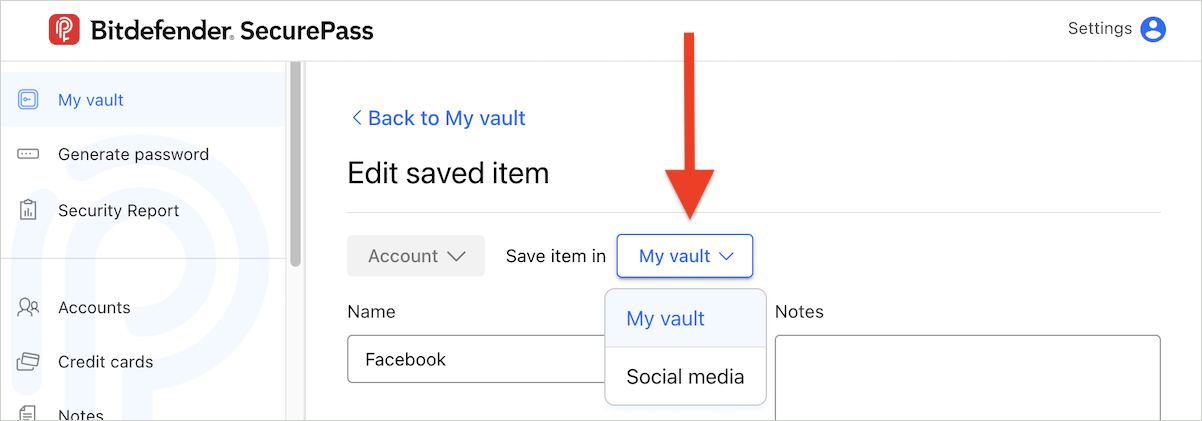
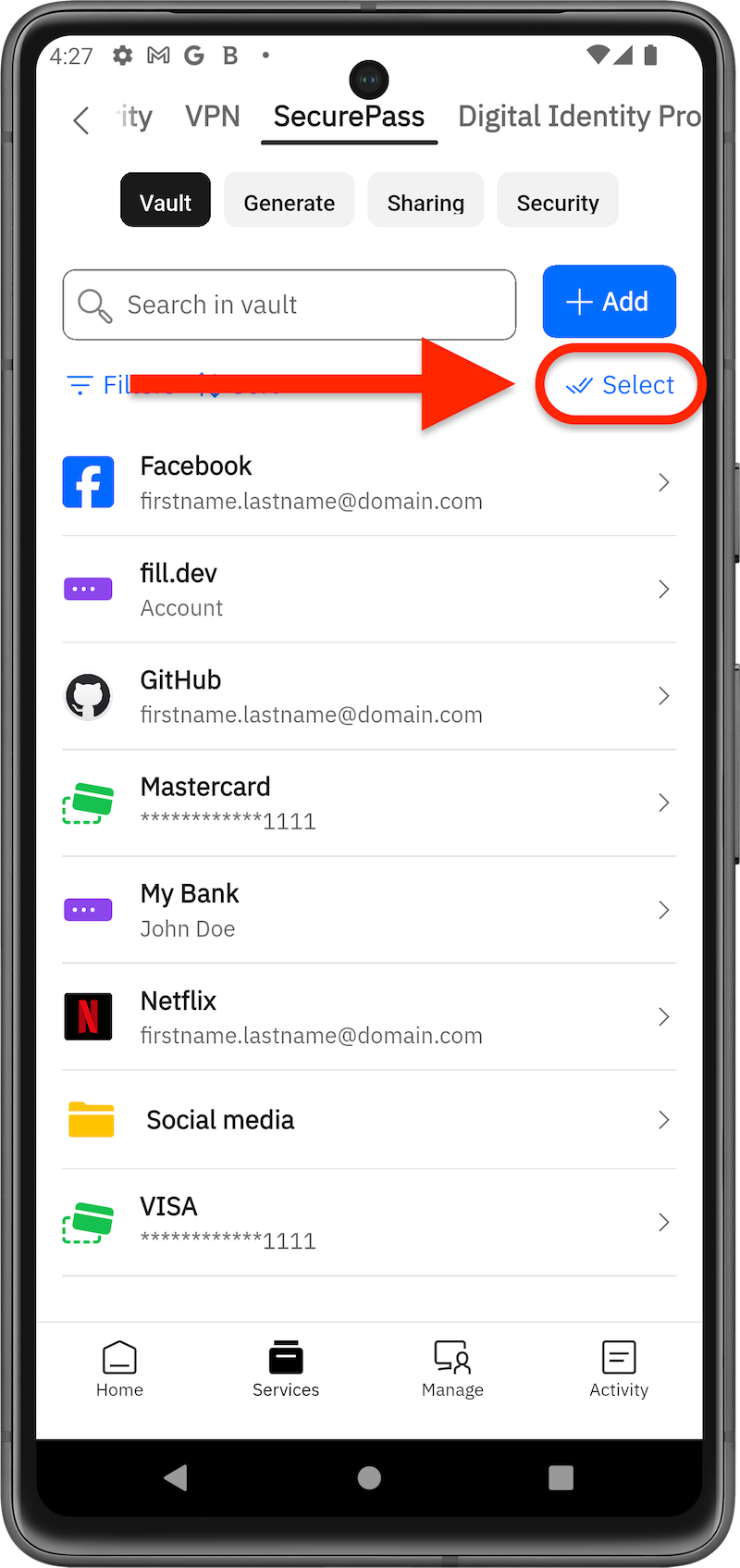
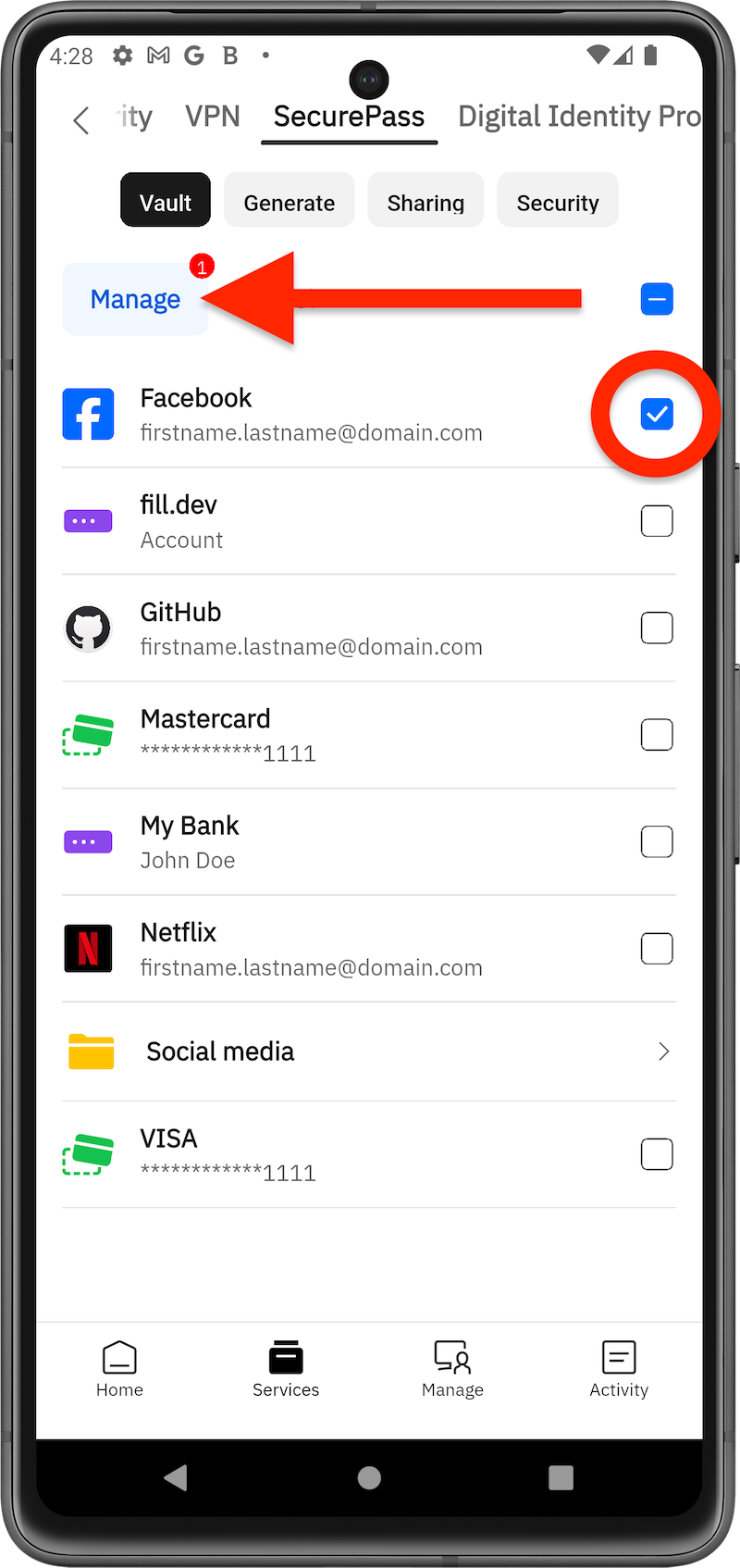
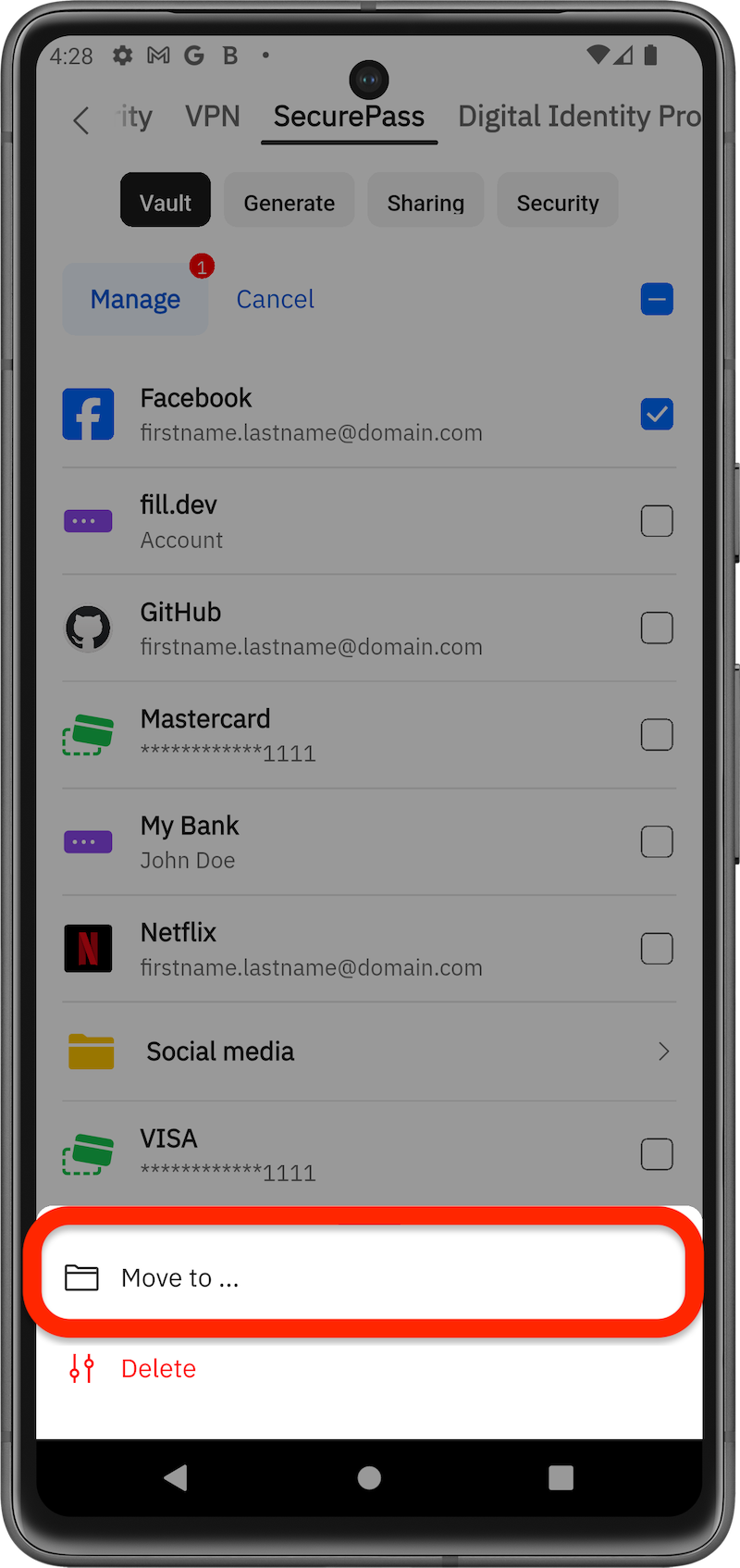
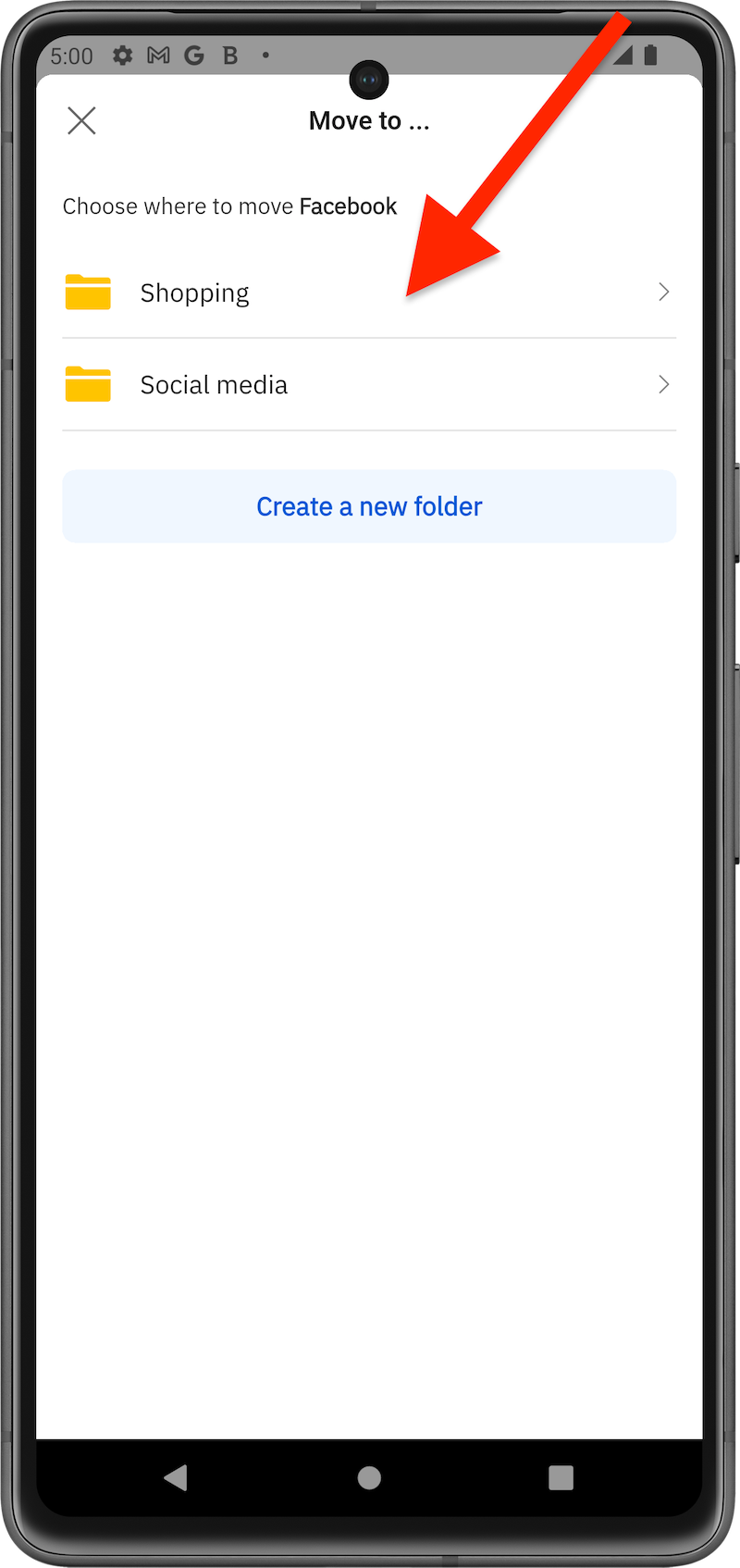
To keep your accounts better organized, you can move them into folders. Here’s how to move an account from the default SecurePass vault to a newly created folder:
via Browser
via Mobile App
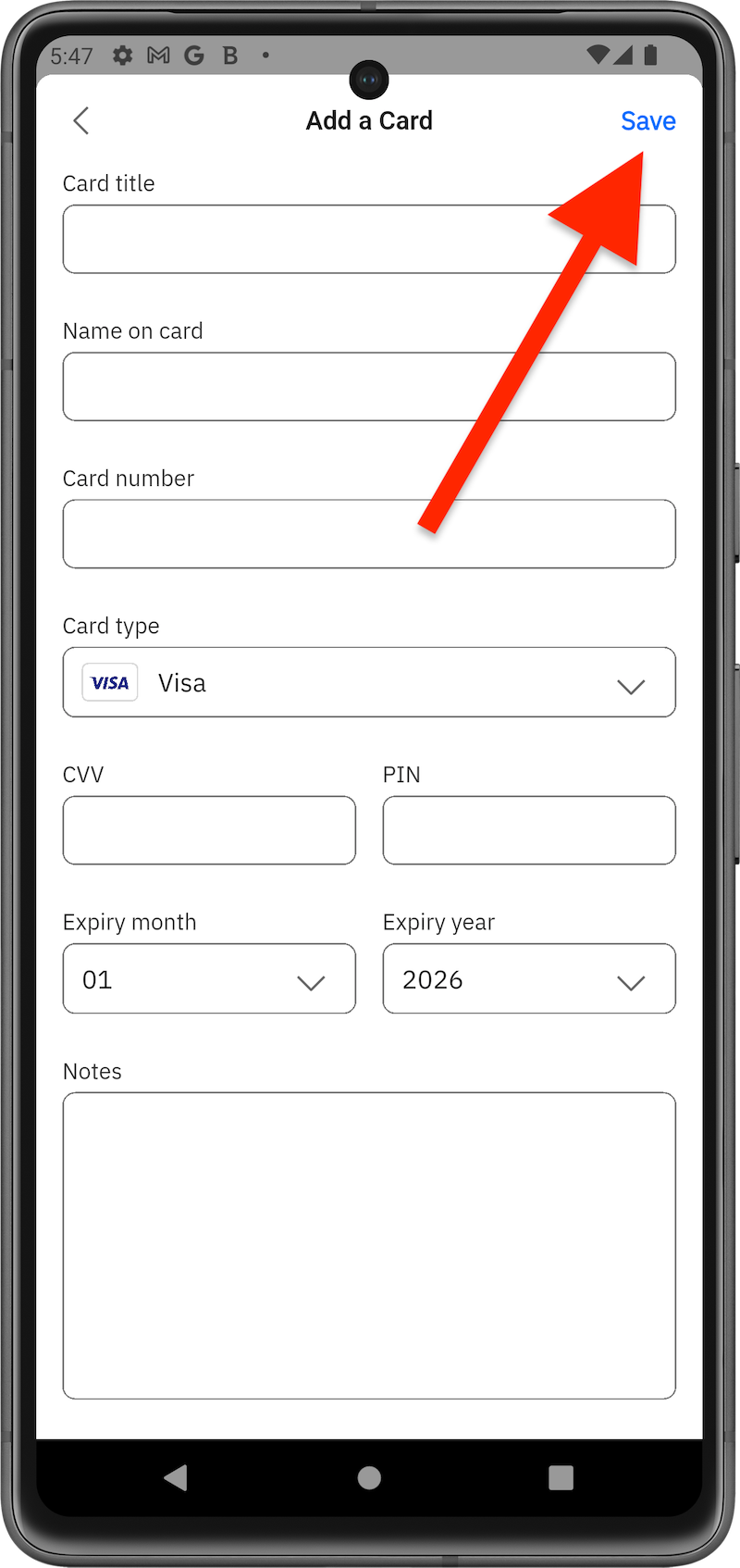
Save Items Directly to a Folder
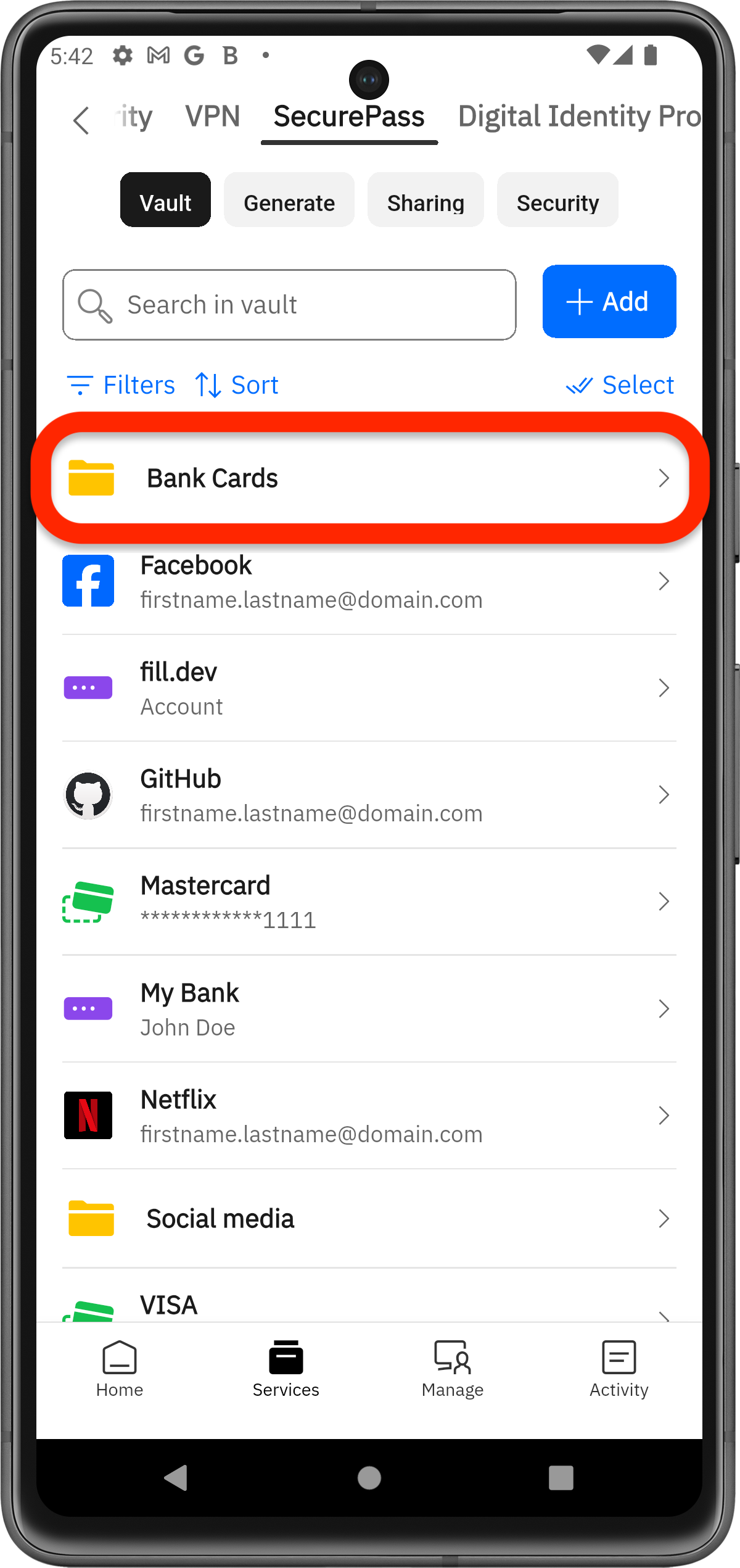
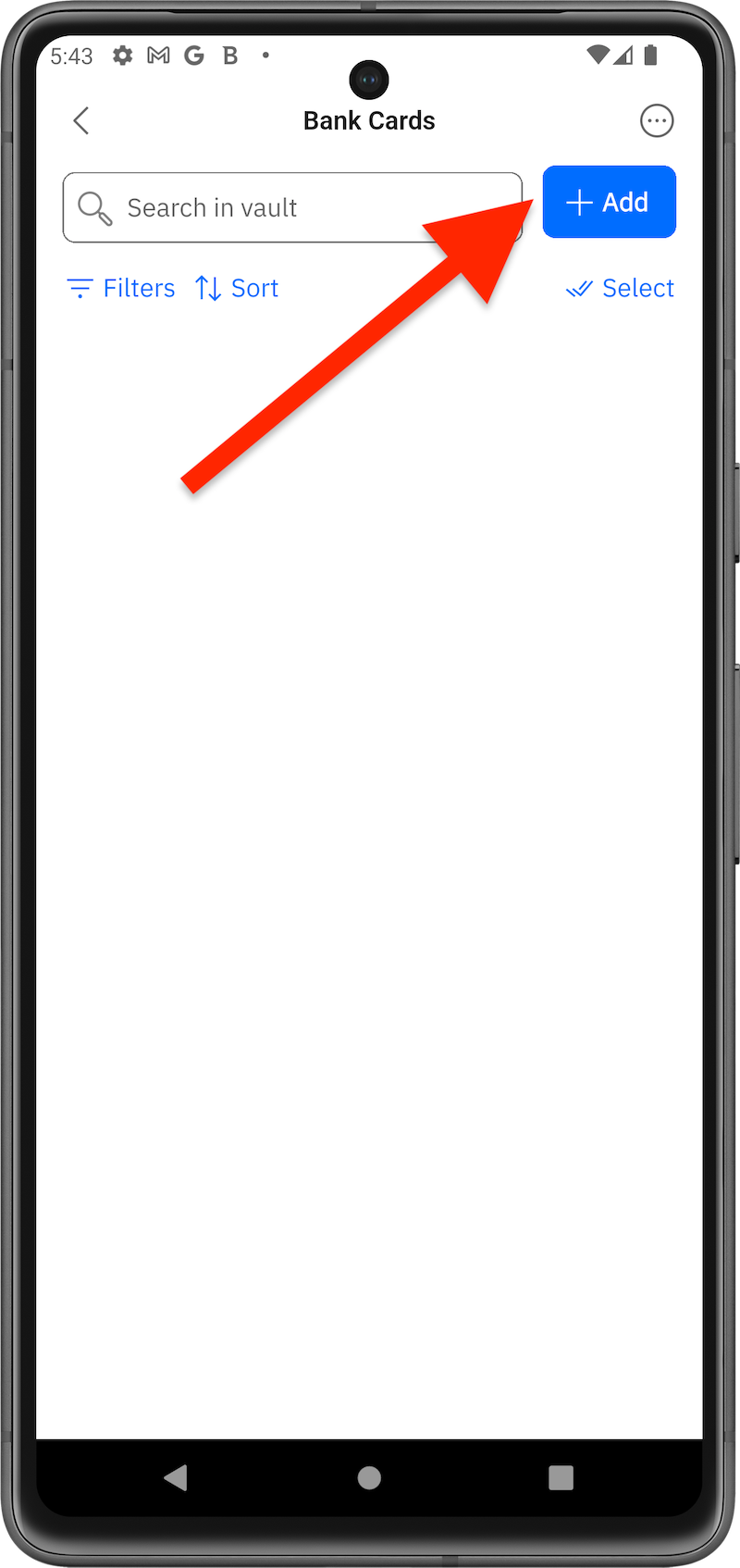
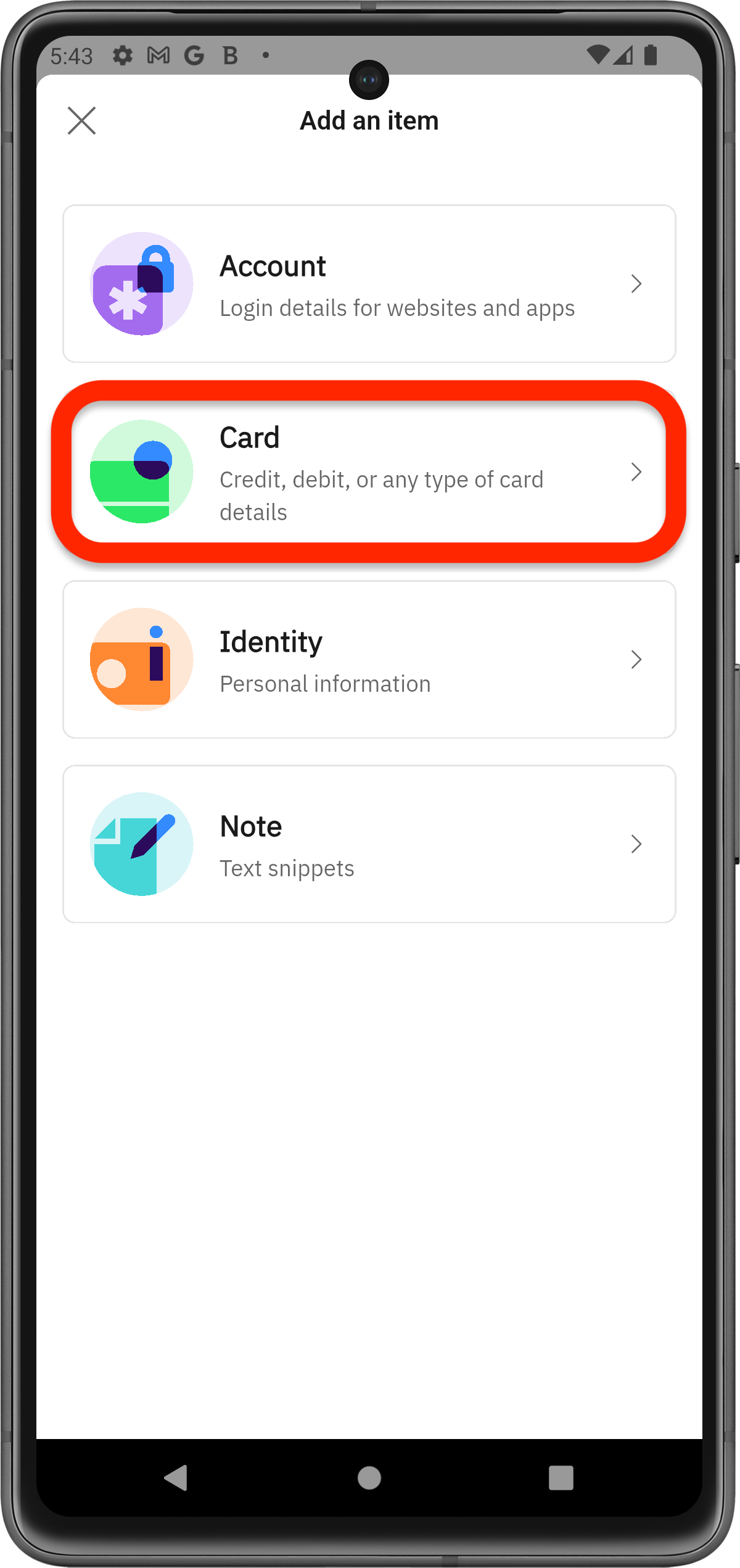
You can save new items directly to a specific folder, so there’s no need to add them first to the vault and move them later. For example, if you’ve created a folder for bank cards, you can add a new card straight to that folder.