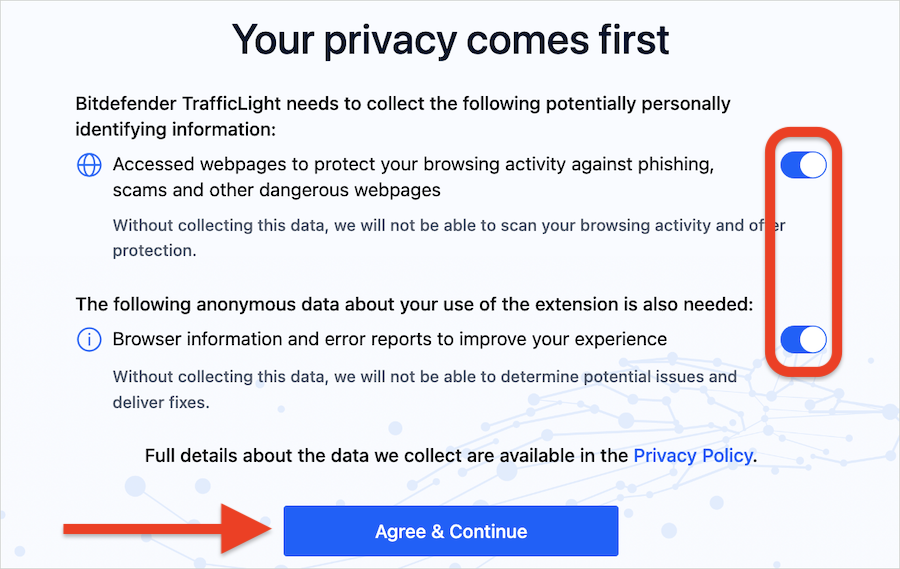
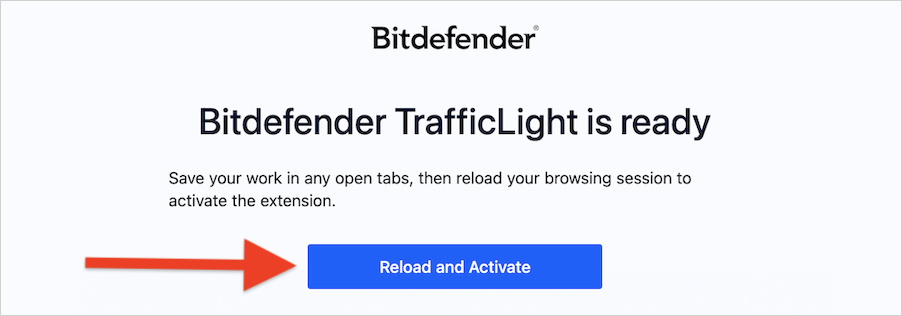
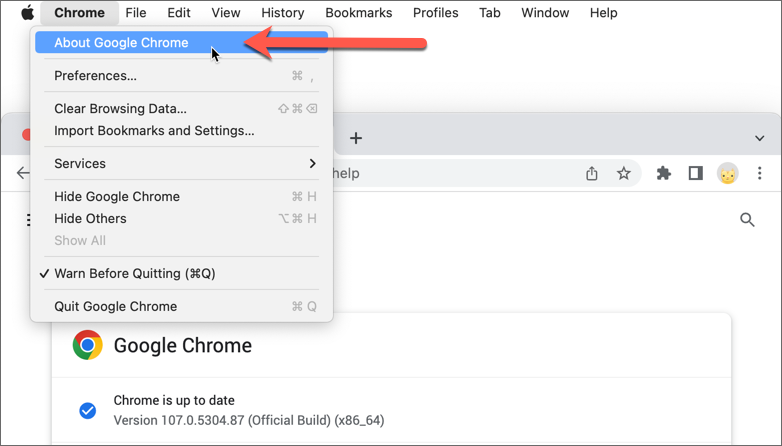
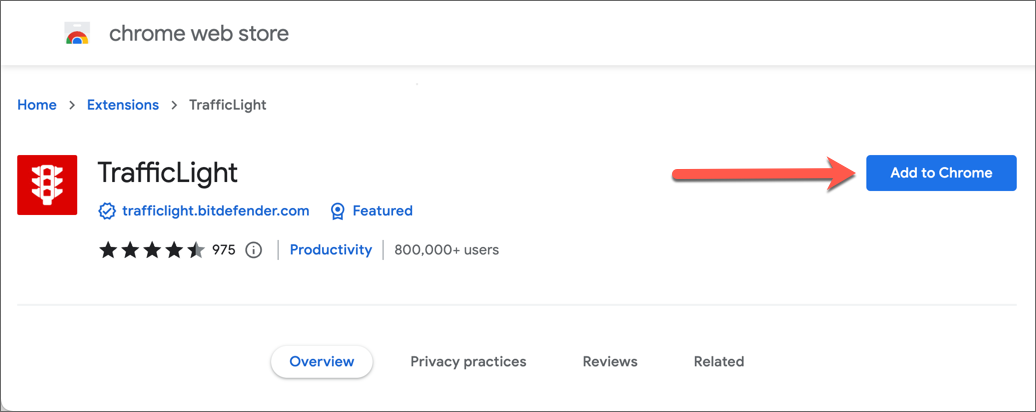
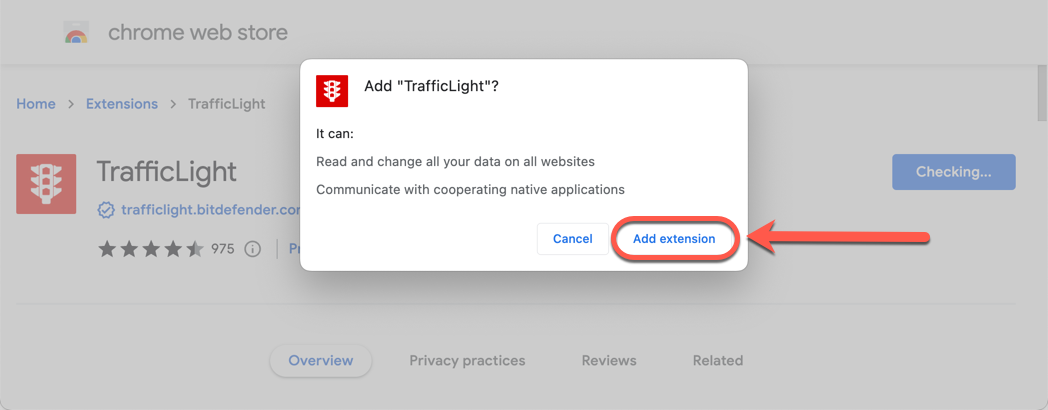
This guide explains how to resolve common issues you may encounter when installing the Bitdefender Web Protection (TrafficLight) browser extension on macOS.
- The “Free Download” button doesn’t work or doesn’t redirect to the extensions gallery.
- Error messages such as “404” or “Too many redirects” appear.
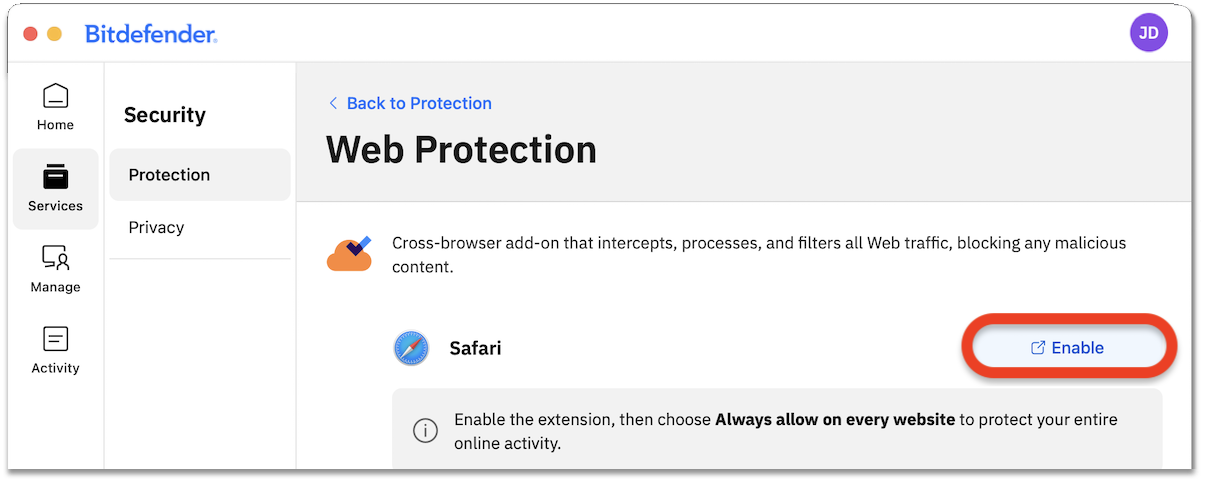
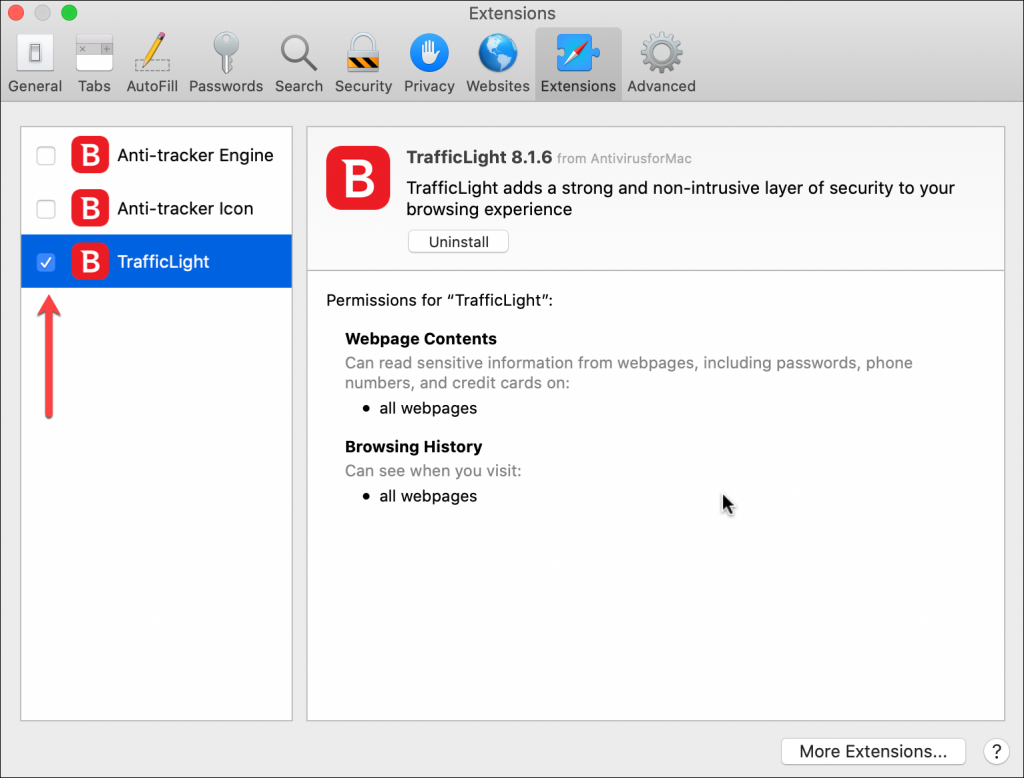
- In Safari, you are redirected to the Extensions tab, but no install button is available.
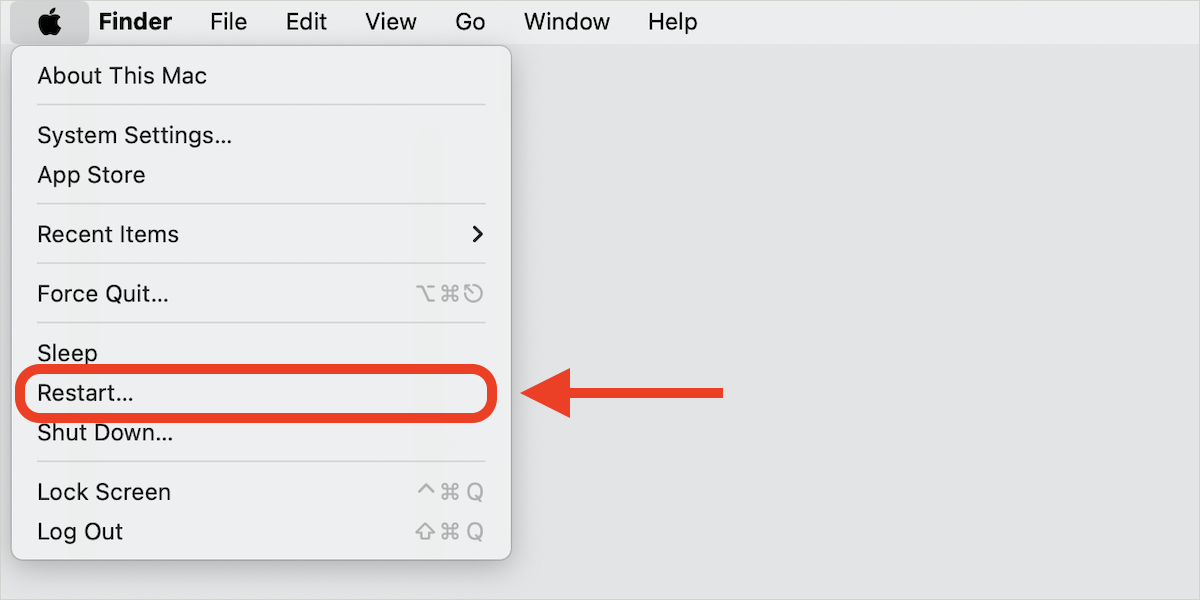
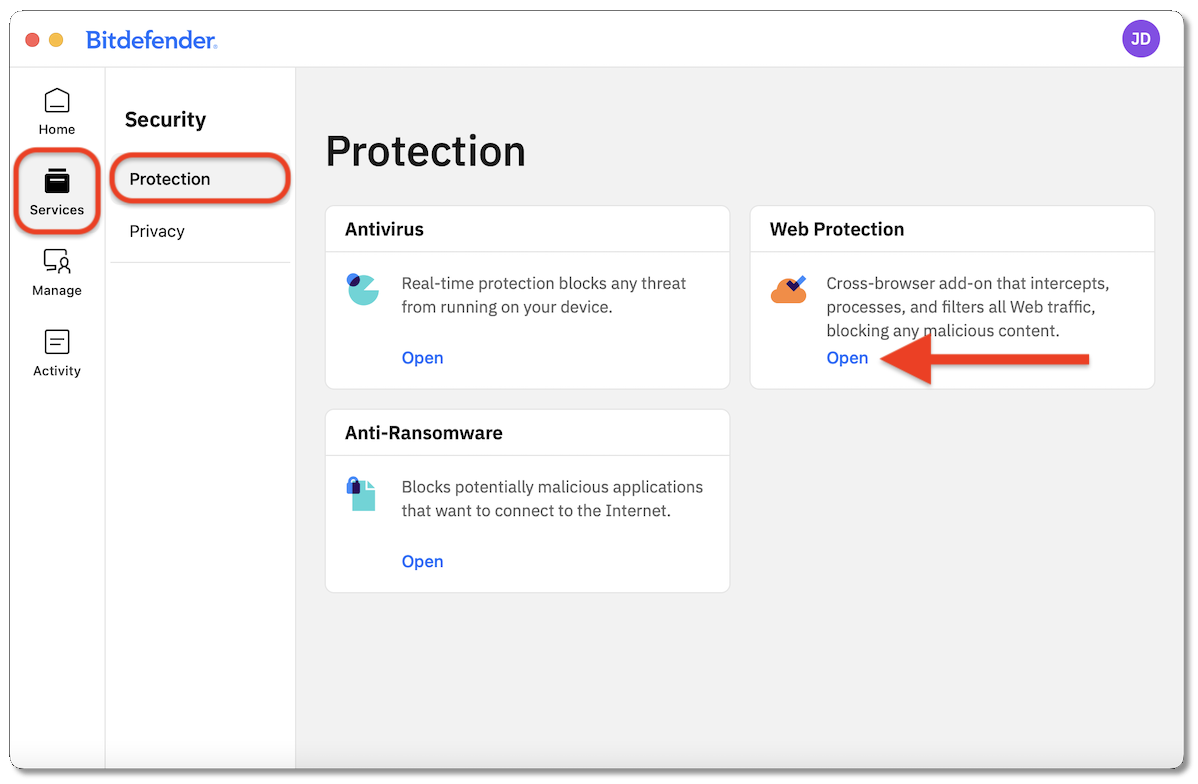
Follow the instructions below based on the browser you are using.