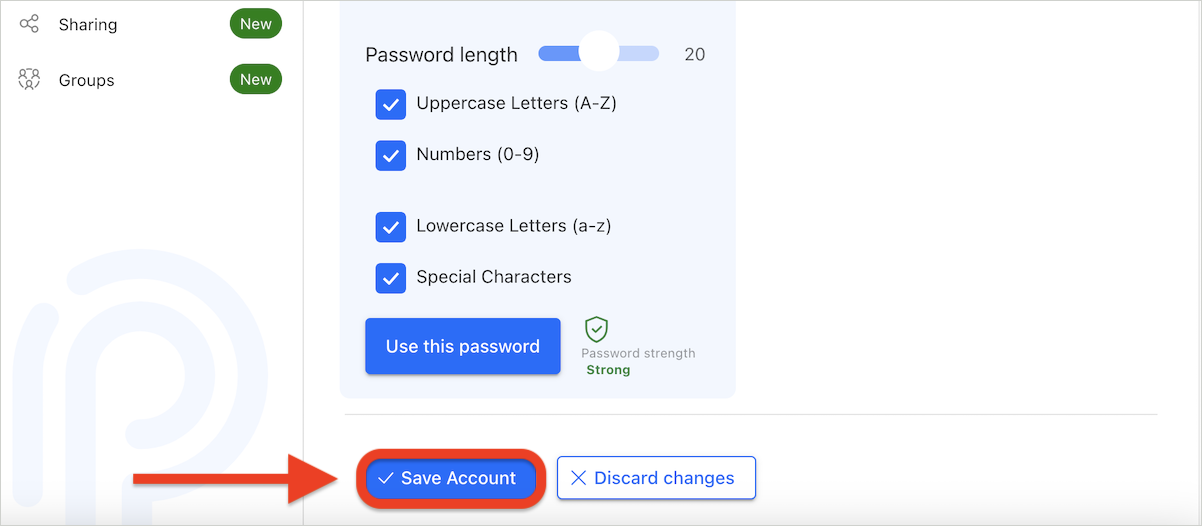
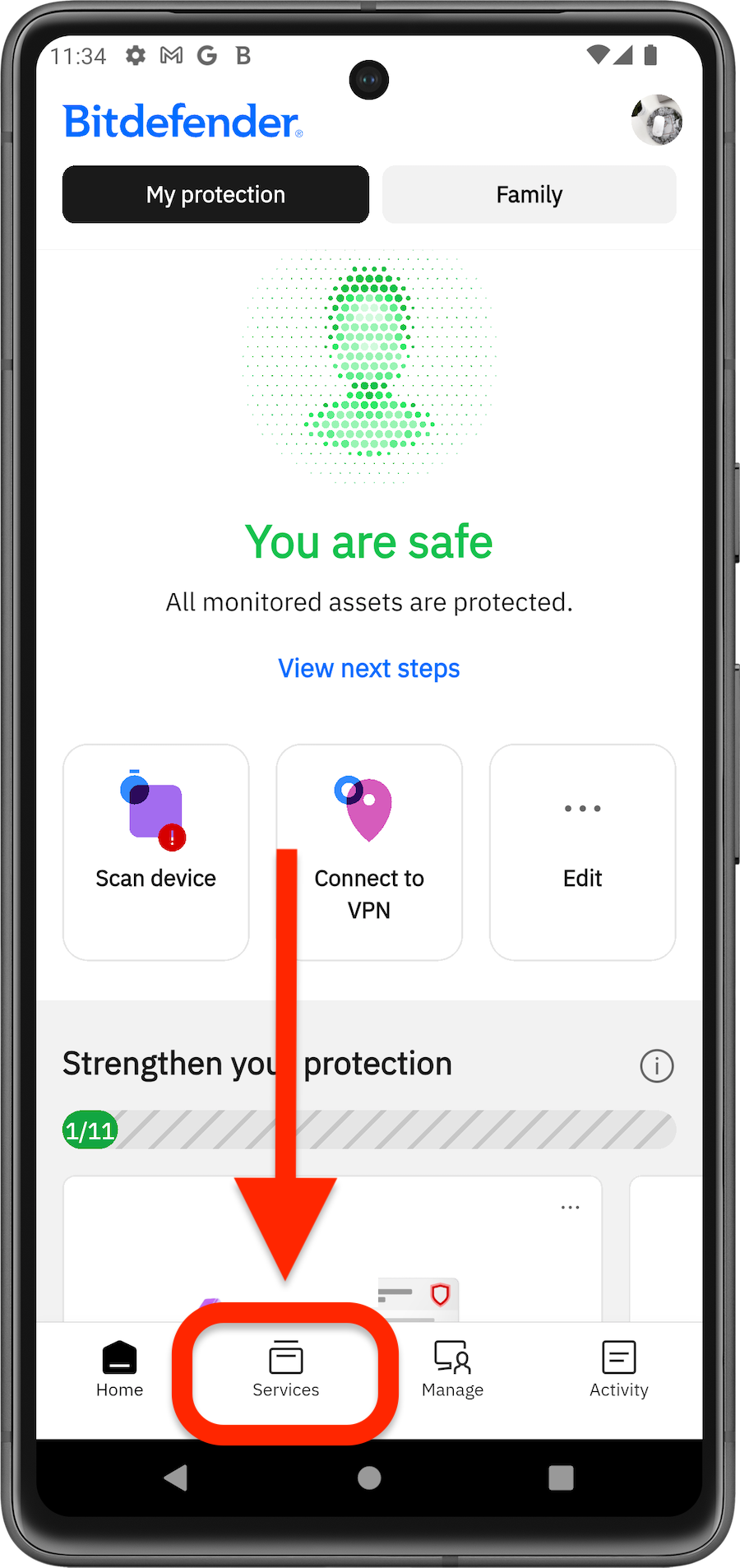
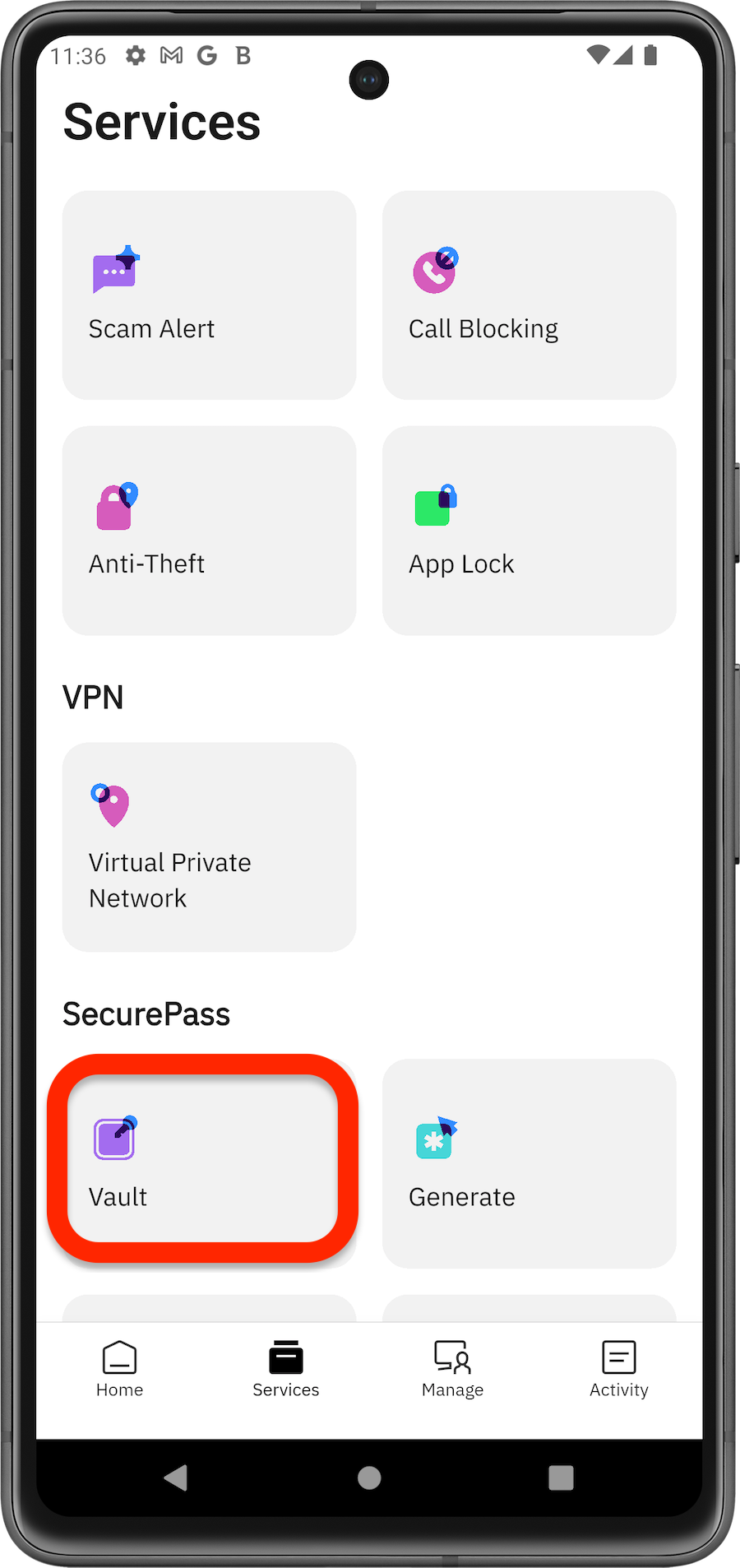
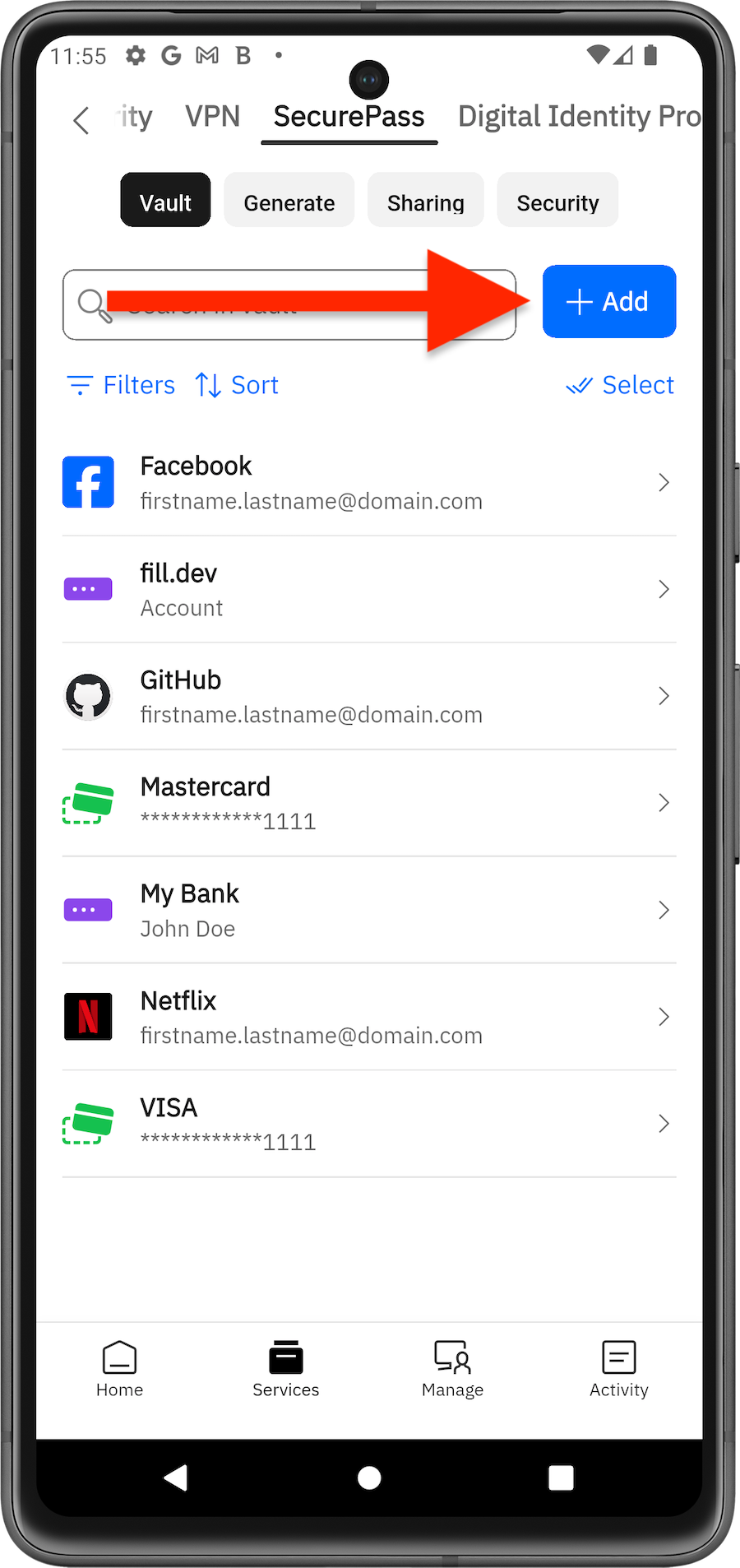
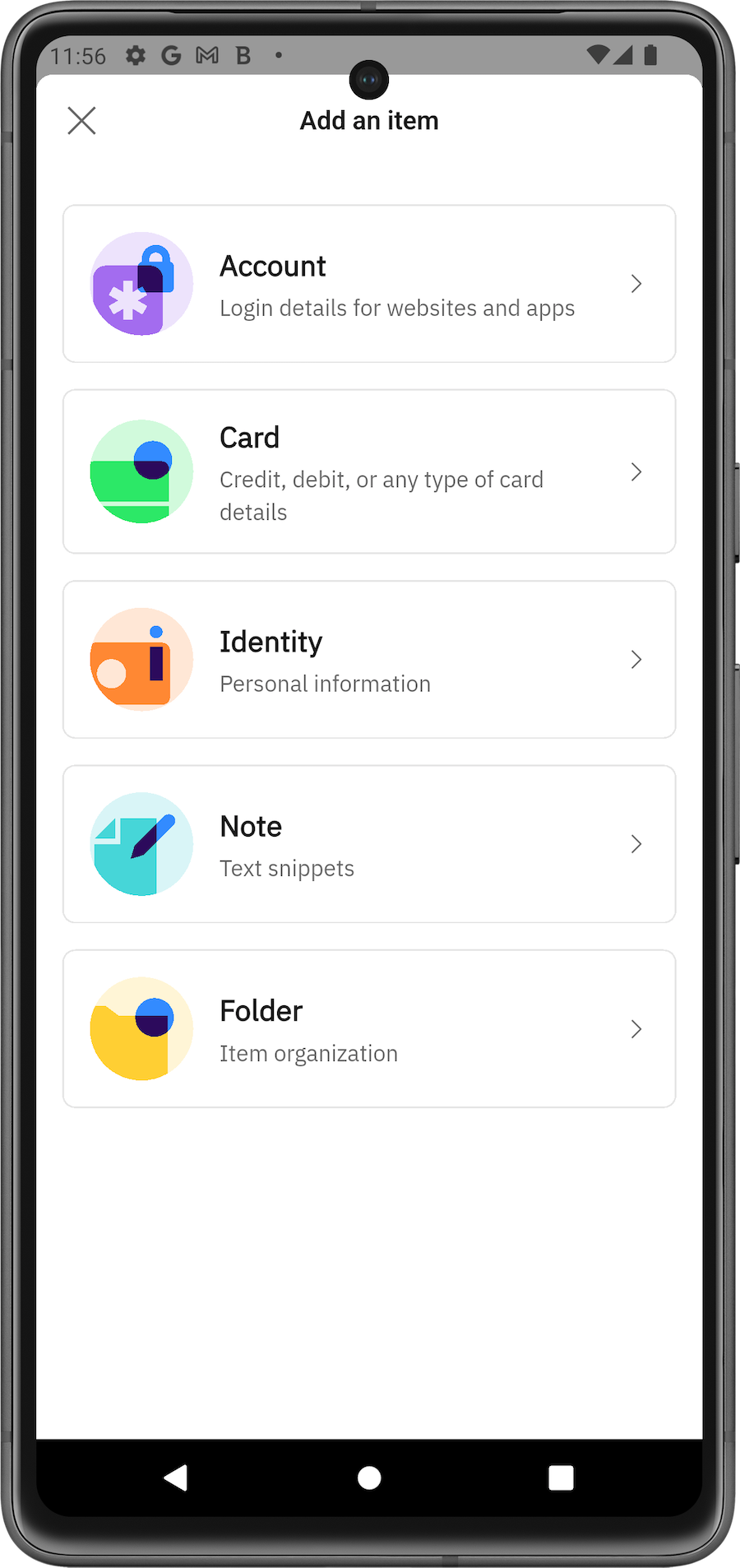
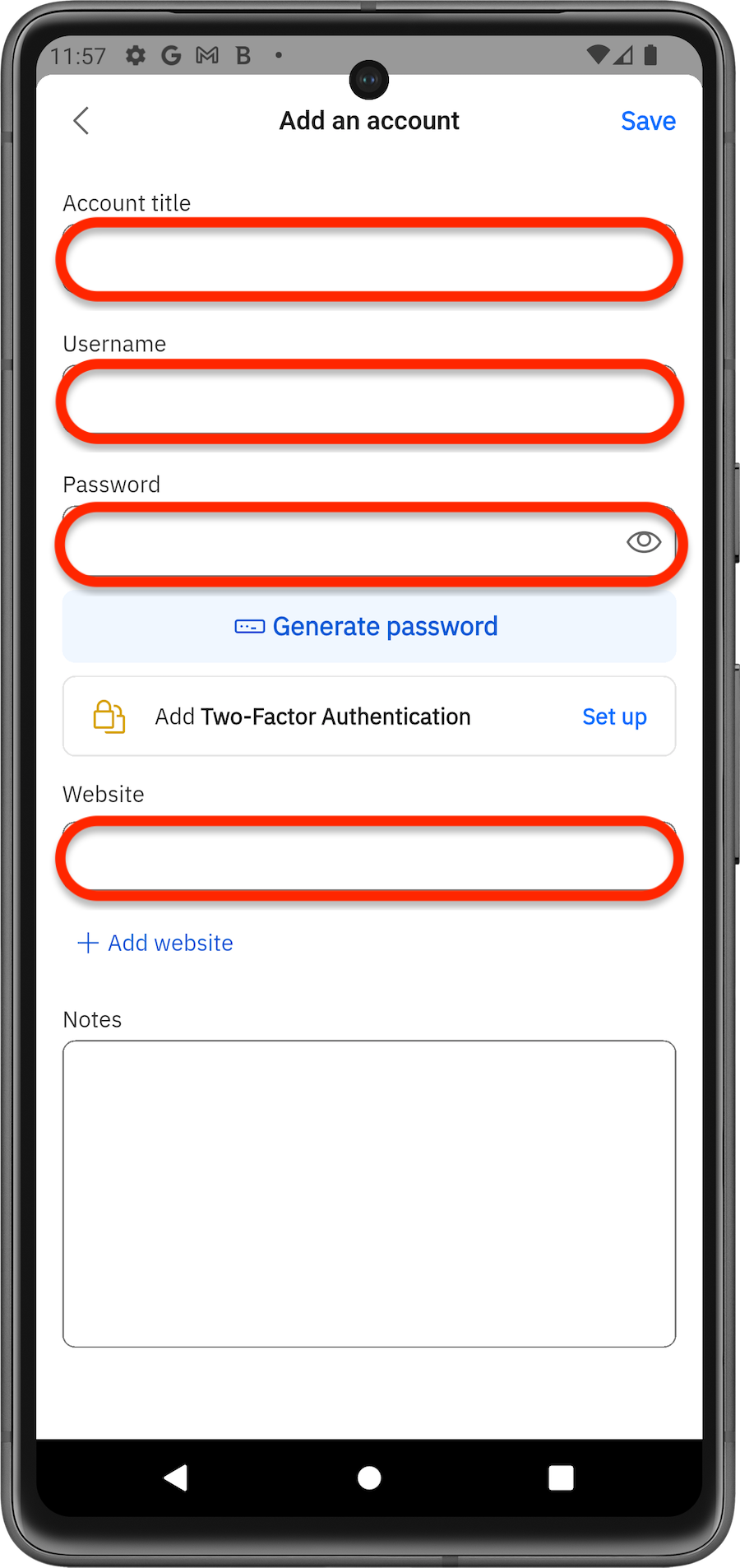
The SecurePass service available in Bitdefender App allows you to securely store your login credentials and automatically fill them in when needed. This guide explains how to manually add passwords and other information – such as credit cards or notes – to your SecurePass vault using the desktop browser extension, the web version, or the Bitdefender Hub app for iOS and Android.
Add Passwords via Browser
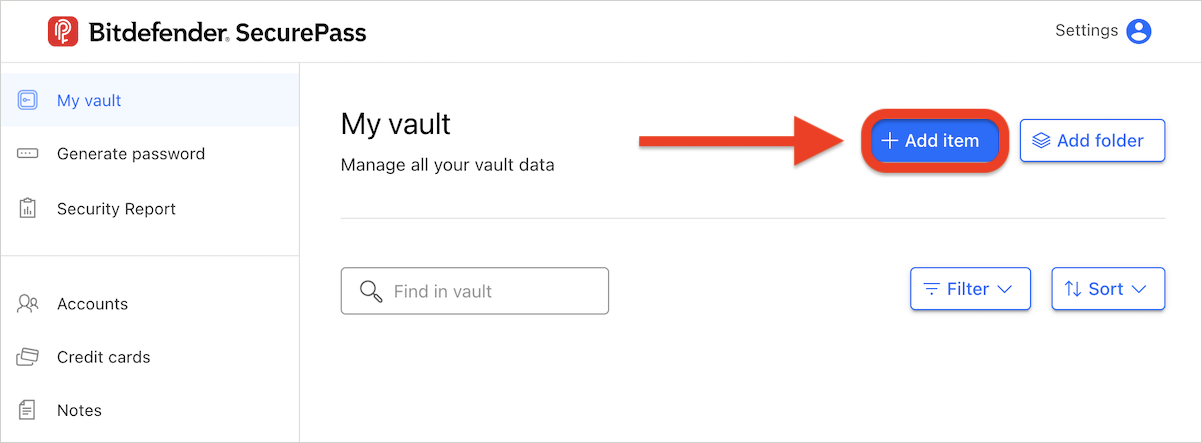
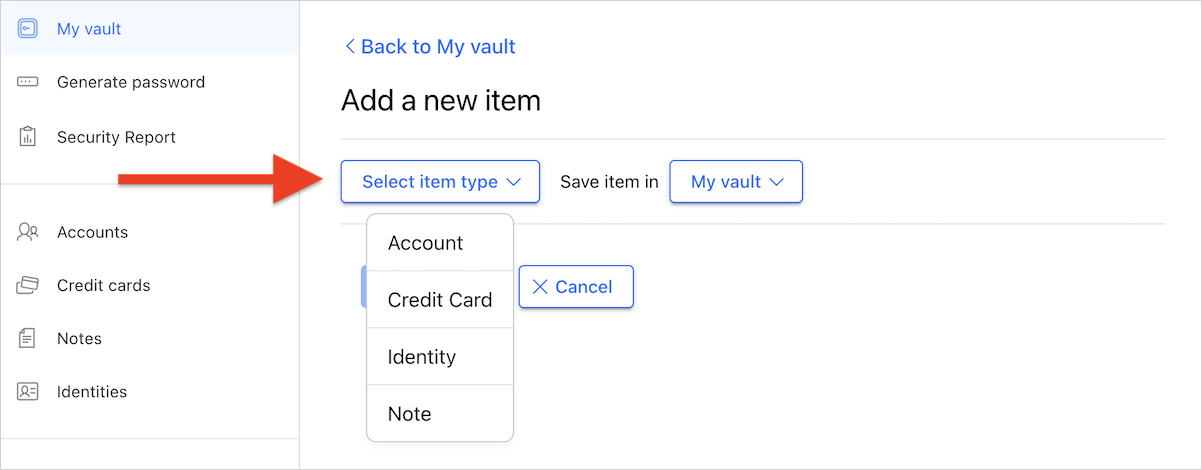
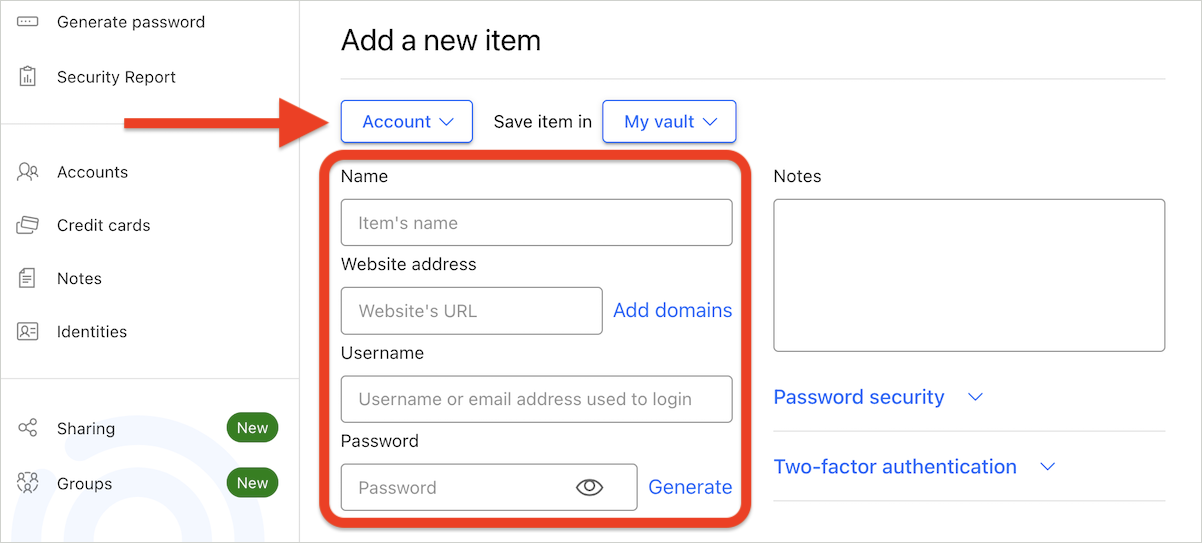
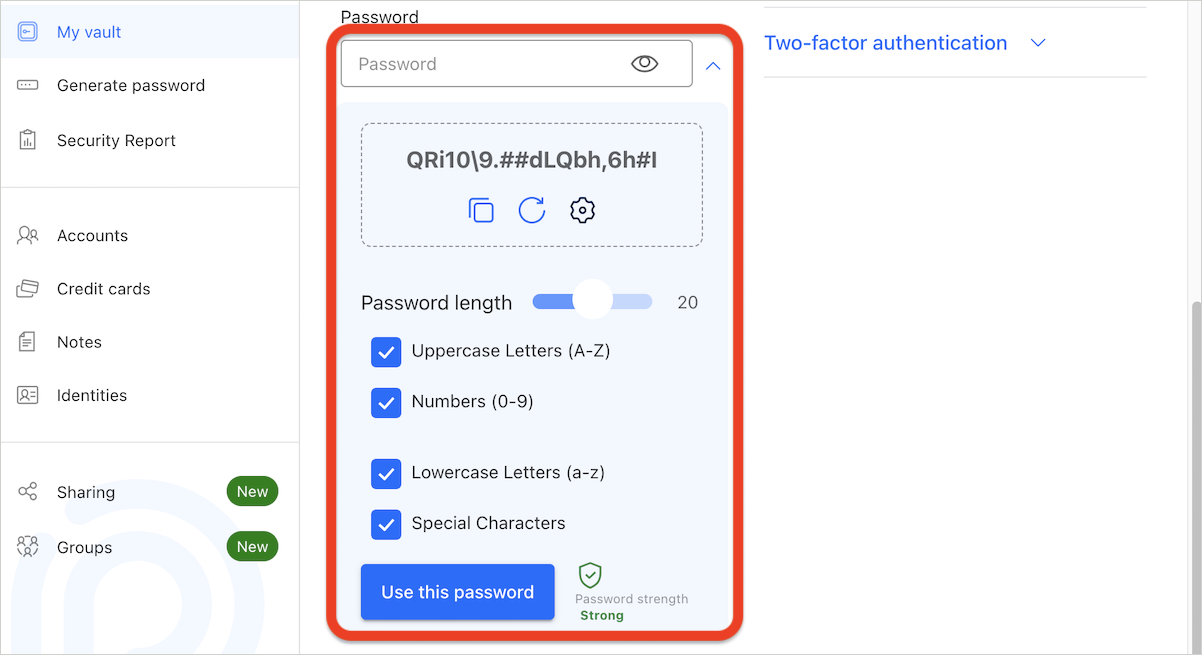
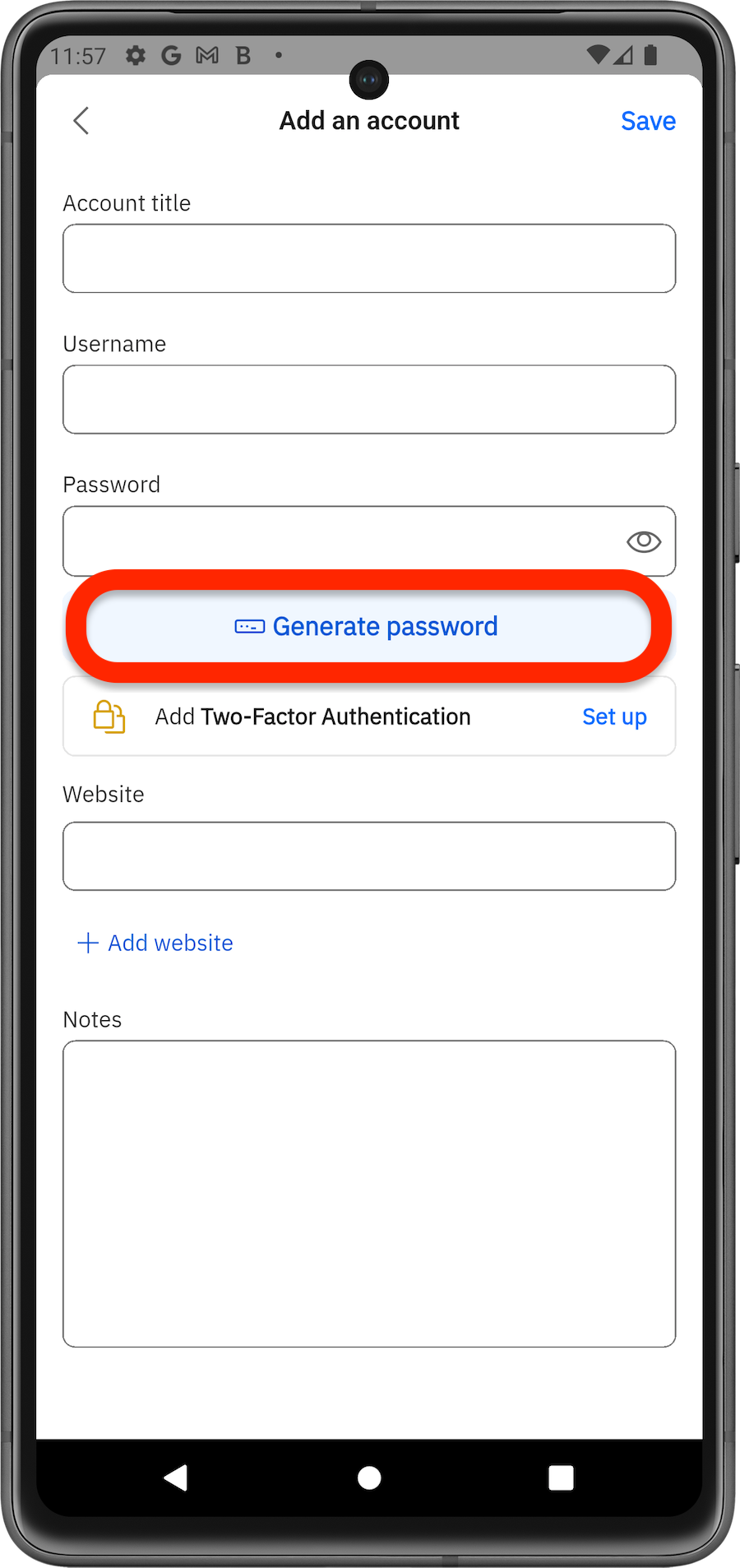
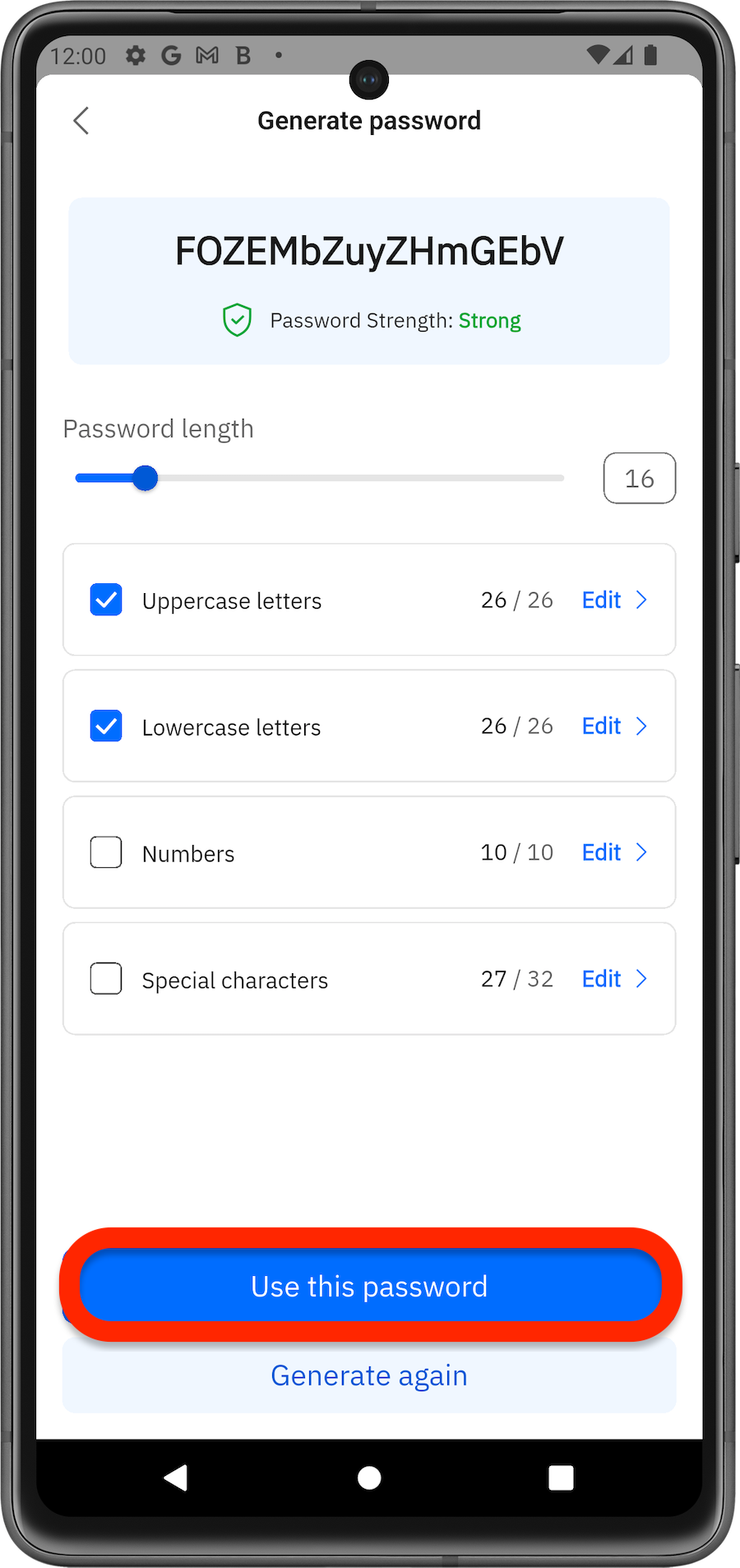
Add Passwords via Mobile App
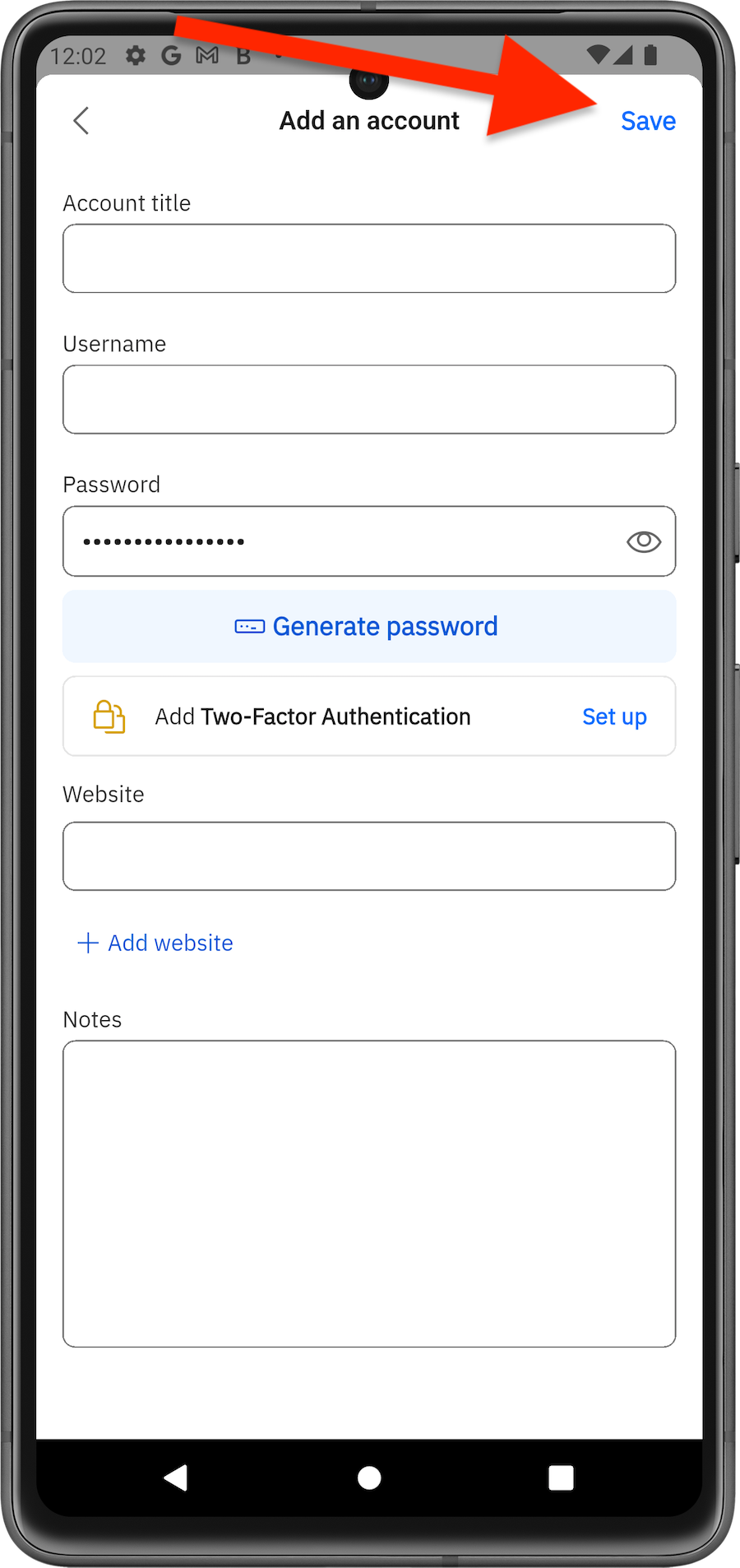
Now you’re ready to use your saved credentials with Bitdefender SecurePass for seamless, secure logins.