If you’re switching to SecurePass from another password manager, you can easily import your saved passwords and other data. This guide walks you through the steps to import data from your previous password manager into Bitdefender SecurePass, whether you’re using the browser extension, the web version, or the Bitdefender Hub app on iOS and Android.
Import Passwords into SecurePass (via Browser)
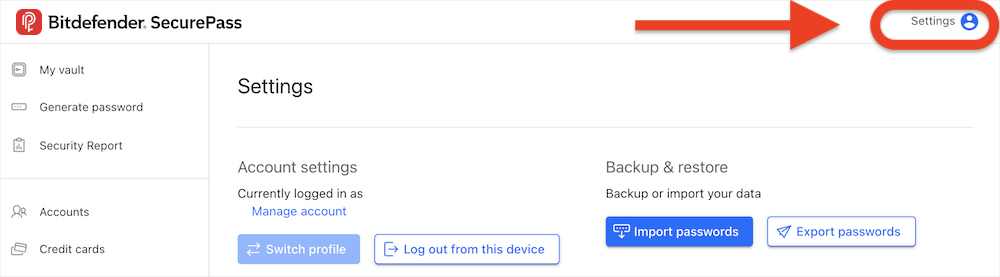
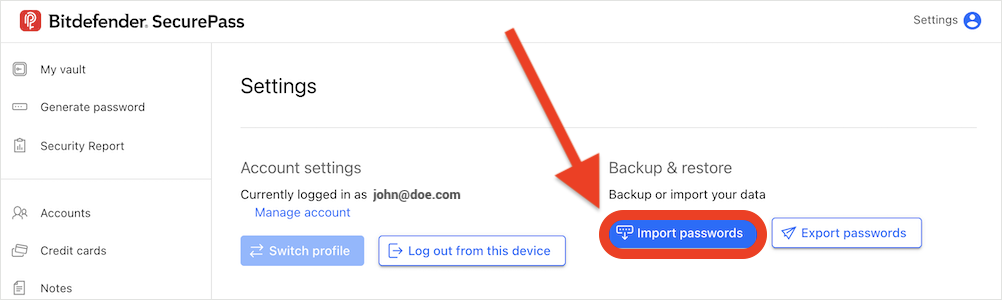
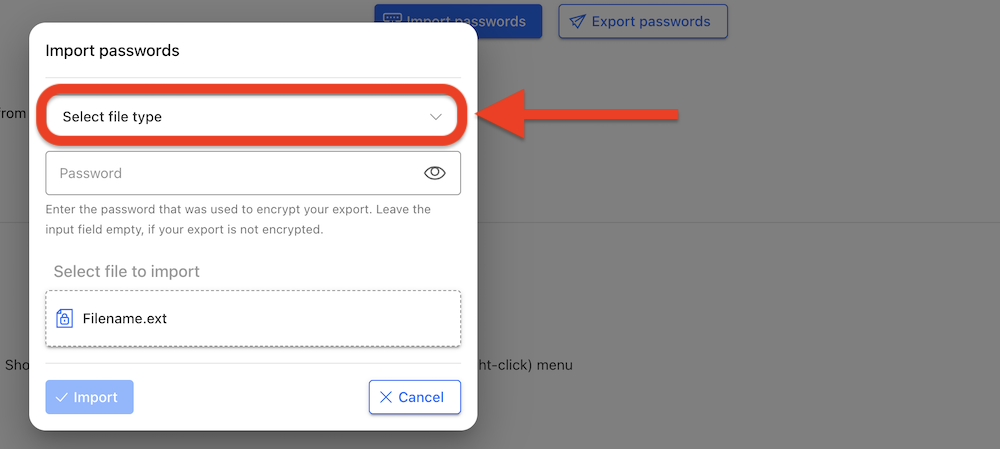

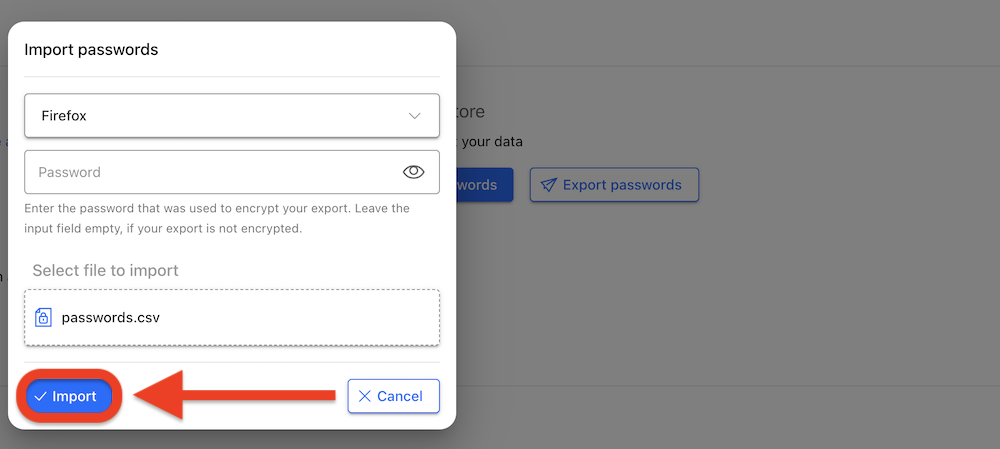
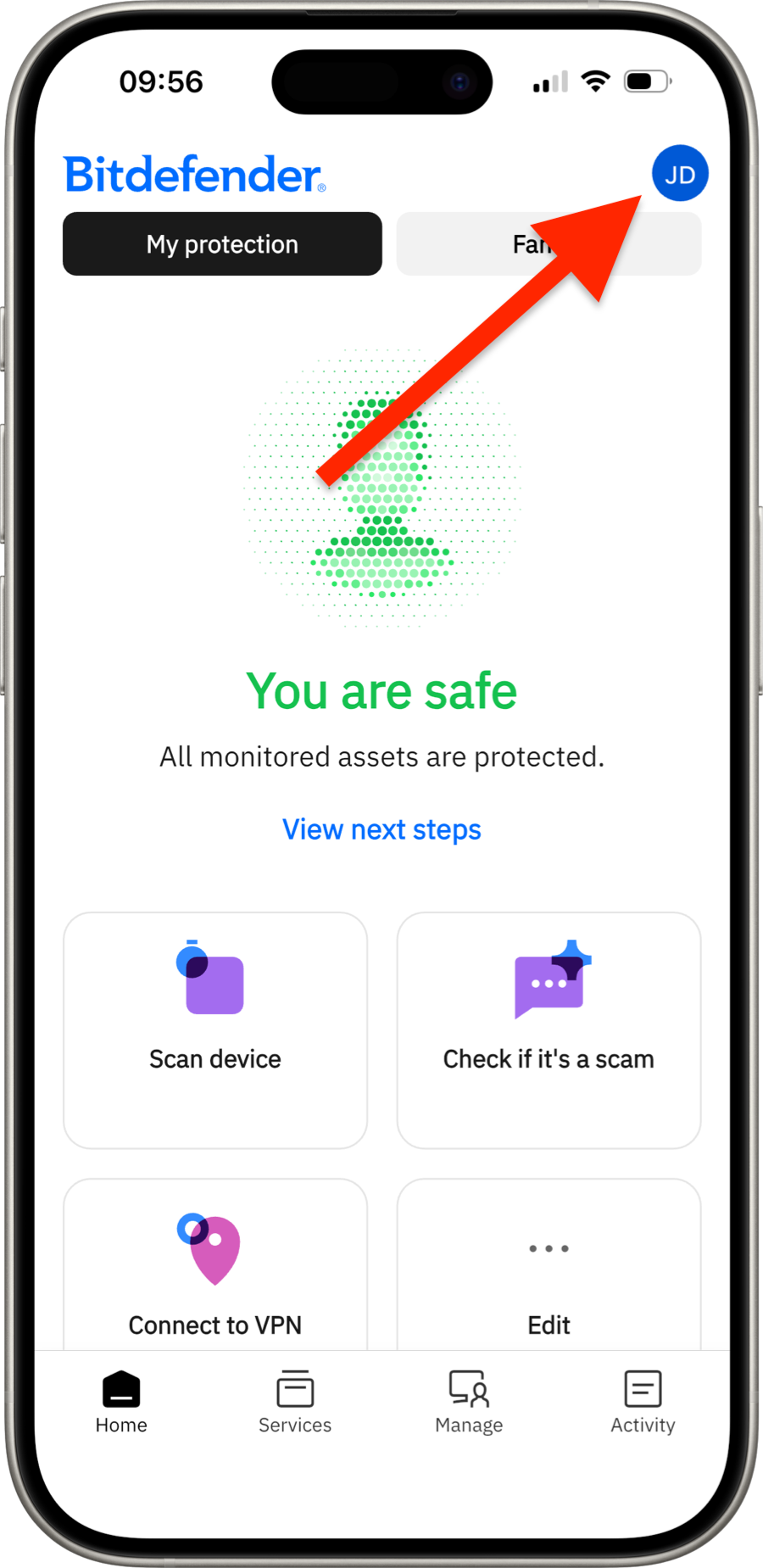
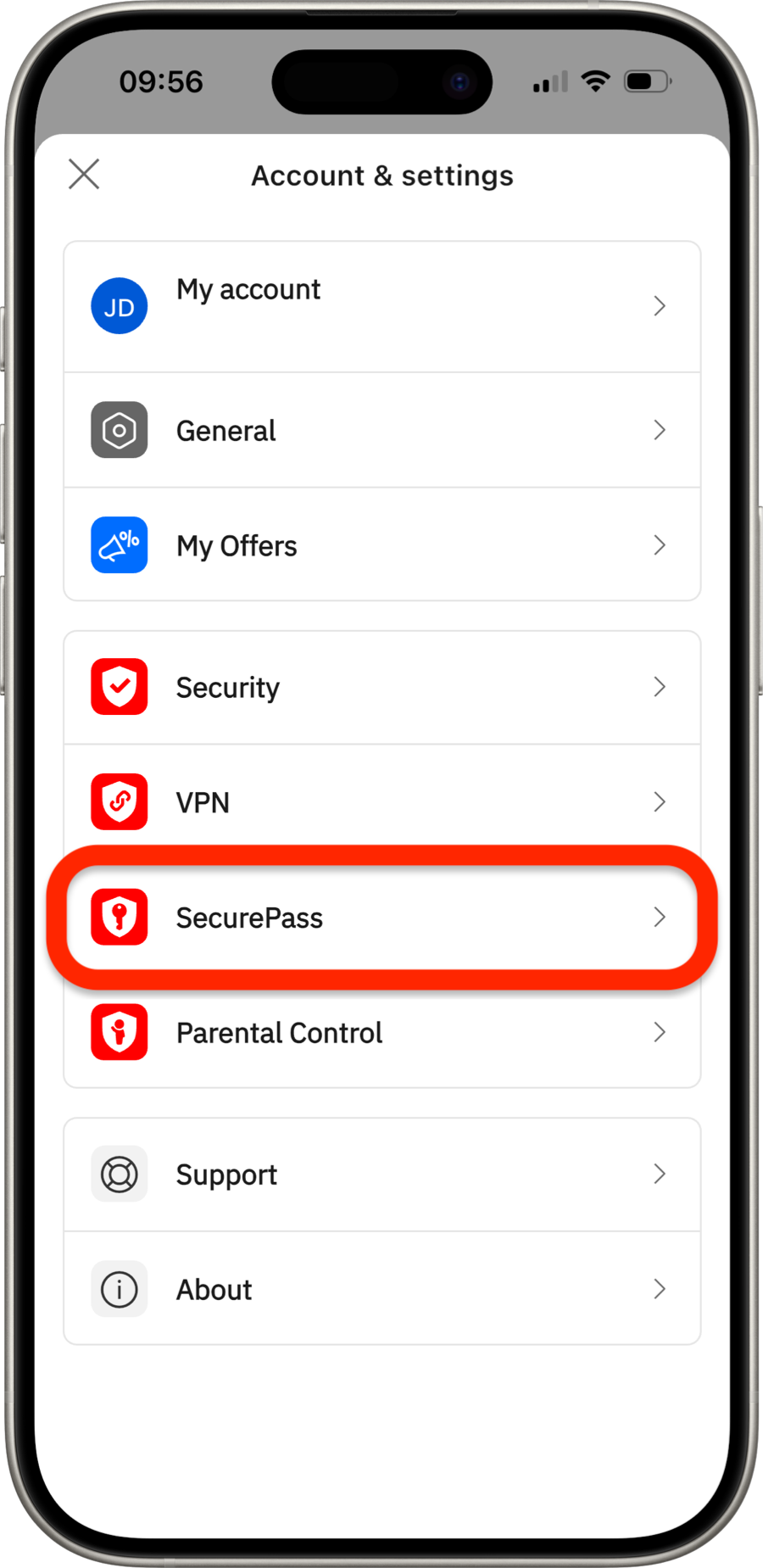
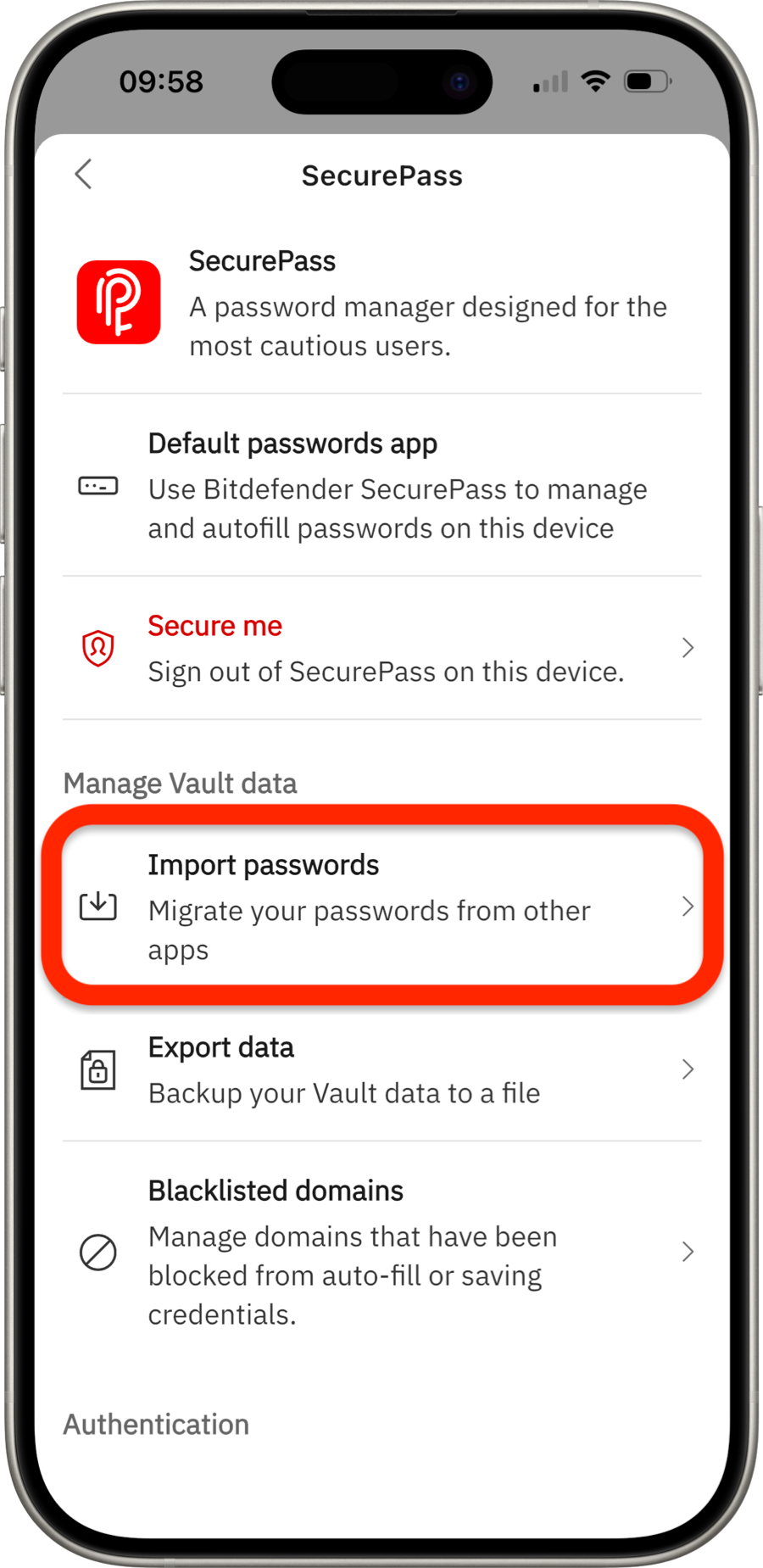
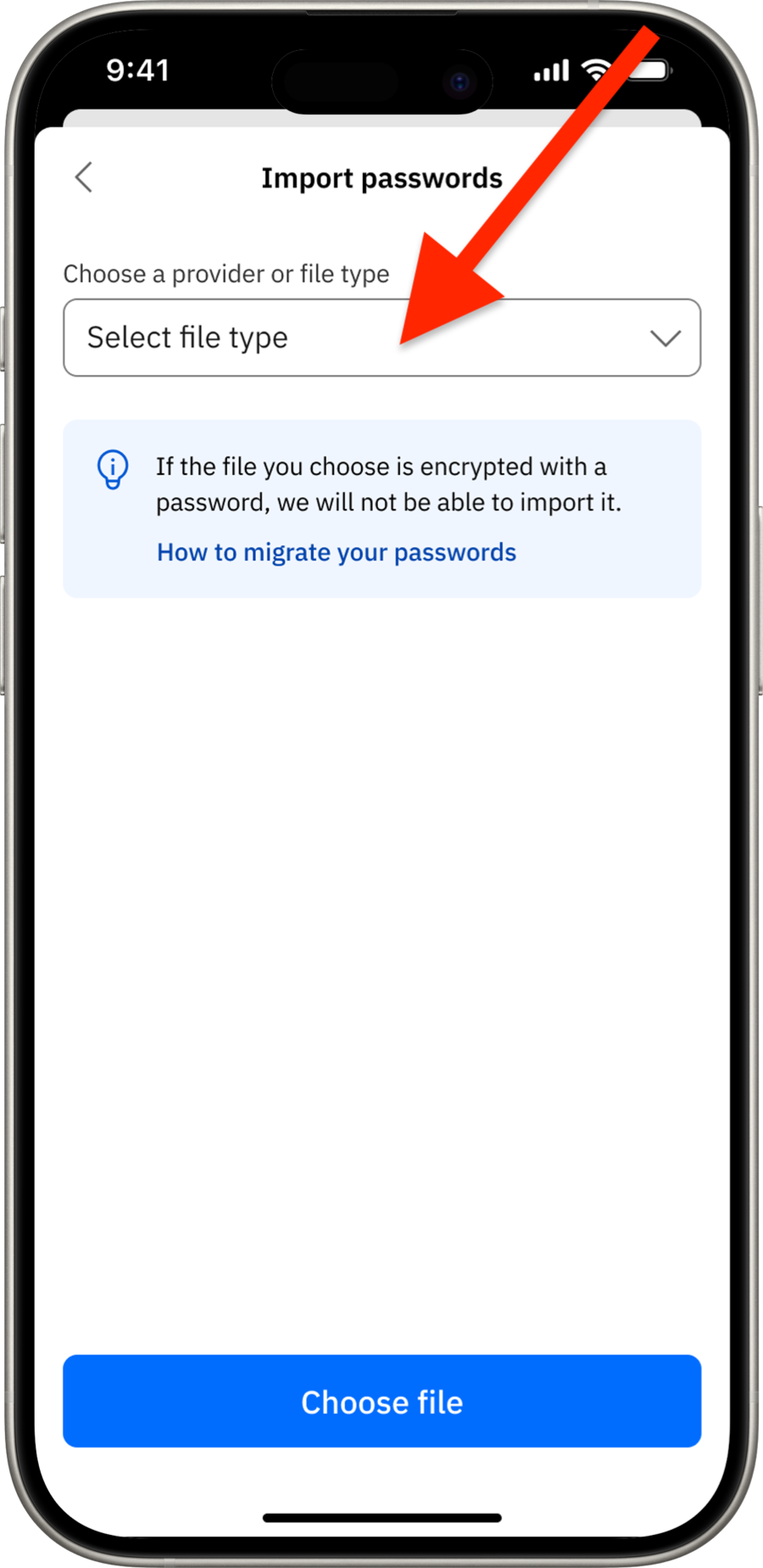
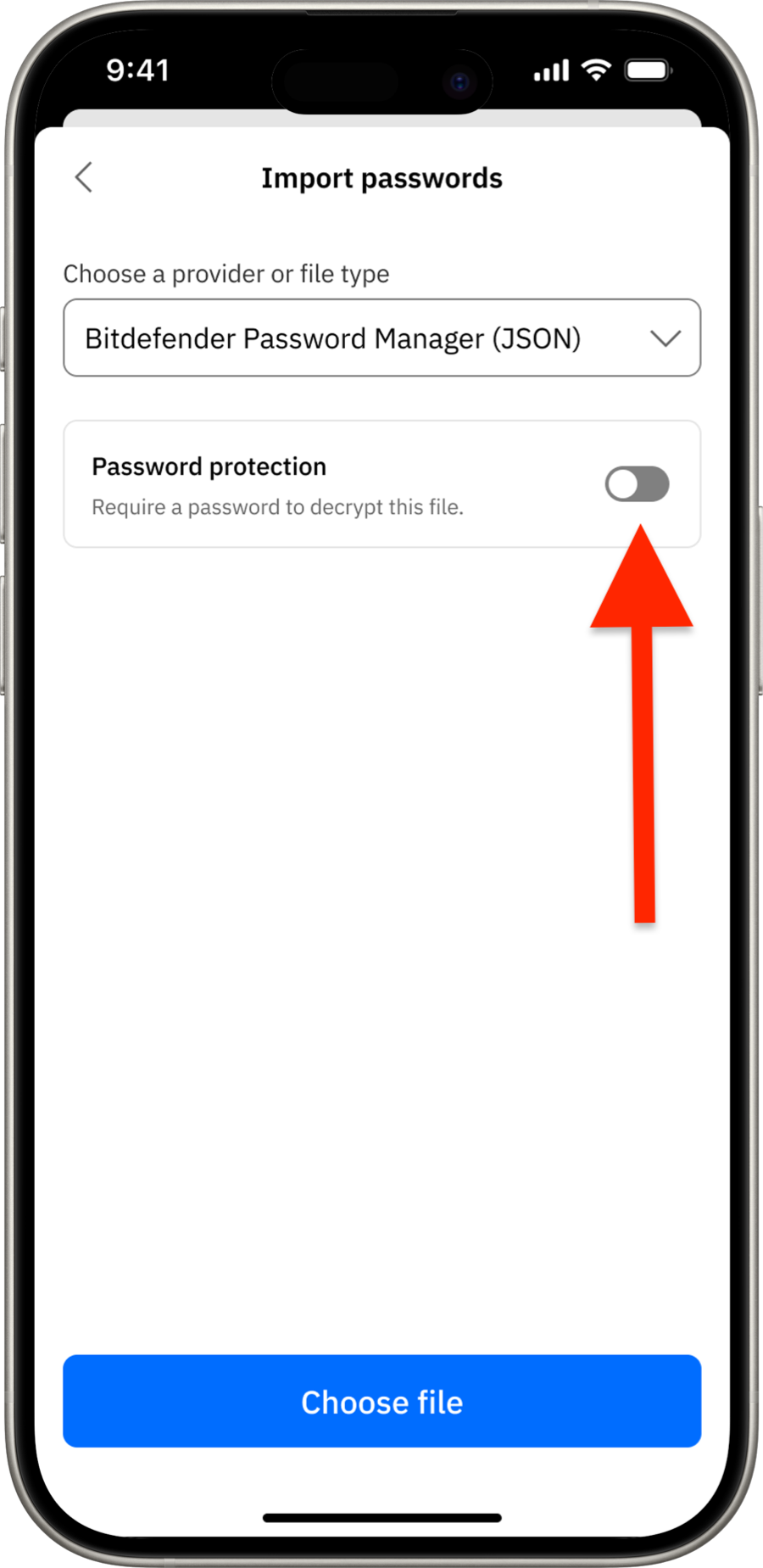
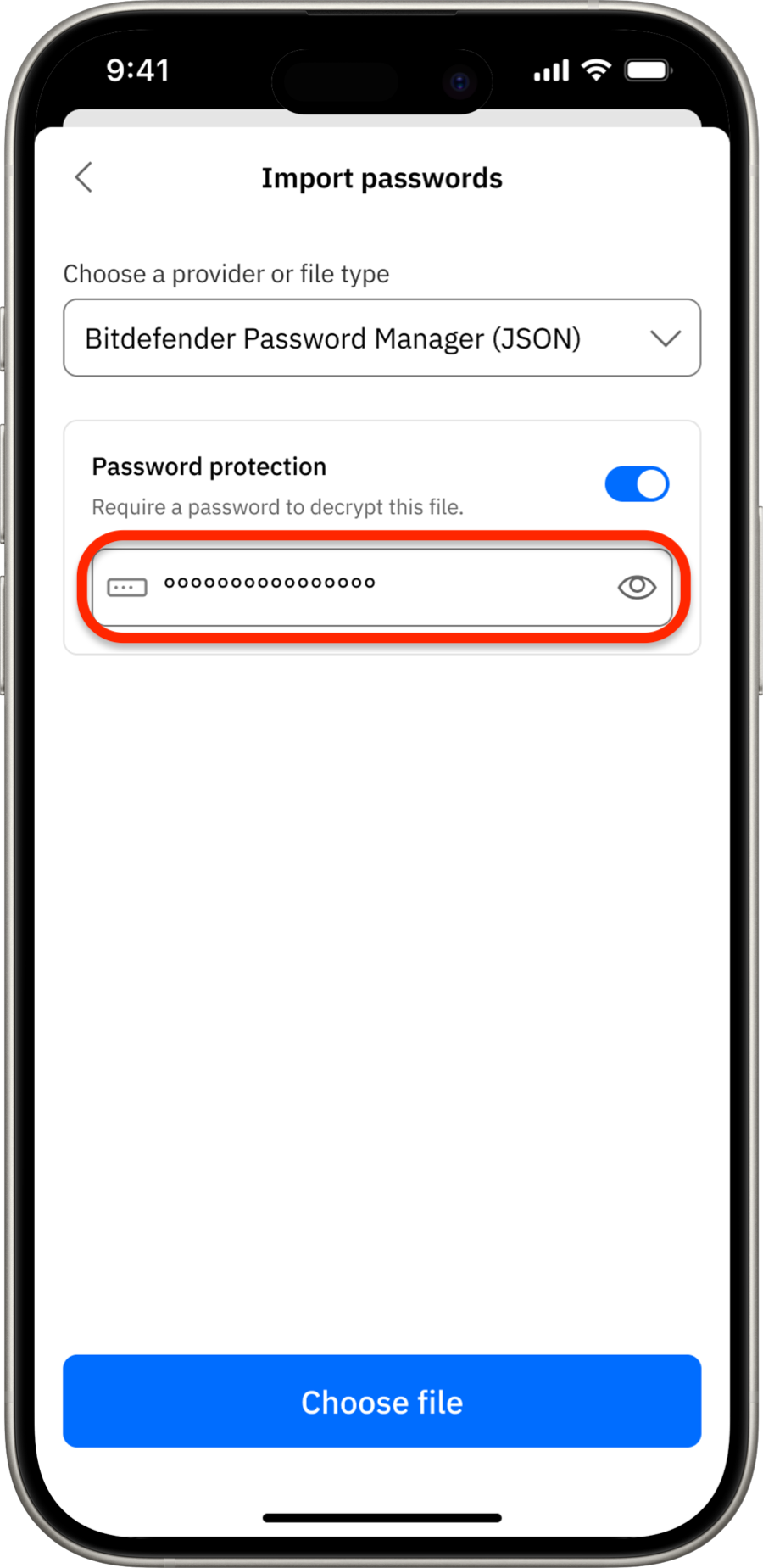
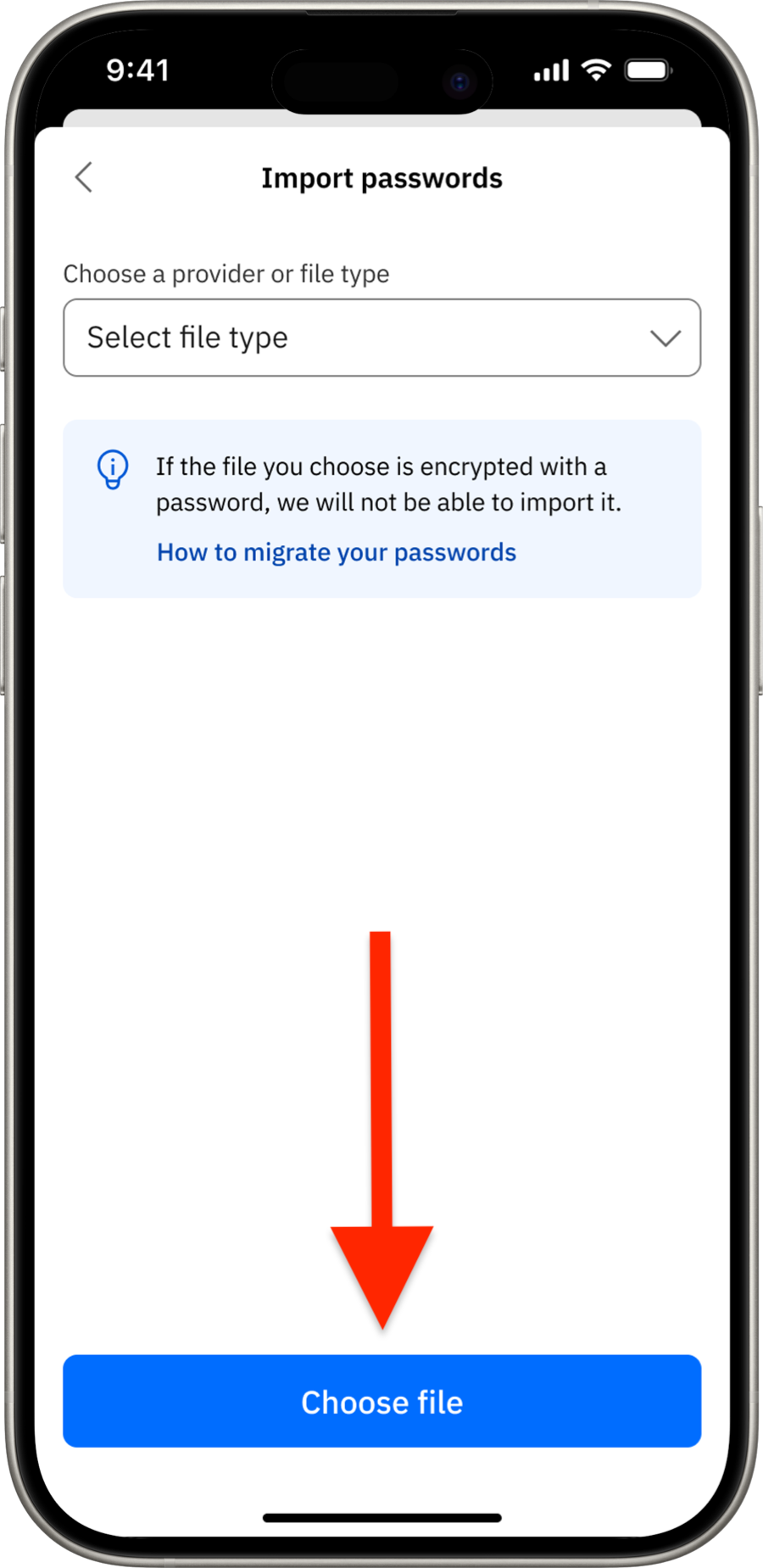
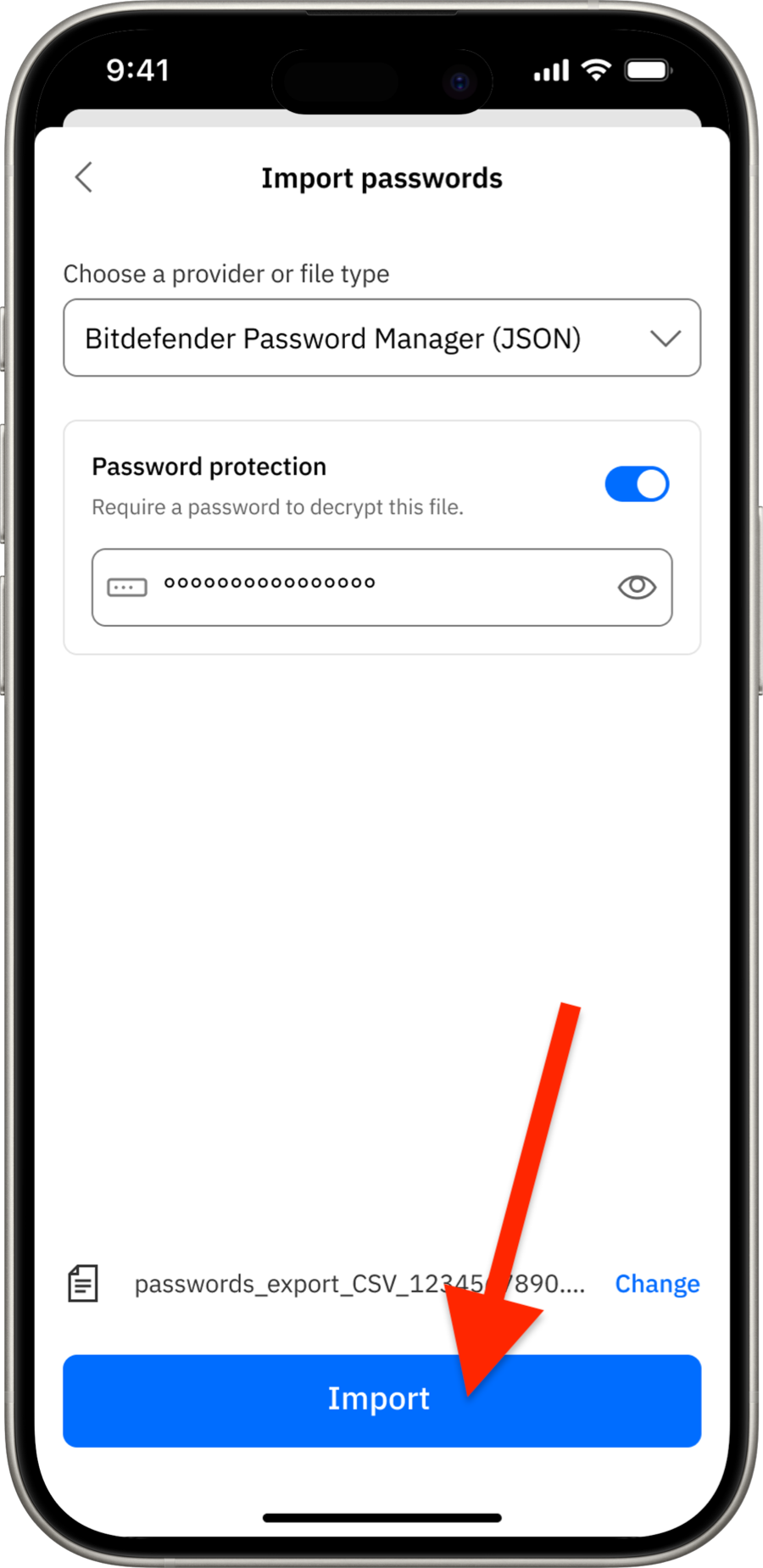
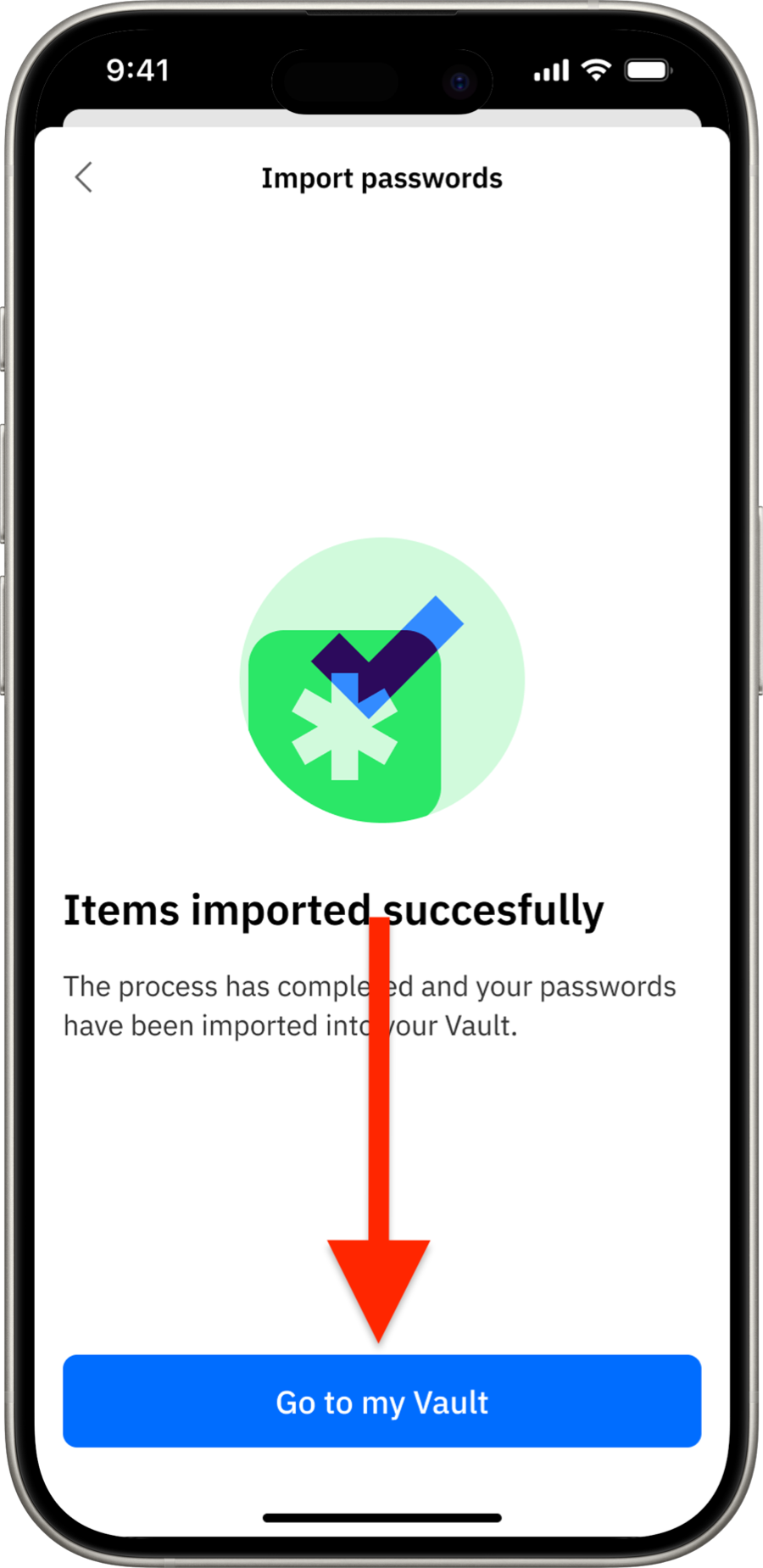
Import Passwords into SecurePass (via Mobile App)
Note:
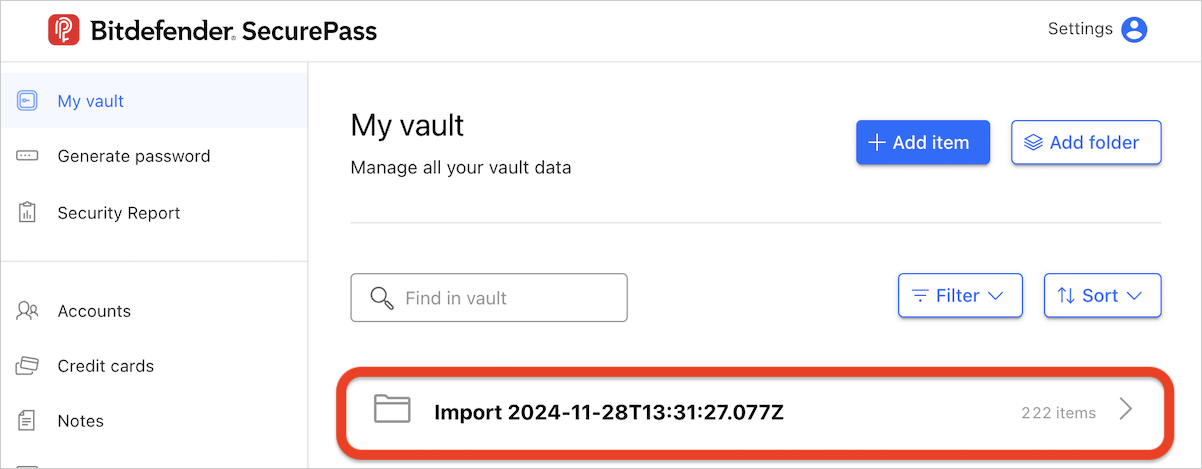
- If you import data multiple times from different password managers, SecurePass will create a new Import folder for each instance.
- These folders can contain various types of data, depending on what was stored in your previous password manager.