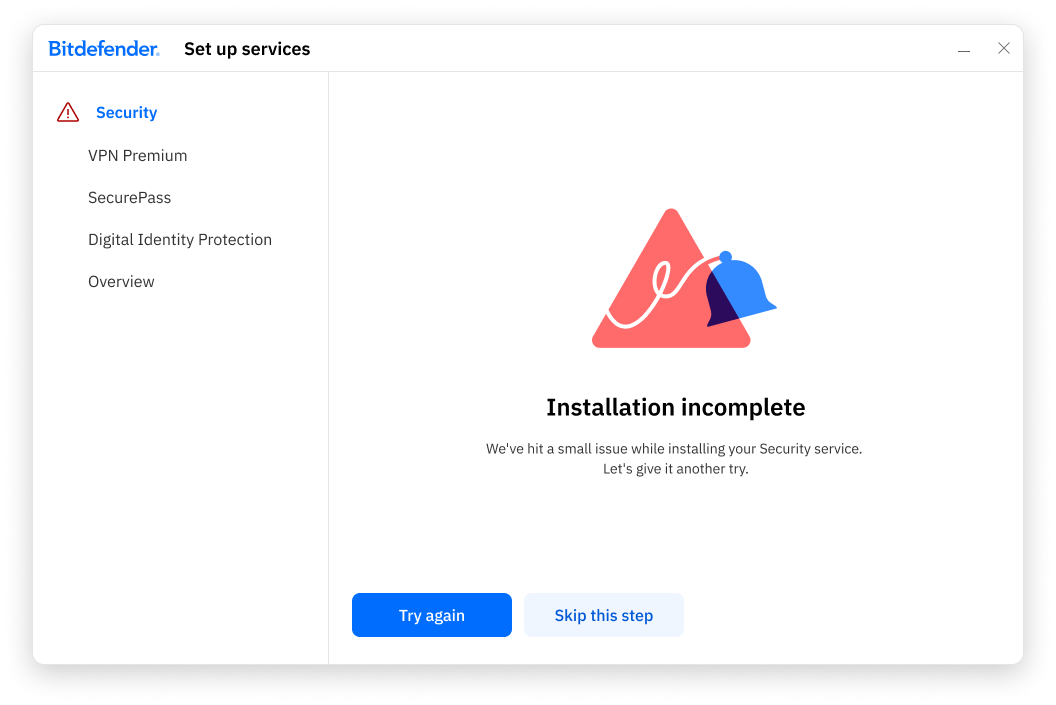
During the installation of the Bitdefender App on Mac or Windows, you may encounter an “Installation incomplete” message. This occurs when the Security or VPN service cannot finish installing successfully on the first attempt.
This article explains why this happens and provides clear steps to troubleshoot the error.
Symptoms
While installing Bitdefender App, the installer displays the message: Installation incomplete
You are presented with two options:
- Try again
- Skip this step
Cause
This issue typically occurs when the Bitdefender Security or VPN service cannot be installed immediately due to temporary system factors, such as:
- Internet connectivity issues
- Background processes or pending system tasks
- Short-term permission or resource conflicts
In most cases, the error is temporary and does not indicate a corrupted installer or a permanent failure.
Solution
Follow the steps below in the order provided to resolve the Bitdefender “Installation Incomplete” error.
Step 1: Retry the Installation
- When the “Installation incomplete” message appears, click Try again.
- Bitdefender will immediately attempt to install the Security Service again.
In many cases, the service installs successfully on this second attempt and the installation completes normally.
Step 2: Allow Bitdefender to Complete Installation Automatically
If the error message appears again after clicking Try again:
- Click the Skip this step button.
- Continue with the setup of the remaining Bitdefender services.
What to expect after skipping the step:
- Bitdefender will finish installing the main application.
- The Security or VPN service will be installed automatically later in the background.
- Protection will become fully active once the service installation completes.
You do not need to reinstall Bitdefender App or restart the installation manually.